

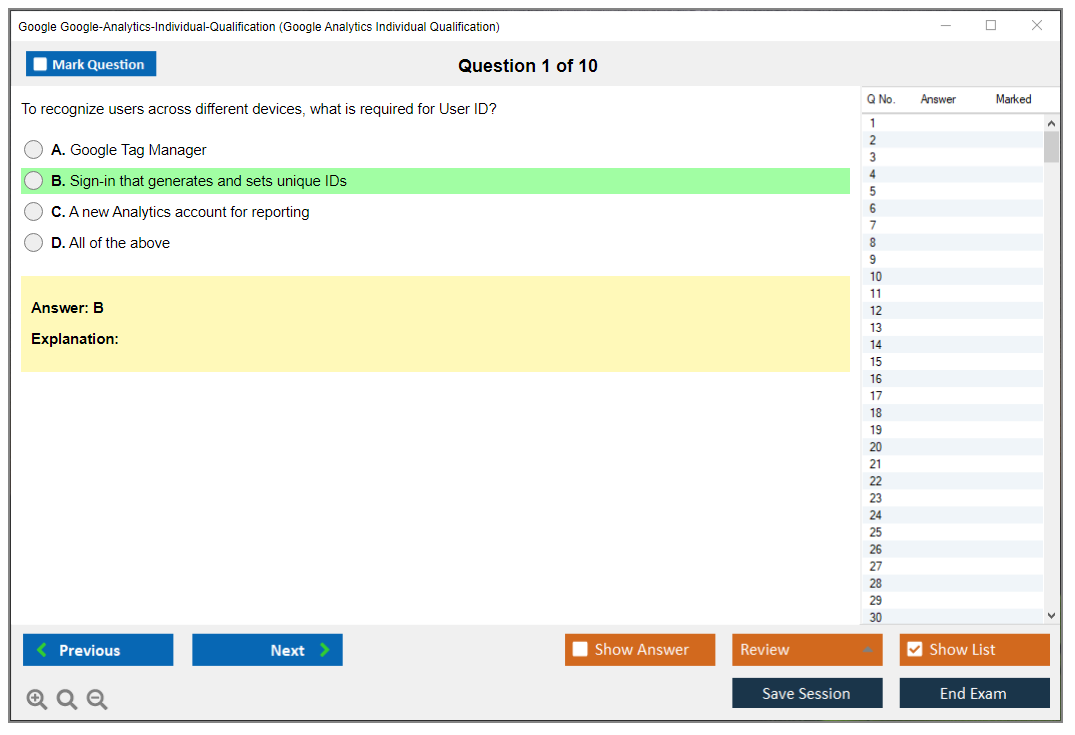
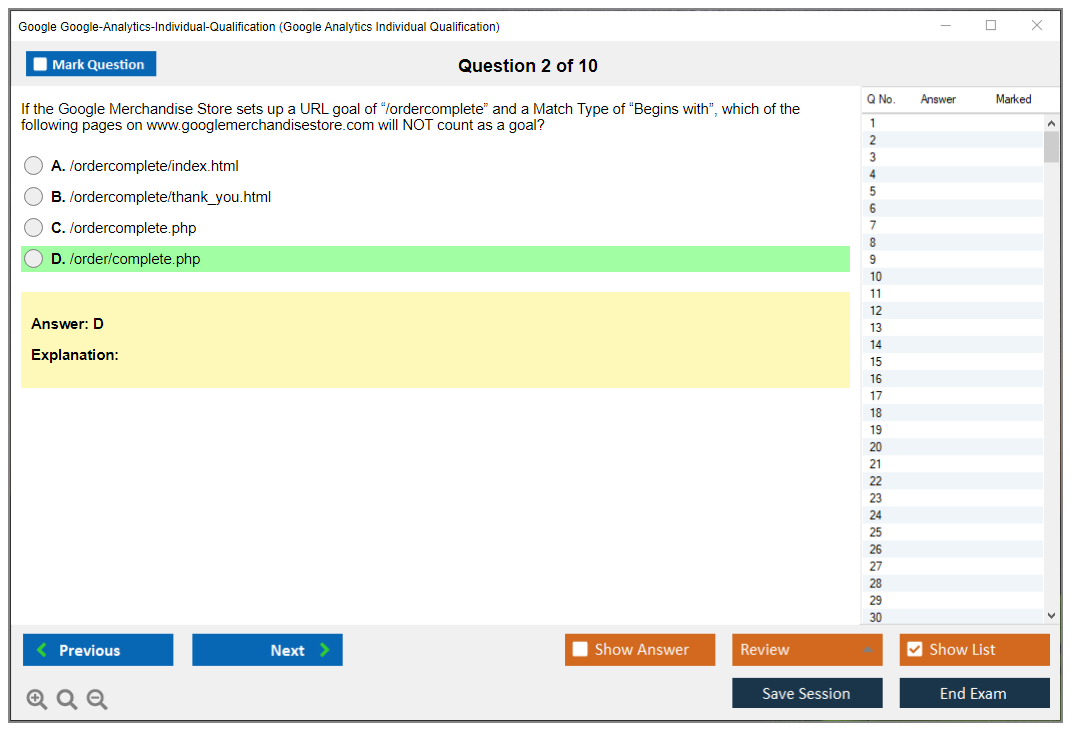
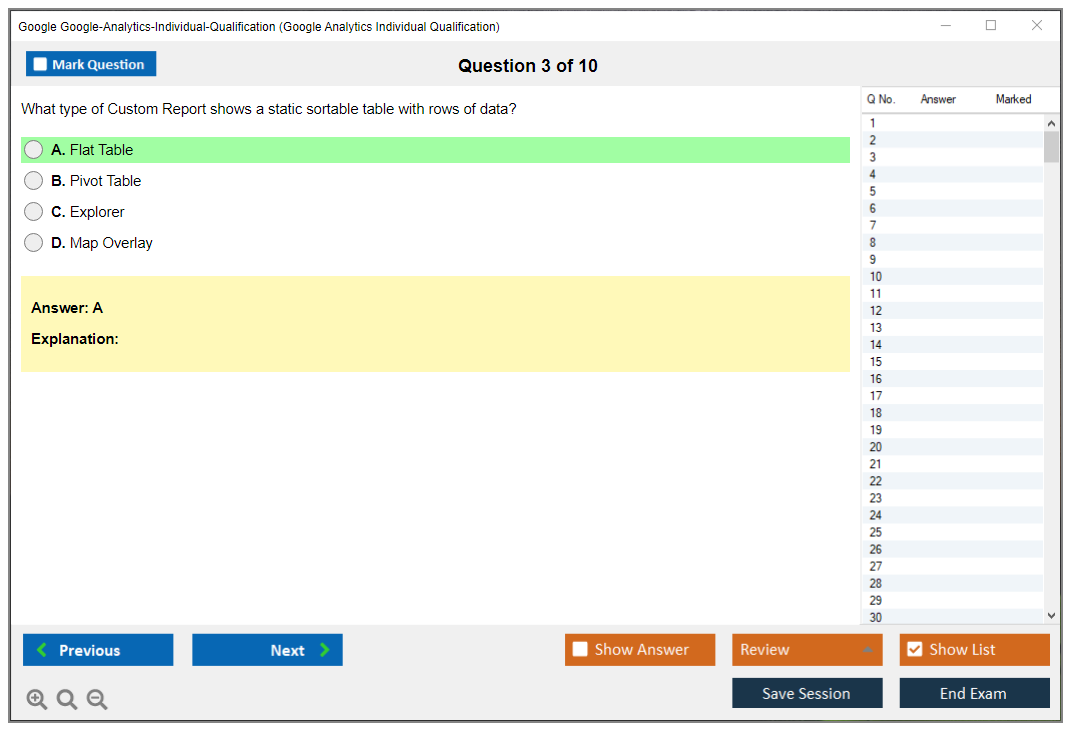
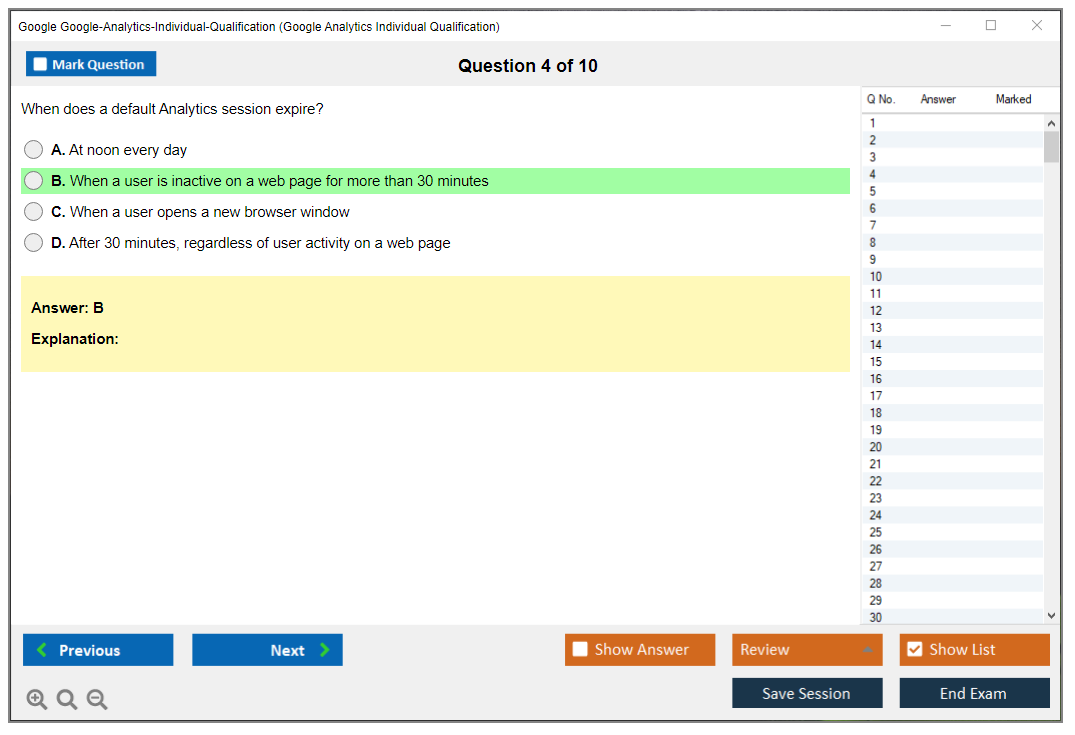
Google Analytics Individual Qualification (GAIQ) Overview
Look, if you're working in digital marketing or web analytics in 2026, you've probably heard about the Google Analytics Individual Qualification. It's basically Google's way of saying "yeah, this person actually knows what they're doing with our analytics platform." Anyone can claim they understand Google Analytics on their resume, but having GAIQ next to your name? That's different.
The certification comes through Google's Skillshop learning platform. It's where Google houses all their product training. It's free to access and test, which makes it one of the better deals in professional certifications. You can't beat free for something that actually carries weight in the industry. The exam focuses heavily on Google Analytics 4 now. Universal Analytics is basically legacy territory at this point, though understanding the old system still helps when you're dealing with historical data or clients who haven't fully migrated yet.
Why this certification actually matters
The thing is, GAIQ proves you can do more than just look at pretty graphs. The certification validates that you understand how to set up analytics properties correctly, implement tracking that actually works, and turn raw data into decisions that matter. You're showing employers or clients that you know the difference between a data stream and a conversion event. That you can troubleshoot why someone's tracking isn't firing. That you won't accidentally break their entire analytics setup.
Too many marketers can read a report but have no idea how the data got there. That's a problem. GAIQ addresses this by testing your knowledge of data collection methods, tracking codes, event configuration, and the entire analytics infrastructure. You need to understand how accounts, properties, and data streams work together. Not just conceptually, but practically.
I once watched a marketing director confidently present campaign results to a board meeting, only to find out later their tracking had been broken for two months. The numbers were complete fiction. Everyone nodded along anyway because the slides looked professional. Stuff like that keeps me up at night.
Skills you'll actually validate
The certification covers ground. Lots of it. You'll demonstrate competency in working through standard reports across acquisition, engagement, and monetization, which are the core report categories in GA4. Campaign tracking using UTM parameters is huge here because if you can't track your marketing campaigns properly, what's even the point of having analytics?
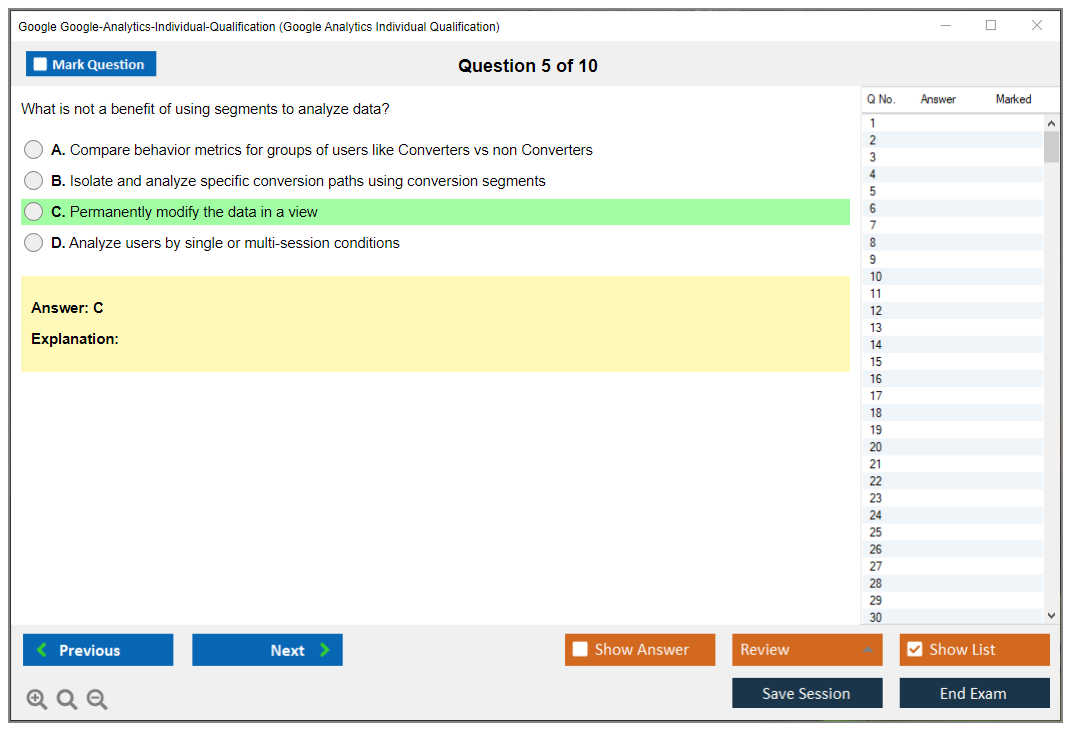
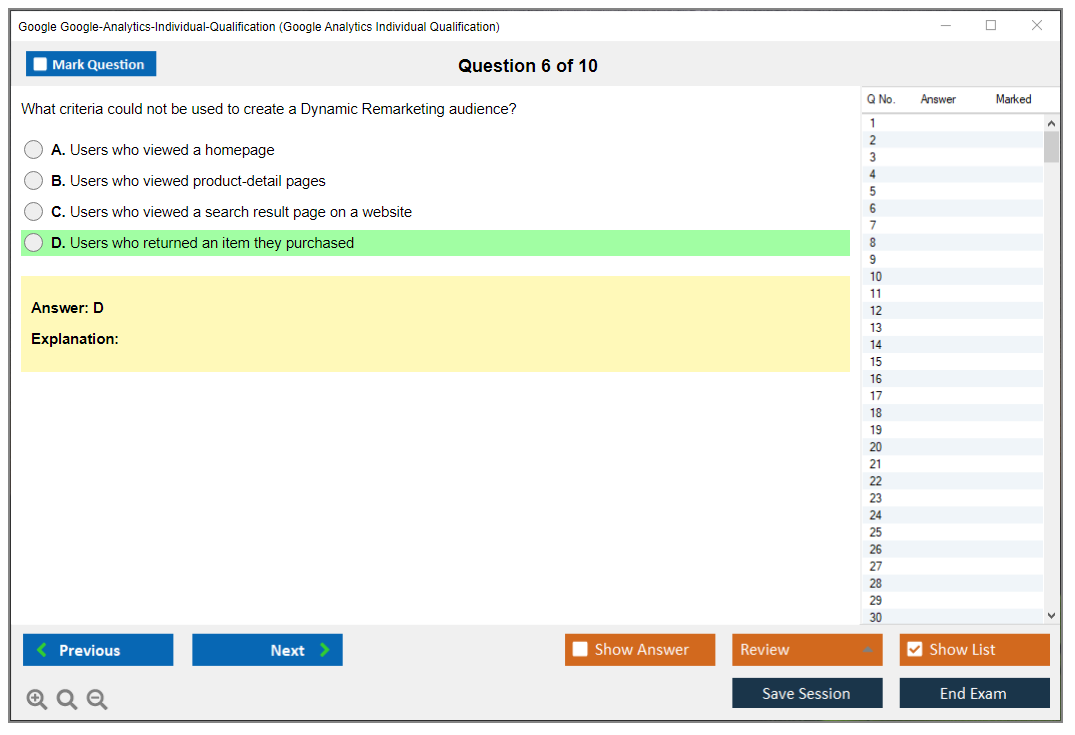
Creating custom reports and segments is another big piece. The default reports are fine for basic stuff, but real analysis requires customization. You need to build audiences for remarketing and segment users based on behavior. This stuff matters when you're trying to figure out why your e-commerce revenue dropped last quarter.
Data privacy gets covered too. Compliance knowledge is tested, which is relevant given GDPR, CCPA, and all the other privacy regulations floating around. Google takes this seriously in GA4's design. The whole platform is built with a cookieless future in mind. Troubleshooting's in there because something's always broken somewhere.
Who needs this certification anyway
Digital marketing professionals are obvious candidates. If you're managing campaigns, doing SEO, or running content marketing, you need analytics skills. Period. Marketing managers responsible for website performance can't just delegate analytics to someone else. You need to understand what you're looking at when making budget decisions.
E-commerce managers analyzing conversion funnels? Definitely. Web developers implementing tracking? Absolutely, because I've seen too many devs who can code but don't understand what events they're supposed to be capturing. Social media managers measuring ROI, business analysts working with web data, freelancers building credibility. All good candidates.
If you're a student or career changer trying to break into digital marketing, GAIQ is one of the easier certifications to get that actually carries weight. It's free. It's from Google. It shows you have practical skills beyond theoretical knowledge, which is what employers actually want to see when they're hiring. Agency professionals managing multiple client accounts basically need this because you're constantly explaining analytics concepts to clients who don't understand why their bounce rate matters.
The evolution nobody asked for but everyone got
Let's talk about the Universal Analytics to Google Analytics 4 transition, which was a path. Google announced the sunset of Universal Analytics, and suddenly everyone had to learn a completely different system. The GAIQ certification shifted focus accordingly because testing people on a dead platform doesn't make much sense.
The measurement models? Fundamentally different. Universal Analytics was session-based. Everything revolved around sessions and pageviews. GA4 is event-based, which means literally everything is an event. Page views? Events. Clicks? Events. Video plays? You guessed it. This approach shift confused a lot of people who'd spent years mastering Universal Analytics.
GA4 introduced better cross-platform and cross-device measurement, which is actually useful when users are bouncing between mobile, tablet, and desktop. Machine learning and predictive metrics like purchase probability are built in now. The privacy-focused design matters because third-party cookies are dying, and GA4 was designed for that reality.
What this certification actually does for your career
Real talk: putting GAIQ on your resume makes a difference. I've reviewed hundreds of resumes for analytics and marketing roles, and certified candidates stand out. it's about having the badge on LinkedIn (though that helps). It's proof that you invested time in learning the platform properly.
Salary impact exists. But it varies. Entry-level marketers with GAIQ might see a slight bump, but the real value comes in competitive job situations where multiple candidates have similar experience, and the certification becomes a tiebreaker that actually means something. For freelancers and consultants, it's often the difference between getting a client meeting or being ignored, because clients want someone who knows what they're doing, not someone who'll learn on their dime.
Job postings increasingly mention Google Analytics certification as preferred or required, especially for mid-level positions. It's also a foundation for other certifications. If you're looking at something like the Professional Data Engineer certification down the line, having analytics fundamentals nailed down helps. Same with the Cloud Digital Leader if you're moving toward broader Google Cloud skills.
The freelance opportunities? Real. Consulting opportunities? Also real. Small businesses need analytics help but can't afford full-time analysts. Having GAIQ gives you credibility to charge decent rates for setup, troubleshooting, and ongoing reporting work. It's not going to make you rich overnight, but it opens doors that stay closed without credentials.
Career growth matters too. Analytics roles often lead into data science, business intelligence, or strategic marketing positions. Starting with GAIQ gives you the foundation to grow. The Google Analytics professional community is pretty active. Certification gives you entry into groups, forums, and networking opportunities you wouldn't otherwise have access to.
Similar to how technical certifications like Associate Cloud Engineer validate cloud skills, GAIQ validates your analytics capabilities in a way that employers and clients immediately understand. It's current, it's relevant, and unlike some certifications that test outdated knowledge, Google keeps updating GAIQ to match the actual platform.
Google Analytics IQ Exam Details
What the GAIQ certification proves
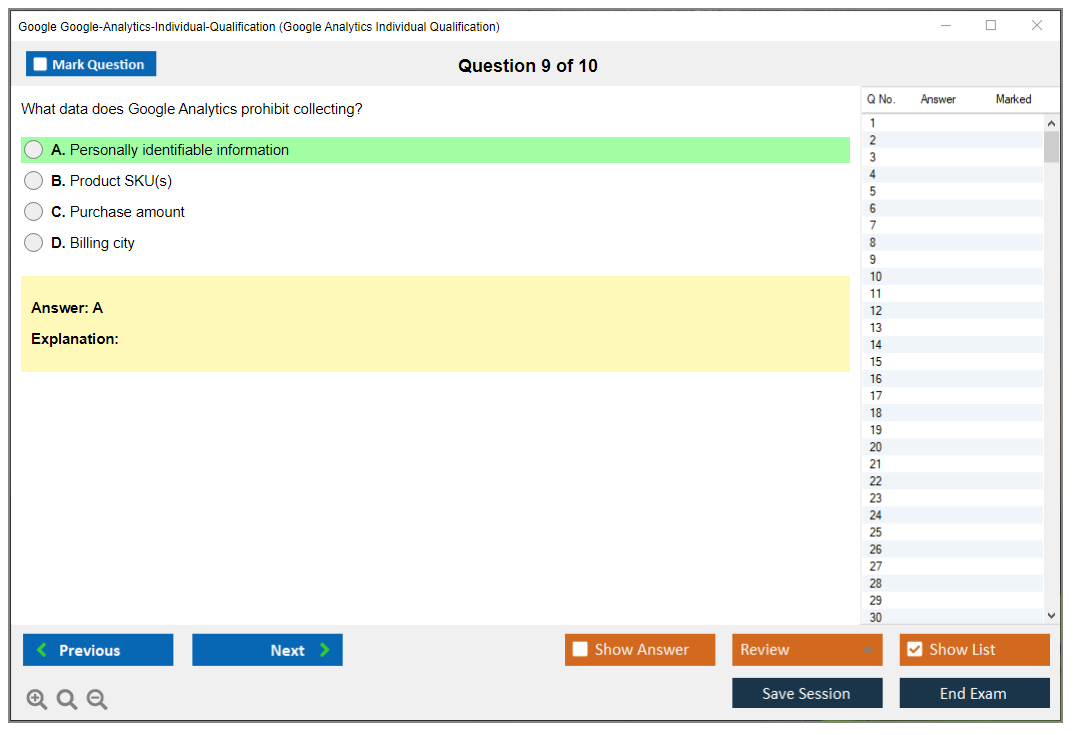
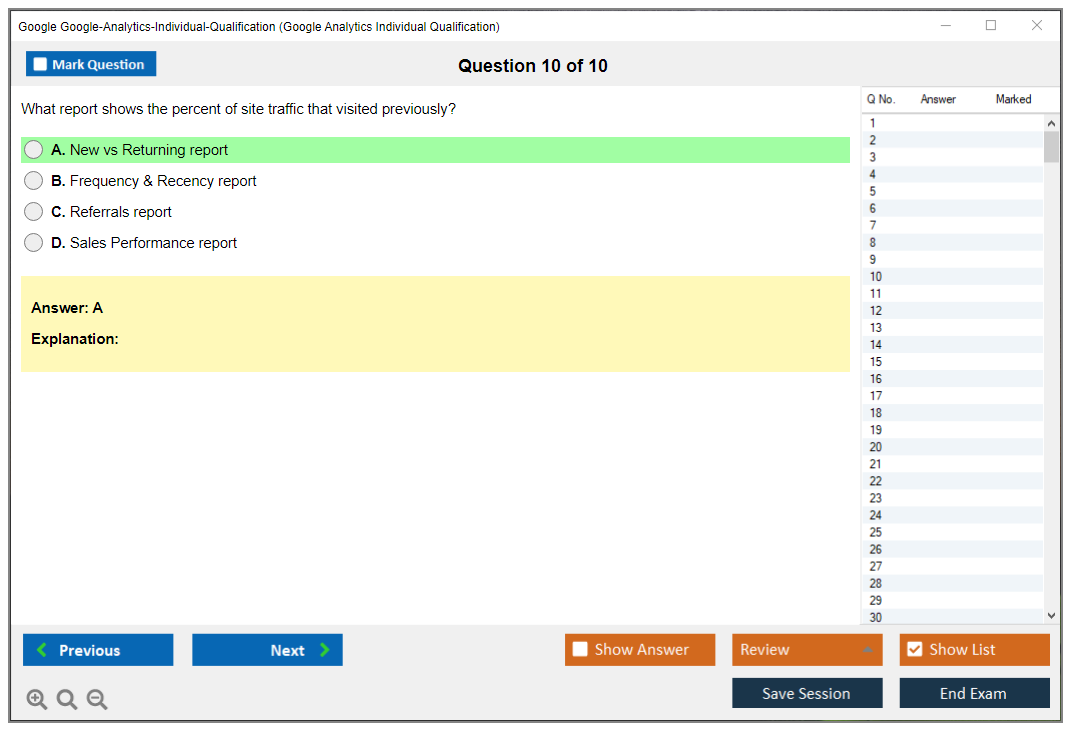
Google Analytics Individual Qualification (GAIQ)? It's Google's stamp that says you won't just randomly click around Analytics hoping for insights. Look, it's not some "growth hacker" flex. It's a legit measurement credential proving you get tracking fundamentals, configuration decisions, and how to actually interpret Google Analytics reporting without constantly mixing up sessions, users, events, and conversions like they're interchangeable terms when they're absolutely not.
Employers dig it. Familiar territory. Super easy verification.
Who should take the Google Analytics IQ exam
Honestly, if you're anywhere near marketing data, product funnels, SEO reporting, paid media, or even just basic website KPIs, the Google Analytics IQ exam's worth your time. Junior analysts instantly gain credibility they didn't have yesterday. Marketers finally stop sounding ridiculously vague during stakeholder meetings. Even devs and QA people who constantly get dragged into those "wait, why'd traffic suddenly tank" panic conversations will extract genuine value from understanding where GA4 might deceive you versus where it's delivering actual truth.
Brand new to analytics? You can still pass, but scenario questions will test you hard because the exam fully assumes you've explored a real property and understand which settings absolutely destroy data integrity.
How the exam is formatted
The Google Analytics IQ exam throws 50 questions at you, and you've got 90 minutes total to handle them. Multiple-choice dominates the format, mixing single-answer items with those tricky multiple correct answer questions, so you'd better read carefully since one tiny word flips everything on its head.
Zero breaks allowed. Single sitting only. That timer doesn't pause.
Tons of Google Analytics exam questions are scenario-driven. Like "you're observing X behavior in reports, what's the most probable cause" or "which configuration adjustment actually fixes this mess." You'll also face questions demanding interpretation of report screenshots and data patterns, which is sneaky because you absolutely cannot brute-force those through pure memorization. You've gotta know what you're examining and why numbers behave weirdly when filters, attribution models, or event logic gets modified.
Conceptual material appears too, especially around configuration and setup best practices. And yeah, troubleshooting scenarios where you identify problems and solutions. I mean, this section's where people completely panic because they memorized definitions but never actually diagnosed a broken tag, a ghost conversion, or a channel grouping that refuses to match expectations.
How you take it (Skillshop plus proctoring vibe)
You take it online through Skillshop Google Analytics. It's an online proctored exam experience in that the platform enforces strict rules, but it's not like those intense certifications where some live proctor literally watches you breathe and blink. Still gotta treat it seriously though, because you must complete the exam in one uninterrupted session without pausing, and breaks during the examination period just don't exist.
Results appear immediately. Pass or fail. Zero suspense.
What it costs (and what it really "costs")
Google Analytics certification cost is beautifully simple: it's completely free. No registration fee whatsoever, zero paywall nonsense, no membership requirements, no subscription needed for Skillshop access, and totally free access to every official Skillshop training course and study material they offer.
Retakes? Also free. No waiting games. Just launch another attempt.
Sure, there're optional third-party study resources at an additional cost, and some deliver decent value, but Google doesn't charge you one cent for the core certification path, including all training content and your exam attempt. So the real investment here's time commitment rather than money, which makes it a weirdly cost-effective professional development move compared to other industry certifications that demand hundreds of dollars plus annual renewals that drain budgets.
If you're budgeting anything, budget focused attention. You'll burn more hours than expected learning GA4's entire mental model, especially if you're migrating from the Universal Analytics era. Actually, the terminology shift alone trips people up constantly. I once watched a colleague spend twenty minutes trying to find "views" in GA4 before someone finally told him they don't exist anymore. That kind of thing.
Passing score and scoring behavior
GAIQ passing score sits at 80%. That's 40 correct answers out of 50 questions total. And there's absolutely no partial credit for multiple-answer questions, which feels brutal in this very quiet, understated way because you can be "mostly right" and still collect zero points for that particular item.
Your score displays immediately upon completion. The pass/fail result appears clearly with your exact percentage score, and if you pass, your certificate generates instantly without delays.
No performance tiers. No "honors" designation. Just binary pass/fail.
If you fail, you'll see the score, but you won't get any breakdown showing exactly which questions you missed, and performance feedback basically limits itself to that overall percentage number. That's annoying, honestly, but it's precisely why people lean on a Google Analytics IQ practice test or a proper GAIQ study guide to strengthen weak areas before launching attempt number two.
Why it feels hard (even though it's "moderate")
Difficulty-wise, I'd honestly call it moderate, but that only holds true if you've actually used the tool in real scenarios beyond watching tutorial videos. Questions assume genuine hands-on familiarity with the Google Analytics interface, and scenario-based questions demand critical thinking abilities, not just flashcard recall you crammed the night before.
The terminology's gotta be precise, and this trips people constantly: property versus data stream distinctions, event versus conversion differences, and how "reporting identity" settings plus attribution configurations can completely transform what you think you're measuring. Time pressure becomes real too, because 90 minutes for 50 questions works out to roughly 1.8 minutes per question, and if you get stuck interpreting some complex screenshot, that math deteriorates ugly fast.
GA4 updates constantly. Content shifts regularly. Yesterday's notes go stale.
Universal Analytics vs Google Analytics 4 certification confusion creates another nasty trap. Some learners still study UA-style concepts like views and certain goal setups, then they encounter GA4-first wording and completely panic mid-exam. The exam can also probe edge cases and advanced features, not just comfortable basics. And not gonna lie, you can't mark questions for later review and circle back like you can on some testing platforms, so you've gotta make a judgment call and keep moving forward.
Rules, retakes, and technical stuff you should not ignore
The exam's open-book, meaning you can reference materials during the actual test. But open-book doesn't remotely mean open-time, so if you're constantly searching through docs, you'll hemorrhage precious minutes.
You need stable internet. A supported browser. Clean session environment.
Skillshop maintains browser requirements and technical specifications, and you should treat those as completely real constraints, not suggestions. Take it on a laptop or desktop machine, never some flaky mobile setup that'll crash mid-exam. Retakes have zero limit, you can retake immediately following a failed attempt, and each attempt pulls different questions from their rotation bank, so memorizing one test run won't fully save you next time. There's no penalty whatsoever for multiple attempts, and previous attempt scores aren't tracked publicly anywhere employers can see.
Certification validity starts from your passing date. That date matters later during renewal.
What topics you're tested on (in plain English)
The objectives map to actual work.
Analytics account structure: Google Analytics account property view setup concepts definitely appear, including permissions hierarchies and how organizational structure affects reporting capabilities. I mean, even though GA4 doesn't use "views" the old UA way, you'll still face testing on the concept of organizing data cleanly and preventing production traffic from mixing with test garbage.
Data collection and configuration: tracking fundamentals, events, conversions, filters where applicable, settings that fundamentally change data, and common implementation mistakes people make. This section's where you'll want solid knowledge of what breaks attribution and why a conversion might refuse to fire.
Reports and analysis: audience style questions covering users and demographics, acquisition topics including channels and campaigns, behavior or engagement equivalents, and conversions. Expect interpretation challenges, not just label matching.
Campaign tracking: Google Analytics campaign tracking UTM parameters, what each UTM actually does, and what happens when you tag things incorrectly. Also some attribution model basics.
Best practices and troubleshooting: data quality problems, self-referrals, missing source/medium values, duplicate events, misconfigured settings, and what to check first when things break.
Recommended experience before you click "start"
There aren't hard prerequisites listed. But recommended experience is really real: build or access a GA4 property, send test events, mark conversions, and spend meaningful time inside reports so you can read a chart without freezing like a deer in headlights.
Use the demo account. Click literally everything. Break nothing important.
If you've never debugged tracking implementations, at least learn the common "why is data missing" troubleshooting checklist. That knowledge alone saves you multiple points.
Study materials that actually work
Official Skillshop courses are the absolute baseline, and they're free, so it's really hard to argue against starting there. Pair that foundation with Google's documentation and help center pages for the parts you keep forgetting, like attribution settings, event naming rules, and campaign tagging conventions.
Hands-on matters more than notes. Make a sandbox property if possible, or use the GA demo account, because the exam loves practical application and screenshot interpretation, and you absolutely cannot fake genuine familiarity with the UI.
Practice tests and prep strategy
A Google Analytics IQ practice test helps most when you use it to diagnose knowledge gaps, not to mindlessly memorize. Focus on practice question types like scenario troubleshooting, "which report shows X data," and "what configuration change fixes Y problem," because those particular question styles eat time fastest.
Study plans depend on your background. One week if you already work in GA4 weekly and just need to tighten definitions and reporting paths. Two weeks is solid for most marketers and analysts, balancing some reading with lots of clicking around. Thirty days is best if you're switching from UA or you're completely new and need to build intuition.
How to pass the Google Analytics certification without getting cute
High-impact topics: event versus conversion logic, attribution and UTMs, data streams and property configuration, and reading acquisition reports without misunderstanding source/medium. Also, know the common troubleshooting flow for missing traffic, sudden drops, and mis-tagged campaigns.
Common mistakes: rushing multiple-answer questions, confusing UA language with GA4, and overthinking screenshot questions when the answer's literally "your configuration is wrong." Time management matters too. If a question becomes a time sink, make your best call and move forward, because you can't circle back later anyway.
Certificate delivery and how employers verify it
When you pass, you get a digital certificate immediately. You can download a PDF certificate with a unique certification ID, and you also get a shareable certification URL perfect for LinkedIn and online profiles.
No physical mail. Digital only. Easy screenshots.
Employers can verify certification status through Google's verification system, and qualified individuals may show in the Google Partner directory listing depending on program rules. The certificate includes the certification date and expiration date, and Google maintains branding guidelines for using the certification logo, so don't slap it on a résumé like it's some vendor partnership badge.
FAQ people ask before they commit
How much does the Google Analytics Individual Qualification cost?
It's completely free, including Skillshop training and exam attempts. Third-party courses cost extra if you choose them.
What is the passing score for the GAIQ exam?
80%, which equals 40 correct answers out of 50 total. No partial credit on multi-select questions.
How hard is the Google Analytics certification exam?
Moderate difficulty, but it punishes people who only memorize terms. Hands-on GA4 familiarity and scenario reasoning is what makes it tricky.
How long does it take to study for the Google Analytics IQ?
If you've used GA4 before, a week or two's often enough. If you're new or coming from UA, plan closer to a month with practice inside a real property.
How do I renew my Google Analytics Individual Qualification?
When it expires, you renew by retaking and passing the exam again in Skillshop. Same format, same idea, and the validity resets from your new passing date.
GAIQ Exam Objectives (What You'll Be Tested On)
The hierarchical beast you need to understand
Look, the GAIQ exam's obsessed with account structure. Seriously obsessed. You've gotta know GA4 uses Account > Property > Data Stream, which is totally different from Universal Analytics' Account > Property > View setup. This isn't trivia. They'll hit you with scenario questions about when you'd create separate properties versus tossing another data stream onto an existing property.
Here's what trips people up: knowing when to use what. Single property with multiple data streams? Works great when you're tracking the same brand across web and mobile apps. Separate properties are for completely different business units or when you need isolated reporting structures that shouldn't share any configuration. The exam loves asking about rollup properties too. It's a GA4 feature that aggregates data from multiple source properties into one reporting view for enterprise setups.
You'll get tested on user permissions (Administrator, Editor, Analyst, Viewer) and what each role can actually do. Property settings like time zone and currency seem basic, but they matter because they affect how your data gets bucketed and reported. Data retention policies? Those show up too. Cross-domain tracking configuration questions appear way more often than you'd expect. They want to know you understand maintaining session continuity when users move between different domains you own.
Implementation methods and what actually gets collected
The data collection section's massive. You need to know gtag.js implementation versus Google Tag Manager deployment, and trust me, they'll ask which method works best for specific scenarios. Enhanced measurement's huge in GA4 because it automatically tracks scrolls, outbound clicks, site search, video engagement, and file downloads without custom code. But you need to know what's automatic and what requires manual event setup.
Event parameters versus custom dimensions? Trips up lots of people taking the Google Analytics IQ exam. Parameters attach to specific events (like "page_location" on a "page_view" event), while user properties persist across sessions and help with audience building. The exam'll definitely test whether you know how to properly set up conversion events by marking standard events as conversions versus creating entirely new custom events.
E-commerce tracking questions show up frequently. You'll need to understand the difference between automatic e-commerce events (when using standard item schemas) and manual implementation through custom event coding. Measurement Protocol comes up occasionally. It's for server-side data collection when client-side tracking isn't feasible. Debug mode and DebugView are testing essentials, and yeah, expect at least one question about how to validate your implementation before going live.
Data filters for internal traffic exclusion work differently in GA4 compared to Universal Analytics, and the exam knows this confuses people. You create the filter definition, then test it, then activate it. Three steps. IP anonymization's mostly automatic now in GA4, but consent mode questions appear because privacy compliance's a hot topic. Understanding how consent mode affects data collection while maintaining conversion modeling capability? That's exam material for sure.
Working through reports without getting lost
The GA4 interface's completely different from Universal Analytics. The GAIQ certification expects you to know it inside out. Standard reports are organized around the life cycle framework: Acquisition, Engagement, Monetization, Retention. You need to know what lives where and why.
Realtime reports? Straightforward.
But here's where it gets tricky: User acquisition versus Traffic acquisition reports measure different things. User acquisition shows the source of a user's very first session (ever), while Traffic acquisition shows the source of each individual session. The exam loves this distinction because it's conceptually important for attribution analysis. Many people conflate these two report types without realizing they're answering fundamentally different business questions. I once watched a colleague spend three hours debugging a "discrepancy" that was just them comparing these two reports incorrectly.
Engagement reports include Events, Conversions, Pages and screens, and Landing pages. Not gonna lie, understanding the difference between event count and conversion count matters. Conversions are just events you've marked as important business outcomes. Engagement rate (percentage of sessions that were engaged) and engaged sessions (sessions lasting 10+ seconds, having conversion event, or 2+ page views) are metric definitions you absolutely need memorized.
Exploration reports deserve serious study time because they're powerful but complex. Free-form exploration, funnel analysis, path exploration, segment overlap, cohort exploration, user lifetime. Each has specific use cases. The exam'll present a business question and ask which exploration technique fits best. Comparing date ranges, applying segments, adding secondary dimensions..these are all fair game for test questions.
Demographics and Interests reports require Google signals to be enabled. That means users need to be signed into Google accounts and have ad personalization turned on. Tech reports (platform, device, browser, OS) seem basic but expect questions about using them for troubleshooting implementation issues or understanding audience behavior patterns.
Campaign tracking that actually makes sense
UTM parameters are tested heavily. You need to know the five parameters: "utm_source", "utm_medium", "utm_campaign", "utm_term", and "utm_content". More importantly, you need to understand naming conventions and consistency because inconsistent UTM tagging creates reporting chaos. The exam'll show you example URLs and ask you to identify what's wrong with the tagging or how the traffic would be classified.
Default channel grouping logic determines how traffic gets bucketed into channels like Organic Search, Paid Search, Display, Social, Email, Direct. Understanding this logic helps you predict how your campaigns'll appear in reports. Custom channel groupings let you create your own classification rules. The exam tests whether you know when and why you'd create custom groupings instead of using defaults.
Attribution modeling in GA4 uses data-driven attribution as the default, which is different from Universal Analytics' last-click default. You need to understand what data-driven attribution actually means (uses machine learning to assign credit based on how different touchpoints contribute to conversions) versus rules-based models like last-click or first-click. The exam includes questions about attribution windows and how changing them affects credit distribution.
Assisted conversions and conversion path analysis help you understand the customer path before conversion. This concept appears in scenario questions where you need to evaluate channel performance beyond last-click metrics. If you're preparing for other Google certifications like the Professional-Cloud-Architect or Associate-Cloud-Engineer, you'll notice Google loves testing conceptual understanding across their certification programs.
When things break and how to fix them
Data quality and troubleshooting questions separate people who've actually implemented GA4 from those who just read about it. Common issues include missing tracking codes (use browser developer tools to check), duplicate tracking that inflates metrics, and self-referral traffic that breaks source attribution.
Self-referrals happen when session breaks occur during payment processing or when users move between domains you haven't properly configured for cross-domain tracking. The exam'll describe symptoms and ask you to diagnose the root cause. Hostname filtering prevents spam traffic from polluting your data. You create filters that only include legitimate hostnames you own.
Bot filtering's mostly automatic in GA4 but understanding when bot traffic might still appear matters. Data sampling occurs in exploration reports when you're analyzing large date ranges or complex segments, and you need to know how to recognize when you're looking at sampled versus unsampled data. Cardinality limits (maximum unique dimension values) cause high-cardinality issues when you track things like transaction IDs as custom dimensions instead of event parameters.
Event and parameter naming restrictions? Surprisingly specific. Event names must start with a letter, can't exceed 40 characters, and have reserved names you can't use. Parameters have similar restrictions. The exam includes questions about why certain implementations fail based on naming violations.
Testing before production deployment seems obvious but expect questions about using DebugView, checking the DebugView stream, and validating events are firing correctly with proper parameters. Regular audits and account health checks prevent drift where implementations degrade over time as team members make undocumented changes.
Privacy compliance questions cover GDPR and CCPA considerations, cookie consent implementation, and how consent affects data collection. Data retention settings determine how long user-level and event-level data persists before automatic deletion. Understanding these settings matters because they affect historical reporting capabilities.
The Google Analytics Individual Qualification practice exam covers all these topics with scenario-based questions that mirror the real exam format. Honestly, hands-on experience matters more than memorization for this certification. If you've worked with other Google products like those covered in the Cloud-Digital-Leader or Professional-Data-Engineer certifications, you'll recognize Google's preference for testing applied knowledge rather than rote memorization.
The exam isn't trying to trick you with obscure edge cases. It wants to verify you can implement GA4 correctly, interpret reports accurately, and troubleshoot common problems. Focus on understanding why things work the way they do, not just memorizing feature lists. Practice with the Google Analytics Individual Qualification practice questions to identify gaps in your knowledge before test day.
Prerequisites and Recommended Experience
What Google actually requires (and what they just nudge you to do)
Look, the official "prerequisites" for the Google Analytics Individual Qualification (GAIQ) are honestly pretty minimal. Just practical access stuff, not some career gatekeeping nonsense. Google isn't asking for a degree, a job title, or a stack of prior certs before you can take the Google Analytics IQ exam. No formal screening whatsoever.
Here's what's required vs recommended, straight up.
Required:
- A Google Account so you can log into Skillshop Google Analytics and launch the exam. No account? No exam. Pretty straightforward.
- Enough English (or another supported language) to actually understand the questions without just blindly guessing what the prompts and answer choices mean. Seems obvious but bears mentioning.
Recommended (but not required):
- Completing the GA4 course on Skillshop first. The thing is, this is honestly the closest thing to "do this before you test." The exam wording often mirrors how Google explains features in training modules. Sometimes word for word.
- Basic computer literacy. Not "can code," just "can open tabs, switch tools, and not get hopelessly lost in a settings menu." If you struggle with web apps, the exam will feel way harder than it actually is.
Not required:
- Any prior certification. No UA cert needed. No Ads cert needed. Literally nothing.
- Any educational degree. High school, college, bootcamp, self-taught. Doesn't matter one bit.
- Any professional experience whatsoever. You can be brand new and still attempt it.
- Any mandatory training course before registration. Skillshop is there, but you're not blocked from the exam if you skip straight to it.
- Any age restriction or geographic limitation. If you can access Skillshop where you live, you're good.
If you're the type who wants a "real" prerequisite list, I mean, it's basically: have a login, have a browser, and be able to think through analytics scenarios without completely panicking.
Background knowledge that makes the exam way less annoying
People overthink this part.
The GAIQ certification tests whether you understand how analytics works and how GA4 is structured, not whether you can recite definitions like some kind of robot programmed with marketing terminology. Still, going in cold is rough. The exam assumes you already speak the language of marketing and measurement, which seems fair but can catch beginners off guard.
You'll want a fundamental grasp of digital marketing concepts and terminology. Stuff like channels, campaigns, attribution (basic level), landing pages, and what "conversion" means in a business context rather than just as an abstract word.
Also? Basic knowledge of how websites work helps a lot. You don't need to be a developer, but you should know what a page is, what a domain is, why a checkout confirmation page matters, and what happens when a user clicks a button and something fires in the background. Tags, cookies, and events should not feel like magic words.
Metrics are everywhere in the Google Analytics exam questions, so be comfortable with impressions, clicks, sessions, users, engagement, conversions, conversion rate, ROI, and the difference between "this number went up" and "this number went up but performance actually got worse." That sounds obvious, but it's a common trap.
Customer path and funnel concepts show up too. Top of funnel vs bottom of funnel. New vs returning users. Awareness vs purchase intent. If you've never mapped a funnel, you can still pass, but you'll spend more time rereading questions and trying to piece together what they're asking.
Basic statistics is another quiet requirement. Averages, percentages, rates, trends over time. Not gonna lie, you don't need a stats class, but you do need to interpret "conversion rate decreased while conversions increased" without melting down or assuming it's a typo.
Privacy awareness matters now. You don't need to quote GDPR articles, but you should know privacy regulations exist, consent affects data collection, and some user-level tracking is restricted. GA4 questions like to poke at data quality and limitations.
And finally, general business acumen. Analytics is only useful when it answers "so what," and the exam leans into that. If you can't connect a traffic spike to a campaign, a landing page change, or seasonality, you'll be guessing more than you should.
Spreadsheets help. Not required exactly, but if you've ever used Excel or Google Sheets to sort, filter, build a quick pivot, or calculate a rate, you'll understand reporting logic faster. Especially when you get into Google Analytics reporting and analysis style questions that mix data interpretation with tool functionality.
Hands-on skills that actually move the needle
Theory is fine.
Practice is what makes this certification feel fair.
My honest take: get at least 10 to 20 hours inside the Google Analytics interface before you sit for the exam. I don't mean watching videos. I mean clicking around, breaking things (safely), trying to answer questions with real data because muscle memory matters way more than people admit. The How to pass the Google Analytics certification advice that matters most is this: you need familiarity that only comes from repeated use.
At a minimum, you should be comfortable working through standard reports and understanding what the metrics mean in context. If I ask you to find where traffic came from, what pages people viewed, and what actions they took, you should know where to look without starting on a scavenger hunt through every menu.
Set up at least one property if you can, even if it's a sandbox site or a personal project. The exam loves structure concepts and configuration choices, and hands-on setup makes those click in ways videos never will. This is where Google Analytics account property view setup knowledge used to matter a ton in Universal Analytics. Yes, the Universal Analytics vs Google Analytics 4 certification shift is real. GA4 doesn't use views the same way, so if your brain is stuck in UA, do yourself a favor and rebuild your mental model from scratch.
Event tracking and conversions are big. Practice creating a basic event, marking it as a conversion, and then verifying it shows up. If you've never debugged why an event isn't firing, you're missing a big chunk of what analytics work actually feels like.
Explorations and segments are worth touching too, even if you keep it simple. Build one exploration report that answers a question like "which channel drove engaged sessions that led to a conversion," and you'll understand why the UI is the way it is. Or at least you'll stop fighting it.
UTM parameters. Do not skip them.
Create a tagged URL, click it, and then confirm the campaign shows up. This is one of those topics that looks easy in a GAIQ study guide but gets confusing when the question mixes source/medium with default channel grouping and attribution models. You want real experience with Google Analytics campaign tracking UTM parameters, not just a definition you memorized.
I spent about 30 minutes last week explaining to a coworker why their campaign was showing up as (direct) instead of the custom campaign name they created. Turns out they'd used uppercase "UTM_Source" instead of lowercase "utm_source" in the URL, which sounds ridiculous but is exactly the kind of thing you catch once and never forget. The rules are picky.
Google Tag Manager is beneficial but not mandatory. If you can, do one basic GTM setup and send an event to GA4. If you can't, don't let it block you. Plenty of people pass without GTM, but they usually compensate by being very comfortable in GA4 reporting and configuration.
Troubleshooting matters more than people expect. Practice spotting basic data discrepancies, like "why did traffic drop to zero," "why are conversions missing," or "why is my campaign showing as (direct)." It's not deep debugging, but it's realistic work stuff that the exam absolutely tests.
Connecting GA to Google Ads or Search Console is also useful to at least understand conceptually. If you can do it hands-on, great. If not, know what those integrations change in reporting and what they don't.
If you want extra practice fast, a structured question pack helps. I've seen people do way better after drilling realistic scenarios instead of endlessly rereading lessons. The Google-Analytics-Individual-Qualification Practice Exam Questions Pack is one option at $36.99, and it's especially handy if you're the type who learns by getting questions wrong first, then figuring out why.
Timeline that matches your starting point
Complete beginners usually need 4 to 6 weeks.
Not because the material is impossible, but because you need repetition plus hands-on time for the interface to feel normal. Cramming analytics is honestly a great way to "learn" everything and remember absolutely none of it two days later.
If you already have basic analytics exposure, think 2 to 3 weeks of focused prep. You're mostly translating what you know into GA4's model and cleaning up weak spots like events, attribution basics, and explorations.
Experienced marketers moving from UA to GA4 can often do 1 to 2 weeks of intensive study. The hard part is unlearning old defaults, because the exam is absolutely not a UA nostalgia test.
Daily time commitment? Aim for 1 to 2 hours. More than that and you start skimming. Less than that and you forget where settings live.
A good balance is roughly 40% theory and 60% hands-on practice. I'm opinionated here because people love watching videos and calling it studying, but GA4 is a tool. Tools reward clicking, configuring, and checking your work.
Quick skills gap check before you commit
Before you start grinding, do a small readiness assessment. Not a vibe check. A real one.
Make a checklist based on the exam objectives and rate your comfort with each topic. If you can't explain it simply, you don't know it yet. Then take a diagnostic practice test to see what kinds of traps you fall into. Mixing up dimensions vs metrics. Confusing users with sessions. Misunderstanding attribution vs acquisition. Wait, or is it the difference between.. see, this is exactly what I'm talking about.
Be honest about hands-on vs theoretical knowledge. If you've read about events but never configured one, that's a gap. If you've built dashboards but don't know campaign tagging rules, that's a gap too.
This is also where a targeted practice resource can save time. The Google-Analytics-Individual-Qualification Practice Exam Questions Pack is useful if you want to identify weak areas quickly. You'll see patterns in what you miss, especially around configuration and reporting scenarios that look deceptively similar on the surface.
If your gaps are big, do more training before attempting. The exam is free to attempt, sure, but your time isn't. Failing twice because you refused to practice is just stubborn.
Complementary skills that make the cert worth more at work
The Google Analytics Individual Qualification (GAIQ) gets you through HR filters, sure.
What makes it valuable day to day is the stuff around it.
SQL is huge if you end up working with BigQuery exports. Not required for the exam, but it's the difference between "I can pull a report" and "I can answer messy questions with raw event data." That's where real business value lives, honestly.
Data visualization tools help, especially Looker Studio, Tableau, and even basic charting in Sheets. Being able to tell a story with data makes you the person stakeholders actually want to talk to instead of avoid.
Excel or Google Sheets skills matter more than people admit. Cleaning data, combining exports, sanity-checking totals. Boring? Absolutely. Necessary? Unfortunately, yes.
Basic JavaScript is a nice bonus for custom event tracking. You don't need to become a developer, but understanding how a dataLayer push works in GTM makes you way more effective at implementing tracking without constantly bothering engineers.
SEO knowledge, PPC fundamentals, CRO methods, A/B testing frameworks, and CRM integrations all add context. Privacy and compliance frameworks too. Measurement is always constrained by consent and policy now, whether we like it or not.
If you're collecting study resources, practice questions can still be a smart add-on alongside Skillshop. I'd rather see someone do hands-on GA4 work plus a realistic question pack like the Google-Analytics-Individual-Qualification Practice Exam Questions Pack than read five blog posts arguing about the GAIQ passing score and call it preparation.
Best Study Materials for the Google Analytics Certification
Skillshop courses are where you actually need to start
Okay, so here's the deal: the official Skillshop Google Analytics courses? That's your foundation. Everything else you find out there is basically just extra. The Google Analytics 4 course covers what you'll see on the Google Analytics Individual Qualification exam, and honestly, if you follow it module by module, the structure actually makes sense instead of jumping all over the place like some courses do.
You're looking at maybe 4-6 hours total if you're being thorough. Each module's got video lessons showing you the actual interface. Not some generic screenshots, but real demonstrations of how features work, which I mean, that's pretty key when you're trying to visualize where buttons actually are. They've got interactive activities throughout, which help more than you'd think because you're not just passively watching videos like a zombie.
Knowledge checks pop up. Make sure you're retaining stuff. The platform lets you pause and come back whenever (who actually sits through six hours straight? Nobody I know). You get a certificate of completion when you finish, though the thing is: that's separate from passing the actual GAIQ certification, so don't confuse the two. One thing I really appreciate? Google updates this content regularly to reflect the latest GA4 features. Since GA4's constantly evolving, this matters way more than with older certifications like the Associate-Cloud-Engineer where core concepts stay relatively stable.
It's completely free. No registration fees. No subscription nonsense. You can even access it on mobile if you want to study during your commute or whatever.
The help center is your open-book reference during the actual exam
The Google Analytics Help Center at support.google.com/analytics? Basically your encyclopedia for everything Analytics. Full doesn't even cover it. There are step-by-step guides for setup and configuration, troubleshooting articles for when things break (and they will break), feature announcements, release notes, the whole deal.
They maintain a glossary. Terms and metric definitions that's actually useful when you're trying to remember the difference between sessions and users for the hundredth time. Video tutorials are there for people who learn better visually, plus there's a community forum where you can ask questions and see what problems other people are running into.
Here's the thing though: the exam's open-book. You can reference the help center during the test. So familiarizing yourself with how to search it effectively? Almost as important as memorizing content, honestly. Knowing where to find answers quickly can save you when you're stuck on a specific question about UTM parameters or data retention policies.
Demo account gives you real data to play with
Google provides a free Analytics Demo Account that connects to real data from the Google Merchandise Store. It's probably the best hands-on resource you'll find because you're working with actual e-commerce data, not some fake sandbox with three page views and no meaningful patterns.
The property comes pre-configured with e-commerce tracking enabled, so you can see how product data, transactions, and revenue tracking actually appear in reports. You can create custom reports. Build explorations. Mess around with segments and filters. Try different date ranges, set up comparisons, basically experiment without any risk of breaking production data.
Anyone with a Google Account can access it at analytics.google.com/analytics/web/demoAccount. It's read-only, so you can't modify the configuration, but that's fine for exam prep. You're not trying to break things anyway. Just getting comfortable working through the interface before you sit for the test makes a huge difference. I've seen people fail the GAIQ because they couldn't find specific reports quickly enough during the exam, not because they didn't understand the concepts, which is frustrating.
Random tangent, but I once watched someone spend fifteen minutes looking for the Realtime report during their exam because they'd only ever used the old Universal Analytics layout. They knew what metrics meant and could explain attribution models all day long, but the interface tripped them up completely. Passed on the second attempt though.
Building your own test environment teaches you more than reading
If you really want to understand Google Analytics, set up your own property. Use a personal website, a blog, even a simple HTML page hosted somewhere. The act of implementing tracking code, configuring goals or events, and then watching your own data come in teaches you things that no video course can replicate.
Google Tag Manager's got a sandbox mode for testing configurations before you push them live. If you're working with WordPress or another CMS, you can practice different implementation approaches safely. Generate some test traffic. Trigger events. See how everything flows through the system.
This trial-and-error approach in a safe environment? Honestly how most people actually learn Analytics. Reading about how filters work is one thing. Accidentally excluding all your traffic with a misconfigured filter and then figuring out how to fix it is another, similar to how folks preparing for the Professional-Cloud-Developer certification benefit from actually building applications rather than just reading documentation.
Third-party resources need vetting but can fill gaps
There are tons of third-party study materials out there. Platforms like Coursera, LinkedIn Learning, and Udemy have Google Analytics courses (quality varies wildly though). Analytics blogs like Analytics Mania, Simo Ahava's blog, and Measure School publish detailed tutorials and explanations.
YouTube channels dedicated to Analytics can be helpful for visual learners. Study guides exist. Cheat sheets too. Books on web analytics fundamentals. Some podcasts discuss analytics strategies and implementation challenges.
But here's the catch: you need to verify everything's current and GA4-focused. Lots of outdated Universal Analytics content is still floating around, and that's not what the current exam tests. Check publication dates. Look for explicit GA4 mentions. Cross-reference with official documentation when something seems off or contradicts what you learned elsewhere.
Video content from Google's official channel
The official Google Analytics YouTube channel? Feature walkthroughs, announcements, case studies showing real-world applications. Tips and tricks videos from the actual Google Analytics team. Webinar recordings covering advanced topics that go deeper than the basic courses. Short-form videos when you just need a quick concept review.
These are particularly useful for visual demonstrations of complex features like custom dimensions, advanced segments, or the GA4 exploration reports that can be confusing at first. Honestly, I still sometimes forget which exploration type does what.
Organization and note-taking actually matter here
Create your own study notes. Summarize key concepts in your own words instead of copying verbatim. Flashcards work well for terminology and metric definitions (there are a lot of terms to keep straight). Mind maps can help you connect related concepts visually, especially when you're dealing with account structure. Account/property/view in Universal Analytics, account/property/data stream in GA4. Wait, different structure entirely.
Screenshot important interface elements so you remember where things are located. Bookmark critical help center articles for quick reference. Organize everything by exam objective domains so you can review systematically instead of randomly.
I keep everything in a digital notebook: Notion, Evernote, OneNote, whatever you prefer. Having all your materials centralized beats hunting through browser tabs and random documents. When you're reviewing the Google-Analytics-Individual-Qualification Practice Exam Questions Pack for $36.99, having your notes organized makes it easier to understand why certain answers are correct.
Staying current matters more than with other certifications
Google Analytics updates constantly. Subscribe to the Google Analytics blog and release notes. Follow their social media channels. Join Google Analytics LinkedIn groups where practitioners discuss changes and challenges.
Attending Google Marketing Livestream events when they happen can give you early insight into upcoming features. This is different from something like the Professional-Cloud-Architect where foundational concepts remain relatively stable over time. With Analytics, the product evolves quickly, and the exam reflects current functionality, not what worked two years ago.
Practice questions reveal what you don't know
Look, you can study theory all day. But practice questions? They show you where your knowledge gaps actually are. The Google Analytics Individual Qualification practice test materials help you get familiar with question formats and identify weak areas before you attempt the real exam.
Work through practice questions multiple times. When you get something wrong, don't just check the answer. Figure out why you got it wrong. Was it a terminology confusion? Did you misunderstand how a feature works? Go back to the source material and review that specific topic until it clicks.
Some people prefer structured study plans. Maybe you've got a week. Maybe a month. Either way, combining official Skillshop courses, hands-on practice with the demo account, your own test property, and practice questions gives you the best shot at passing. The exam isn't particularly difficult if you've actually used Google Analytics, but it does test specific knowledge about features, configurations, and best practices that you might not encounter in everyday use.
Conclusion
Here's the truth. Getting your GAIQ certification isn't just about adding another credential to your resume. It's about proving you actually know what you're doing with Google Analytics reporting and analysis, not just clicking around dashboards hoping something makes sense. I mean, anyone can install a tracking code, but understanding Google Analytics account property view setup and actually interpreting the data? That's where certified professionals separate themselves from people who just "know Google Analytics."
The exam itself isn't impossible.
But it's not a joke either. You need to understand campaign tracking UTM parameters, know the difference between dimensions and metrics without hesitating, and be able to troubleshoot why data looks weird. This stuff trips up even people who've used the platform for years, which I guess makes sense when you think about how complex Google's whole ecosystem has become. The good news? The Google Analytics certification cost is zero, so there's literally no financial risk in trying. The GAIQ passing score sits at 80%, which sounds reasonable until you're staring at questions about cross-domain tracking or custom dimension scope.
Here's what I've seen work: study the Skillshop Google Analytics course materials thoroughly, don't just skim them. Set up a demo account and actually practice. Break things, fix them, understand why filters apply in a specific order. The Universal Analytics vs Google Analytics 4 certification debate matters less now since GA4 is the future, but you still need to know both for the current exam format.
If you've been putting off the Google Analytics IQ exam because you're worried about failing, just take a Google Analytics IQ practice test first and see where you stand. Most people discover they know more than they think but have specific weak spots. Maybe it's regex in filters. Maybe it's attribution models, or just remembering which reports live where. I spent like two weeks getting confused about event tracking scope before it finally clicked, which was embarrassing but whatever.
When you're ready to get serious about preparation, the Google Analytics Individual Qualification Practice Exam Questions Pack at /google-analytics-individual-qualification/ gives you the realistic practice you need. Working through actual Google Analytics exam questions beats reading documentation for the tenth time. You'll spot patterns in how questions are worded, identify your knowledge gaps before test day, and walk into that Skillshop exam knowing exactly what to expect.
The certification expires after 12 months. But renewal's straightforward. Take the test again, pass it again, stay current. That's how this works in IT anyway.
