

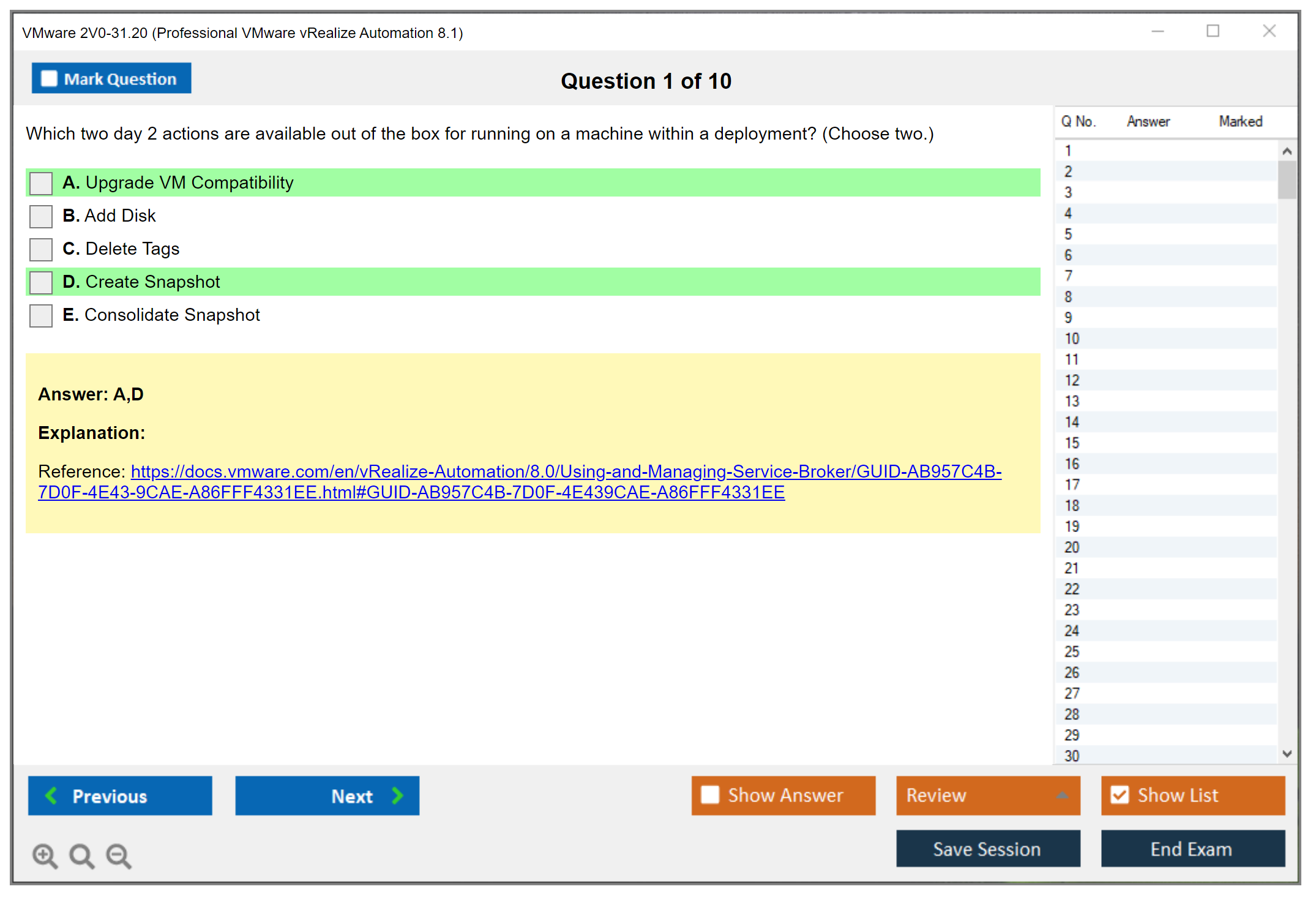
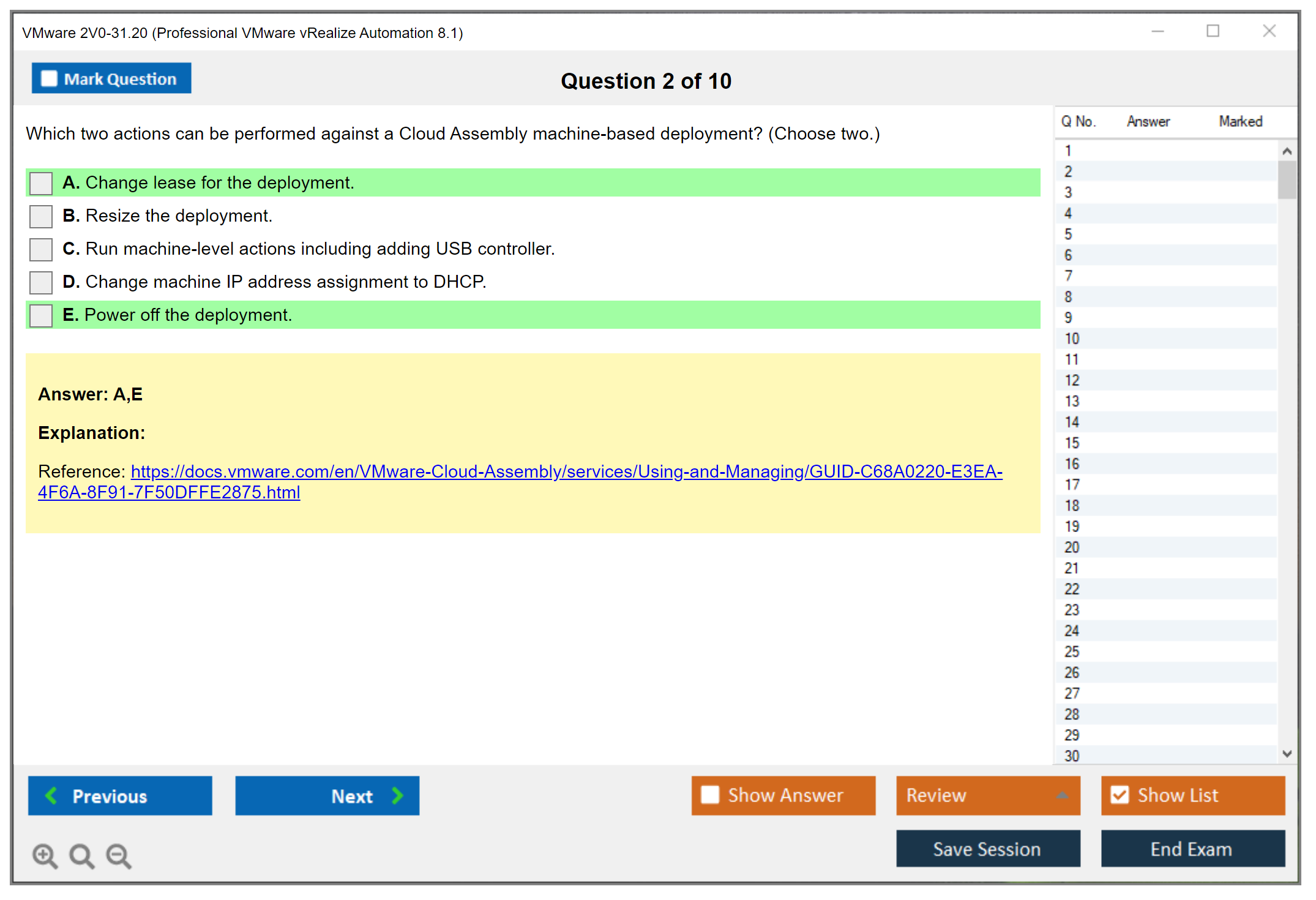
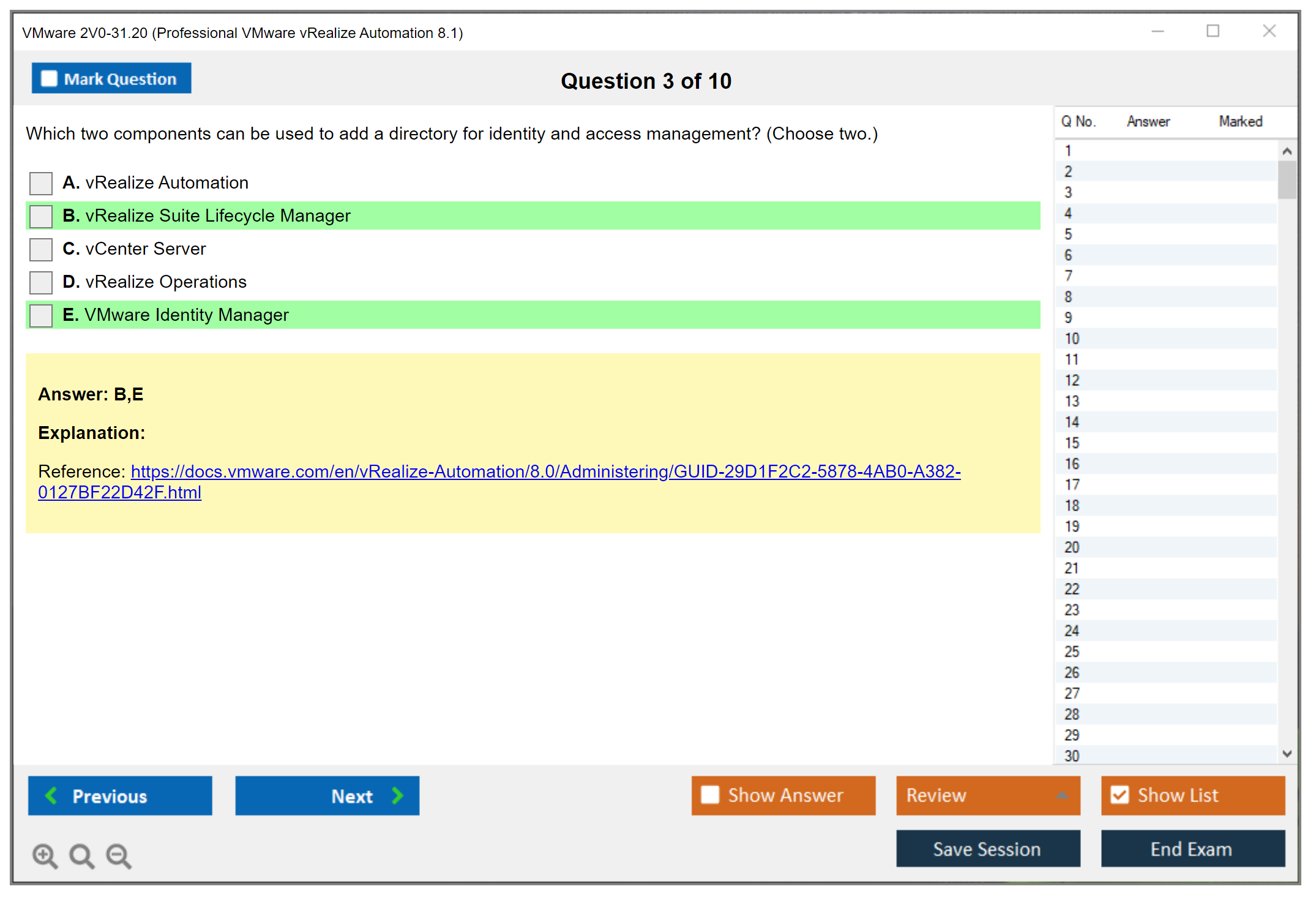
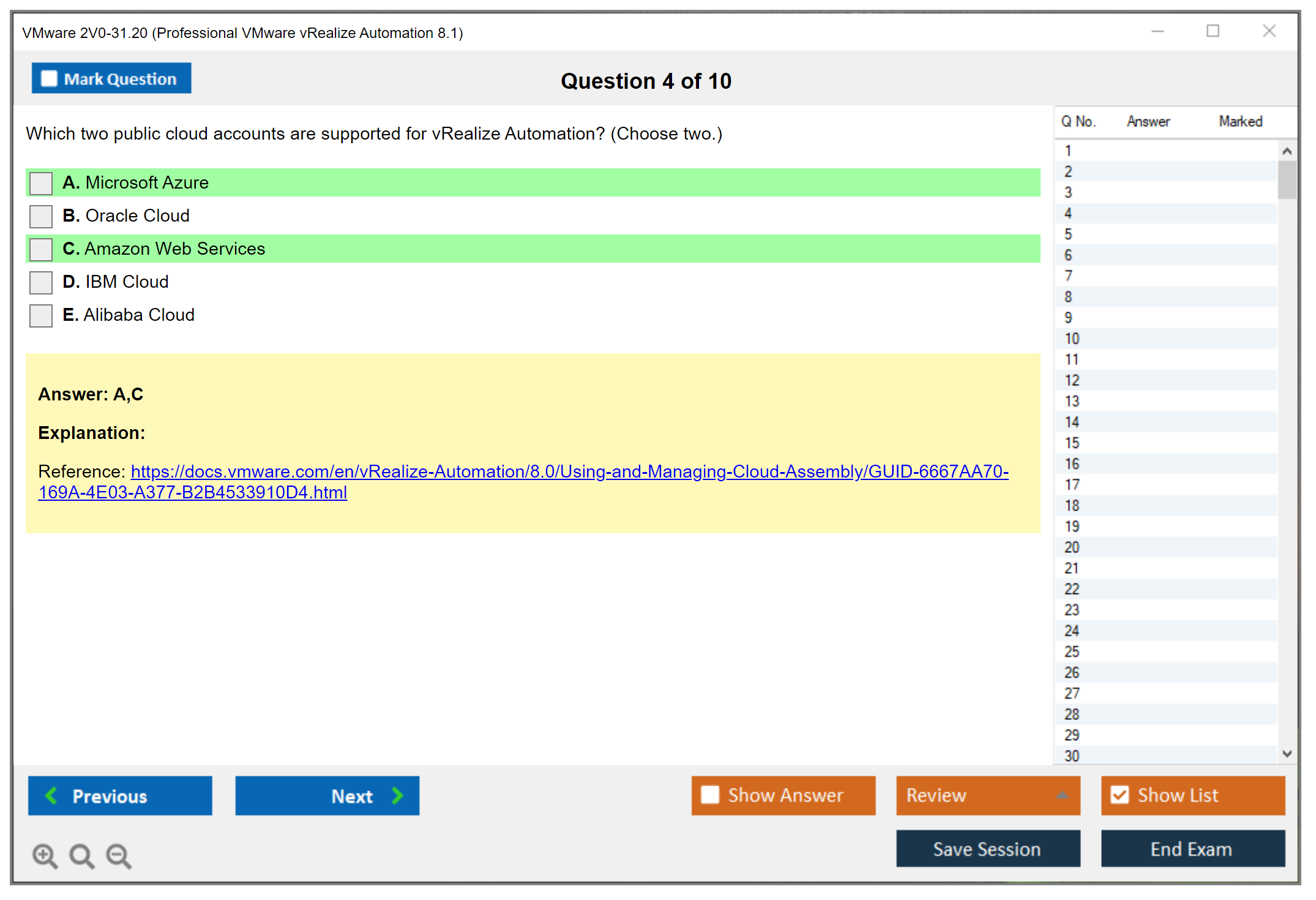
VMware 2V0-31.20 Exam Overview and Certification Value
The VMware 2V0-31.20 exam is your gateway to becoming certified in Professional VMware vRealize Automation 8.1, and it's one of those credentials that actually matters in the cloud automation space. This certification validates your ability to deploy, configure, and manage vRealize Automation 8.1 environments. Not just theoretical knowledge, but the hands-on skills that organizations desperately need when they're trying to automate their infrastructure at scale.
Look, vRealize Automation 8.1 represents a massive shift from previous versions. We're talking Kubernetes-based deployment, cloud-native architecture, the whole package. This isn't your older vRA 7.x environment where you clicked through Flash-based interfaces and hoped for the best.
Where this certification sits in VMware's ecosystem
The Professional VMware vRealize Automation 8.1 certification is part of the VCP-Cloud Management and Automation track. It's positioned as a professional-level credential, meaning you're expected to have real experience with the platform before you walk into that exam. VMware structures their certifications in tiers (Associate, Professional, Advanced Professional, and so on), and this one sits squarely in the middle where most working IT professionals live.
If you've already tackled something like the 2V0-21.20 vSphere certification, you'll find that vRealize Automation builds on that foundation but takes things in a completely different direction. Instead of managing individual VMs and hosts, you're orchestrating entire cloud environments across multiple platforms.
Skills validated by the 2V0-31.20 certification
The exam tests your knowledge across several critical domains. You need to understand vRA 8.1 architecture at a deep level. How the components interact, where Kubernetes fits in, how the services communicate. Cloud Assembly is a huge part of this, where you're creating blueprints, defining cloud zones, managing flavor mappings and image configurations.
Service Broker configuration? Another major area. Can you set up catalog items that actually work? Do you understand content sharing policies and how different projects consume resources? The Service Broker section trips up a lot of candidates because it's more business-process oriented than purely technical. Not gonna lie.
Then there's automation extensibility. ABX (Action Based Extensibility) and event subscriptions let you extend vRA's capabilities through custom code, and the exam tests whether you can troubleshoot these integrations when they break. You're also expected to handle identity management, RBAC configurations, approval policies, the governance stack.
Who actually needs this certification
Cloud architects working with VMware solutions should absolutely consider this. Automation engineers who are tired of manually provisioning infrastructure will find this credential aligns perfectly with their daily work. Infrastructure administrators who want to move beyond basic VM management into true infrastructure-as-code practices benefit enormously.
DevOps practitioners find this particularly valuable because vRealize Automation 8.1 bridges the gap between traditional infrastructure and modern development workflows. If you're supporting VMware NSX or vSphere environments and constantly getting requests for new resources, this certification proves you can build self-service systems that scale.
Career impact and earning potential
Earning the Professional VMware vRealize Automation 8.1 certification does open doors. Organizations implementing multi-cloud strategies need people who can deploy and manage automation platforms, and certified professionals command higher salaries than those without credentials. The exact numbers vary by region and experience, but we're talking about roles that typically range from $90K to $150K+ depending on the market and your overall skill set.
The credibility factor matters too. When you're interviewing for a Cloud Automation Engineer or vRealize Administrator position, having this certification on your resume immediately signals that you've invested time in learning the platform properly. Hiring managers can't always gauge hands-on experience from resumes alone. Certifications provide a standardized benchmark, though they're not everything.
How long the certification stays valid
VMware certifications don't expire in the traditional sense, but they do become outdated as technology evolves. The company follows a recertification approach where you need to renew your credential to keep it current. For the VCP-Cloud Management and Automation track, you typically have about two years before you need to either pass a newer version exam or complete continuing education requirements.
The 2V0-31.21 exam for vRealize Automation 8.3 already exists as the successor, which tells you something about how quickly this technology moves. Your 8.1 certification remains valid, but if you want to stay current with the latest features and maintain relevance in the job market, you'll eventually need to upgrade your credential.
Real-world application scenarios
The skills you prove through this certification translate directly to enterprise automation initiatives. Multi-cloud environments where you're managing AWS, Azure, and on-premises VMware infrastructure simultaneously? That's exactly what vRA 8.1 was built for, and you'll be configuring cloud accounts, setting up cloud zones, creating blueprints that can deploy anywhere.
Self-service catalog deployment is a massive use case. Business units want to provision their own resources without waiting three weeks for infrastructure teams to respond to tickets. With the knowledge validated by this exam, you build catalogs that provide guardrails. Users get what they need, but within defined parameters for cost, compliance, and governance.
Infrastructure-as-code practices are becoming non-negotiable in modern IT shops. The blueprint creation and version control capabilities in vRA 8.1 let you treat infrastructure definitions as code artifacts that go through proper development lifecycles. You're not just clicking buttons anymore. You're building reusable, testable infrastructure templates.
What makes version 8.1 different
Previous vRealize Automation versions ran on traditional application servers with monolithic architectures. Version 8.1 completely reimagined the platform using Kubernetes as the foundation. This means containerized services, easier scaling, better resilience, deployment models that align with modern cloud-native principles.
The UI changed dramatically too. If you studied for the 2V0-31.19 exam covering vRA 7.6, you'll find 8.1 looks and operates completely differently. Cloud Assembly and Service Broker are separate interfaces with distinct purposes, replacing the older consolidated management experience.
The API-first approach in 8.1 is another differentiator. Everything you can do through the UI has corresponding API calls, which makes automation of the automation platform itself much more practical.
Market demand for vRA skills
Enterprise organizations are actively seeking professionals with VMware vRealize Automation expertise. Every company running VMware infrastructure eventually hits the point where manual provisioning becomes a bottleneck, and that's when they start investing in automation platforms.
The integration with other VMware products creates additional demand. Organizations using vSphere for compute, NSX for networking, and vSAN for storage want unified automation across all these layers. Professionals who understand how vRA orchestrates these components become extremely valuable. I've seen teams struggle for months trying to piece together automation without someone who actually knows the platform.
Job roles that align with this certification
Cloud Automation Engineer is the most direct match. These roles focus specifically on building and maintaining automation platforms, writing blueprints, integrating external systems, supporting users who consume automated services.
vRealize Administrator positions manage the platform itself. Patching, upgrading, troubleshooting, optimizing performance. Cloud Infrastructure Architects design the overall automation strategy and how vRA fits within broader infrastructure initiatives.
DevOps Automation Specialists use vRA as one tool in a larger toolchain that might include Jenkins, GitLab, Ansible, and other automation technologies. They care about API integrations, CI/CD pipeline integration, programmatic infrastructure management.
Prerequisites and recommended experience
VMware doesn't enforce strict prerequisites for the 2V0-31.20 exam, but they strongly recommend hands-on experience with vRealize Automation 8.1 before attempting it. You should be comfortable with vSphere fundamentals, understand networking concepts, have some familiarity with identity management systems like Active Directory or vIDM.
The official VMware training course for vRealize Automation provides structured learning, but it's expensive and time-intensive. Honestly, many candidates supplement or replace formal training with hands-on lab work using trial licenses or home lab environments.
If you're completely new to VMware products, consider starting with something like the Associate VMware Data Center Virtualization credential to build foundational knowledge before jumping into vRealize Automation.
Next steps after achieving this certification
Once you've earned your Professional VMware vRealize Automation 8.1 certification, several pathways open up. You might pursue the Advanced Design VMware vSphere credential to complement your automation skills with advanced architecture knowledge. Or you could explore VMware Workspace ONE to expand into end-user computing automation.
Specialist certifications in areas like VMware Cloud on AWS or vSphere with Tanzu demonstrate expertise in specific deployment scenarios that often involve vRealize Automation as part of the overall solution.
How vRA integrates with the broader VMware ecosystem
vRealize Automation doesn't operate in isolation. It connects deeply with vSphere for compute resource management, pulling inventory data and orchestrating VM lifecycle operations. NSX integration provides automated network provisioning and security policy application. vRealize Orchestrator is the workflow engine underneath vRA, executing complex automation sequences.
The platform also integrates with third-party tools like configuration management systems, ITSM platforms, monitoring solutions. Understanding these integration points is key for the exam and for real-world implementations where vRA needs to fit into existing operational processes.
2V0-31.20 Exam Cost, Registration Process, and Scheduling Options
What the 2V0-31.20 certification validates
The VMware 2V0-31.20 exam maps to the Professional VMware vRealize Automation 8.1 certification, and what it really proves is you can actually run vRA 8.1 like a working admin, not just recite feature names from a slide deck. You're expected to understand vRA 8.1 deployment and configuration, day-2 operations, and how all the pieces connect across Cloud Assembly and Service Broker. Permissions, projects, catalog items, integrations, the whole thing.
Short version? You can operate vRA.
Who should take the vRealize Automation 8.1 exam
If your job touches VMware VCP-Cloud Management and Automation work, or you're trying to move into cloud automation roles, this exam's a decent choice. If you've only watched a couple videos and never actually built a project, a cloud zone, and a working catalog item, you're gonna feel the pain.
Admins take it. Consultants. Automation engineers. Also people who got voluntold to "own vRA" suddenly.
Exam cost (pricing and what affects it)
The 2V0-31.20 exam cost is around $250 USD for one attempt, which is the number you'll see when you hit Pearson VUE checkout. Your total can shift because of regional pricing, local taxes (VAT/GST), and currency conversion. Those add up fast if you're in a country where Pearson applies extra fees or your bank does a nasty conversion rate.
Here's the breakdown:
- Base fee runs about $250 USD
- Taxes vary by country, sometimes zero, sometimes not
- Currency exchange depends on how your card processes it
- Voucher discount can drop the price a lot if your employer has one (or drop it by exactly $0 if they "have a program" but nobody knows how to request it)
Price comparison with other VMware pro exams (and value)
Compared to other VMware professional-level exams, $250's pretty normal. Many VCP track exams land in that same neighborhood. The value part depends on your role. If you're already doing automation work, passing can help you justify a title bump or at least get past HR filters for cloud management roles, because recruiters search for "vRealize Automation" and "vRA Cloud Assembly and Service Broker" like they're magic words.
It's not a guaranteed raise. But it's a clean signal, particularly if your resume's otherwise just "I helped with vRA" and you need something verifiable.
What's included in the exam fee
Your exam fee generally includes:
- One exam attempt
- A score report right after, pass or fail with section feedback
- A digital badge if you pass
- Access to VMware's verification system so employers can confirm it
That's it. No free retake, no bundled practice questions, no official prep kit included by default.
Additional costs to consider (the real budget)
People fixate on the $250 and forget the rest. The hidden spend's usually bigger.
Official training courses are pricey, sometimes worth it if you need structure, but if you already do vRA work daily, you may not need the full course. If your company pays, different story. 2V0-31.20 study guide options vary wildly, and some are outdated fast because vRA changes and authors don't always keep up. 2V0-31.20 practice tests help if they're good, dangerous if they're brain-dump-ish. Avoid anything that feels like memorizing leaked questions.
Lab environment, though. This is the one I'd actually spend time on. vRA makes more sense when you click around and build things, and a home lab or nested setup can be annoying but doable, while VMware Hands-on Labs can cover a lot without you buying servers. Retake fees usually run the same as the initial attempt, so plan for another $250 if you're not confident.
By the way, I once watched someone spend $800 on official training, skip the lab work entirely, then fail twice because they couldn't troubleshoot a failed deployment. Just, you know, build something first.
Where to register and scheduling options
You register through the official VMware Certification portal, then you get routed to Pearson VUE for scheduling. Two systems, two logins sometimes. Fun.
Scheduling options usually include:
- Test center appointment at a Pearson VUE site
- Online proctored delivery, taken from home or office, in many time zones
Online's convenient. Also strict.
Step-by-step registration process (from account to payment)
Create or sign in to your VMware certification account in the VMware Certification portal. Use your legal name, don't wing this. Find the VMware 2V0-31.20 exam listing and click schedule. You'll be redirected to Pearson VUE, so confirm your profile details match your ID exactly. Choose delivery method: test center or online proctored. Pick a date and time, then pick the location if test center. Apply a voucher if you have one (corporate voucher programs often give you a code). Pay and submit. You'll get a confirmation email with a confirmation number and exam appointment details.
Three short tips? Double-check name spelling. Save the confirmation. Screenshot the appointment.
Exam availability, peak periods, and booking timing
Most of the time you can book within a week or two, but availability tightens during common "everyone is certing" periods. End of quarter, end of year, also right before big internal performance review cycles when teams scramble.
Book early if you need a specific time. If you're doing online proctoring, don't assume 7 pm on a Friday will be open everywhere, because proctor capacity's a real limit and it gets weirdly competitive.
Rescheduling policies (deadlines, fees, blackout periods)
Pearson VUE rescheduling rules can vary by program and region, so always read the policy shown during checkout, but the typical model's this: reschedule for free if you do it far enough ahead, pay a fee if you do it late, and lose the fee if you try to change it too close to the start time. Some promotions and vouchers have blackout dates where changes are restricted.
Don't wait. If life happens, reschedule early.
Cancellation and refund eligibility
Refunds depend on timing and the terms you agreed to when you booked. Usually, canceling well in advance can qualify for a refund, while late cancellations often mean you eat the cost. If you used a voucher, you may not get "money back" at all. You might just forfeit the voucher or have it returned based on the voucher rules.
Retake policy, waiting periods, and cumulative cost
If you don't pass, VMware exams usually enforce a waiting period before you can retest. The exact number of days can change by program, so verify it in the current policy page, but plan for downtime between attempts. That waiting period's annoying, but it also stops rage-booking the next morning and repeating the same mistakes.
Cost-wise, each retake runs about the same as the first attempt. So if you're budgeting realistically, assume $250 times however many attempts you might need, plus whatever you spend on labs and prep after the miss.
Bundle options, promos, and corporate vouchers
VMware occasionally runs promos or sells training plus exam bundles, particularly around major events or partner campaigns. Sometimes it's a straight discount, sometimes it's "buy training, get an exam voucher." If you're paying out of pocket, it's worth checking before you book.
Corporate voucher programs are where the real savings can be. Larger orgs buy vouchers in bulk for team initiatives, and you get a code that covers the exam fee. Ask your manager, ask your enablement team. Ask again.
Payment methods accepted
Common payment methods include credit or debit cards through Pearson VUE checkout. Some regions and corporate setups also allow purchase orders or training credits through authorized VMware partners, but that's usually handled through your company's procurement path, not a random personal checkout screen.
Exam confirmation details and what to bring
After registration you'll receive confirmation details like confirmation number, test center address or online proctoring link and instructions, appointment time and time zone, candidate rules and ID requirements.
Bring your ID. Bring a second ID if the policy says so. For test centers, arrive early. For online, be ready earlier than you think.
Technical requirements for online proctored exams
Online proctoring's picky. You'll need a supported OS and browser, stable internet, webcam, and microphone. Clear desk, no extra monitors, no notes, no phone within reach. Some setups require running a system test and installing a secure browser or app, and if your corporate laptop blocks installs, you can lose your slot.
Quiet room. Closed door. Clean workspace. It matters.
Identification requirements and check-in procedures
Your government-issued ID must match your registration name exactly. Middle initials can break check-in, different last name order can break check-in. Pearson doesn't care that your HR system spells it differently.
Test center check-in usually means arriving 15 to 30 minutes early, signing rules, palm vein scan or photo depending on site, then a locker for your stuff. Online check-in means you'll upload ID photos, take room photos, and wait for a proctor to approve you, and that wait can be quick or it can drag.
Passing score, format, and objectives (quick reality check)
People ask about the 2V0-31.20 passing score a lot, and VMware scoring can be exam-specific and not always presented as a simple "70%." You'll see the result and section feedback on your score report, and you should treat that report like a study plan if you have to retake.
Format details like number of questions and time limit can change, so check the current exam listing, but expect scenario-heavy questions that poke at the 2V0-31.20 exam objectives and the vRealize Automation 8.1 blueprint, not trivia.
Study materials, practice tests, and renewal notes
For prep, start with the official exam guide or blueprint, then map your gaps to docs and hands-on work, because vRA questions love "what would you do next" and "why is this failing." Practice tests are best used to diagnose weak areas, not to chase a fake score.
For VMware vRealize Automation 8.1 exam renewal, check the current VMware certification recertification policy since VMware's changed renewal rules over the years. Don't assume your cert lasts forever. Some do, some don't. Policy wins.
Cost, passing score, difficulty, and materials recap
How much does it cost? Usually $250 plus regional taxes. Passing score? Check the current exam page and your score report format, because VMware scoring isn't always a simple percent. How hard is it? Harder if you've never built and troubleshot vRA, manageable if you've actually done Cloud Assembly and Service Broker work. Best materials? The blueprint, official docs, a lab, and sane 2V0-31.20 practice tests that don't feel shady.
2V0-31.20 Passing Score, Exam Format, and Delivery Methods
Understanding VMware's scaled scoring approach
So here's the deal. VMware doesn't just slap a percentage on their website for the 2V0-31.20 passing score. They use this scaled scoring system, and the thing is, it threw me off completely when I first encountered a VMware exam. You need 300. That's the magic number on a scale running from 100-500. Hit 300 or above? You're golden.
Now here's where things get weird. This isn't just answering 60% of questions correctly like high school math tests or whatever. VMware takes your raw score (literally how many you got right) and converts it into this scaled number to keep exams fair across different versions, because imagine one exam version had tougher questions than another version given the same week. Without scaling, whoever drew the harder batch would be screwed. The scaling process compensates for these variations so passing actually represents the same competence level no matter which specific questions land in front of you.
Why won't VMware just say "get 65% right and you pass"? Two things. First off, not all questions carry identical weight. Some questions test more critical vRealize Automation 8.1 concepts and count heavier toward your final score. Second, adaptive testing methodologies mean difficulty can shift around, and question weighting adjusts accordingly. VMware keeps this intentionally murky to protect exam integrity and stop people from gaming it.
What happens when you finish
The second you submit that final answer, you'll see preliminary results right on screen. No agonizing wait for days. You get immediate pass or fail notification with your scaled score displayed right there. Official scores pop up in your VMware certification account within a few hours typically. I've had mine appear in like 30 minutes, though sometimes it drags longer if you test on weekends.
But wait, there's more.
Your score report shows way more than just pass/fail status. You get your scaled score (that 100-500 number), and more valuably, you get performance breakdowns by exam section. This is really useful if you don't pass because it pinpoints exactly which areas of vRealize Automation 8.1 need work. The report won't reveal which specific questions you missed. That'd compromise future exam security obviously. But you'll see classifications like "below expectations" or "meets expectations" for each major objective area.
Not gonna lie, that section-by-section feedback is absolute gold for planning your retake strategy if necessary.
Question count and time constraints
The VMware 2V0-31.20 exam typically contains 60-70 questions. I've heard from folks who got 65, others who saw 68. Exact count varies slightly, but you're looking at that ballpark. You have 135 minutes to complete everything. That's 2 hours and 15 minutes including whatever review time you want at the end.
Quick math check: if you get 70 questions, that's barely under 2 minutes per question. Sounds like plenty until you slam into those scenario-based monsters requiring you to read through an entire situation, analyze requirements, and evaluate multiple configuration approaches. Those can devour 5 minutes easily, honestly. Actually, reminds me of this one question I got about Cloud Assembly blueprints where the scenario description alone was probably 200 words. By the time I'd worked through all the requirements and constraints, I'd burned nearly seven minutes on that single question. Still passed though.
Question types you'll encounter
Multiple choice questions are foundational. One correct answer, pick it, done. Multiple response questions give you several correct answers and you need to select all that apply. These are trickier since partial credit isn't a thing here. You either nail them all or you don't.
Matching questions ask you pairing items from two columns. Drag-and-drop operations might have you sequencing steps in correct order for a vRA 8.1 deployment workflow. Hot area selections present a diagram or screenshot and you click specific regions indicating your answer.
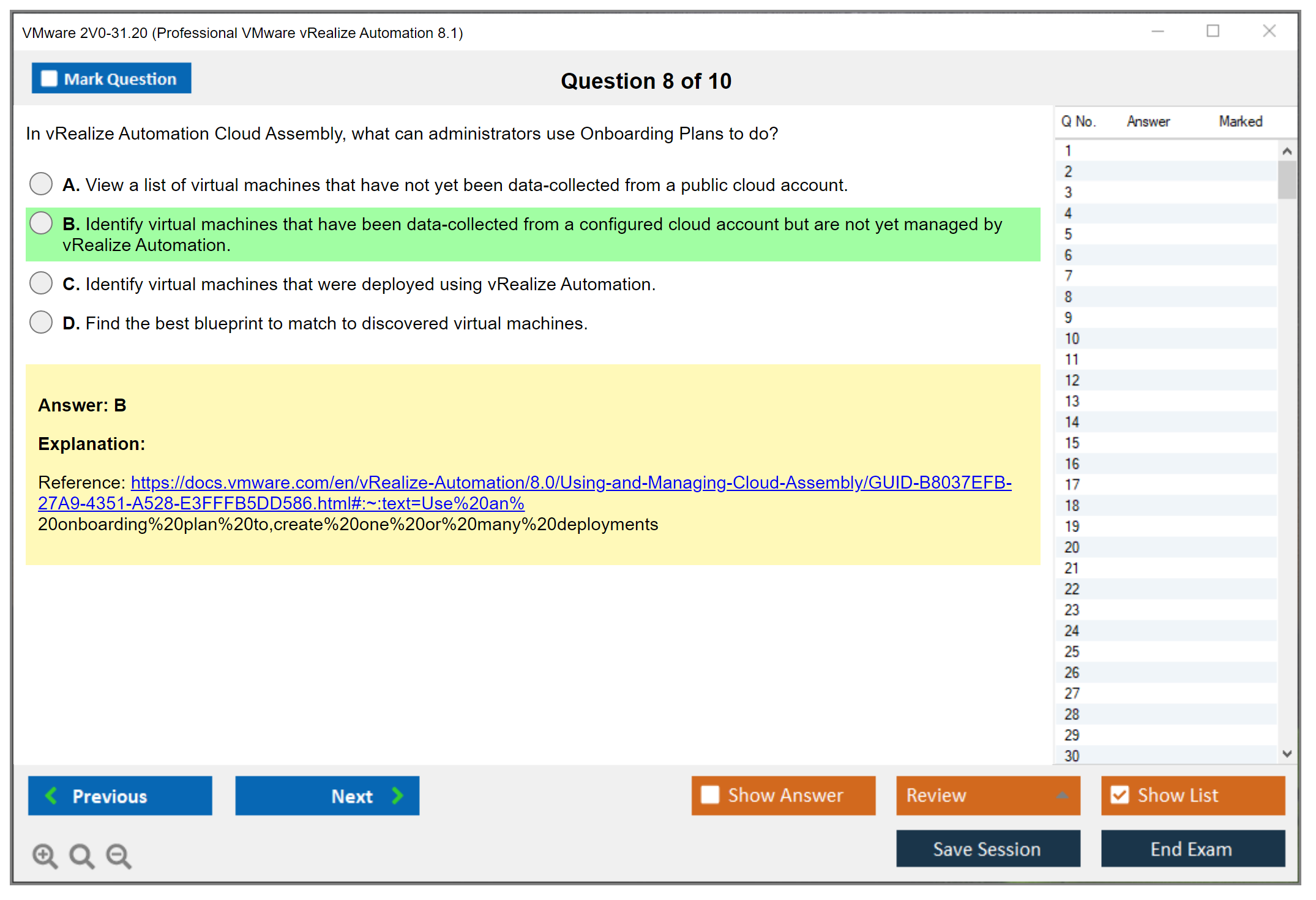
Scenario-based questions are where practical experience separates people who've really worked with vRealize Automation 8.1 from those who just memorized documentation word-for-word. You'll get a paragraph describing a business requirement or technical challenge, maybe including current environment details, and you need selecting the appropriate solution. These questions test whether you can actually apply vRA 8.1 features to real-world situations rather than just regurgitate definitions.
There aren't hands-on lab components in the 2V0-31.20 exam itself. You're not logging into a live vRA environment to configure Cloud Assembly projects or create Service Broker catalog items. But honestly, you absolutely need hands-on experience answering those scenario questions effectively because they're testing practical application knowledge.
Working through the exam interface
The exam interface lets you mark questions for review, which I use constantly. When I hit a brutal scenario question that'll take serious thought, I'll make my best guess, mark it, and circle back if time permits. You can move forward and backward through questions freely. Before final submission you get a chance reviewing all your answers.
There's a calculator available within the interface if you need it for capacity planning or sizing calculations. Some questions about vRA resource allocation or scaling might require basic math.
Reference materials? Nope. Zero external documentation, notes, or resources are permitted during the exam. Everything needs coming from your brain and your experience.
Choosing your delivery method
You've got two options for taking the VMware 2V0-31.20 exam: test center proctoring through Pearson VUE or online proctored delivery. Both are legit. Both count exactly the same toward your Professional VMware vRealize Automation 8.1 certification.
Test centers offer controlled environments. You show up at a Pearson VUE location, they verify your ID, scan your palm or take your photo, and lock you in a quiet room with a computer. They provide scratch paper and a pencil for notes. The benefit? No technical issues, no worrying about your internet connection dropping, no stress about your home environment meeting requirements.
Online proctored exams let you take the test from home or your office. The flexibility is amazing. You can schedule for 10 PM if that's when you're sharpest, I mean why not? No commute to a testing center. This option has grown massively popular, especially since 2020 obviously.
Online proctoring requirements and realities
If you go the online route, you need a private room where you won't be interrupted. Your workspace must be completely clean. No papers, no phones, no second monitors visible anywhere. You need a functioning webcam and microphone because a live proctor watches you the entire time. Your internet connection better be stable because disconnections can cause serious problems.
The proctor can see you via webcam throughout the exam. They communicate through chat if they need telling you something (like "remove that coffee cup from your desk"). They're strict about policy enforcement. Seriously strict. Looking away from the screen too much? They'll warn you. Someone walks into the room? Test could be terminated right there.
Technical issues do happen with online exams, unfortunately. Pearson VUE has support resources if your exam won't launch or you lose connection, and there are procedures for documenting incidents. But honestly, it's stressful when tech problems arise during a timed exam you paid good money for. Like really stressful.
Security measures across both formats
VMware and Pearson VUE take exam security seriously regardless of delivery method. ID verification happens before you start. For online exams, you'll do an environmental scan showing your proctor all four walls of your room, your desk from underneath, even behind your monitor. The whole nine yards.
Continuous monitoring ensures nobody's feeding you answers or looking at prohibited materials.
At test centers, security is physical. They watch you through cameras and sometimes through windows. You can't bring anything into the testing room, period.
Break policy and final thoughts
The 2V0-31.20 exam typically doesn't include scheduled breaks. If you leave during the exam, even for a bathroom emergency, the clock keeps running and you might forfeit the whole thing depending on testing center policies. Budget those 135 minutes carefully, plan ahead.
When you pass, that result contributes directly toward earning your Professional VMware vRealize Automation 8.1 certification credential. The certification validates your ability to install, configure, and administer vRA 8.1 environments. Skills that are relevant for cloud automation roles across many organizations.
If you're looking for additional preparation beyond official VMware training, the 2V0-31.20 Practice Exam Questions Pack offers scenario-based questions at $36.99 that mirror the actual exam format. Practice tests help you identify weak areas before test day.
The 2V0-31.20 fits nicely into VMware's cloud management certification track, especially if you're also pursuing credentials like 2V0-33.22 VMware Cloud Professional or the newer 2V0-31.21 for vRealize Automation 8.3. Many people also pair automation skills with virtualization fundamentals from 2V0-21.20 Professional VMware vSphere 7.x.
2V0-31.20 Difficulty Level Analysis and Preparation Timeline
What this certification actually proves
The VMware 2V0-31.20 exam is an intermediate-to-advanced test, and honestly, I mean that in the practical, day-to-day way, not in the "read a book and you're fine" way. It's built around vRealize Automation 8.1 as it's actually used: onboarding clouds, wiring up Cloud Assembly, publishing to Service Broker, and then dealing with the mess when something fails at deploy time.
Who should take it? vRA admins. Cloud automation folks. People chasing VMware VCP-Cloud Management and Automation who already touch automation pipelines and understand why governance exists. If you've only watched videos and never built a working catalog item end-to-end, this exam can feel rude.
Who should sit for it (and who shouldn't yet)
Look, if you've got 6+ months doing vRA 8.1 deployment and configuration at work, you're in the right neighborhood. If you're a vSphere admin who's strong on clusters, networks, storage, and identity basics, you can get there. But you'll need time to adjust to the vRA 8.x cloud-native model and the way it thinks about projects, zones, and templates.
Total newcomers to VMware can pass too. But you're signing up for a longer ramp. You're learning vSphere and automation concepts while also learning the vRA UI and its "why is this setting here" logic.
Exam cost, booking, and retakes
People ask: How much does the VMware 2V0-31.20 exam cost? VMware pricing changes by region and program, so don't trust random blog numbers forever. The right move is checking the official exam page right before you book. Still, it's fair to call out that 2V0-31.20 exam cost can sting if you're self-funding, which is why I'm a fan of doing enough lab time to avoid the "hope and pray" first attempt.
Registration is through VMware's certification portal and their testing partner scheduling. You'll usually have online proctoring and test-center options depending on location. Retake rules can change, so check the current policy before you book attempt one. Especially if you're planning a quick turnaround.
One more thing. If your prep plan relies on rescheduling twice, that's not a plan, that's anxiety with a calendar invite.
Passing score and what the format feels like
Another common question: What is the passing score for 2V0-31.20? VMware uses scaled scoring on many exams, and the 2V0-31.20 passing score details can vary by version and exam form, so you should confirm it on the official exam guide. The thing is, the score number matters less than what the questions feel like. They're scenario-heavy. Product-specific. Full of "what would you do next" choices where two options sound plausible if you've only read docs.
Expect the usual mix. Time pressure is real if you second-guess. Prior VMware exam experience helps a lot because you already know how VMware words things and how they like to test operational judgment.
How hard it is (and why people disagree)
People also ask directly: How hard is the 2V0-31.20 vRealize Automation 8.1 exam? The honest answer is that difficulty depends on how many times you've actually built and fixed things in vRA. As a baseline, I'd position the VMware 2V0-31.20 exam as intermediate-to-advanced. The breadth is wide. The depth gets real once you hit templates, mappings, policies, extensibility, and troubleshooting.
Compared to other VMware professional-level certs, this one feels less like "memorize vSphere features" and more like "can you operate a platform made of moving parts that sometimes fail in weird ways." If you've done other VMware pro exams, you'll recognize the style, but vRA adds extra layers: cloud accounts, integrations, governance, and the Kubernetes-based underpinnings. Practical experience changes everything. Folks who live in vRA daily often call it fair. Folks who only labbed a little often call it brutal.
Pass rate? VMware doesn't publish official stats, so anyone claiming a precise percentage is guessing. Anecdotally, people who follow the 2V0-31.20 exam objectives, lab what they read, and take a realistic number of practice questions tend to do fine. Rushed prep is what kills attempts.
What makes it difficult in real life
Breadth is the first punch. vRA 8.1 spans architecture, onboarding, governance, design, catalog publishing, extensibility, and operations. Depth is the second punch. The exam doesn't stop at definitions, it pushes into "how do these parts interact when a deployment fails" territory.
Scenario complexity is the third punch. You'll see questions where you have to infer what's wrong from symptoms. Authentication breaks. A cloud template deploys but can't attach a network. A project can't see a catalog item. That's not trivia, that's Tuesday.
Hands-on versus theory matters a lot here. You can read a 2V0-31.20 study guide and still get wrecked if you've never built a vRealize Automation 8.1 blueprint with mappings that actually match your cloud zone resources. You need both: theory so you know what the knobs do, and hands-on so you know which knob matters. Sort of like knowing that cardamom exists versus knowing how much to put in chai without ruining the whole batch.
The challenge areas people keep tripping over
Cloud Assembly blueprint development is a repeat offender. So is Service Broker policy work. Extensibility features also trip people because they sound simple until you're staring at an event subscription that fires but doesn't do what you expected.
Blueprint design and troubleshooting? Especially nasty. Cloud templates look clean until you deal with resource constraints, storage profile mismatches, network selection, and the reality that inputs, constraints, and mappings have to line up across projects and zones. One wrong assumption and you get a deployment failure that looks like "something something allocation" with zero empathy.
Cloud Assembly complexity also stacks up fast: projects, cloud zones, flavor mappings, image mappings, network profiles, storage profiles. Each piece is easy alone. Together, they become a chain. The exam loves testing the chain, not the individual link.
Service Broker has its own weirdness. Catalog management, sharing content across projects, custom forms, approval policies, lease management. Half the battle is remembering what lives where in the UI and what's enforced at request time versus deploy time. That mental model matters.
Extensibility is the "you either did it or you didn't" section. ABX actions, event subscriptions, workflows, integrating with external systems. If you've never wired an action to an event and validated inputs and outputs, you're guessing. Guessing is expensive on exam day.
Troubleshooting shows up everywhere. Deployment failures. Authentication issues. Resource allocation problems. Integration errors with endpoints. You need to think like an operator, not like a student.
Architecture and identity knowledge you can't fake
vRA 8.1 is Kubernetes-based, microservices-heavy, and that shift from vRA 7.x is a version-specific challenge that still messes with experienced older-platform admins. The exam expects you to understand components and how HA is approached, plus what "cloud-native" means for upgrades, services, and troubleshooting boundaries.
Identity and access management? Another spot where people stumble. Authentication methods, directory integration, role-based access control, multi-tenancy. You don't have to be an IAM wizard. But you do need to know how vRA thinks about users, orgs/projects, and entitlements, and where governance policies actually apply.
How long to study (real timelines)
If you have 6+ months hands-on vRA 8.1 experience, 2 to 4 weeks of focused exam prep is usually enough. That's brushing up weak spots, mapping your knowledge to the 2V0-31.20 exam objectives, and drilling scenario questions.
If you're a vSphere admin new to vRA, plan 6 to 8 weeks. You're learning product flow and building the muscle memory: onboarding cloud accounts, creating zones, building templates, publishing catalog items, and setting policies that don't block everything.
If you're new to VMware? 10 to 12 weeks is more realistic. You need baseline vSphere, networking concepts, identity basics, and a feel for infrastructure automation before vRA clicks.
Intensive versus spread-out prep depends on your life. Daily study works if you can do 60 to 90 minutes most days and a longer lab session on weekends. Weekend-only can work too, but you need consistency. vRA knowledge decays fast if you don't touch the UI for two weeks.
Hands-on lab time. Aim for 40 to 60 hours of real configuration time. Not reading. Not watching. Actually building: cloud accounts, projects, cloud zones, mappings, templates, Service Broker items, approvals, and at least one extensibility flow. That lab time is what turns the exam from scary to manageable.
Prep resources that actually help
Docs matter, but don't read everything. Focus on install/config/operate sections that map to the blueprint. Training videos help when you're new. Practice questions help when you're close to being ready, I mean actually ready.
On practice exams, use them to diagnose weak areas, not to feel good. If you want a quick bank to pressure-test readiness, the 2V0-31.20 Practice Exam Questions Pack is a handy option, and the $36.99 price is cheaper than a retake. Use something like that after you've labbed, not before. Otherwise you're memorizing shapes instead of learning the system.
Red flags, confidence signs, and what to do if you misjudged it
Red flags: you can't create a working template without copying one. You're confused about core vRA 8.1 components. You don't know where Cloud Assembly stops and Service Broker starts. Another big one is not understanding how mappings affect placement. That's exam pain waiting to happen.
Confidence indicators: you've done multi-cloud deployments, you can troubleshoot a failed deployment without randomly clicking around, and you're scoring well on 2V0-31.20 practice tests while explaining why the wrong answers are wrong. If you're there, you're probably ready. If you're not, extend the plan and add lab hours, then reschedule. No shame. I've done it.
Also, don't ignore renewal. People ask about VMware vRealize Automation 8.1 exam renewal and VMware certification recertification policy stuff after they pass, but it's worth knowing early so you can plan your next step without panic. And yeah, if you want a final checkpoint right before booking, the 2V0-31.20 Practice Exam Questions Pack can be a decent "am I actually ready" gut check.
Full 2V0-31.20 Exam Objectives and Blueprint Breakdown
Understanding what you're actually getting tested on
Look, the 2V0-31.20 exam objectives aren't just some vague list VMware threw together. The official blueprint is your roadmap, and honestly, ignoring it is how people fail. This exam tests your ability to work with vRealize Automation 8.1 across multiple domains, and each one carries different weight. You've got architecture understanding (maybe 15-20% of questions), installation and configuration (probably 25-30%), administration tasks (another 25-30%), and troubleshooting scenarios (15-20%). I'm estimating here because VMware doesn't publish exact percentages, but after talking to folks who've taken it, these ranges feel right.
The blueprint breaks down into seven major sections. Architecture and core components, installation procedures, identity and governance, Cloud Assembly configuration, Service Broker management, extensibility and automation, plus troubleshooting. Not all sections are equal though. You'll see way more questions about Cloud Assembly and Service Broker than you will about initial installation. Makes sense when you think about it. Installation happens once, but you're configuring projects and cloud zones constantly.
The architecture stuff you need to internalize
Here's where things get interesting compared to older vRA versions. vRealize Automation 8.1 architecture is completely rebuilt on Kubernetes. I mean completely. If you're coming from vRA 7.x, forget what you know about the appliance architecture. It's all containerized microservices now, running on embedded Kubernetes clusters. The exam will test whether you understand this fundamental shift and what it means for scalability, high availability, and deployment models.
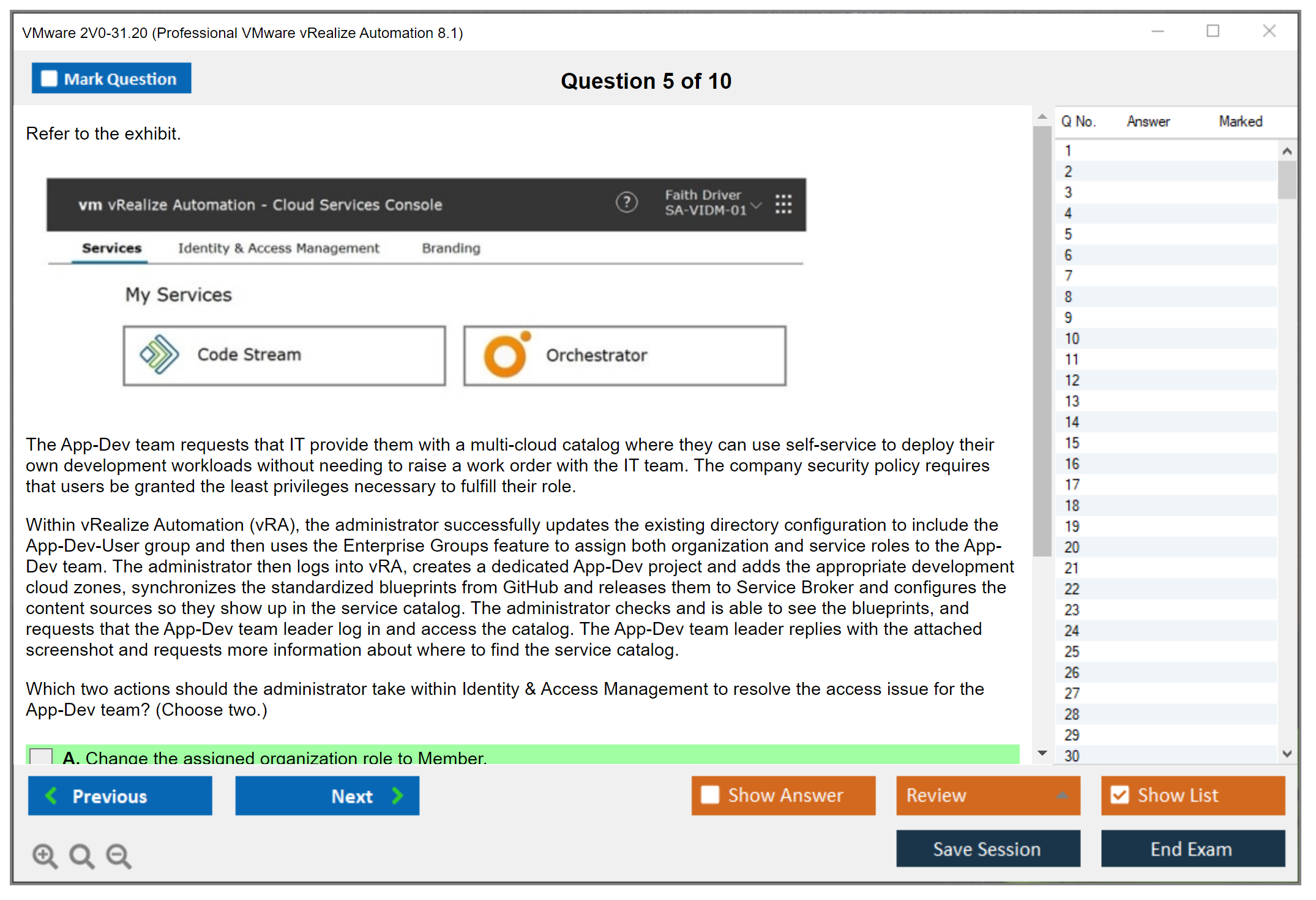
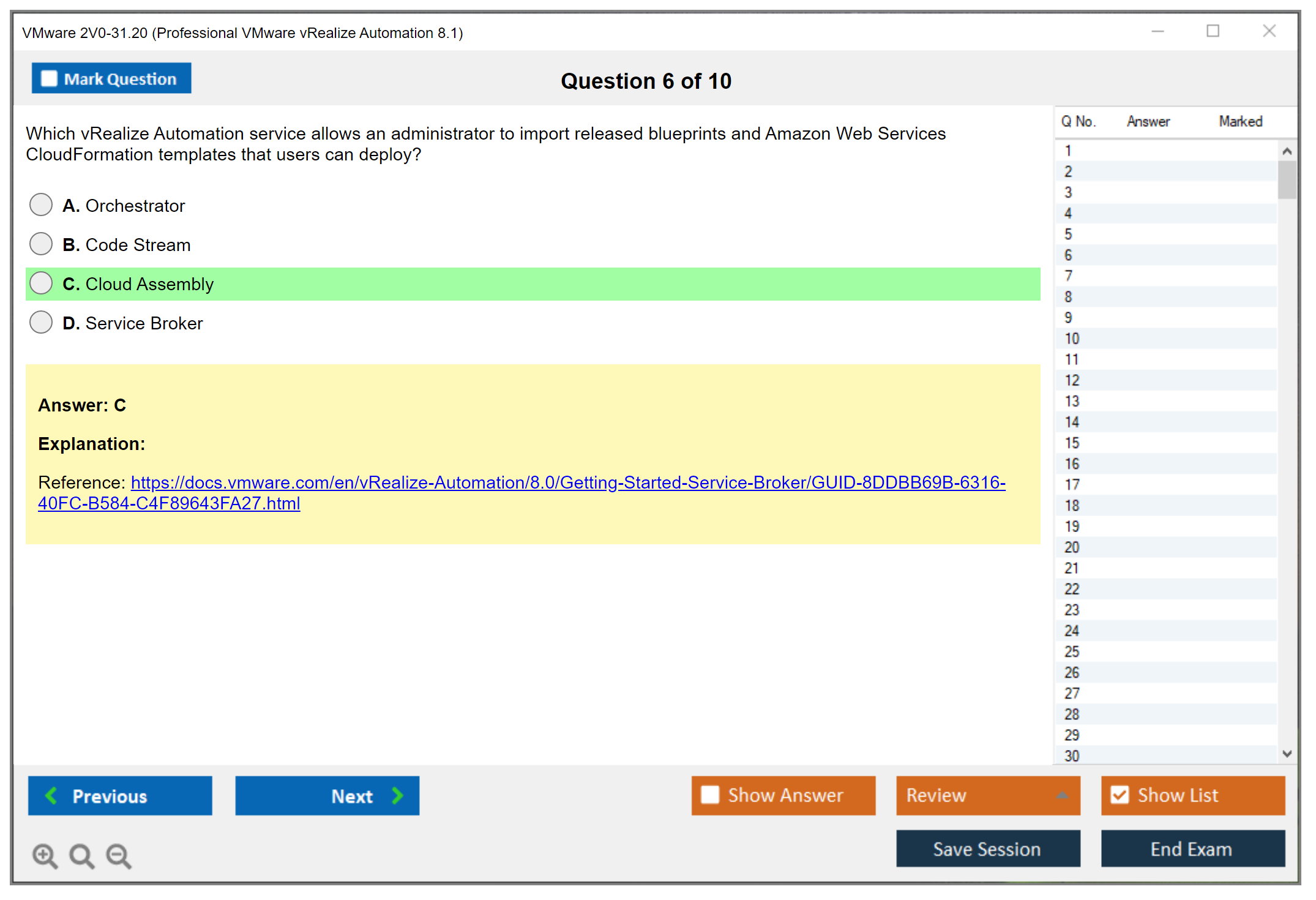
You need to know the core vRA 8.1 components and how they interact. Cloud Assembly is where you design infrastructure-as-code using YAML blueprints. Service Broker is the consumer-facing catalog where users request stuff. Code Stream handles CI/CD pipelines. Orchestrator integration brings in workflow capabilities. These aren't just buzzwords. You need to explain how a user request flows from Service Broker through Cloud Assembly, hits the appropriate cloud endpoint, triggers event subscriptions, maybe calls an ABX action or vRO workflow, and returns a deployed resource.
The vRA Cloud Assembly and Service Broker relationship trips people up. Cloud Assembly is the technical layer where admins build templates and configure cloud accounts. Service Broker is the business layer where you create catalog items, apply policies, manage approvals, and control what users see. They're separate but deeply connected. A cloud template in Cloud Assembly becomes a catalog item in Service Broker, but only after you publish it and create appropriate entitlements.
Multi-cloud capabilities you'll definitely see questions about
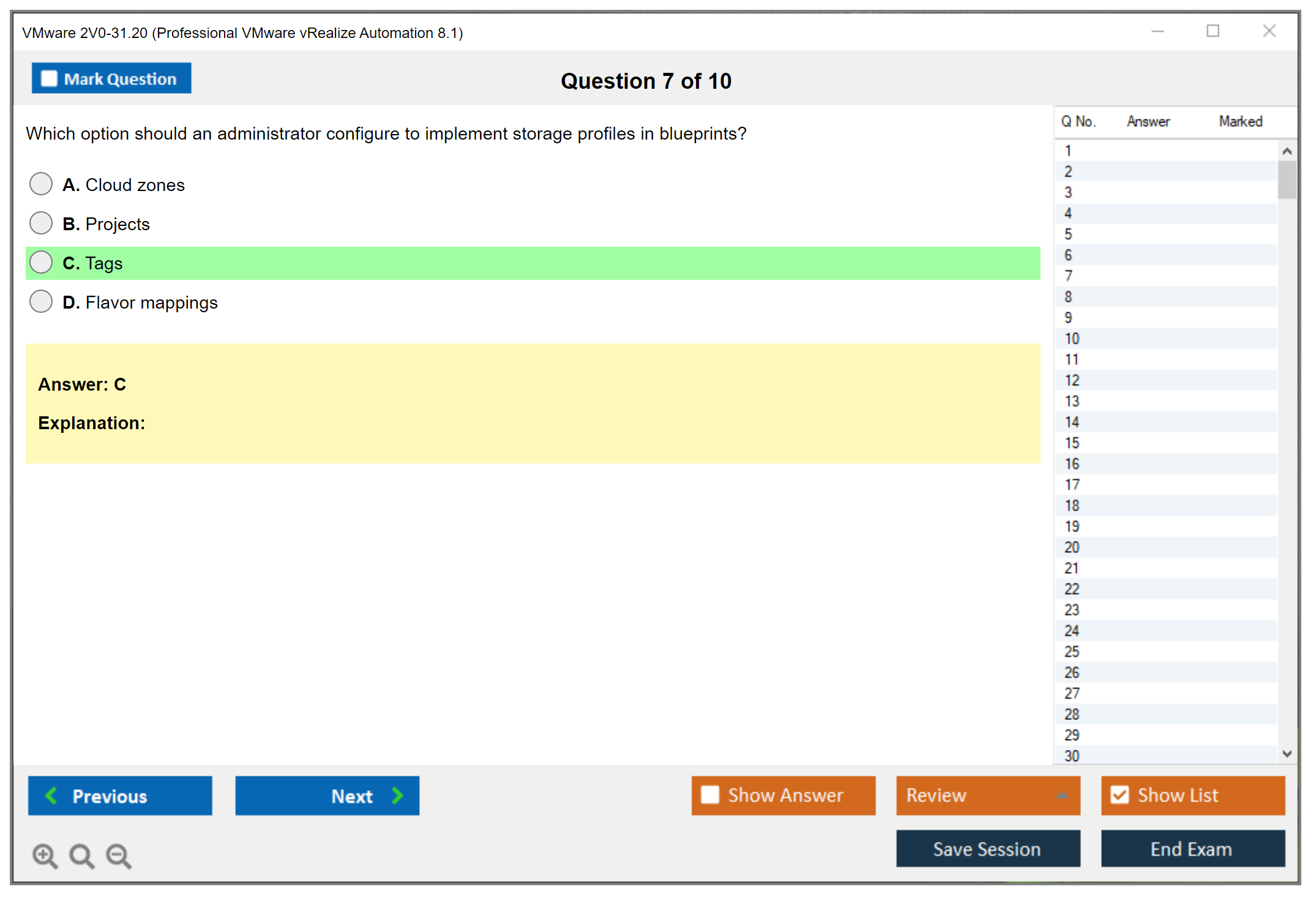
Multi-cloud architecture is a huge focus. vRA 8.1 supports vSphere, NSX-T, AWS, Azure, Google Cloud, and more through a unified framework. The exam tests whether you can configure cloud accounts for different providers, create cloud zones that group resources logically, and set up flavor mappings and image mappings that work across clouds. Here's what's tricky: each cloud has different capabilities, so your blueprints need constraint tags and capability tags to ensure proper placement.
For example, you might have a blueprint that deploys to either AWS or vSphere depending on cost tags. The exam could give you a scenario where deployments are landing in the wrong cloud, and you need to identify whether it's a cloud zone configuration issue, a tag mismatch, or a project constraint problem. Understanding tag-based placement isn't optional. It's fundamental to how vRA 8.1 works.
High availability and scalability design principles matter for enterprise deployments. The embedded Kubernetes architecture means you can scale components independently by adding nodes to the cluster. The exam might ask about sizing considerations, how many nodes you need for different scale targets, or what happens when a node fails. Network load balancers in front of vRA ensure traffic distribution and failover.
Installation and deployment knowledge requirements
The vRA 8.1 deployment and configuration section covers both easy installer and advanced deployment options. Easy installer is great for POCs: single OVA, limited customization. Advanced deployment gives you control over cluster sizing, external load balancers, and HA configurations. You need to know installation prerequisites like vSphere version requirements, network port requirements, DNS resolution needs, and NTP synchronization. Certificate requirements are huge. The exam loves certificate questions.
Sizing considerations depend on concurrent users, deployment frequency, and total managed resources. VMware provides sizing guidelines, but the exam tests whether you understand the factors. A hundred concurrent users doing occasional deployments needs way different sizing than ten thousand users with constant provisioning activity.
Deployment validation steps ensure everything's working before you hand it over. Can you access the console? Are all services showing healthy? Do cloud accounts authenticate? Can you deploy a simple test blueprint? The exam might present a scenario where deployment seems successful but something's broken, and you need to identify the validation step that would've caught it.
Post-deployment configuration that actually matters
Post-installation configuration tasks are heavily tested. You're adding licenses, configuring identity sources, creating organizations, importing users and groups, setting up your first projects, and connecting cloud accounts. The order matters sometimes. You can't create a project without an organization, can't assign users without importing them first.
Certificate management for production deployments means replacing default self-signed certificates with trusted certificates from your CA. The exam might ask about the process, what breaks if certificates expire, or how to troubleshoot certificate trust issues between vRA components and integrated products like vROps or vRLI.
Identity source configuration integrating Active Directory or VMware Identity Manager is fundamental. Local users exist for initial setup, but production environments use enterprise directories. You need to know authentication architecture options, how to configure LDAP or AD integration, and what happens with nested groups.
Administration and governance that shows up everywhere
Role-based access control implementation is massive. Organization Owner, Organization Member, Service Broker Administrator, Cloud Assembly Administrator, Cloud Assembly User: each role has specific capabilities. The exam tests whether you know which role can do what. Custom roles let you create specialized access beyond built-in roles, combining specific permissions for unique requirements.
Project configuration creates resource containers with associated users, cloud zones, and constraints. Projects are central to vRA 8.1. They define who can deploy what and where. Understanding project boundaries, how users get assigned, and how provisioning constraints work is critical. If you're also studying for Professional VMware vRealize Automation 8.3, you'll notice projects work similarly there.
Approval policies and lease policies provide governance. Approval policies can require manager approval for expensive resources, have multiple approval levels, or trigger based on conditions like cost thresholds. Lease policies control resource lifecycle: how long deployments last before expiration, whether they auto-archive or delete, and what grace periods apply.
Cloud Assembly configuration depth you need
Cloud accounts configuration connects infrastructure providers. For vSphere, you're providing vCenter credentials, selecting which compute clusters to manage, and optionally integrating NSX-T for network automation. For AWS, you're providing access keys and selecting regions. Each cloud account type has specific requirements the exam expects you to know.
Cloud zones map cloud accounts to logical groupings with placement policies. You might have a vSphere cloud account with multiple clusters, creating separate cloud zones for production, development, and test environments. Capability tags on cloud zones match constraint tags in blueprints for intelligent placement.
Flavor mappings define CPU and memory configurations across clouds. A "small" flavor might be 1 vCPU and 2GB RAM, but the actual instance type differs: t2.small in AWS, Standard_B1s in Azure, or specific CPU/memory allocation in vSphere. The exam tests whether you understand mapping cloud-agnostic sizes to cloud-specific configurations.
Network profiles configuration is complex. Existing networks let you use pre-configured networks. On-demand networks create networks dynamically, requiring NSX-T integration. Security groups, load balancers, and network policies all factor in. Understanding which network profile type applies to which scenario is exam material.
Blueprint development and lifecycle management
Cloud templates using YAML-based infrastructure-as-code are the heart of Cloud Assembly. You're defining resources like Cloud.vSphere.Machine or Cloud.AWS.EC2.Instance, adding input parameters for user customization, setting constraints for placement, and establishing dependencies between resources. The exam might show you YAML and ask what's wrong with it or what it'll deploy.
vRealize Automation 8.1 blueprint design best practices include parameterization for reusability, proper constraint and capability tag usage, and resource dependencies that ensure correct provisioning order. Input parameters need appropriate data types, defaults, and validation. The exam loves testing whether you know how to make blueprints flexible and maintainable.
Blueprint versioning and lifecycle management means iterating designs, creating releases for stable versions, and potentially rolling back to previous versions if deployments fail. Understanding version control integration with Git repositories helps manage complex blueprint libraries.
Service Broker catalog and policy configuration
Catalog items creation in Service Broker takes cloud templates and makes them user-friendly. Custom forms improve the request experience with better layouts, conditional fields, and validation. Content sources aggregate items from multiple places: Cloud Assembly templates, vRO workflows, even external catalogs.
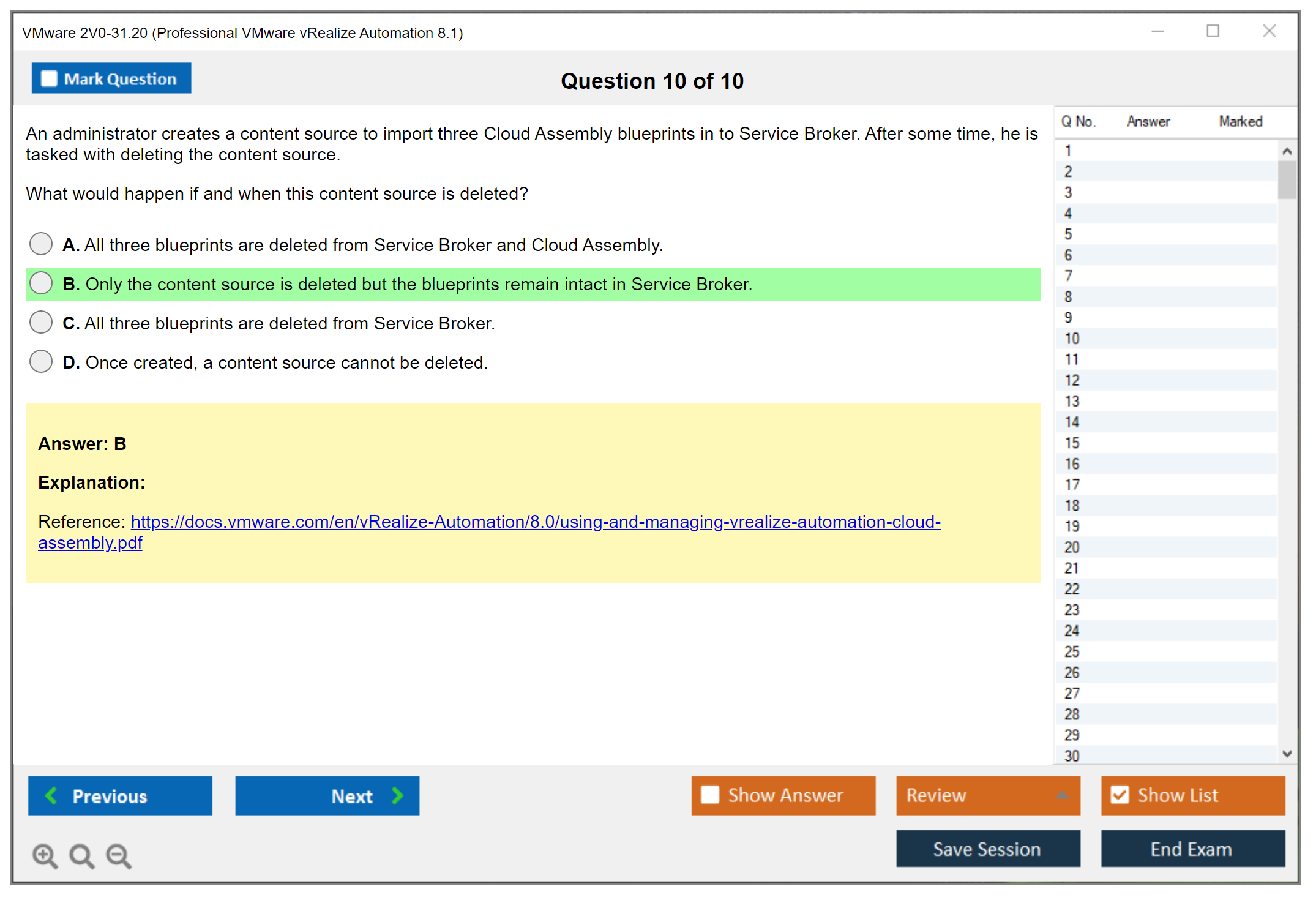
Content sharing across projects allows catalog item reuse with appropriate access controls. A database blueprint developed for one project might be shared to others, reducing duplication and ensuring consistency. Entitlements control which users or groups can request specific catalog items.
Extensibility and integration capabilities
ABX (Action Based Extensibility) development creates serverless functions in Python, Node.js, or PowerShell that extend vRA capabilities. Event subscriptions trigger these actions based on lifecycle events like compute.provision.pre or deployment.request.post. The exam tests whether you understand event topics, how to subscribe actions to events, and when to use ABX versus vRO.
vRealize Orchestrator integration uses existing workflow libraries. You can call vRO workflows from blueprints, trigger them via event subscriptions, or expose them as Service Broker catalog items. If you've worked with vSphere automation like in the Professional VMware vSphere 7.x track, you might already know vRO basics.
Integration with vRealize Suite products like vROps for monitoring, vRLI for logging, and vRNI for network visibility extends vRA capabilities in ways that are honestly pretty powerful once you see it all working together. The exam expects you to understand integration points and what each product contributes. My buddy who failed his first attempt spent way too little time on the integration scenarios, which was a mistake. Third-party integrations with ITSM tools, CMDB systems, or IPAM solutions use REST APIs, ABX actions, or vRO workflows.
Troubleshooting scenarios you'll face
Troubleshooting questions are scenario-based. A deployment fails: where do you look? Service Broker catalog items aren't appearing for users. What's misconfigured? Cloud Assembly can't authenticate to AWS. What do you check? These questions test practical knowledge, not memorization.
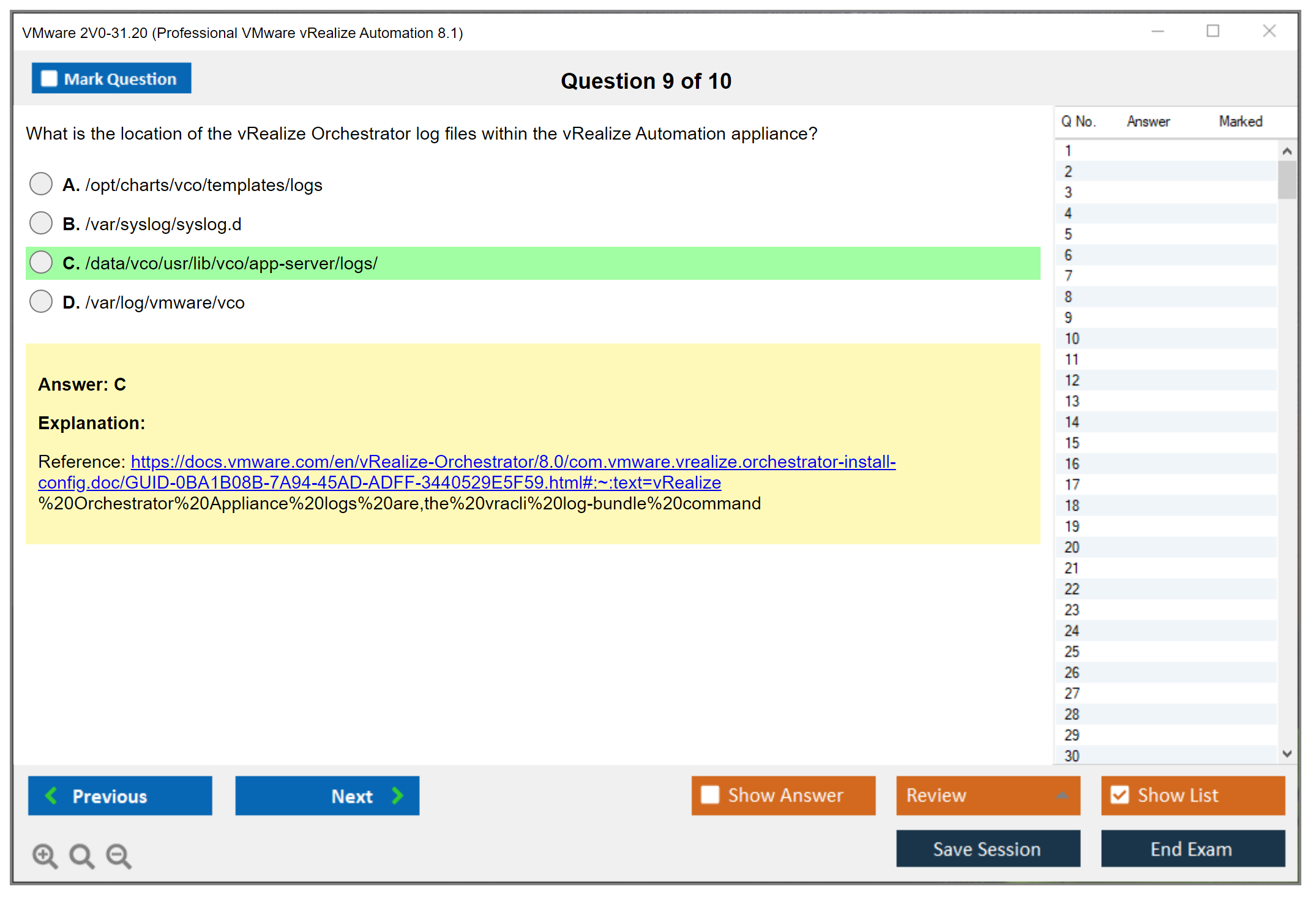
Log locations matter.
Common error messages and diagnostic procedures are testable. Understanding how to use vRLI for centralized logging helps, but you also need to know component-specific logs. The exam might describe symptoms and ask you to identify the root cause or next troubleshooting step.
Day-2 operations on deployments include power operations, resizing, adding resources, and configuration updates. These actions might fail for various reasons: insufficient permissions, resource constraints, or configuration drift. Knowing how to diagnose and resolve these issues separates people who pass from those who don't.
Conclusion
Wrapping up your 2V0-31.20 path
Look, this exam? Not a walk in the park. The thing is, you could try cold, but honestly though, why burn cash on that exam cost? The Professional VMware vRealize Automation 8.1 certification demands actual hands-on work with vRA 8.1 components: Cloud Assembly, Service Broker, the whole deployment and configuration mess. You need to understand how blueprints actually work, not just regurgitate memorized definitions.
The 2V0-31.20 passing score? It's 300 out of 500. Sounds doable until you realize VMware uses scaled scoring that accounts for question difficulty, so it's trickier than the numbers suggest. You're facing scenario-based questions testing whether you've actually configured cloud zones, managed catalog items, set up ABX actions, or troubleshot failed deployments. Theory gets you maybe 40% there. The rest? That's pure experience talking.
Honestly the biggest mistake I see is people skipping the 2V0-31.20 prerequisites part. Not the official ones (there aren't strict requirements), but the practical background you actually need. If you don't have solid vSphere knowledge, basic networking understanding, and some automation experience under your belt, you're gonna struggle hard with the 2V0-31.20 exam objectives. I'm not gonna sugarcoat this. The identity and governance sections alone trip up folks who haven't worked with LDAP integration or approval policies in a real environment, which is like.. most people preparing for this.
Your 2V0-31.20 study guide should include hands-on lab time. Period. Set up a home lab if your company doesn't have vRA 8.1 available (VMware Hands-on Labs work too, though they've got limitations). Work through actual deployments. Break stuff. Fix 'em. That's how you learn troubleshooting and lifecycle operations, which are huge chunks of the exam, by the way.
I spent maybe two weeks just messing around with extensibility actions before things clicked. Kept getting errors I didn't understand until I realized my Python syntax was garbage. Frustrating? Yeah. But that struggle taught me more than any documentation ever could.
Practice tests matter too. They show you where your knowledge gaps are before exam day smacks you in the face with them. Not gonna lie here, you need quality 2V0-31.20 practice tests that mirror the actual scenario-based format. Not just basic recall questions that make you feel smart but don't prepare you for anything.
If you're serious about passing and want practice questions that actually prepare you for what VMware throws at you, check out the 2V0-31.20 Practice Exam Questions Pack. It's built specifically for the Professional VMware vRealize Automation 8.1 certification and covers the deployment scenarios, Cloud Assembly configurations, and Service Broker topics you'll face.
The VCP-Cloud Management and Automation certification? Opens doors in cloud automation roles. Worth the effort, but only if you put in the work upfront.

