FC0-U61 Practice Exam - CompTIA IT Fundamentals+ Certification Exam
Reliable Study Materials & Testing Engine for FC0-U61 Exam Success!
Exam Code: FC0-U61
Exam Name: CompTIA IT Fundamentals+ Certification Exam
Certification Provider: CompTIA
Corresponding Certifications: CompTIA IT Fundamentals , IT Fundamentals


Free Updates PDF & Test Engine
Verified By IT Certified Experts
Guaranteed To Have Actual Exam Questions
Up-To-Date Exam Study Material
99.5% High Success Pass Rate
100% Accurate Answers
100% Money Back Guarantee
Instant Downloads
Free Fast Exam Updates
Exam Questions And Answers PDF
Best Value Available in Market
Try Demo Before You Buy
Secure Shopping Experience
FC0-U61: CompTIA IT Fundamentals+ Certification Exam Study Material and Test Engine
Last Update Check: Mar 19, 2026
Latest 213 Questions & Answers
Training Course 63 Lectures (5 Hours) - Course Overview
45-75% OFF
Hurry up! offer ends in 00 Days 00h 00m 00s
*Download the Test Player for FREE
Printable PDF & Test Engine Bundle
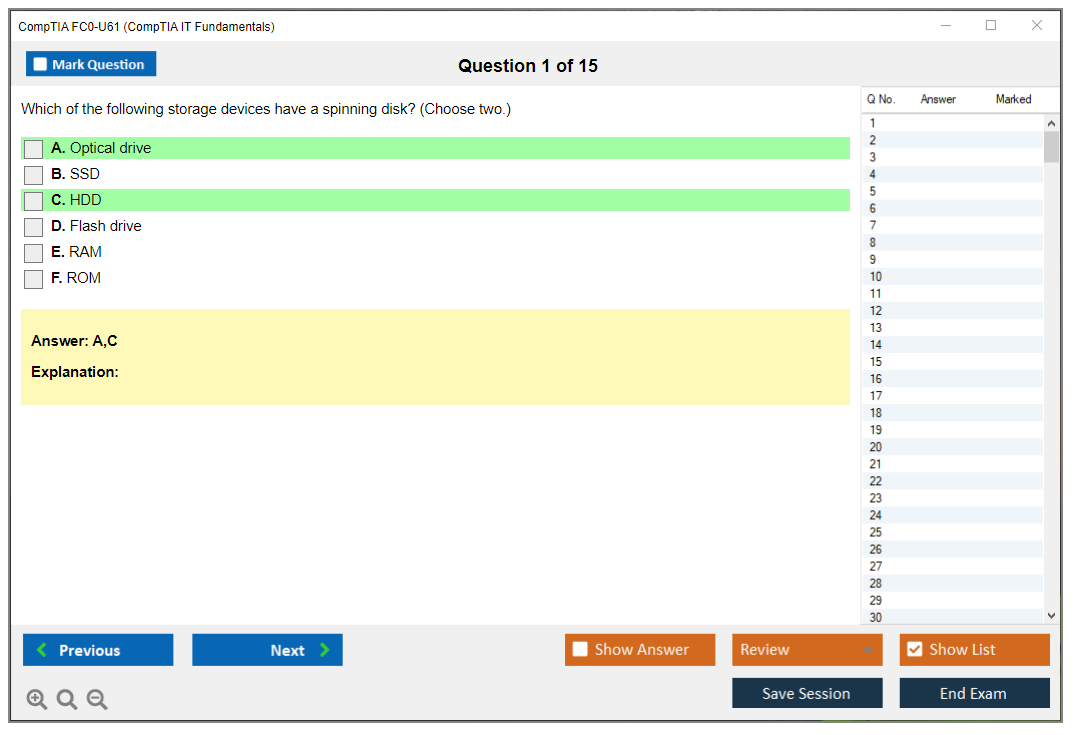
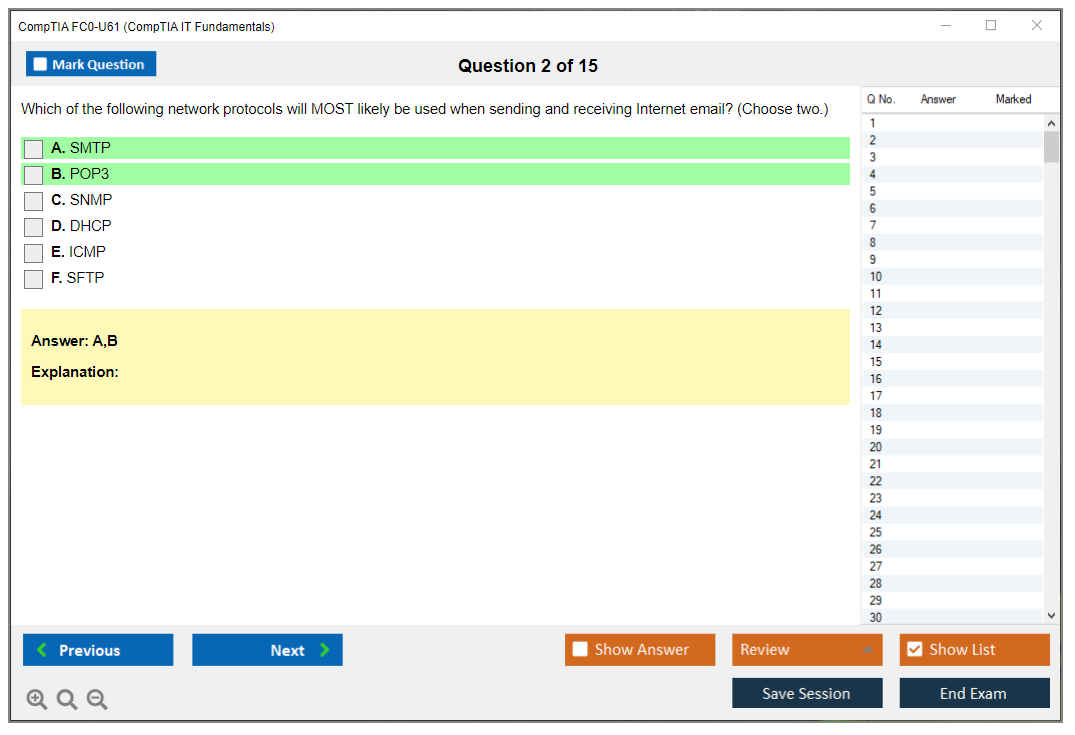
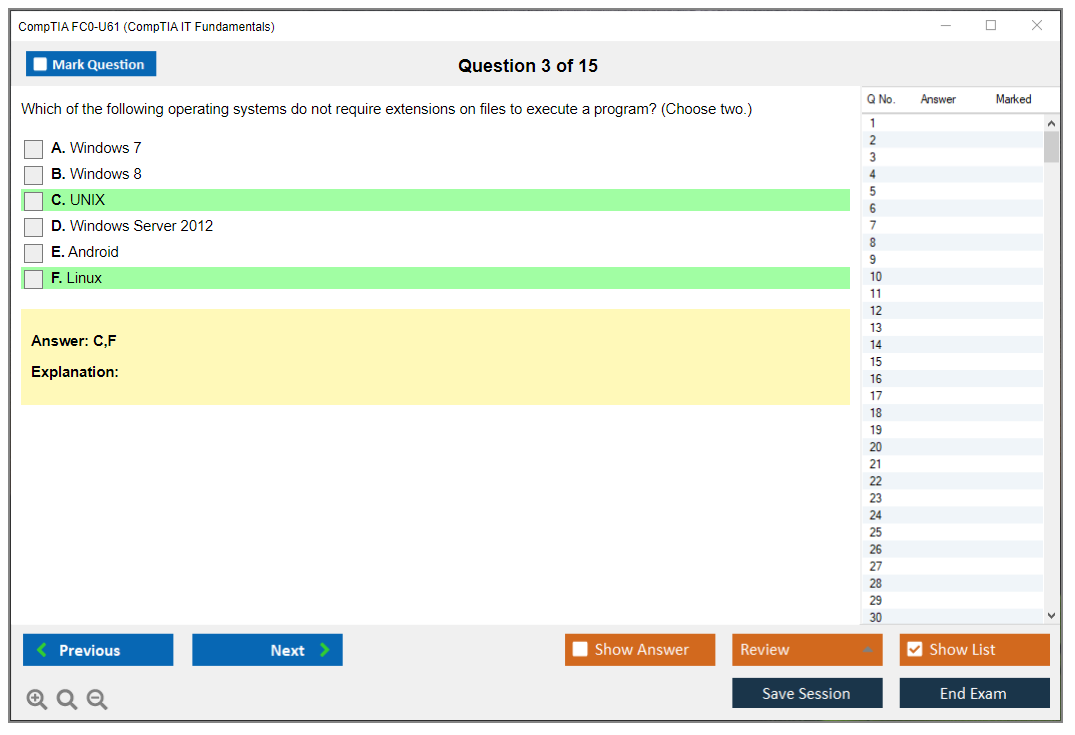
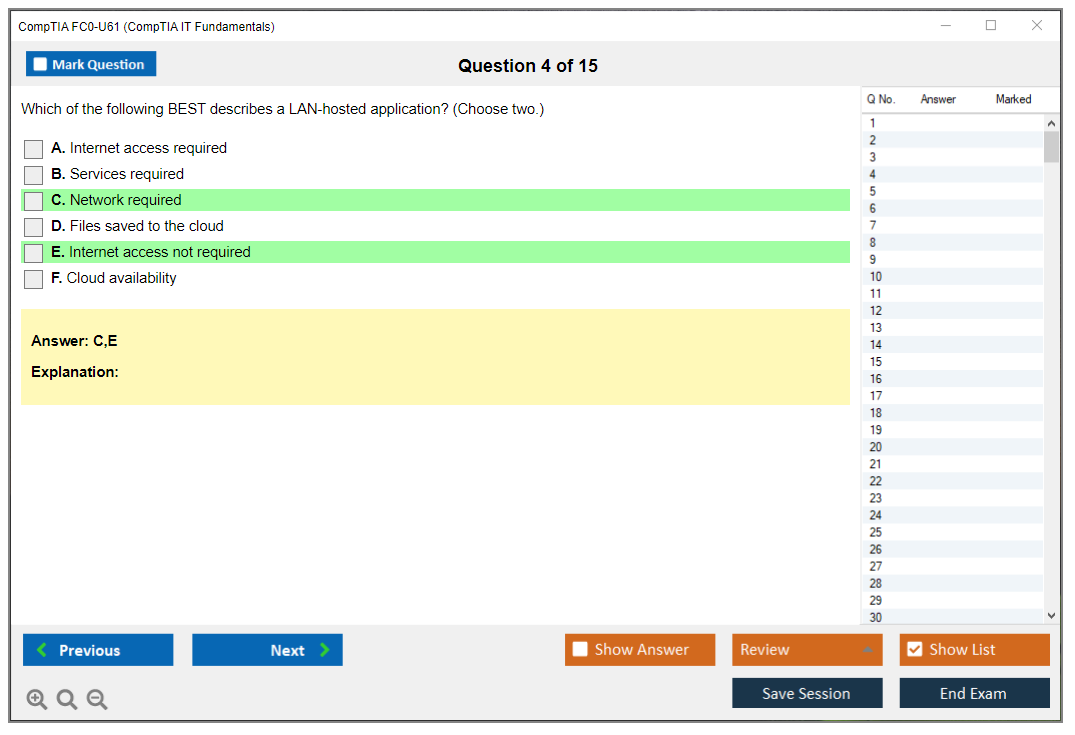
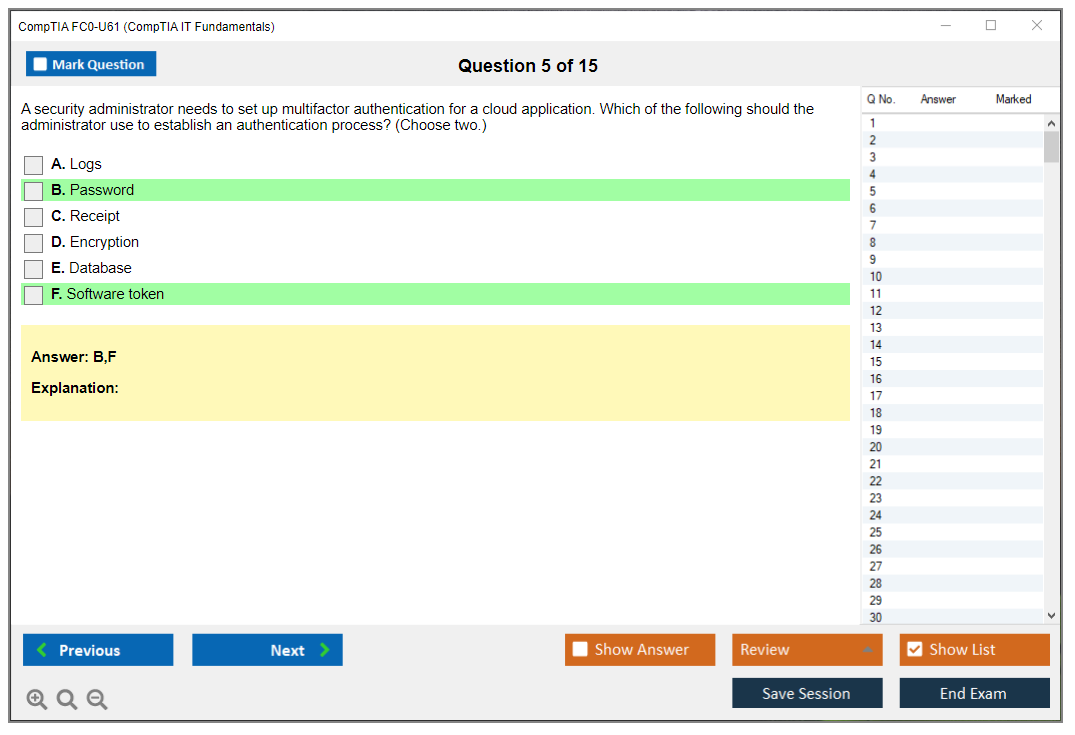
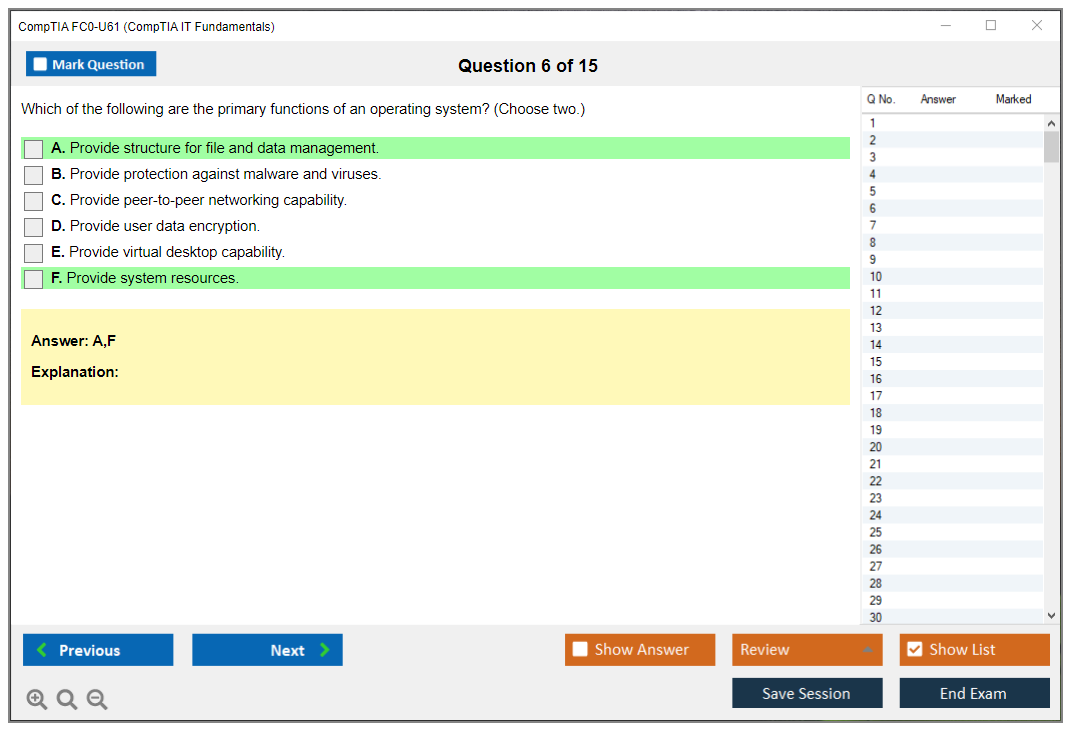
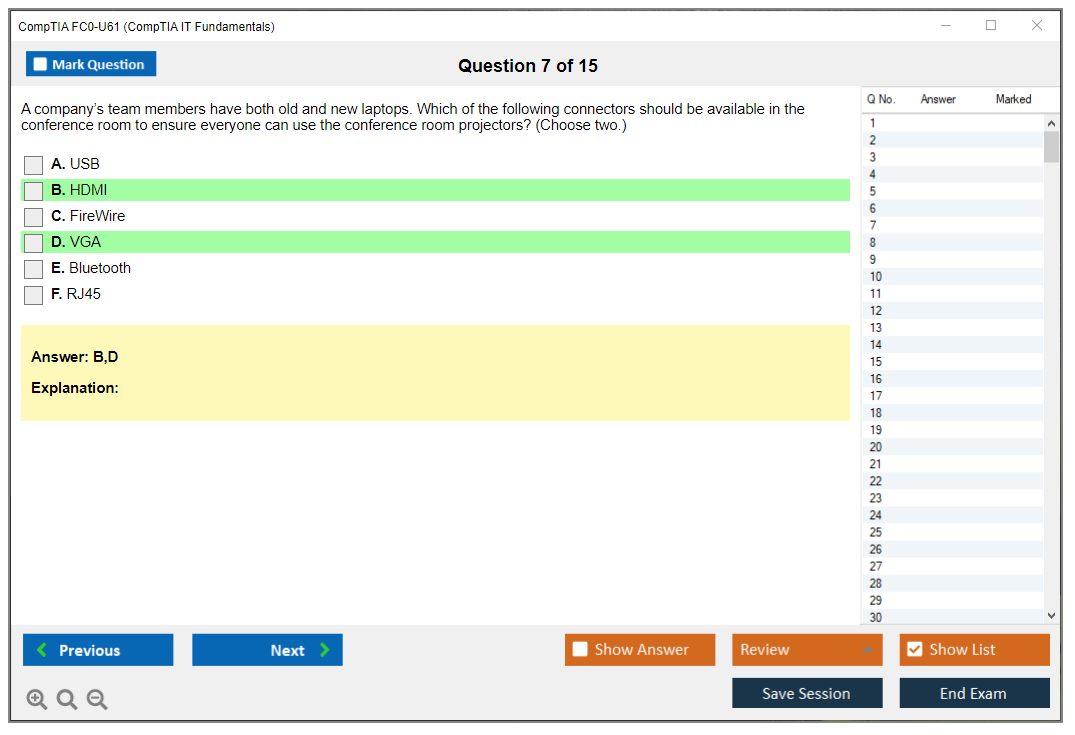
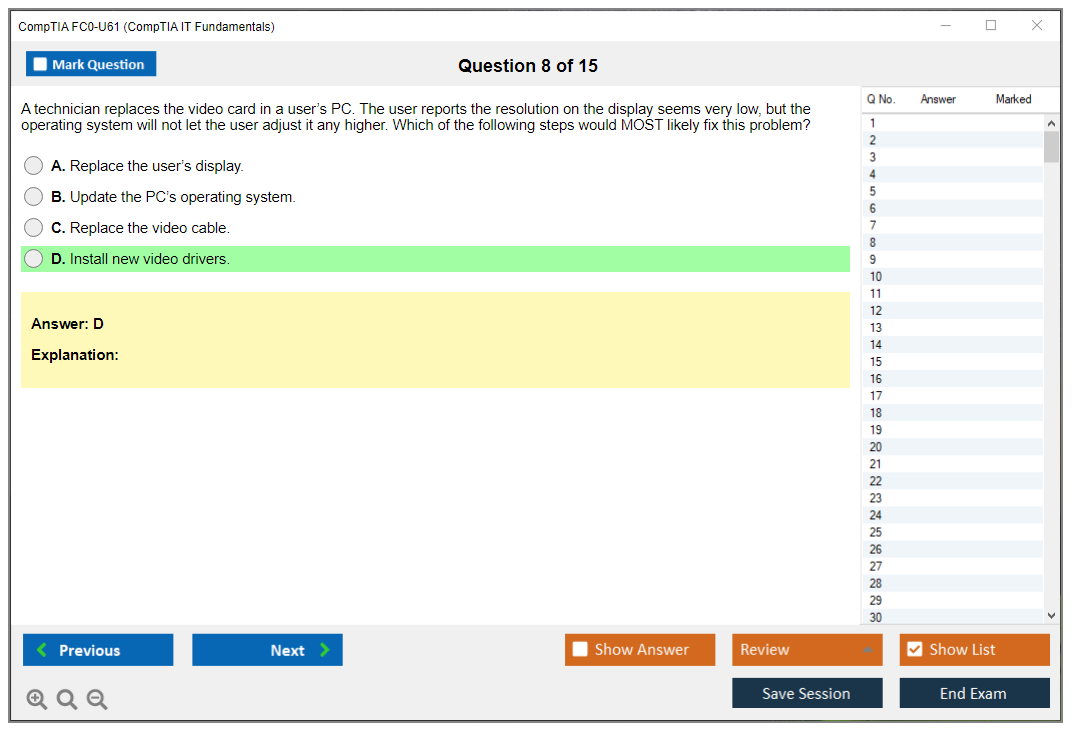
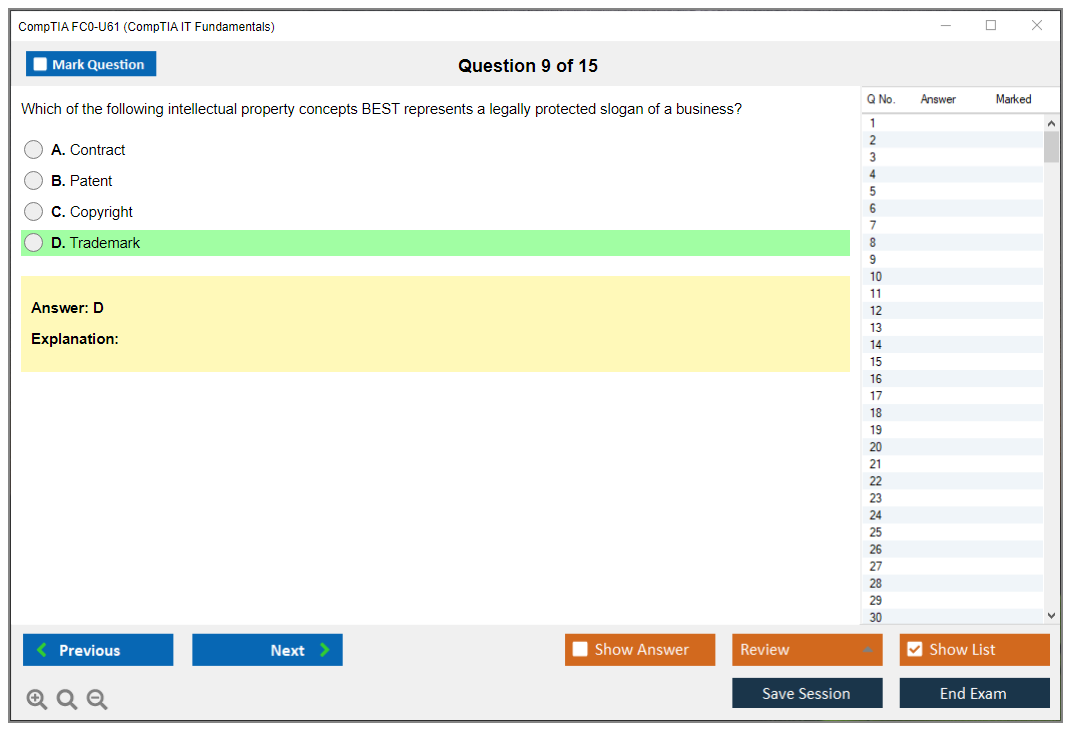
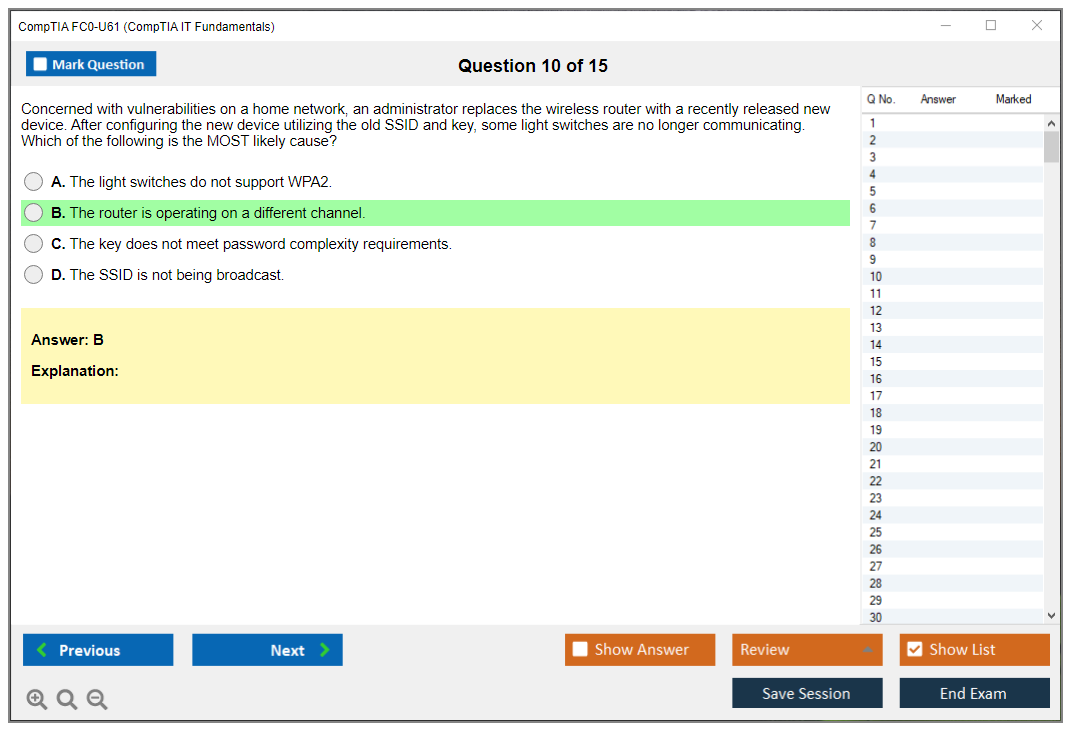
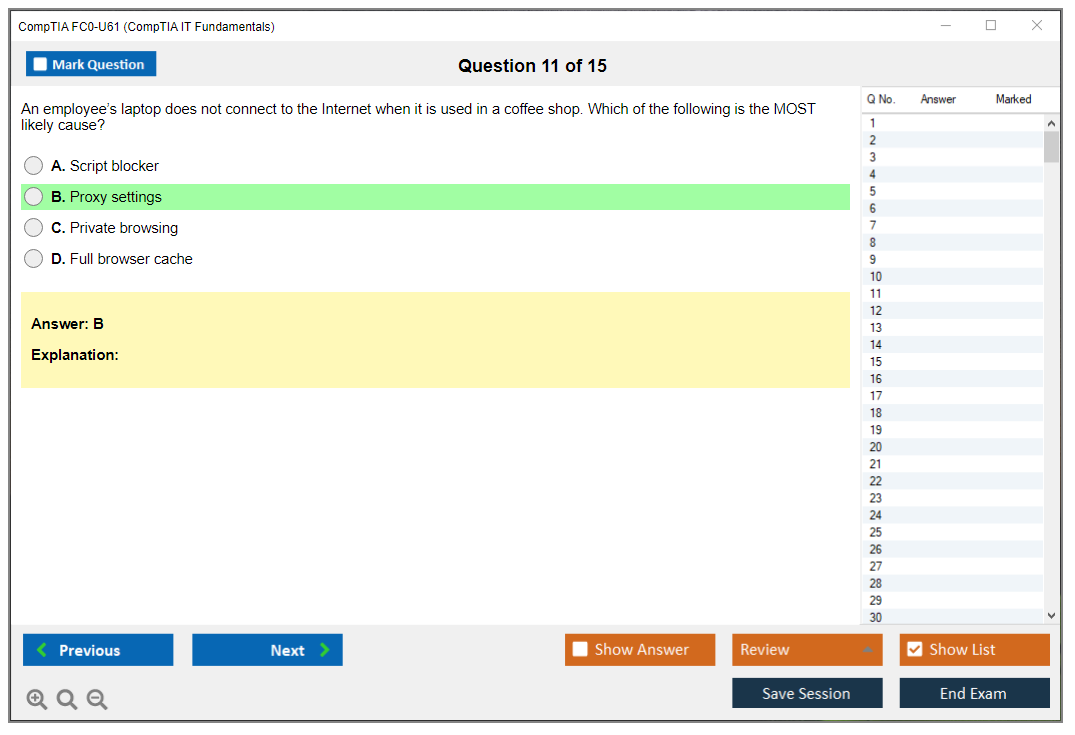
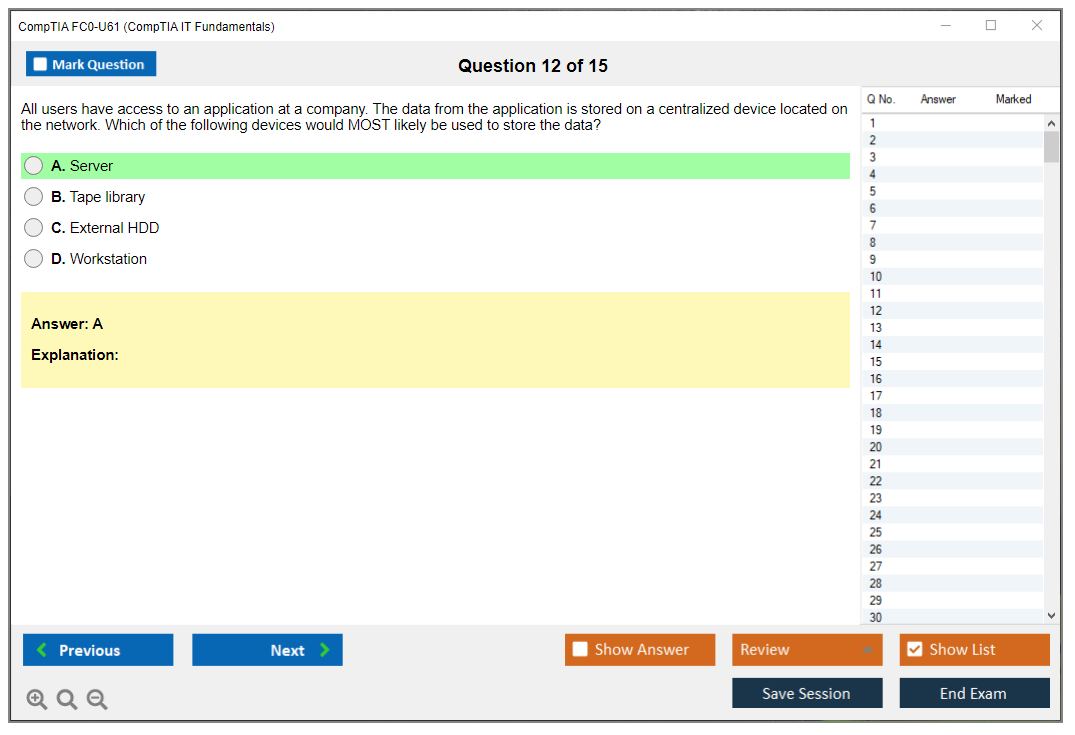
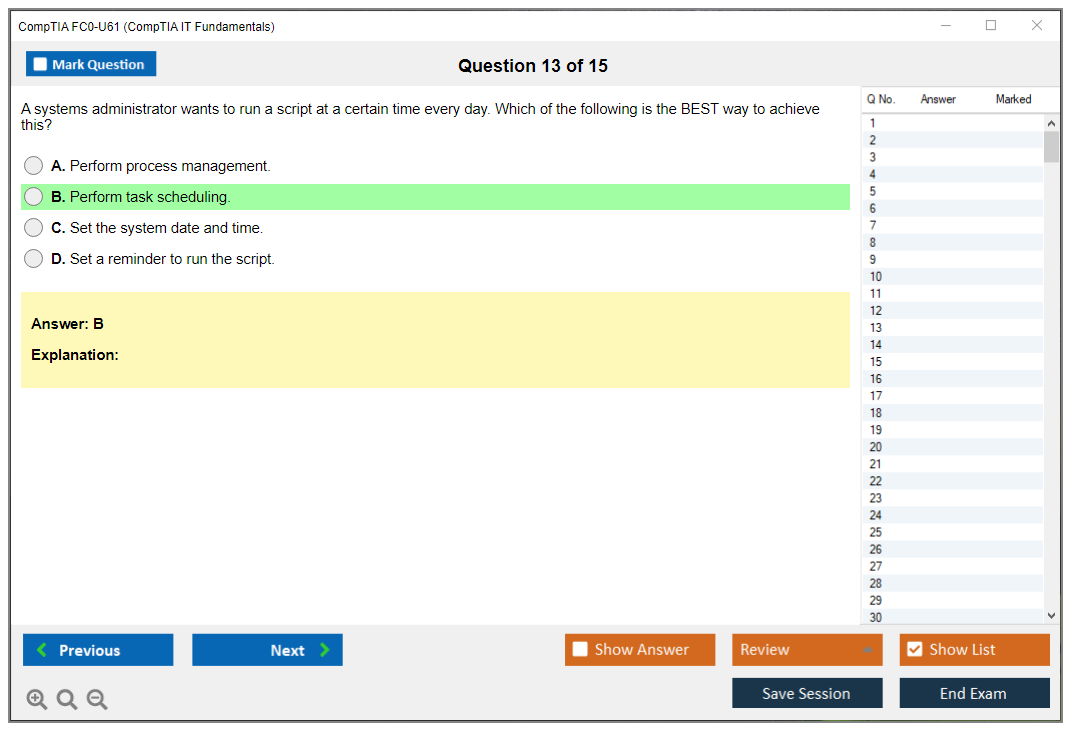
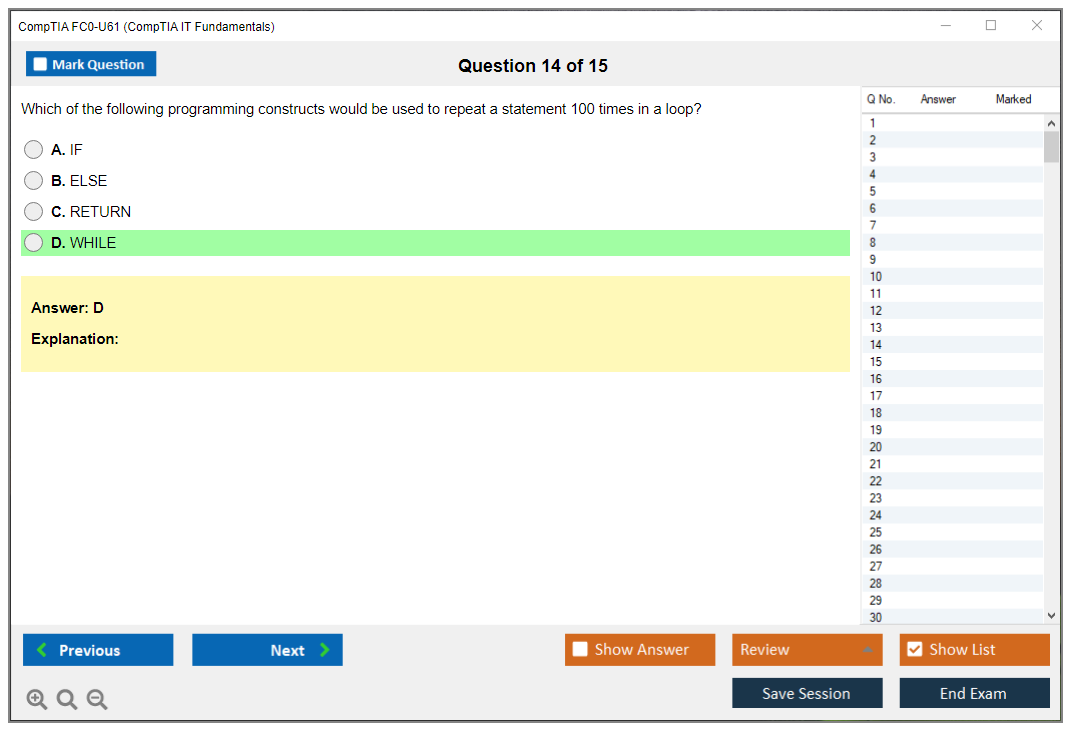
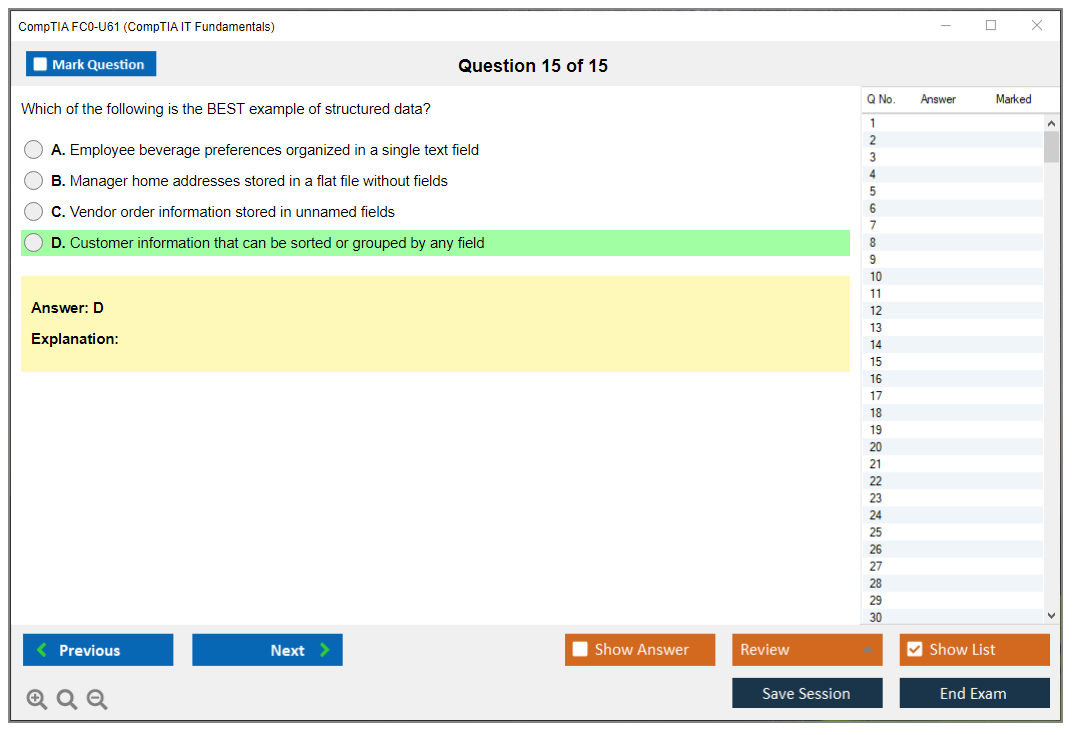
Dumpsarena CompTIA CompTIA IT Fundamentals+ Certification Exam (FC0-U61) Free Practice Exam Simulator Test Engine Exam preparation with its cutting-edge combination of authentic test simulation, dynamic adaptability, and intuitive design. Recognized as the industry-leading practice platform, it empowers candidates to master their certification journey through these standout features.
What is in the Premium File?
Satisfaction Policy – Dumpsarena.co
At DumpsArena.co, your success is our top priority. Our dedicated technical team works tirelessly day and night to deliver high-quality, up-to-date Practice Exam and study resources. We carefully craft our content to ensure it’s accurate, relevant, and aligned with the latest exam guidelines. Your satisfaction matters to us, and we are always working to provide you with the best possible learning experience. If you’re ever unsatisfied with our material, don’t hesitate to reach out—we’re here to support you. With DumpsArena.co, you can study with confidence, backed by a team you can trust.
CompTIA FC0-U61 Exam FAQs
Introduction of CompTIA FC0-U61 Exam!
CompTIA FC0-U61 is an exam that tests a person's knowledge of the basics of IT, such as computer hardware, operating systems, security, networking, and troubleshooting. It is typically the first step in certifying a person as an IT professional.
What is the Duration of CompTIA FC0-U61 Exam?
The CompTIA FC0-U61 exam is a 90-minute exam consisting of 75 multiple-choice questions.
What are the Number of Questions Asked in CompTIA FC0-U61 Exam?
There are 65 questions on the CompTIA FC0-U61 exam.
What is the Passing Score for CompTIA FC0-U61 Exam?
The passing score for the CompTIA FC0-U61 exam is 500 on a scale of 100-900.
What is the Competency Level required for CompTIA FC0-U61 Exam?
The CompTIA FC0-U61 exam is an entry-level exam for IT professionals who are just starting out in the industry. The exam is designed to assess the knowledge and skills needed to work in a basic IT support environment. The recommended competency level for this exam is basic IT knowledge and skills.
What is the Question Format of CompTIA FC0-U61 Exam?
The CompTIA FC0-U61 Exam contains multiple-choice questions.
How Can You Take CompTIA FC0-U61 Exam?
CompTIA FC0-U61 exam can be taken either online or in a testing center. To take the exam online, you must register with CompTIA and purchase an exam voucher. Once you have purchased the exam voucher, you will be able to access the exam from the CompTIA website. To take the exam in a testing center, you must find a local testing center and register for the exam. You will then be able to take the exam at the testing center on the date and time of your choosing.
What Language CompTIA FC0-U61 Exam is Offered?
The CompTIA FC0-U61 exam is offered in English.
What is the Cost of CompTIA FC0-U61 Exam?
The CompTIA FC0-U61 exam is offered for a fee of $219 USD.
What is the Target Audience of CompTIA FC0-U61 Exam?
The CompTIA FC0-U61 exam is intended for individuals with basic computer skills, such as those who are just beginning to use a personal computer, who are interested in basic computer functions and operations, such as using the internet, sending and receiving e-mail, creating documents and presentations, and using basic software applications. This certification is ideal for students, entry-level IT professionals, and individuals seeking to advance their career in the computer industry.
What is the Average Salary of CompTIA FC0-U61 Certified in the Market?
The average salary for someone with CompTIA FC0-U61 certification is around $53,000 per year. However, salaries can vary depending on experience, location, and other factors.
Who are the Testing Providers of CompTIA FC0-U61 Exam?
CompTIA offers the FC0-U61 exam through its network of authorized testing centers. The exam can be taken online or in person at a testing center. To find a testing center near you, visit the CompTIA website and use the “Find a Testing Center” tool.
What is the Recommended Experience for CompTIA FC0-U61 Exam?
The CompTIA FC0-U61 exam is recommended for individuals with at least six months of experience in IT fundamentals, including knowledge of basic computer hardware, software, and networking concepts. This exam is also recommended for individuals who have completed the CompTIA IT Fundamentals+ (FC0-U61) course.
What are the Prerequisites of CompTIA FC0-U61 Exam?
The CompTIA FC0-U61 exam does not have any prerequisites, however, it is recommended that candidates have at least six months of experience in basic computer hardware and software concepts. It is also recommended that candidates have experience using Windows, Mac OS, and Linux operating systems. Additionally, the CompTIA A+ Certification is highly recommended to ensure success on the FC0-U61 exam.
What is the Expected Retirement Date of CompTIA FC0-U61 Exam?
The expected retirement date of CompTIA FC0-U61 exam is not available online. To get the most up-to-date information, you should contact CompTIA directly.
What is the Difficulty Level of CompTIA FC0-U61 Exam?
The CompTIA FC0-U61 exam is an entry-level exam and is considered to be of an intermediate difficulty level. It is designed to test the knowledge and skills of individuals who are just beginning their IT career.
What is the Roadmap / Track of CompTIA FC0-U61 Exam?
The CompTIA FC0-U61 exam is a foundational-level certification exam that validates an individual's knowledge and skills in basic IT concepts and practices. The exam covers topics such as basic IT concepts, hardware, software, networking, security, and troubleshooting.
Certification Roadmap for CompTIA FC0-U61 Exam:
1. Understand the Exam Objectives: Before taking the exam, it is important to understand the objectives of the exam. The objectives of the FC0-U61 exam are available on the CompTIA website.
2. Prepare for the Exam: Once you understand the objectives of the exam, it is important to prepare for the exam. There are many resources available online that can help you prepare for the exam. These include practice tests, study guides, and tutorials.
3. Take the Exam: Once you are ready, you can take the exam. The exam is available at Pearson VUE testing
What are the Topics CompTIA FC0-U61 Exam Covers?
CompTIA FC0-U61 exam covers the following topics:
1. Computer Basics: This section covers basic computer terminology, hardware, software, and networking concepts. It also covers the use of operating systems and basic commands.
2. Security: This section covers security topics such as authentication, authorization, and encryption. It also covers common threats and attacks and how to protect against them.
3. Troubleshooting: This section covers troubleshooting techniques and how to use them to diagnose and resolve common computer issues.
4. Operational Procedures: This section covers the fundamentals of computer operations, including user accounts, system maintenance, and system backups.
5. Mobile Devices: This section covers the basics of mobile devices, including security, troubleshooting, and maintenance.
6. Professionalism and Communication: This section covers the basics of professionalism and communication in the IT field. It covers topics such as customer service, documentation, and working with
What are the Sample Questions of CompTIA FC0-U61 Exam?
1. What is the purpose of a network interface card (NIC)?
2. What is the difference between a hub and a switch?
3. What is the purpose of a firewall?
4. What are the three main types of network topologies?
5. What is the purpose of a proxy server?
6. What is the difference between a router and a gateway?
7. What are the four main layers of the TCP/IP model?
8. What is the purpose of an IP address?
9. What is the difference between a public and a private IP address?
10. What is the purpose of a Dynamic Host Configuration Protocol (DHCP) server?
CompTIA FC0-U61 (CompTIA IT Fundamentals+ Certification Exam) What Is CompTIA IT Fundamentals+ FC0-U61 Exam What is CompTIA IT Fundamentals+ FC0-U61? The CompTIA IT Fundamentals+ FC0-U61 exam is basically the starting line for anyone who wants to get into IT but doesn't have much background yet. I mean, it's designed for people who might not even know what RAM does or why their Wi-Fi keeps dropping. We've all been there at some point, honestly. The FC0-U61 code represents the current version that launched back in 2018, and it's still going strong as the go-to certification for absolute beginners who're just dipping their toes into technology careers. This certification validates your foundational knowledge across IT concepts, terminology, infrastructure, applications, and security. Not gonna lie, it's pretty broad compared to something like the CompTIA A+ Core 1 exam, which digs deep into hardware troubleshooting and operating systems with laser focus. The ITF+ touches on everything... Read More
CompTIA FC0-U61 (CompTIA IT Fundamentals+ Certification Exam)
What Is CompTIA IT Fundamentals+ FC0-U61 Exam
What is CompTIA IT Fundamentals+ FC0-U61?
The CompTIA IT Fundamentals+ FC0-U61 exam is basically the starting line for anyone who wants to get into IT but doesn't have much background yet. I mean, it's designed for people who might not even know what RAM does or why their Wi-Fi keeps dropping. We've all been there at some point, honestly. The FC0-U61 code represents the current version that launched back in 2018, and it's still going strong as the go-to certification for absolute beginners who're just dipping their toes into technology careers.
This certification validates your foundational knowledge across IT concepts, terminology, infrastructure, applications, and security. Not gonna lie, it's pretty broad compared to something like the CompTIA A+ Core 1 exam, which digs deep into hardware troubleshooting and operating systems with laser focus. The ITF+ touches on everything from basic networking to database concepts to even a bit of software development theory. Stuff that gives you the big picture view of how technology works in the real world without drowning you in hyper-specific details.
What makes this certification globally recognized is that employers actually understand what it means when they see it on a resume. Pretty straightforward. It tells them you're not completely lost when someone mentions IP addresses or malware or the difference between RAM and storage. For career changers coming from fields like retail, healthcare, or teaching, this cert shows you've made a real effort to understand the technology space before jumping into an IT role. Which honestly impresses hiring managers more than you'd think.
Who should take the ITF+ certification
High school and college students exploring IT careers make up a huge chunk of test-takers. Look, if you're 17 and trying to figure out whether you want to pursue computer science or maybe get into cybersecurity, this exam gives you a taste of what's out there. No need to already be a tech wizard with years of experience under your belt.
Students aren't the only ones though. Professionals in non-technical roles who need IT knowledge benefit massively from understanding what their technical colleagues are actually talking about during those confusing meetings. Think sales reps selling software, marketing people managing websites, or HR staff implementing new systems. I've seen project managers take this exam just so they can better communicate with development teams and understand why certain technical requests take longer than expected. Saves everyone frustration down the line.
Career changers transitioning from completely unrelated fields represent another big group. Maybe you've been working in hospitality for 10 years and want to pivot into help desk support. Totally valid path. The ITF+ gives you credibility and foundational knowledge without requiring you to already have technical experience. Business analysts working with IT departments also find value here since they need to bridge the gap between business requirements and technical implementation, translating what executives want into what developers can actually build.
Anyone seeking to validate their understanding before tackling advanced certifications should seriously consider this. Honestly? Jumping straight into Network+ or Security+ without foundational knowledge is possible, but it's like trying to run before you can walk. Technically doable but you'll probably stumble a lot and get frustrated when concepts don't make sense because you're missing the basics.
What skills the FC0-U61 exam actually validates
The exam tests your ability to identify and explain computer components and their functions. Processors, motherboards, storage devices, peripherals, all that stuff. You need to understand basic networking concepts including TCP/IP fundamentals, wireless standards like 802.11ac, and what routers and switches actually do beyond just "making the internet work." This isn't deep networking like you'd see in Network+ though. More like "what does DHCP do" level understanding that helps you troubleshoot why someone's laptop won't connect to the office network.
Operating systems, software types, and application architecture come up frequently. You should know the difference between proprietary and open-source software, understand what operating systems do, and recognize different software licensing models. Which honestly gets confusing with all the subscription versus perpetual license debates happening nowadays. Database concepts get covered too: understanding what databases are for, basic structures like tables and fields, and why businesses use them to store information rather than just keeping everything in spreadsheets.
Security principles form a critical domain. The exam covers confidentiality, integrity, and availability (the CIA triad), common threats like phishing and ransomware, and basic security best practices that everyone should know regardless of their role. It's not as intense as what you'd see in Security+ SY0-701, but it establishes the foundational mindset you need to think about threats and protections in your daily work.
Here's something interesting: software development concepts appear on this exam even though it's not a programming certification. You'll encounter questions about programming languages, basic logic and algorithms, and development methodologies like Agile. I mean, the exam also tests troubleshooting methodology, which is actually super practical. How to approach problems methodically, identify causes, and put fixes in place rather than just randomly trying stuff. Understanding computing concepts like storage units (kilobytes, megabytes, gigabytes), processing capabilities, and input/output devices rounds out the knowledge areas tested.
Actually, funny thing about troubleshooting methodology: I watched someone spend two hours trying to fix their printer once, only to discover it wasn't plugged in. That kind of stuff is exactly why having a structured approach matters so much.
How ITF+ differs from other entry-level certifications
The CompTIA A+ certification focuses specifically on hardware troubleshooting and operating system configuration, requiring hands-on experience with physical components that you've actually touched and installed. You need to know how to install RAM, replace power supplies, and configure Windows settings in specific detail. ITF+ has broader scope but less technical depth. It's more about understanding concepts than performing hands-on repairs, which makes it accessible even if you don't own a screwdriver or spare computer parts.
The A+ Core 2 exam includes performance-based simulations where you actually configure settings or troubleshoot issues in a virtual environment. ITF+ sticks to multiple-choice and scenario-based questions without those hands-on sims. Different format entirely. This makes it more accessible for people who don't have access to computer hardware for practice or who're still building their technical confidence.
Vendor-specific certifications from Microsoft, Cisco, or Amazon focus on particular products or platforms with deep dives into proprietary systems. ITF+ remains vendor-neutral, covering concepts that apply regardless of whether you're using Windows, macOS, or Linux. Which honestly is valuable since most workplaces use a mix of different systems anyway. It's more conceptual and theoretical compared to certifications that require you to remember specific command syntax or configuration screens that change with every software update.
The software development and database fundamentals covered in ITF+ don't appear in basic hardware certifications at all. This makes ITF+ valuable for people considering development or database administration paths, not just traditional IT support roles where you're fixing printers and resetting passwords all day.
Real-world applications and career benefits
Honestly, having ITF+ on your resume shows commitment to learning IT knowledge, which matters when you're competing against other candidates for entry-level positions who might just claim they're "good with computers." It shows you didn't just wake up one day and decide to apply for IT jobs. You actually studied and validated your knowledge through an industry-recognized exam that required effort and preparation.
The certification provides confidence when communicating with technical teams. Makes meetings way less intimidating. If you're in marketing and need to work with developers on a website project, understanding basic concepts about databases, APIs, and security makes those conversations way more productive than constantly asking "what does that mean?" every five minutes. Non-technical managers who oversee IT departments benefit from understanding infrastructure requirements and why certain technology decisions cost what they do. Helps with budget conversations and realistic timelines.
For entry-level help desk and technical support positions, ITF+ validates you have the baseline skills needed to assist users with common technology problems without making things worse. You understand how to troubleshoot systematically rather than just randomly clicking things hoping something works. Trust me, users can tell the difference. It creates a foundation for understanding cloud computing, cybersecurity, and emerging technologies that you'll encounter throughout your career as the industry changes.
Small business owners or entrepreneurs can use this knowledge to make informed technology purchasing decisions instead of relying entirely on vendors who might oversell solutions you don't actually need. Pretty helping. The improved digital literacy helps with everyday technology use and troubleshooting, making you the person friends and family actually want to ask for help because you know what you're talking about rather than just Googling everything in front of them.
Where ITF+ fits in CompTIA's certification pathway
CompTIA positions this as the starting point in their certification roadmap. The natural progression usually goes ITF+ to A+ Core 1 to Network+ to Security+, though you can skip ITF+ if you already have some technical background or prior experience. Not gonna lie, starting with ITF+ when you're completely new just makes the later exams less overwhelming since you've already built that conceptual foundation.
It prepares learners for the rigor and format of CompTIA exams so you know what to expect when test day arrives. CompTIA has a particular style of asking questions that can trip people up if they're not ready for it. Lots of scenario-based stuff that needs critical thinking. Getting familiar with that style through ITF+ makes tackling harder certifications less intimidating and cuts down on test anxiety.
The certification helps candidates figure out which specialized IT path to pursue based on what concepts resonate with them. Maybe you take ITF+ and realize you love the networking concepts but find programming boring. That tells you to focus on Network+ and maybe Server+ rather than development roles where you'd be miserable. Or maybe the security domain really clicks for you, pointing toward CySA+ or PenTest+ down the road as your career specialization.
While ITF+ isn't a prerequisite for other CompTIA certifications, it's really suggested for beginners who want to build confidence before tackling more challenging exams that assume foundational knowledge. It complements degree programs in information technology and computer science by providing industry-recognized validation of the concepts you're learning in school. Honestly bridges that gap between academic theory and practical industry expectations pretty well.
FC0-U61 Exam Objectives and Domains
What is CompTIA IT Fundamentals+ (FC0-U61)?
The CompTIA IT Fundamentals+ FC0-U61 exam is the "do I actually understand IT?" checkpoint. Not a help desk badge. Not a cybersecurity flex. It's the entry-level IT certification for beginners that proves you can talk about hardware, software, networking, databases, and security without mixing up the basics.
Look, if you're switching careers, starting college, or you're the person in your family who always gets asked to "fix the Wi-Fi," ITF+ certification is a clean way to turn that into something measurable. A lot of people use it to test the waters before A+ or Network+. Others use it because their program requires it. Either way. It's foundational.
Who the ITF+ certification is for
Career changers. Students. Office workers who want to stop guessing. Also folks who are thinking about IT but aren't ready to commit to more intense certs yet. Not gonna lie, if you already build PCs for fun and you've done basic admin tasks at work, parts of it will feel slow.
What the FC0-U61 exam validates (skills and outcomes)
It validates that you understand IT fundamentals exam topics across six domains, and that you can apply the concepts in a workplace context, not just rattle off definitions. That's the point of the FC0-U61 exam objectives. They're written like "can you explain, compare, configure, identify," which is closer to real work than pure trivia.
FC0-U61 exam objectives (domains)
The FC0-U61 exam domain structure is simple: six primary domains, each with a different weight. That weighting matters because CompTIA is basically telling you, "study this more." Domains also build on each other, so you go from terminology, to infrastructure, to apps, to dev concepts, to databases, and then security wraps around everything like the real world does.
Objectives get updated periodically to reflect tech changes and common practices. Cloud and virtualization being baked into the fundamentals is a perfect example. Twenty years ago that would've been "advanced." Now it's Tuesday.
Also, the exam is balanced. You need conceptual knowledge, but you also need practical understanding, like recognizing ports, knowing what a router does, or understanding why patches matter. And honestly, that balance is what makes it a good "starter" cert.
IT concepts and terminology (17% of exam)
This domain is the language of IT. You'll compare and contrast notational systems like binary, hexadecimal, and decimal, and you'll talk through data representation, units, and what a CPU actually does when it "processes" something.
A lot of people underestimate this section because it sounds like vocabulary, but it's where CompTIA checks whether you can reason about computers. I mean, do you understand the difference between data, information, and knowledge in an IT context, and why that matters when you're dealing with reports, logs, or user requests? Quick example: raw numbers from a sensor is data, a formatted chart is information, and the insight you act on is knowledge. That distinction shows up everywhere.
You'll also identify basic features of computer components and their purposes, explain input and output devices, compare common units of measure (KB, MB, GB, TB), and know troubleshooting methodology steps. Simple stuff. Still easy to mess up if you've never had to troubleshoot anything beyond "restart it."
Infrastructure (22% of exam)
This is the biggest domain, and that tracks because infrastructure is where beginners can prove they understand "the stuff" computers are made of and connected to.
You'll classify common types of input/output interfaces (USB types, HDMI, DisplayPort, audio connectors, and so on), compare storage types (optical, magnetic, solid-state), and identify internal components like RAM, CPU, motherboard, power supply. You'll also cover installing and configuring common peripherals. Printers count. Yes, even if we all hate printers.
Networking basics show up here too: TCP/IP model concepts, common network hardware devices like routers, switches, access points, and modems, plus topology types and what they imply. Expect wireless standards like 802.11a/b/g/n/ac at a high level, and a practical understanding of what changes between them. Speed, frequency band, range. The usual tradeoffs.
Cloud computing concepts and deployment models also live here, along with virtualization basics and why businesses care. Honestly, the why matters more than memorizing definitions. Virtualization is about running multiple systems on one physical host, saving money and making scaling easier. Cloud is about getting compute, storage, and services on demand. That's what you need to carry into the exam.
Applications and software (18% of exam)
This domain is about how users actually get work done. You'll explain the purpose of operating systems, compare components of an OS, and understand software installation, maintenance, and removal procedures.
Browser configuration is a quiet but important topic. You're expected to know security settings, safe browsing basics, and how browser choices can affect privacy and risk. File management is also here: extensions, paths, folder structures. If you've ever watched someone save a file and then immediately lose it, you know why CompTIA tests this.
Software licensing models show up too: proprietary vs open source vs subscription. Mentioned casually, but it's real-world stuff because companies make decisions based on cost, support, and compliance. Utility software like antivirus, backup tools, and disk management matters here, plus collaboration software and communication platforms. Compatibility and system requirements are the "why won't this run" part of IT that never goes away.
Software development concepts (12% of exam)
No, you don't have to become a developer. But you do need to understand how software is built and described.
You'll compare programming language categories, compiled versus interpreted languages, and basic logic using flowcharts and pseudocode. Variables, constants, functions, loops, conditionals. That level. You'll also touch object-oriented programming terms, markup languages like HTML and XML, and the application development lifecycle phases.
Version control concepts also appear, and the thing is, even if you never write code professionally, you should know why "save_v7_final_FINAL2" is not a system. SQL basics and query languages get a mention too, mainly the idea of asking a database for specific data.
Which reminds me, I once worked with someone who named files by the day of the week. Monday_report, Tuesday_report. Sounds organized until you realize Tuesday comes around again next week and suddenly you're overwriting last week's numbers. Same problem at a different scale, really.
Database fundamentals (11% of exam)
Databases are one of those topics that feel "extra" until you work somewhere that runs on them, which is basically everywhere.
You'll explain what databases are for, compare structures (flat file vs relational), and understand how systems interface with databases. CRUD operations are the guts of it: create, read, update, delete. You'll cover DBMS functions, data types, importing/exporting, and backup/restore. Keys matter too, primary keys, foreign keys, relationships.
Permissions and access control basics show up here. Not deep security engineering. Just the idea that not everyone should see or change everything.
Security fundamentals (20% of exam)
Security gets a big slice. Good. Because security is everyone's job now, even at entry level.
You need the CIA triad (confidentiality, integrity, availability), plus authentication vs authorization vs accounting. Password best practices and policies are included, common uses of encryption, and wireless security protocols like WPA2 and WPA3.
Social engineering and behavioral security concepts are a big deal. Phishing, pretexting, baiting. The stuff that beats "perfect" technical defenses because humans click things. You'll also cover malware types (viruses, worms, trojans, ransomware), patching, secure device practices, physical security, backups, disaster recovery, business continuity, and mobile device security considerations.
Where to find the official objectives (CompTIA exam objectives PDF)
CompTIA's official website offers a free downloadable FC0-U61 exam objectives PDF. That document is the source of truth. It includes the domain breakdown, detailed bullets, and examples for many objectives to clarify expectations. Updated versions get posted when content changes, and training providers build CompTIA IT Fundamentals+ study materials around it, so you should cross-reference everything you use against that PDF.
FC0-U61 exam cost and voucher pricing
FC0-U61 exam cost varies by region and discounts, but you're usually buying a CompTIA FC0-U61 voucher price in the same ballpark as other entry certs. Bundles can change the math, and training providers sometimes include an exam attempt with a course.
Discounts exist. Students and academic programs often get better pricing, and CompTIA partners sometimes run promos. Retake options and bundles may be available depending on where you buy, so check before you gamble on a single attempt.
FC0-U61 passing score and exam format
CompTIA ITF+ passing score is 650 on a scale of 900. Scoring is CompTIA-style, meaning you don't get a simple "80%." You get a scaled score, and the exam can mix question difficulties.
Expect up to about 75 questions, with multiple choice and scenario-style items, and a time limit around an hour. Testing is through Pearson VUE, either online proctored or at a test center. Online is convenient. It's also picky about your room, your webcam, and your patience.
CompTIA ITF+ difficulty: how hard is FC0-U61?
CompTIA ITF+ difficulty is low to moderate for beginners, but only if you actually study. If you've never seen networking terms or database basics, those sections can feel weirdly abstract.
Common pain points: security terminology, troubleshooting methodology steps, and the database key relationships. Also binary and hex for some people. Study time varies, but a couple weeks for tech-adjacent folks and a month or two for true beginners is normal.
Prerequisites for CompTIA ITF+ (FC0-U61)
CompTIA ITF+ prerequisites are basically none. No required experience. Recommended instead: be comfortable using a computer, managing files, installing apps, and understanding basic "what is hardware vs software" concepts.
Next certs after ITF+ depend on your path. A+ for support. Network+ if you like connectivity and infrastructure. Security+ if security is the goal. Or go cloud. Just don't get stuck collecting beginner certs forever.
Best study materials for FC0-U61
Official resources like CertMaster exist, plus official eBooks and sometimes labs. Books and guides aligned to the FC0-U61 objectives are fine as long as they match the current domain list.
Video courses are great for beginners if they stay tight to the objectives. Hands-on practice matters more than people admit: set up a PC, connect a router, create users on an OS, practice browser security settings, and do basic file permissions. Little reps. Big payoff.
FC0-U61 practice tests and question prep
FC0-U61 practice tests help if you use them the right way. Don't just grind questions until you memorize answers. Review misses, map them back to the objective bullet you failed, and then patch that gap with reading or hands-on practice.
Expect mostly multiple choice with some scenarios. "What would you do next?" type questions. Those reward calm thinking more than memorization.
FC0-U61 exam day tips
Bring proper ID at a test center, or meet system requirements for online testing and clean up your room. Time management matters because it's easy to overthink easy questions.
Common failure mistakes: ignoring the objectives PDF, skipping databases because "I'm not a database person," and treating security like a vocabulary quiz instead of a set of real habits.
Renewal: does CompTIA IT Fundamentals+ expire?
CompTIA ITF+ renewal policy is simple: ITF+ does not expire and it is not part of the CE renewal program. No CE credits. No renewals. If your skills get stale, you refresh by studying again or moving up to the next certification.
FC0-U61 FAQ
How much does the CompTIA ITF+ (FC0-U61) exam cost?
It depends on region and discounts, but check the current CompTIA FC0-U61 voucher price on CompTIA's site or an authorized partner for the most accurate number.
What is the passing score for the FC0-U61 exam?
CompTIA reports a scaled passing score of 650/900.
How hard is the CompTIA IT Fundamentals+ exam?
For true beginners it's fair but not free. For tech-savvy folks it's mostly straightforward, with security and databases being the usual speed bumps.
What are the FC0-U61 objectives and domains?
Six domains: IT concepts, infrastructure, applications/software, software development, database fundamentals, and security, each with its own weighting.
Does CompTIA ITF+ require renewal or CE credits?
No. ITF+ certification does not expire, and there's no CE requirement.
FC0-U61 Exam Cost and Voucher Pricing
What you'll actually pay for the FC0-U61 exam
So here's the deal. The standard CompTIA IT Fundamentals+ FC0-U61 exam cost sits somewhere between $130 and $150 USD if you're buying it in the United States. That's what you'll see going directly through CompTIA's official store or scheduling through Pearson VUE testing centers. Honestly? This is actually one of the more affordable CompTIA certifications out there, especially when you stack it up against exams like SY0-701 Security+ or CS0-003 CySA+ that run closer to $400.
One exam attempt. That's it.
You can take it at a physical Pearson VUE testing center or do the online proctored version from home. No hidden registration fees when you go through official channels, which is nice because some certification programs nickel and dime you with scheduling fees or platform access charges.
But here's the thing about that $130-$150 range. It's not set in stone everywhere. I mean, if you're outside the United States, pricing varies based on your country and region. Currency conversion rates play a role, and local market factors mean you might pay a bit more or less depending on where you're testing. CompTIA sets suggested retail pricing globally, but authorized partners can adjust slightly based on their operating costs and regional competition.
Prices also change. CompTIA reviews their pricing policies annually, so what you pay this year might bump up $5-10 next year. It's not dramatic increases usually, but worth keeping in mind if you're planning to take the exam several months out.
Factors that mess with exam pricing
Geographic location is the big one. Someone in Australia or the UK isn't paying the exact USD equivalent. They're dealing with local currency pricing that factors in more than just exchange rates. I've seen people in Europe pay what converts to $160-170 USD for the same exam.
Where you buy the voucher matters too. Purchasing directly from CompTIA's store versus going through an authorized training partner can yield different prices. Some training partners bundle the exam voucher with their courses at what looks like a discount, but you gotta do the math to see if it's actually cheaper than buying separately.
Bundle packages are interesting. You can find deals that include study materials, practice exams, and the voucher together. Sometimes these save you money, other times they're just convenient packaging at roughly the same total cost. CompTIA offers CertMaster Learn packages that bundle their official training content with an exam voucher, usually saving about 10-20% compared to buying everything individually. My cousin went down this route last year and swears by it, though he's also the type who needs structured courses or he'll just procrastinate on YouTube for three months straight.
Promotional periods happen too. Back-to-school seasons, Black Friday, end-of-quarter sales. CompTIA and their partners run discounts during these windows. I've seen vouchers drop to $99-115 during aggressive promotions, though that's not guaranteed every year.
Academic pricing versus commercial pricing creates different tiers. Students pay way less than working professionals, which makes sense since this is often a starting point for people exploring IT careers. Corporate bulk purchases also get discounts when companies are training multiple employees at once.
Discounts that actually exist
Student discounts are probably the most accessible option out there. If you've got a valid .edu email address, you can typically knock 20-50% off the retail price. Sometimes that brings the exam cost down to $65-90, which is honestly a steal for a certification exam. You'll need to verify your student status through your academic institution or provide student ID documentation.
Military and veteran discounts come through CompTIA's partnership programs. Active duty military, reservists, veterans, and sometimes military spouses qualify. The discount percentage varies but usually lands around 20-30% off retail.
Workforce development programs are worth checking if you're in a government-sponsored training initiative or unemployment retraining program. Some state and local programs subsidize certification costs, including CompTIA exams. These programs often cover the full exam cost or a substantial portion.
CompTIA training partners bundle pricing when you purchase their courses. If you're already planning to take a formal training class, see if they include the exam voucher. The bundled price might save you $20-40 compared to buying the course and voucher separately.
Non-profit organizations sometimes qualify for discounted vouchers in certain regions. Student membership programs through CompTIA or partner organizations offer exam vouchers at reduced rates. You pay a membership fee but get access to cheaper exam vouchers and other resources.
Student and academic pricing details
The academic pricing verification process requires proof you're actually enrolled. High school students, college students, and university students all qualify. Some technical training programs and vocational schools also qualify for academic pricing, though it depends on the institution's accreditation.
Discounted student vouchers typically run 30-40% below standard retail price, which puts them in the $78-105 range. That's real savings when you're already dealing with tuition and textbook costs.
Instructors and faculty may receive separate educator discounts through CompTIA's academic programs. These are designed for people teaching IT courses and need certifications themselves.
One catch though. These vouchers are time-limited. You typically need to use them within 12 months of purchase, and you can't combine them with other promotional offers. So if there's a seasonal sale running, you'll need to calculate whether the student discount or the promotion gives you better savings.
Training partner bundles worth considering
Many authorized CompTIA training partners bundle the exam voucher with their training courses. You get the learning materials, instructor access, and the voucher in one package. CertMaster Learn plus exam voucher packages are available directly from CompTIA and include their official online learning platform.
These bundles often include practice tests and study guides along with the exam voucher. The total package typically saves 10-20% compared to buying everything separately. Some packages even include a retake voucher, which is basically exam insurance if you're worried about passing on the first attempt.
Online training platforms with subscription models sometimes include exam vouchers. You pay a monthly or annual subscription fee and get access to multiple courses plus vouchers for various exams. If you're planning to pursue multiple certifications like 220-1101 A+ or N10-008 Network+ after ITF+, these subscriptions can make financial sense.
Corporate training contracts? For organizations training multiple employees, they usually include bulk exam vouchers at discounted rates. If your employer is paying for your certification, they might already have vouchers available through their training program.
Retake options when you don't pass
Failed the exam? You need to purchase a new voucher for your retake attempt. There's no free second chance with the standard voucher. Retake bundles are available at a slightly discounted rate when purchased with your initial exam voucher. Think of it as buying two attempts upfront.
If you purchase a retake voucher separately after failing, it typically costs the same as the original exam. So there's no price break for retakes unless you bought the bundle initially. Some training packages include one free retake as exam insurance, which gives you peace of mind if you're uncertain about passing first try.
No waiting period exists between a failed attempt and your retake. You can schedule it the next day if you want, though I'd recommend taking time to study your weak areas. Really sit with what went wrong. Retake vouchers have expiration dates, usually 12 months from purchase date, so don't sit on them forever.
Consider purchasing a retake bundle if you're really uncertain about passing. The FC0-U61 exam isn't particularly difficult compared to advanced CompTIA certs, but if you're completely new to IT concepts, the safety net might be worth the extra cost. For serious exam prep, the FC0-U61 Practice Exam Questions Pack at $36.99 gives you realistic question practice that helps identify knowledge gaps before you spend money on the actual exam attempt.
Where to buy legitimate exam vouchers
CompTIA's official store at store.comptia.org sells vouchers at retail pricing. This is the most straightforward option. You buy directly from the source, no questions about voucher legitimacy. The Pearson VUE website lets you purchase and schedule your exam in one transaction when you're booking your test date.
Authorized CompTIA training partners and resellers? Legitimate sources. These are companies that have official partnerships with CompTIA to deliver training and sell vouchers. Academic institutions offering CompTIA certification programs often sell vouchers to their students at academic pricing.
Online learning platforms partnered with CompTIA include sites like Udemy, Coursera, and LinkedIn Learning when they have official CompTIA courses. Corporate training departments for employee certification programs typically purchase vouchers in bulk for their staff.
The important thing is verifying the seller is authorized. Fraudulent vouchers exist, and there are shady websites selling "discounted" vouchers that turn out to be invalid, stolen, or already used. Stick with CompTIA's official store, Pearson VUE, or training partners you can verify through CompTIA's website. Saving $20 on a sketchy voucher isn't worth it when you show up to test and the voucher code doesn't work.
FC0-U61 Passing Score and Exam Format
What is CompTIA IT Fundamentals+ (FC0-U61)?
The CompTIA IT Fundamentals+ FC0-U61 exam is the "do I actually like IT?" certification. Not a badge for senior admins. More like proof you can talk tech. And not sound lost.
I mean, if you're switching careers, starting college, or you're the person everyone asks to "fix the Wi-Fi," ITF+ is a clean way to validate the basics without getting buried in enterprise-only stuff like advanced routing, forensics, or heavy scripting.
Who the ITF+ certification is for
Beginners. Career changers. Students. Help desk hopefuls. Also people in non-IT roles who work around tech. Project coordinators. Junior analysts. Places where knowing the language matters and guessing gets old fast.
What the FC0-U61 exam validates (skills and outcomes)
You're expected to recognize common hardware, basic networking, OS concepts, security hygiene, and the "why" behind simple troubleshooting. It's not trying to turn you into a sysadmin. It's checking whether you understand how computers, apps, and networks fit together, and whether you can make reasonable choices when given a situation. Honestly, that's it.
FC0-U61 exam objectives (domains)
CompTIA breaks the FC0-U61 exam objectives into six buckets. Quick heads-up: you don't need to memorize the domain names like trivia night, but you do need to perform inside each bucket when the question is worded weird.
IT concepts and terminology
This is where they test "IT vocabulary" and basic logic. Stuff like what a client is, what a server is, what SaaS means, and why "availability" is not the same thing as "confidentiality." Short questions. Sometimes annoying.
Infrastructure (hardware, devices, networking basics)
Expect the usual suspects: RAM versus storage, ports, device types, wireless basics, IP addressing concepts, and simple troubleshooting steps. Here's the thing people underestimate: CompTIA asks you to pick the "best next step," not the final fix. That changes everything if you're thinking like a textbook instead of a real tech.
Applications and software
Installation types, licensing ideas, what an OS does, what an application does, and how updates work. Also basic "where would you change this setting" type questions.
Software development concepts
No, you aren't coding. But you should know what source code is, what a compiler is, what a variable is, and why version control exists. Concepts. Light stuff.
Database fundamentals
Tables, records, keys, simple queries conceptually. This domain trips people up because it feels like a random left turn if you've only done PC troubleshooting. I've watched study groups stare at database questions like they're written in ancient Greek.
Security fundamentals
Passwords, MFA, social engineering, malware types, least privilege, physical security. Common sense helps here, but only if you read carefully. CompTIA loves similar-sounding answers that'll mess you up if you're skimming.
Where to find the official objectives (CompTIA exam objectives PDF)
Use the official CompTIA "exam objectives" PDF. Google "CompTIA FC0-U61 exam objectives PDF" and grab it straight from CompTIA. Don't rely on random lists. Those get stale, and ITF+ is picky about wording.
FC0-U61 exam cost and voucher pricing
FC0-U61 exam cost varies a bit by region and taxes, and CompTIA changes pricing sometimes, so I'm not gonna pretend one number is forever. The simplest answer is: check CompTIA's store or Pearson VUE checkout for your location, and compare it to training bundles if you want extras like practice tools.
Typical exam price and what affects cost
Region, currency conversion, promos, and whether you buy an exam bundle. Some bundles include a retake, which is either peace of mind or a trap depending on whether you actually study.
Discounts (student, academic, training partners)
If you're a student, ask your school first. Many schools have academic voucher channels. Training partners also run promos sometimes, but read the fine print on voucher expiration.
Retake options and bundles (when available)
Retake bundles can be worth it if test anxiety is your main enemy. If your prep is weak, the bundle just makes failing feel pre-paid. Your call.
FC0-U61 passing score and exam format
This is the part everyone Googles at 1 a.m. Fair. Let's make it simple.
Passing score (what CompTIA reports and how scoring works)
The official FC0-U61 passing score requirements are clear: the CompTIA ITF+ passing score is 650 on a scale of 100 to 900. That number's real, but the interpretation is where people get twisted up.
First off, the score scale does not map to "percent correct." You can't say "650 means 65%." Doesn't work like that, because CompTIA uses scaled scoring. Scaled scoring accounts for difficulty variations across exam versions, so a slightly harder set of questions doesn't punish you and an easier set doesn't hand out freebies. Yeah, it's a psychometric approach used across major certification programs because otherwise the whole thing turns into lottery vibes.
Second, people still want a rough target. In practice, around 72% correct answers is often what candidates report as "about what it takes" to land at or above 650. But the exact number of questions you need varies because the scoring's weighted behind the scenes based on difficulty, and you don't get a nice clean breakdown that says "you needed 54 out of 75."
Third thing: no partial credit on multiple-choice. Multiple-select questions also don't give you "half points" for picking some correct options but missing others. You either nailed it or you didn't, which is why guessing wildly on multiple-select can hurt more than people expect.
When you finish, your score report shows pass/fail immediately. Domain-level performance feedback's included too, which is CompTIA saying "you were weaker here," not "you missed question 12 because the answer is B."
Number of questions, question types, and time limit (overview)
The CompTIA IT Fundamentals+ FC0-U61 exam has a maximum of 75 questions. You get 60 minutes total. That's one hour, including the intro screens, so if you do the math you're sitting at roughly 48 seconds per question if you pace it evenly. Tight, but doable.
Format-wise, you'll see standard multiple-choice (single answer) most often, plus multiple-select. There are scenario-based questions too, where you read a little situation and apply the concept instead of just recognizing a definition. Exhibits show up sometimes, like diagrams or simple configs. You might also see drag-and-drop matching, which feels "easy" until the terms are annoyingly similar.
No performance-based questions here. That's more of an A+ / Network+ / Security+ thing.
Also, the flow's linear: questions are presented one at a time. Once you answer and submit, you can't go back. So don't treat early questions like warm-ups you'll revisit. You won't.
Time strategy? Look, I'd keep most questions under a minute. If you're stuck, pick the best option and move. There's no penalty for guessing, so leaving blanks is the only truly bad play.
If you want extra reps on timing and question style, I've seen people calm down a lot after running a focused set like the FC0-U61 Practice Exam Questions Pack because it forces you to stop rereading questions ten times and start making decisions.
Testing options: online vs test center (Pearson VUE)
You can take FC0-U61 at a Pearson VUE testing center or online with proctoring. Same exam content either way.
Testing center's boring in a good way. Quiet room, controlled setup, fewer weird surprises. Online testing's convenient, but your internet and your room setup need to behave, and that's the part that breaks people, not the content.
Pearson VUE testing center experience
Show up about 15 minutes early. Bring a valid government photo ID. They'll lock up your stuff, you get scratch paper or a dry-erase board, the room's monitored, you sit at a workstation, and you take the exam. When you finish, results show immediately, and you usually get a printed report before you leave. Staff won't answer content questions. Don't even try.
Online proctored testing requirements and process
Do the system check 24 to 48 hours ahead. Webcam and mic required. Your desk needs to be clear, door closed, nobody walking in, and the proctor will do an ID check plus a room scan. Tech issues can pause or kill your session, so use stable internet and don't test on a flaky laptop if you can avoid it.
If you're going online, practice under "one-question-and-done" conditions. That's where prep packs help, and yeah, this is another spot where the FC0-U61 Practice Exam Questions Pack can be useful because it gets you used to committing to an answer instead of mentally bookmarking everything for later.
FC0-U61 FAQ
How much does the CompTIA ITF+ (FC0-U61) exam cost?
It depends on region and promos. Check CompTIA's store or Pearson VUE checkout for your location, and compare against bundles if you want a retake option.
What is the passing score for the FC0-U61 exam?
650 on a 100 to 900 scale. The scale's not a straight percentage.
How hard is the CompTIA IT Fundamentals+ exam?
CompTIA ITF+ difficulty is beginner-friendly, but it's still an exam, so wording matters and databases / security can surprise people who only studied hardware terms.
What are the FC0-U61 objectives and domains?
Six domains: IT concepts, infrastructure, applications/software, software development, databases, security. Use the official FC0-U61 exam objectives PDF from CompTIA.
Does CompTIA ITF+ require renewal or CE credits?
ITF+ is generally not part of the CE renewal treadmill like some other CompTIA certs. If you want "what's next," most people move on to A+ rather than worrying about an CompTIA ITF+ renewal policy.
If you're actively studying and want more question exposure, the FC0-U61 Practice Exam Questions Pack ($36.99) is one option people pick when they want more reps without hunting through sketchy free quizzes.
CompTIA ITF+ Difficulty: How Hard Is FC0-U61
Overall difficulty: what you're actually getting into
Look, the CompTIA IT Fundamentals+ FC0-U61 exam sits in this weird space where it's really entry-level but not exactly a cakewalk if you've never touched IT before. Thing is, this is designed for people with zero professional experience, but that doesn't mean you can walk in blind and pass.
Most people find it moderately challenging.
Not gonna lie, if you've spent even six months working help desk or messing around with computers seriously, you'll probably breeze through it without breaking a sweat. But for complete beginners? It requires actual study time. There's no way around that. The pass rates are definitely higher than what you see with CompTIA A+ 220-1101 or the Security+ SY0-701, which makes sense given its positioning.
The main challenge isn't technical depth. It's breadth.
This exam covers IT concepts, infrastructure basics, applications, software development fundamentals, database stuff, and security principles. I mean, that's a lot of ground for someone who maybe just knows how to use Microsoft Word and browse the internet. You're not troubleshooting blue screens or configuring VLANs, but you need to understand what these things ARE and how they fit together conceptually. My cousin thought he could skip databases entirely because "I'm going into networking," which was stupid because that section still showed up, and guess what tanked his first attempt?
How beginners versus experienced folks handle it
Complete beginners find FC0-U61 challenging but totally achievable with dedicated study. I've seen high school students pass this after 4-6 weeks of consistent prep. Career changers coming from non-tech backgrounds usually need 2-3 months if they're studying part-time, maybe 20-30 hours total.
Experience changes everything.
The difficulty drops significantly if you've got any real IT experience. Someone with 6-12 months in tech support or a similar role? They often find this straightforward, maybe even easy. You already know what RAM does. You've dealt with operating systems. You understand why backups matter. The exam validates knowledge you're using daily.
IT professionals who need formal credentials for career advancement basically use this as a warm-up. If you're working as a junior network admin and decide to get certified, FC0-U61 might take you a weekend of review. It's more about formalizing what you already know than learning new material.
Self-taught individuals have mixed experiences. If you've been building PCs and running home networks for fun, you'll handle hardware and infrastructure questions easily. But the database fundamentals and software development concepts? Those might catch you off guard because you haven't encountered them organically.
What makes it harder than people expect
Security basics trip up beginners more than anything else. Not because the questions are technically complex, but because security thinking doesn't come naturally if you've never had to consider threats. Understanding the difference between authentication and authorization, knowing why you'd use encryption, recognizing social engineering tactics.. this stuff requires a mindset shift.
Database fundamentals create similar problems.
Lots of people have never thought about how data gets stored and retrieved. The exam expects you to understand relational databases, basic SQL concepts, and data types. You don't need to write queries, but you need to recognize what's happening when someone else does.
Software development concepts are another stumbling block. You're not coding, but you need to understand programming logic, what an algorithm is, how version control works. I mean, for someone whose computer experience is limited to consumer applications, this feels abstract and weird.
The troubleshooting methodology questions sound simple but require specific knowledge of CompTIA's approach. They want you to think systematically: identify the problem, establish a theory, test it, implement a solution, verify, document. Common sense gets you partway there, but you need to know their preferred order and terminology.
Study timeline: how long this actually takes
Most candidates with dedicated study pass on first attempt. That's the good news. The timeline varies wildly based on background.
Zero IT experience? Plan for 6-8 weeks if you're studying 5-10 hours weekly. That gives you time to absorb concepts that might be completely foreign. You're not just memorizing facts. You're building mental models of how technology works.
Some computer familiarity but no professional experience? 3-4 weeks works for most people. You already understand basic concepts, so you're filling gaps rather than starting from scratch.
IT professionals or students in tech programs?
One to two weeks of focused review, honestly. You're mostly learning CompTIA's specific terminology and approach to topics you already understand.
I've seen people cram in a weekend and pass, but they usually had significant background knowledge. Not recommended for beginners.
How it compares to other CompTIA exams
FC0-U61 is significantly easier than CompTIA A+ or Network+ N10-008. Those exams expect hands-on troubleshooting skills and deeper technical knowledge. ITF+ is conceptual. You need to understand what things are and why they matter, not necessarily how to fix them when they break.
The question format is less demanding too. You're getting multiple choice and some scenario-based questions, but nothing like the performance-based questions on A+ where you're dragging and dropping in simulated environments.
Think of it this way: ITF+ asks "What does DNS do?" while A+ asks "Given these symptoms, which DNS configuration would you check first and why?"
Who finds this appropriately difficult
High school students in IT programs handle this well. The difficulty matches what they're learning in intro courses. Same for community college students taking their first networking or computer science classes.
Career changers find the difficulty appropriate if they've done any prep work. Someone leaving retail or healthcare to enter IT? This gives them a foundation without overwhelming them. It's hard enough to feel like an accomplishment but not so brutal that it discourages people.
People considering IT careers use this as a litmus test.
If you can't pass ITF+ with reasonable study effort, maybe tech isn't your thing. If you pass easily and enjoy the material, you're probably on the right track.
The conceptual focus makes it different
Unlike advanced certifications that test your ability to troubleshoot complex scenarios, FC0-U61 focuses on understanding concepts. You need to know WHAT a firewall is, WHY you'd use one, WHERE it fits in network security. You don't need to configure one or troubleshoot why it's blocking legitimate traffic.
This conceptual approach is easier in some ways, harder in others. Easier because you're not memorizing command syntax or troubleshooting steps. Harder because you can't rely on hands-on experience to guide you. You actually need to understand the underlying principles.
The breadth of topics creates the main challenge. You're jumping from binary number systems to software licensing to database normalization to, wait, phishing attacks? Each topic individually is simple, but covering all of them requires organized study. You can't just focus on what interests you and ignore the rest.
Most people who fail do so because they underestimate the exam or don't study systematically. They think "entry-level" means "no preparation needed." Wrong. It means you don't need prior experience, not that you don't need to study. With proper preparation using official CompTIA materials and practice tests, first-attempt pass rates are solid. Skip the prep and you're gambling.
Conclusion
Is the CompTIA IT Fundamentals+ FC0-U61 exam worth your time?
Look, here's the deal. The CompTIA IT Fundamentals+ FC0-U61 exam won't land you a six-figure job tomorrow, but that's kinda missing the point, y'know? If you're completely new to IT or helping someone figure out whether tech's even their vibe, this certification does exactly what it promises. It validates that baseline understanding of how computers, networks, databases, and basic security actually work together, which honestly matters way more than people give it credit for.
The FC0-U61 exam cost runs around $130 depending on where you buy your voucher. The CompTIA ITF+ passing score? 650 out of 900. Not crazy hard, honestly. Most people who actually study the FC0-U61 exam objectives pass on their first try, though the difficulty really depends on where you're starting from. Complete beginners might need 4-6 weeks of solid study time, while folks with some tech exposure can knock it out in two weeks or less.
No prerequisites required.
Here's the thing about CompTIA ITF+ prerequisites: there aren't any. Zero. That's literally the whole appeal. You don't need A+ or Network+ first, don't need a degree, just gotta be willing to learn IT fundamentals exam topics like hardware components, software types, database basics, and security concepts. I mean, it's designed as an entry-level IT certification for beginners, so they're not expecting you to walk in knowing subnetting or PowerShell scripting or anything crazy like that. My cousin thought he needed to understand Python before taking this. Spent three months learning loops and functions before I told him he was overthinking it. Passed two weeks later.
The CompTIA ITF+ renewal policy is refreshingly simple too. ITF+ certification doesn't expire. It's not part of the CE program, so once you pass, you're done. No renewal fees, no continuing education units to chase down three years later.
Getting serious about prep
You've read about the exam format. The domains. Study materials. All of it, right? Now comes the actual work, and CompTIA IT Fundamentals+ study materials are everywhere. Official CertMaster resources, video courses, textbooks that align with the objectives. But honestly, the fastest way to identify your weak spots and actually retain information is through repeated practice testing.
That's where FC0-U61 practice tests become absolutely critical. You can read about database normalization or troubleshooting methodology all day long, but until you're answering scenario-based questions under time pressure, you won't really know if the concepts stuck or just bounced around in your head without landing anywhere useful.
Practice exams? Game-changers.
They show you which domains you're bombing (maybe it's software development concepts or security fundamentals) so you can focus your remaining study time where it actually matters instead of wasting hours reviewing stuff you already know cold.
If you're looking for a solid resource that mirrors the real exam experience, check out the FC0-U61 Practice Exam Questions Pack. It's built around the actual exam objectives, includes explanations for wrong answers (which is how you actually learn, the thing is), and helps you get comfortable with how CompTIA phrases their questions. Because let's be real. Half the battle with any CompTIA exam is understanding what they're actually asking in the first place.
Study smart, practice harder, and you'll pass. The ITF+ certification might be entry-level, but it's a legitimate first step that proves you understand how to pass CompTIA ITF+ material and you're ready for what comes next.
Show less info
Comments
Overall, the FC0-U61 Exam Test is an excellent resource for those planning to take the FC0-U61 Exam Configuring Windows 8 instrument test. With the help of the practice questions and detailed explanations, you can ensure that you are well- prepared for the test and can confidently pass with a good score
Hot Exams
Related Exams
CompTIA A+ Certification Exam: Core 1
CompTIA Security+ Exam
CompTIA CySA+ Certification Exam (CS0-002)
CompTIA Advanced Security Practitioner (CASP+) Exam
CTT+ Exam (Certified Technical)
CompTIA Linux+ Exam
CompTIA Network+ Exam
CompTIA Project+ Certification (2026)
CompTIA Data+ Certification Exam
CompTIA CyberSecurity Analyst CySA+ Certification Exam
CompTIA SecurityX Certification Exam
CompTIA Server+ Certification Exam
CompTIA Project +
CompTIA A+ Certification Exam: Core 2
CompTIA IT Fundamentals+ Certification Exam
CompTIA PenTest+ Exam
How to Open Test Engine .dumpsarena Files
Use FREE DumpsArena Test Engine player to open .dumpsarena files


DumpsArena.co has a remarkable success record. We're confident of our products and provide a no hassle refund policy.

Your purchase with DumpsArena.co is safe and fast.
The DumpsArena.co website is protected by 256-bit SSL from Cloudflare, the leader in online security.