LFCS Practice Exam - Linux Foundation Certified System Administrator
Reliable Study Materials & Testing Engine for LFCS Exam Success!
Exam Code: LFCS
Exam Name: Linux Foundation Certified System Administrator
Certification Provider: Linux Foundation
Corresponding Certifications: Linux Foundation Certified SYSADMIN , LFCS


Free Updates PDF & Test Engine
Verified By IT Certified Experts
Guaranteed To Have Actual Exam Questions
Up-To-Date Exam Study Material
99.5% High Success Pass Rate
100% Accurate Answers
100% Money Back Guarantee
Instant Downloads
Free Fast Exam Updates
Exam Questions And Answers PDF
Best Value Available in Market
Try Demo Before You Buy
Secure Shopping Experience
LFCS: Linux Foundation Certified System Administrator Study Material and Test Engine
Last Update Check: Mar 18, 2026
Latest 260 Questions & Answers
Training Course 67 Lectures (6 Hours) - Course Overview
45-75% OFF
Hurry up! offer ends in 00 Days 00h 00m 00s
*Download the Test Player for FREE
Printable PDF & Test Engine Bundle
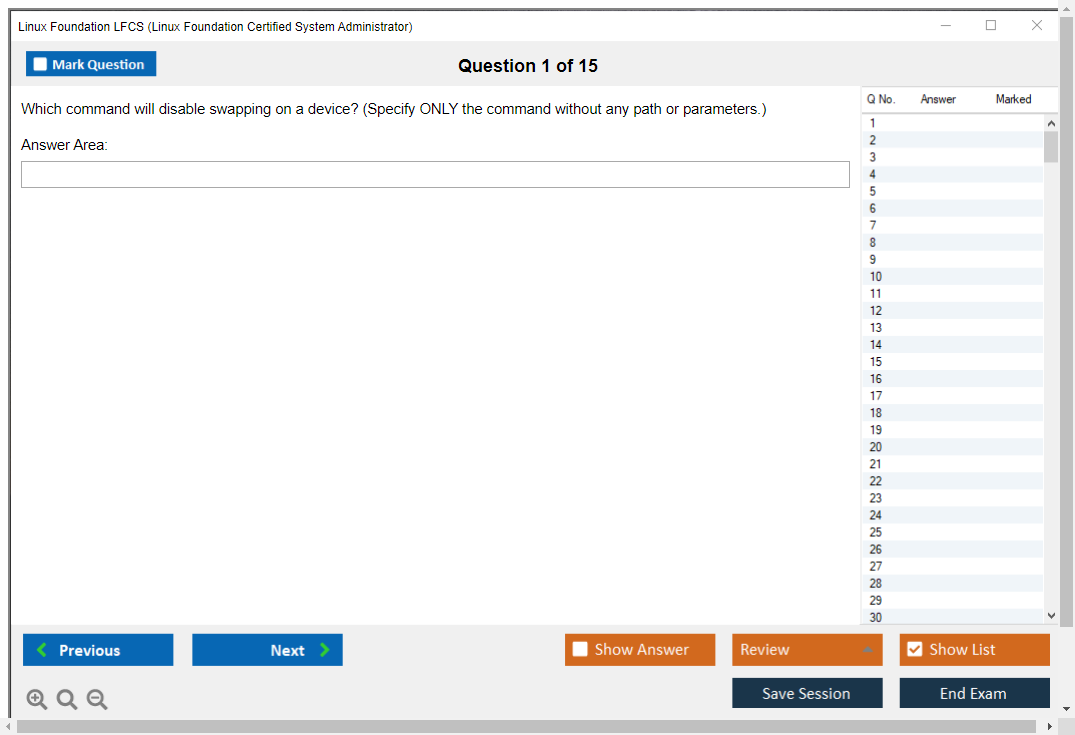
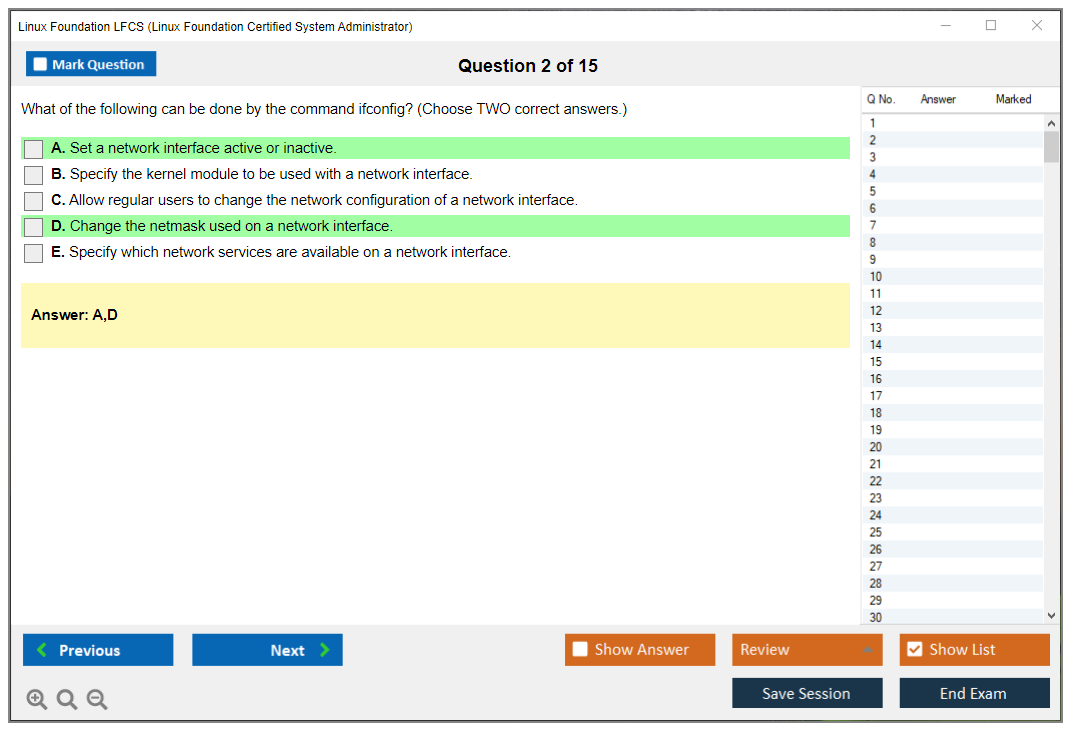
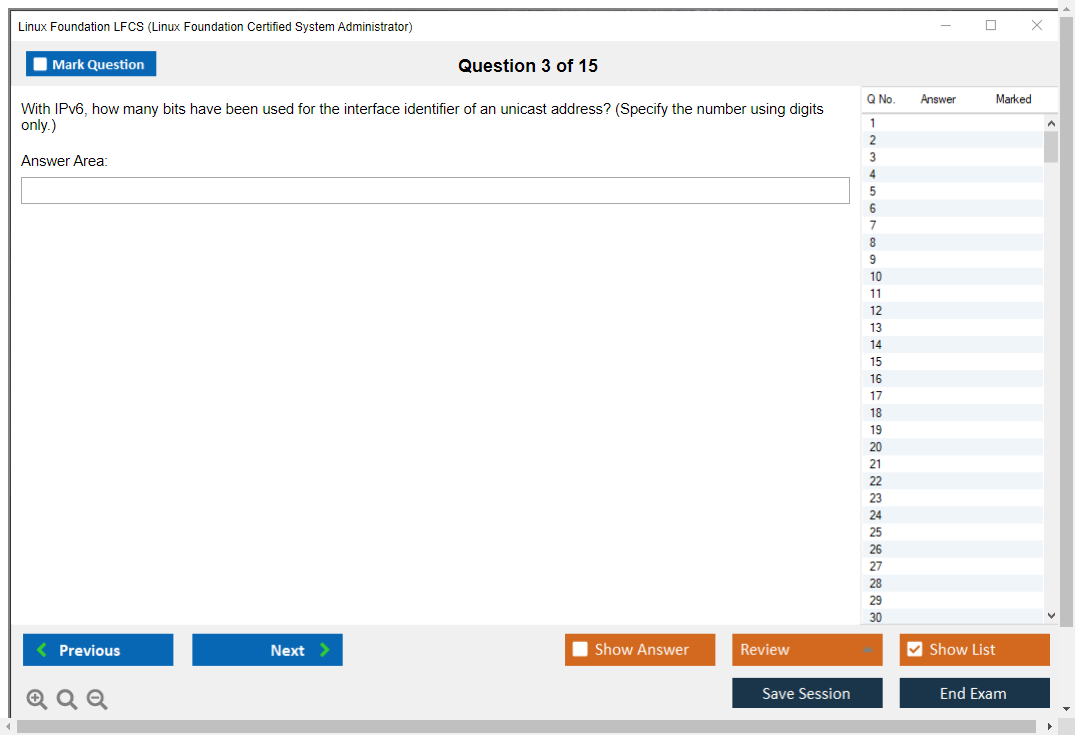
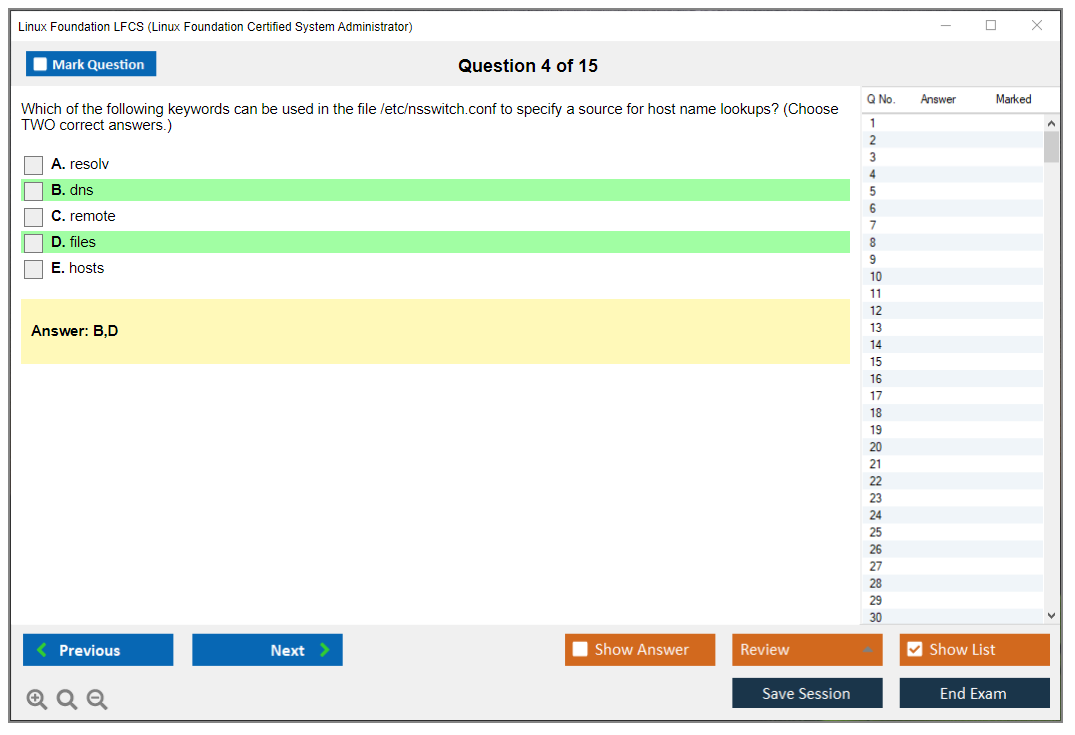
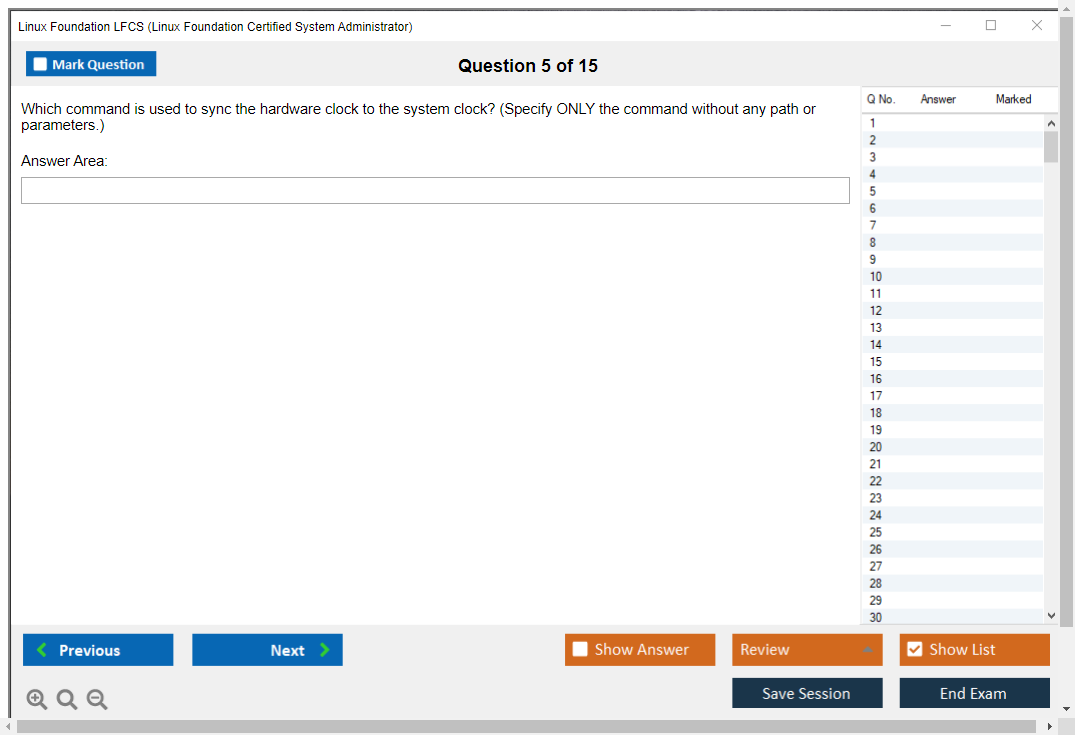
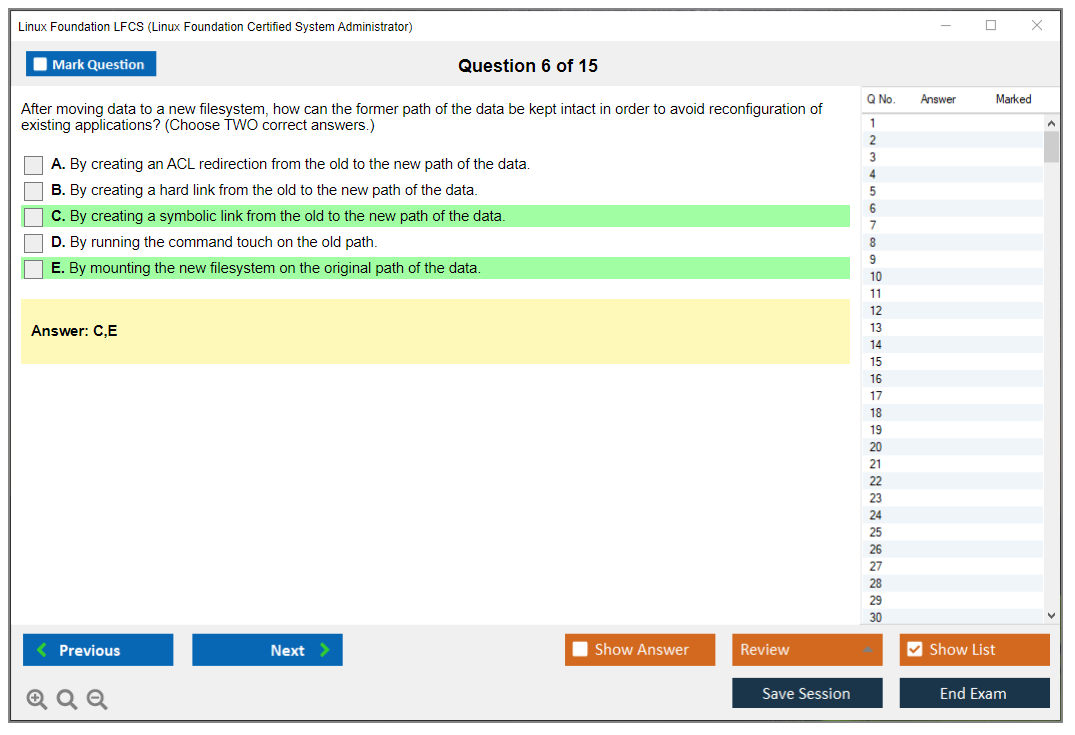
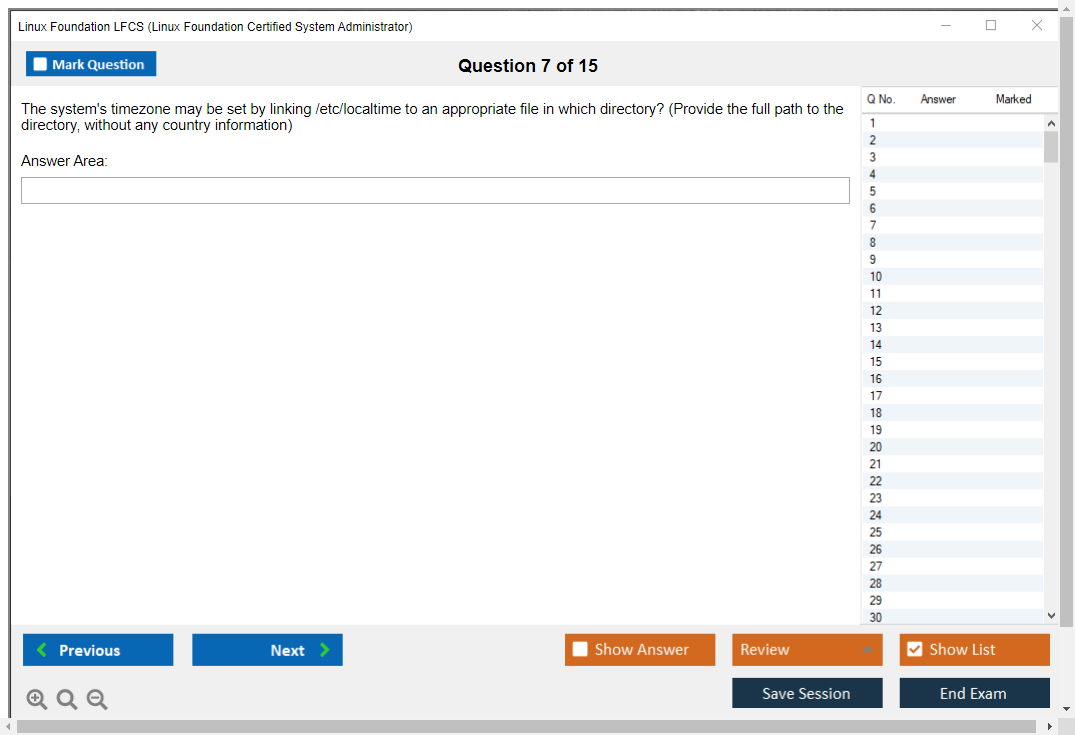
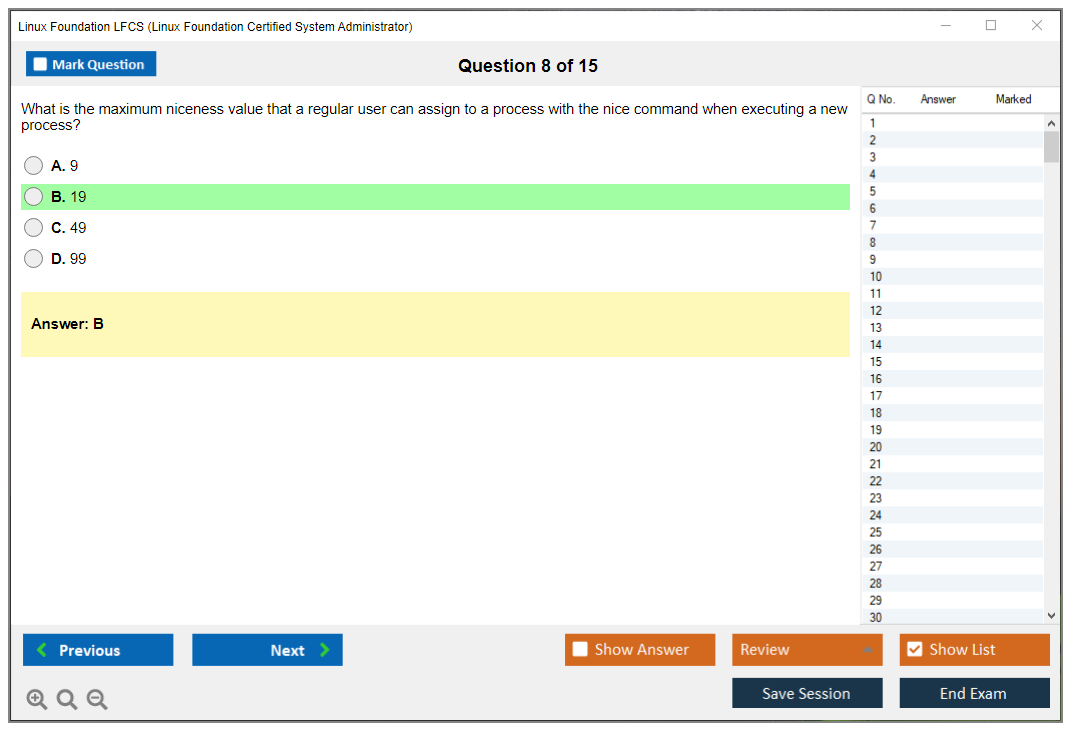
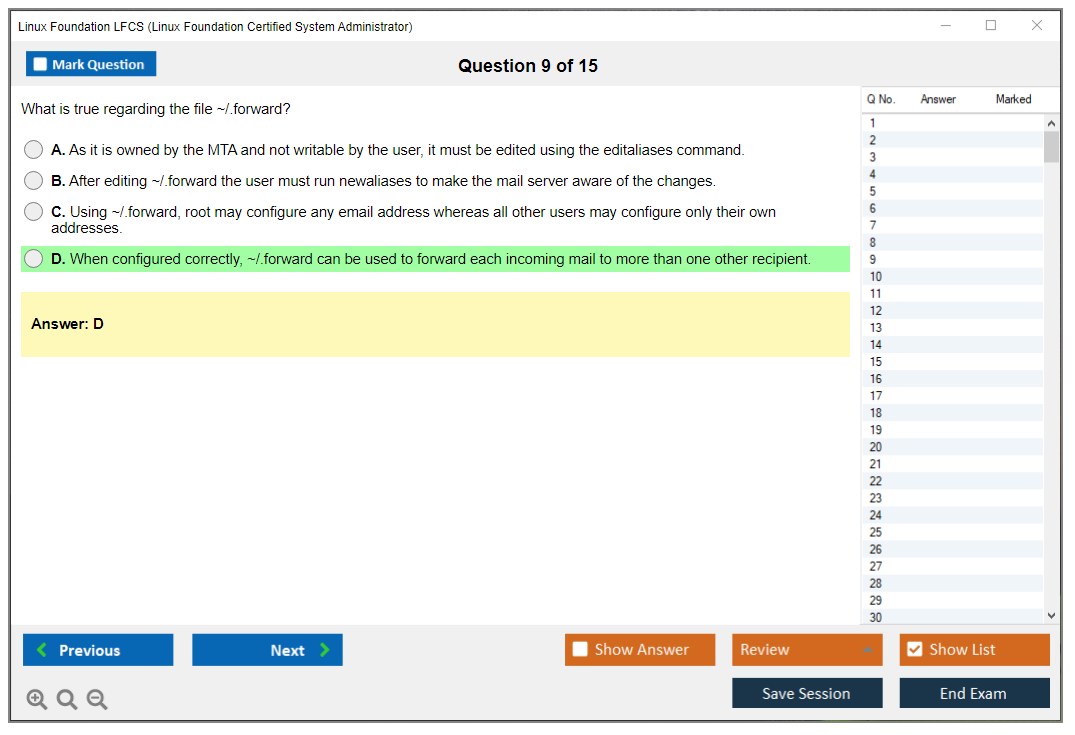
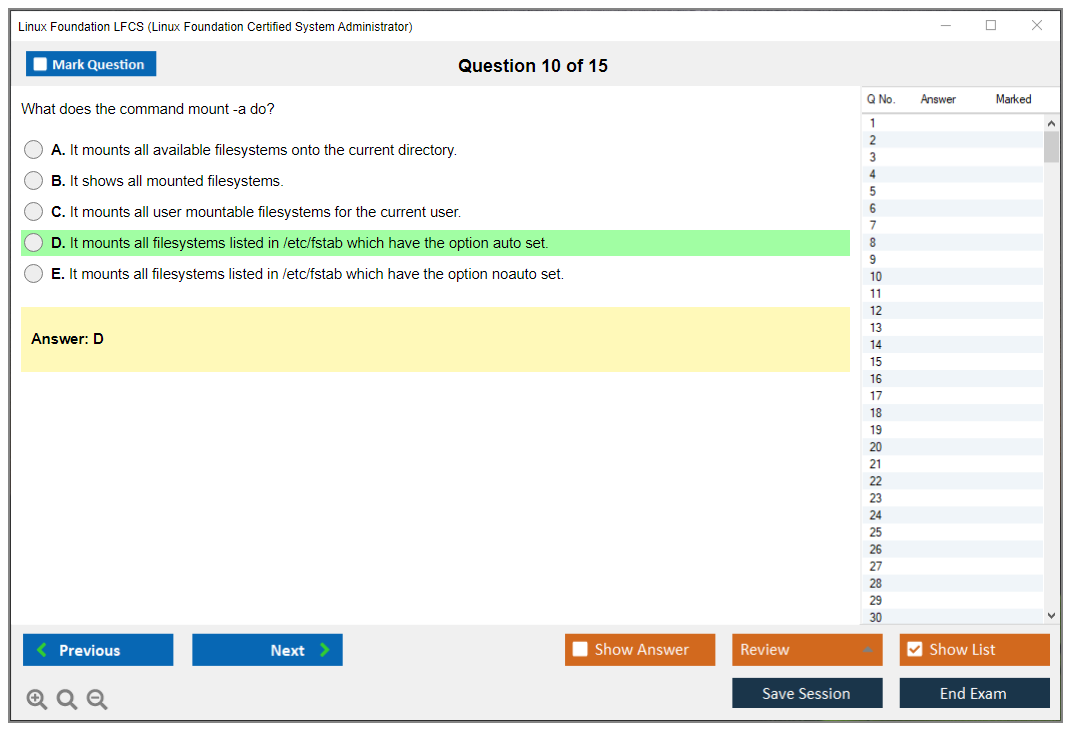
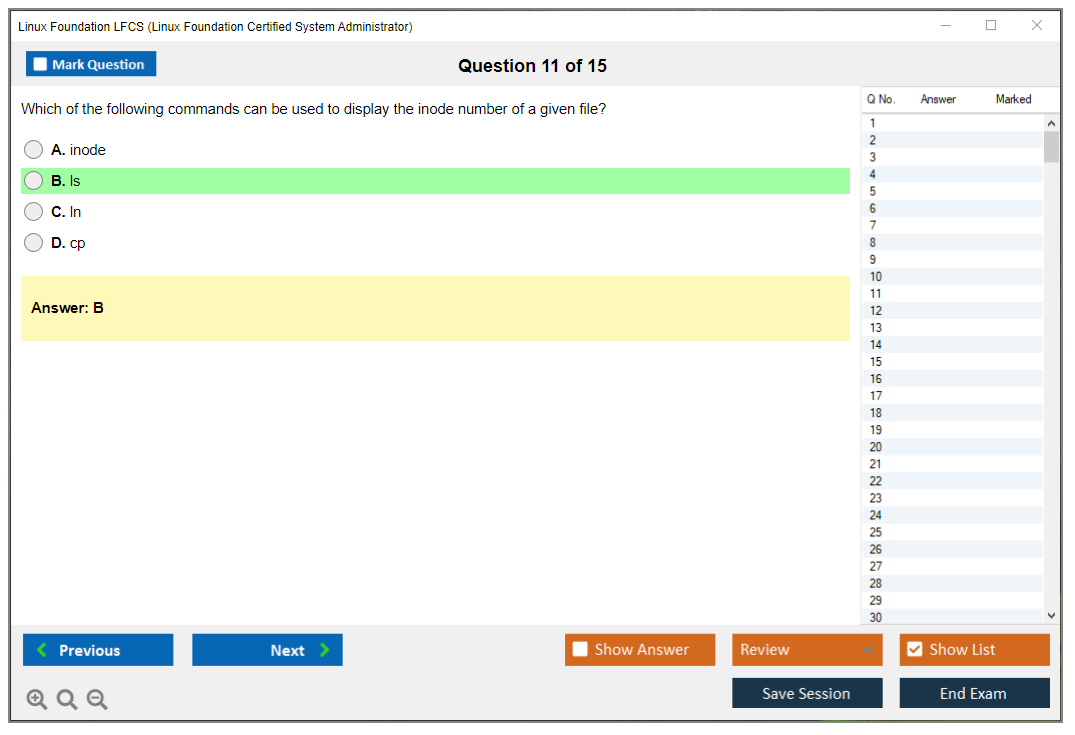
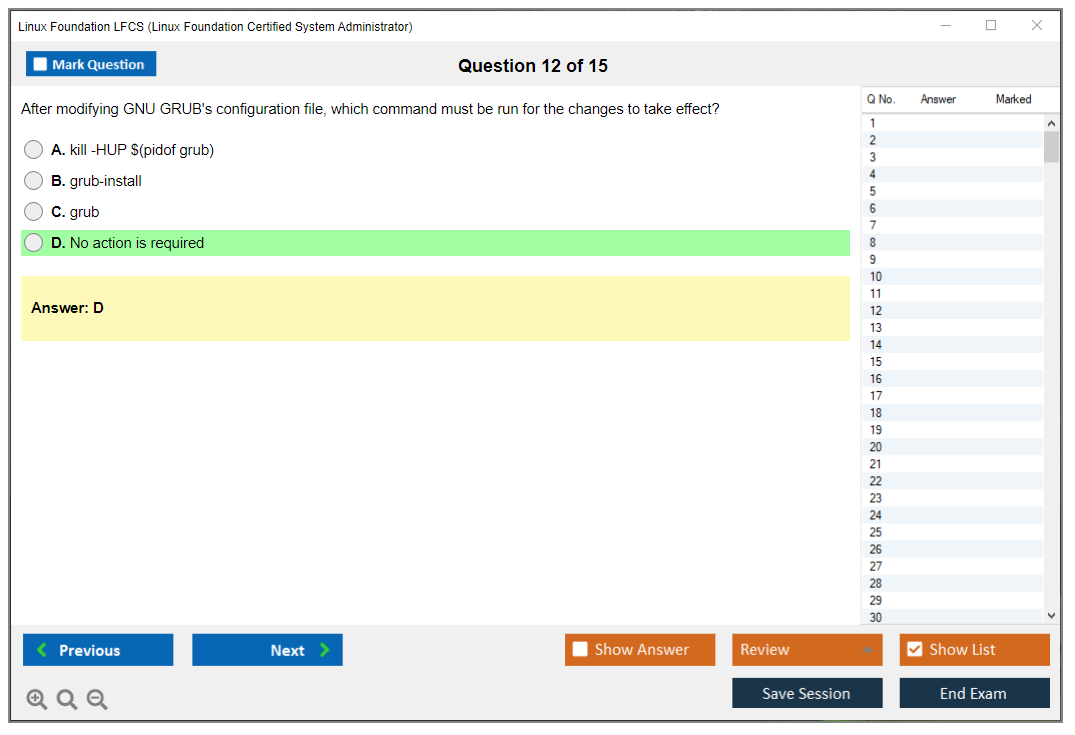
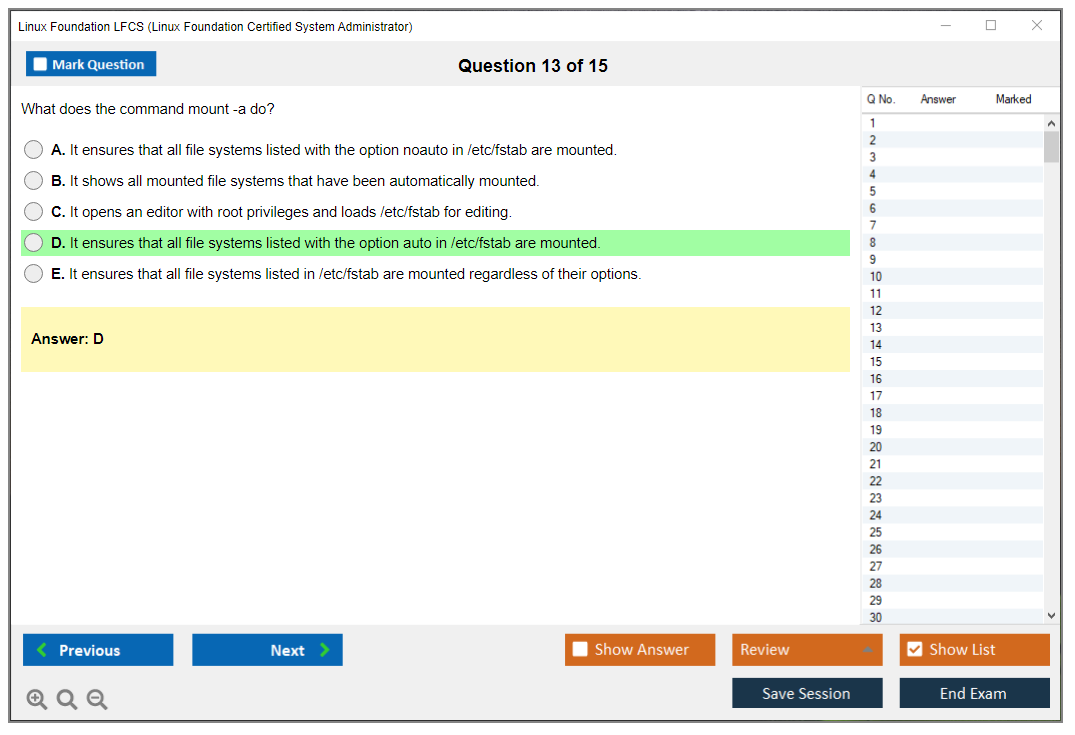
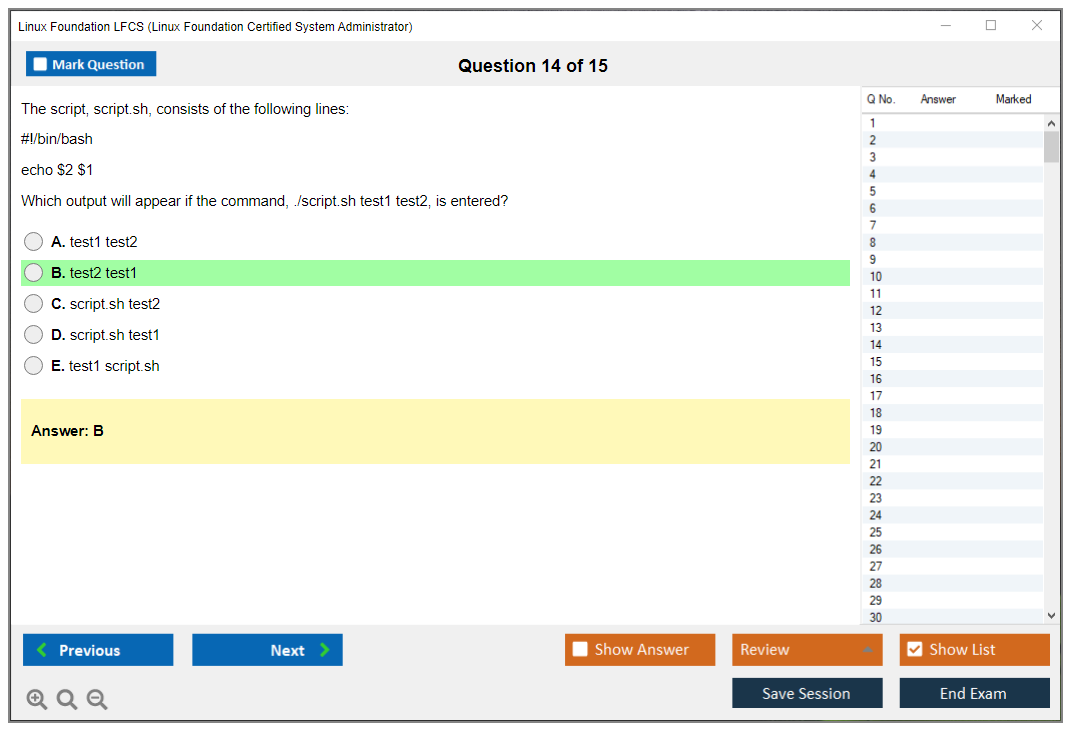
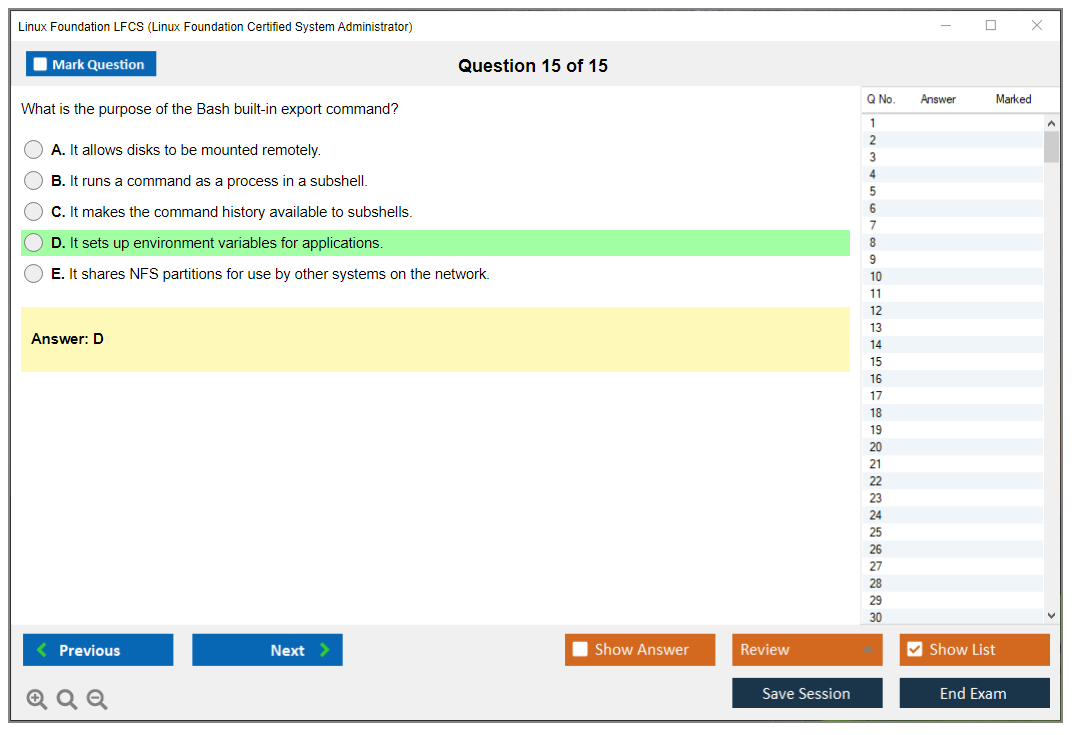
Dumpsarena Linux Foundation Linux Foundation Certified System Administrator (LFCS) Free Practice Exam Simulator Test Engine Exam preparation with its cutting-edge combination of authentic test simulation, dynamic adaptability, and intuitive design. Recognized as the industry-leading practice platform, it empowers candidates to master their certification journey through these standout features.
What is in the Premium File?
Satisfaction Policy – Dumpsarena.co
At DumpsArena.co, your success is our top priority. Our dedicated technical team works tirelessly day and night to deliver high-quality, up-to-date Practice Exam and study resources. We carefully craft our content to ensure it’s accurate, relevant, and aligned with the latest exam guidelines. Your satisfaction matters to us, and we are always working to provide you with the best possible learning experience. If you’re ever unsatisfied with our material, don’t hesitate to reach out—we’re here to support you. With DumpsArena.co, you can study with confidence, backed by a team you can trust.
Linux Foundation LFCS Exam FAQs
Introduction of Linux Foundation LFCS Exam!
The Linux Foundation Certified System Administrator (LFCS) certification exam is designed to test an individual's knowledge and skills in administering Linux systems. It covers a wide range of topics related to system administration including installation, configuration, user management, security, networking, system services, and troubleshooting.
What is the Duration of Linux Foundation LFCS Exam?
The Linux Foundation Certified System Administrator (LFCS) exam is a performance-based exam that typically takes 2-3 hours to complete.
What are the Number of Questions Asked in Linux Foundation LFCS Exam?
There is no set number of questions in the Linux Foundation Certified System Administrator (LFCS) exam. The exam consists of a series of performance-based tasks that test the candidate's knowledge and skills in using Linux. The tasks vary in difficulty and may be based on any of the topics covered in the exam.
What is the Passing Score for Linux Foundation LFCS Exam?
The passing score required to pass the Linux Foundation Certified SysAdmin (LFCS) exam is 70%.
What is the Competency Level required for Linux Foundation LFCS Exam?
The Linux Foundation Certified System Administrator (LFCS) exam requires a competency level of intermediate. This exam is designed to assess the skills necessary to be an effective Linux system administrator, including working with the command line, managing users and groups, security, system troubleshooting, and more.
What is the Question Format of Linux Foundation LFCS Exam?
The Linux Foundation Certified System Administrator (LFCS) exam consists of multiple-choice questions, performance-based questions, and fill-in-the-blank questions.
How Can You Take Linux Foundation LFCS Exam?
The Linux Foundation Certified System Administrator (LFCS) exam can be taken online or in a testing center. To take the exam online, you will need to create an account at the Linux Foundation website and purchase the exam. Once you have purchased the exam, you will be given access to the exam portal where you can take the exam. To take the exam in a testing center, you will need to contact the Linux Foundation to arrange a testing center appointment. You will then be able to take the exam at the testing center.
What Language Linux Foundation LFCS Exam is Offered?
The Linux Foundation Certified System Administrator (LFCS) exam is offered in English.
What is the Cost of Linux Foundation LFCS Exam?
The Linux Foundation Certified System Administrator (LFCS) exam is offered for a cost of $300 USD.
What is the Target Audience of Linux Foundation LFCS Exam?
The Linux Foundation Certified SysAdmin (LFCS) exam is designed for system administrators who have a basic understanding of Linux and who are looking to gain proficiency in system administration tasks. It is an entry-level certification that is ideal for those who are just starting out in a Linux career, or those who have some experience but are looking to validate their skills.
What is the Average Salary of Linux Foundation LFCS Certified in the Market?
The average salary for someone with a Linux Foundation Certified System Administrator (LFCS) certification is around $76,000 per year. However, salaries can vary widely depending on experience, location, and other factors.
Who are the Testing Providers of Linux Foundation LFCS Exam?
The Linux Foundation offers the LFCS exam through its official testing partner, Pearson VUE. Pearson VUE provides testing centers in over 180 countries and offers both online and in-person testing options.
What is the Recommended Experience for Linux Foundation LFCS Exam?
The recommended experience for the Linux Foundation Certified System Administrator (LFCS) exam is at least one year of experience working with Linux systems, including the installation, configuration, and administration of systems. Additionally, experience with the command line, shell scripting, and the Linux kernel is recommended.
What are the Prerequisites of Linux Foundation LFCS Exam?
The Prerequisite for the Linux Foundation Certified System Administrator (LFCS) exam is a basic understanding of Linux system administration. This includes knowledge of the Linux command line, basic system administration tasks, and experience with the Linux operating system.
What is the Expected Retirement Date of Linux Foundation LFCS Exam?
The expected retirement date of the Linux Foundation Certified System Administrator (LFCS) exam is not available on an official online website. However, you can contact the Linux Foundation directly to inquire about the expected retirement date.
What is the Difficulty Level of Linux Foundation LFCS Exam?
The difficulty level of the Linux Foundation Certified System Administrator (LFCS) exam is considered to be moderate to difficult. The exam consists of multiple choice and performance-based questions that test the candidate's knowledge and understanding of Linux system administration concepts and tasks.
What is the Roadmap / Track of Linux Foundation LFCS Exam?
1. Become familiar with the Linux operating system:
- Learn the basics of the Linux command line
- Understand the Linux file system
- Learn the basics of Linux system administration
2. Take the Linux Foundation Certified System Administrator (LFCS) Exam:
- Review the exam objectives
- Take practice exams
- Register for the exam
3. Prepare for the exam:
- Become familiar with the exam objectives
- Study the topics covered in the exam
- Practice with hands-on labs and simulations
4. Take the exam:
- Schedule the exam
- Take the exam
- Receive your results
5. Maintain your certification:
- Renew your certification every three years
- Participate in continuing education activities
- Keep up to date with new technologies and trends
What are the Topics Linux Foundation LFCS Exam Covers?
The Linux Foundation Certified System Administrator (LFCS) exam covers the following topics:
1. System Architecture: This section covers topics related to the architecture of Linux systems, including the Linux kernel, system initialization, filesystems, and system startup and shutdown.
2. Linux Installation and Package Management: This section covers topics related to installing and managing software packages on Linux systems, including package management tools, package formats, and software repositories.
3. GNU and Unix Commands: This section covers topics related to command-line usage on Linux systems, including the use of the bash shell and common Linux commands.
4. Devices, Linux Filesystems, Filesystem Hierarchy Standard: This section covers topics related to working with devices on Linux systems, including storage devices and device drivers, as well as the Linux filesystems and the Filesystem Hierarchy Standard.
5. Shells, Scripting and Data Management: This section covers topics related to working with
What are the Sample Questions of Linux Foundation LFCS Exam?
1. What is the purpose of the Linux Foundation Certified System Administrator (LFCS) exam?
2. What are the prerequisites for taking the LFCS exam?
3. What topics are covered in the LFCS exam?
4. What is the format of the LFCS exam?
5. What is the passing score for the LFCS exam?
6. How long is the LFCS exam?
7. How can I prepare for the LFCS exam?
8. What is the cost of the LFCS exam?
9. What is the best way to review for the LFCS exam?
10. What resources are available to help with the LFCS exam?
Linux Foundation LFCS (Linux Foundation Certified System Administrator) What Is the Linux Foundation LFCS Certification? Look, here's the deal. The LFCS certification is basically the Linux Foundation's way of proving you've got real, hands-on skills with Linux systems, not just theory from some textbook that's already outdated before it even hits the shelves. It's a performance-based exam. That's what sets it apart from those multiple-choice tests where you can honestly just guess your way through half the questions and still somehow pass. You sit down. You work through actual problems. They're watching you demonstrate real competency: troubleshooting, configuring systems, managing services, all that essential stuff a sysadmin deals with daily. Here's what makes it different. You're not memorizing commands to regurgitate later (though, let's be real, you'll need to know them). You're actually using them in realistic scenarios. It covers system administration tasks like user... Read More
Linux Foundation LFCS (Linux Foundation Certified System Administrator)
What Is the Linux Foundation LFCS Certification?
Look, here's the deal. The LFCS certification is basically the Linux Foundation's way of proving you've got real, hands-on skills with Linux systems, not just theory from some textbook that's already outdated before it even hits the shelves.
It's a performance-based exam. That's what sets it apart from those multiple-choice tests where you can honestly just guess your way through half the questions and still somehow pass.
You sit down. You work through actual problems. They're watching you demonstrate real competency: troubleshooting, configuring systems, managing services, all that essential stuff a sysadmin deals with daily.
Here's what makes it different. You're not memorizing commands to regurgitate later (though, let's be real, you'll need to know them). You're actually using them in realistic scenarios. It covers system administration tasks like user management, networking, storage configuration. Basically everything that keeps Linux environments running smoothly.
The certification doesn't expire quickly either, which is nice. It's valid for three years. Gives you decent time before needing to recertify or, honestly, before the tech world shifts enough that you'd want to update your credentials anyway.
It's vendor-neutral too. Works across distributions: Red Hat, Ubuntu, SUSE, whatever. That flexibility's pretty valuable in today's mixed-environment workplaces where you're jumping between different Linux flavors depending on the project or client budget or, I don't know, whatever the CTO decided on a Tuesday after reading one blog post. Funny how those decisions get made sometimes.
Anyway, bottom line? The LFCS proves you can actually do the work, not just talk about it in interviews.
What is the Linux Foundation LFCS certification?
The Linux Foundation LFCS certification is a performance-based credential proving you can actually handle real Linux system administration work, not just answer trivia about it. Anyone can memorize command syntax for multiple-choice tests, but LFCS makes you sit down in front of a live Linux terminal and complete actual tasks under time pressure. This separates people who know Linux from people who've just read about it. The Linux Foundation designed this certification to establish vendor-neutral competency standards across the industry, something that matters way more than you'd think when competing for positions in infrastructure teams.
This isn't theory.
It's hands-on work.
The exam doesn't present you with four possible answers where you eliminate the obviously wrong ones and guess between what's left. That'd be too easy. Instead, you get objectives like "configure a web server to start automatically at boot" or "create a user with specific permissions and a custom home directory," and you just do it. The system evaluates whether you've actually accomplished the task correctly. This mirrors real system administration better than any multiple-choice format ever could, because your configuration either works or it doesn't. There's no partial credit for "well, you understood the concept."
What makes LFCS particularly valuable is its vendor-neutral approach across major Linux distributions including Ubuntu, CentOS, SUSE, and others. You're not locked into Red Hat's ecosystem or Canonical's way of doing things, which gives you flexibility that distribution-specific certs can't match. The certification validates skills that transfer across distribution families, huge when you're working in enterprises running heterogeneous Linux environments. One client might standardize on Ubuntu while another swears by Rocky Linux, and LFCS prepares you for both scenarios because it focuses on universal Linux principles rather than distribution-specific quirks.
Who LFCS is for (roles and experience level)
Junior system administrators are the most obvious audience. If you've been tinkering with Linux for six months to a year and want to validate those foundational skills with something employers actually recognize, LFCS is a solid entry point. Perfect for IT professionals transitioning from Windows environments who need to prove they can handle Linux infrastructure, not just talk about it during interviews where everyone exaggerates their command-line experience.
DevOps engineers benefit from documented Linux administration competency, especially when managing infrastructure as code and needing to demonstrate they understand the underlying systems they're automating, not just copying Terraform templates from GitHub. Cloud engineers working with AWS, Azure, or GCP deal with Linux instances constantly, and while you might have cloud-specific certifications like CKA or CKAD for Kubernetes workloads, LFCS validates the foundational OS-level skills those platforms assume you already have.
Support engineers troubleshooting Linux server environments need this kind of hands-on competency verification. Students and career changers entering IT infrastructure roles find LFCS valuable because it's not gated behind years of prerequisites. You can pursue it as soon as you've built sufficient hands-on experience, refreshing in an industry obsessed with requiring five years of experience for entry-level positions. Professionals seeking vendor-neutral certification versus distribution-specific options appreciate that LFCS doesn't tie them to a single vendor's training ecosystem or renewal requirements.
The recommended experience level runs six to twelve months of hands-on Linux work before attempting the exam, but that's flexible depending on how intensively you've been working with Linux systems. There aren't formal prerequisites or required prior certifications. You could theoretically take LFCS as your first IT certification, though I wouldn't recommend it unless you've spent serious time in Linux environments getting comfortable with the command line and understanding how different components interact.
I knew someone who tried LFCS after two weeks of Linux experience because they'd been a Windows admin for years and figured "how different could it be?" They burned through the entire exam time on the first three tasks, couldn't get systemd services to behave, and failed spectacularly. That overconfidence cost them the exam fee and a bruised ego.
What skills LFCS validates (hands-on system administration)
LFCS covers essential command-line operations and file management, the bread and butter stuff you do daily. User and group administration with proper permission models sounds basic until you're debugging why an application can't write to a directory and realize someone set 644 permissions when they needed 755. These "simple" permission issues cause production outages more often than anyone wants to admit.
System service management using systemd has become increasingly important as more distributions adopt it, though the exam still covers legacy init systems you might encounter on older servers. Network configuration, troubleshooting, and security basics include things like configuring static IP addresses, understanding routing tables, and basic firewall rules. Tasks that seem straightforward until you accidentally lock yourself out of a remote server because you applied iptables rules in the wrong order.
Storage management covers partitioning, LVM (Logical Volume Manager), and filesystem operations. These seem straightforward until you're dealing with a production server running out of disk space and need to extend a logical volume without downtime or data loss. System monitoring, logging, and basic performance troubleshooting validate that you can identify what's going wrong when users complain about slow application response times. Is it CPU, memory, disk I/O, network latency?
Package management across different distribution families means understanding both apt/dpkg on Debian-based systems and yum/dnf on Red Hat derivatives, because enterprises don't standardize on one distribution as much as certification vendors wish they would. Basic shell scripting and automation tasks aren't about becoming a bash expert, but demonstrating you can write simple scripts to automate repetitive administrative work instead of manually running the same commands hundreds of times.
All exam tasks get performed in live Linux terminal environments. No theoretical questions. No multiple-choice safety net where you can guess your way through. Tasks mirror actual system administrator responsibilities you'd handle in production environments, and you must execute real commands to complete objectives. The platform doesn't care about your thought process, only whether the end result matches requirements.
Results are evaluated based on system state after task completion. Did the service actually start? Is the user account properly configured? Can the system boot with your new storage configuration? The focus on proper syntax, permissions, and persistent configurations means you can't just hack together something that works temporarily. Your solutions need to survive reboots and follow best practices that won't cause problems three months later when someone else inherits the system.
The exam tests your ability to work efficiently under time constraints, probably the most realistic aspect. Real sysadmin work often involves pressure situations where services are down and you need to fix them quickly while maintaining accuracy.
Vendor-neutral approach and distribution coverage
LFCS isn't tied to specific Linux distributions or commercial vendors. Broader applicability than certifications like RHCSA that focus exclusively on Red Hat Enterprise Linux. Skills you demonstrate apply across Red Hat, Debian, SUSE, and Ubuntu ecosystems, the major families you'll encounter in enterprise environments where IT managers pick distributions based on support contracts, licensing costs, and whatever their predecessor standardized on five years ago.
The exam environment may actually present different distributions for various tasks, forcing you to adapt your approach rather than memorizing one distribution's specific commands. Sounds intimidating but honestly reflects reality better than single-distribution testing. This prepares administrators for heterogeneous Linux environments, increasingly common as organizations adopt best-of-breed approaches rather than single-vendor stacks.
Employers recognize LFCS regardless of their preferred distribution. Matters more than you'd think when you're applying to jobs and half the listings mention Ubuntu while the other half specify CentOS or Amazon Linux or "experience with Linux" without clarifying which flavor.
Career value and industry recognition
LFCS is an entry-level certification opening doors to system administration roles without requiring years of documented experience. "Entry-level" doesn't mean easy, it means accessible to people transitioning into Linux administration from other IT roles or recent graduates. It shows commitment to professional development in Linux, which signals to employers that you're serious about this career path and willing to invest in validated skills rather than just claiming "I'm a quick learner" on your resume.
The certification complements cloud certifications like AWS Solutions Architect or Azure Administrator by providing the foundational Linux skills those platforms assume, especially when managing EC2 instances or Azure VMs running Linux. Cloud certifications teach you how to deploy infrastructure, but LFCS proves you can actually maintain and troubleshoot the operating systems running on that infrastructure.
Employers value it when seeking documented Linux competency because it provides objective evidence of hands-on ability rather than relying solely on resume claims and interview performance where candidates exaggerate their experience. LFCS is a stepping stone to advanced certifications including LFCE (Linux Foundation Certified Engineer), RHCE, or specialized credentials like CKS for Kubernetes security. Building a certification path that makes sense instead of randomly collecting credentials.
The competitive advantage is real. In the job market for infrastructure positions, certified professionals report average salary increases ranging from 10 to 20 percent, though obviously that varies by region, role, and whether you're changing jobs or getting promoted internally. Certifications matter most when you're negotiating with new employers who can't evaluate your actual skills firsthand.
The certification is part of the full Linux Foundation certification portfolio, which includes everything from LFCA for IT associates to KCNA for cloud native fundamentals. Aligned with the Linux Foundation's mission to support open-source technology and shares exam platforms and proctoring infrastructure with other LF certifications. If you've taken one Linux Foundation exam, you already know what to expect from the testing experience, the remote proctoring requirements, and that slightly uncomfortable feeling of someone watching you through your webcam while you configure network interfaces.
LFCS Exam Overview and Format
The Linux Foundation LFCS certification is one of those Linux system administrator certification options that tells employers, "yeah, this person can actually drive a terminal," not just talk about Linux in theory. It's a performance-based Linux exam, so your score comes from what you do on real systems under time pressure, which is exactly why hiring managers like it and why candidates sometimes panic a little when they realize there's nowhere to hide.
No fluff. Just work.
Performance-based exam structure
Look, the LFCS exam format is unapologetically hands-on. There aren't any multiple-choice, no true/false, no "which command flag does X" trivia questions where you can pattern-match your way to a pass. You get a live Linux environment and a list of tasks, and you perform actual system administration operations until the systems match what the tasks asked for. Honestly that's the whole point of the credential.
Quick one-liners? Sure. Then longer multi-step configs hit you next, and the rhythm keeps shifting in ways that mirror real work, not textbook chapters organized by difficulty level. Some tasks are as simple as "create a user with these properties" or "find and modify this file," and others are more like "make this service come up on boot, fix why it isn't starting, ensure the firewall allows the right traffic, and prove it's working." Which sounds like a lot because it is a lot, and it's exactly what real on-call work feels like when something breaks five minutes before a deploy window closes.
Grading is based on final system state. Whether the task requirements are met. That means partial credit can be weird. I mean, a config file that looks right but doesn't actually work? A service enabled but not started? A mount that works now but isn't persistent after reboot? Those details matter, because the exam is testing hands-on Linux admin skills, not recognition.
Command recall matters too. Not memorizing every switch, but knowing the right tool fast, knowing where to look, and being comfortable doing Linux command line administration without second-guessing every keystroke. I once watched someone spend ten minutes trying to remember the syntax for tar instead of just checking the man page. Don't be that person.
Exam environment and interface
The environment is browser-based. You connect to remote Linux systems through a terminal interface. Clean. Minimal. Very few distractions. It feels like a stripped-down remote console you might use for a cloud VM, and that's intentional because the exam wants you focused on execution, not tooling.
You may be given multiple VMs or containers, depending on the exam version, and tasks might reference "server1" versus "node2" or similar. Pay attention to where you are. That's not a "gotcha," that's Tuesday for a sysadmin.
Standard Linux command-line tools are available. You can use built-in documentation, including man pages, and that permission is a big deal because in real life nobody bans man systemctl or man rsync. What you can't do is browse the internet, open external notes, or pull up your personal cheat sheets. It's a closed-book, terminal-only vibe.
Also, copy-paste is often disabled. Not always in every environment, but plan like it is. If your whole strategy is "I'll paste my known-good config blocks," you're gonna have a bad time. Type like you mean it. Practice typing. Seriously.
If you want more context on the cert page itself, here's the LFCS program link: LFCS (Linux Foundation Certified System Administrator).
Number and types of tasks
Expect roughly 20 to 25 performance-based tasks. They're not all equal. Some are worth more points, typically the ones with multi-step requirements or validation conditions, and some are basically quick wins if you're comfortable with the shell.
A realistic mix looks like this: a couple fast command tasks, some user and permission work, service management, networking checks, storage/mounting, and at least a few "something's broken, fix it" items where you're troubleshooting an existing misconfiguration. That troubleshooting piece is where people burn time, because you can't just follow a memorized recipe. You have to observe the system, read logs, interpret output, and make a change that sticks.
Persistence shows up constantly. If you do a temporary fix that doesn't survive reboot, you might lose points. So think systemctl enable, think /etc/fstab, think config files, not just "it works right now."
Everything maps back to the LFCS exam objectives, so if you're studying, don't skip domains you "don't like." Storage and networking are common pain points for a reason.
Time allocation and exam duration
The exam is 120 minutes. Two hours. No breaks.
Timer is visible the whole time, which is good because it forces you to be honest about pacing, but it's also stressful because you'll do the math and realize you've got maybe 5 to 7 minutes per task if you spread it evenly. Not gonna lie, some tasks will take you 15 minutes if you get stuck in log-reading purgatory.
My favorite strategy is a quick pass through the whole list. Knock out the easy stuff first, bank points, build confidence, then return to the multi-step monsters. The thing is, staring at a hard task for 25 minutes early is how people fail while leaving easy points on the table.
Remote proctoring delivery method
LFCS is a remote proctored Linux exam. You take it online, from home or your office, and a proctor watches you through webcam and screen share. No testing center trip. Convenient. Also, slightly awkward.
Stable internet is essential. The Linux Foundation typically recommends at least 2 Mbps. I'd personally want more headroom than that because if your connection stutters during a live terminal exam, you're going to feel your soul leave your body.
Webcam and microphone are required for identity verification and monitoring. The proctor will do a room scan before you start. Expect to show the desk, walls, and surrounding area. They're checking for notes, extra monitors, phones, and anything that breaks the rules.
System requirements for online testing
Compatible OS options are Windows, macOS, or Linux, and you'll want a modern browser, usually Chrome or Chromium. A webcam with at least 640×480 resolution. A mic for speaking with the proctor if needed. You also need a government-issued photo ID.
Then there's the physical setup. Quiet private room. Closed door. Clean desk. No papers. No books. No second monitor. Phone removed. Smartwatch off and away. It's strict, but it's consistent with other Linux Foundation exams like CKA, CKAD, and CKS, which have got very similar proctoring rules.
Exam scheduling and availability
Scheduling is flexible. The exam is available 24/7, and you book through the Linux Foundation portal. I recommend scheduling at least a week ahead so you're not scrambling to find a slot that fits your life.
Rescheduling is typically allowed up to 24 hours before the exam time without penalty. Check-in begins about 15 minutes before your scheduled start, and the proctor connection plus system checks can take another 10 to 15 minutes, so don't schedule this between meetings like it's a casual calendar block.
Late arrivals beyond about 15 minutes can forfeit the attempt. Don't test that boundary.
Exam versions and distribution variations
This part catches people. The exam might use Ubuntu, CentOS, Red Hat-like systems, or another major distro, and you generally can't choose. So you need to be comfortable with multiple package managers like apt, yum, dnf, and maybe zypper, and you need to understand that file paths and config locations can differ across distributions.
Service management is primarily systemd-based in current versions, so you should be fluent with systemctl, journal logs, unit status checks, enablement, and basic troubleshooting.
The exam content gets updated periodically, which is good because Linux changes, but it also means outdated LFCS study materials can mislead you. Favor current docs and current practice labs.
What to expect on exam day
Exam day starts with ID verification, a room scan, and agreeing to the NDA and testing terms. Then you'll do a brief system check. After that, the proctor gives final instructions and the timer starts pretty much immediately once the session is cleared.
During the exam, you'll work through the task list, validate your changes, and keep moving. That's the whole game.
Results are usually available within 24 to 36 hours after completion. And yes, people always ask about LFCS passing score, but the Linux Foundation doesn't always publish a simple "you need exactly X%" number in a way that helps you, because scoring is tied to task completion and weights. So the practical takeaway is: finish more tasks correctly, and prioritize the high-value ones if you're behind.
Quick answers people ask (cost, score, difficulty, renewal)
How much does the LFCS exam cost? The LFCS exam cost varies by promos and bundles, but it's typically sold as a voucher through the Linux Foundation, sometimes with a retake option included depending on the package.
What's the passing score for LFCS? There may not be a single clean published number that helps you plan. Treat it like weighted task scoring. Get the system into the required end state.
Is the LFCS exam difficult for beginners? LFCS difficulty is real if you're brand new. If you've got 0 to 1 year of Linux exposure, expect a steep climb. With 1 to 3 years of steady CLI work, it's very doable.
What are the LFCS exam objectives and domains? They cover practical admin domains: essential commands, users and permissions, networking, storage, services, and security basics. Study straight from the official objectives list and map your labs to it.
How do I renew the LFCS certification? LFCS renewal is typically handled by recertifying when it expires, which usually means retaking the exam under the current blueprint, so keep your skills fresh instead of assuming the cert is forever.
And if you're preparing, skip the idea of "practice tests" as the main tool. LFCS practice tests help a little for pacing, but timed labs and repetition are what actually builds the muscle memory you need when copy-paste is off and the clock is loud.
LFCS Exam Cost and What's Included
What you'll actually pay for LFCS
The standard LFCS exam voucher costs $395 USD as of 2026. That's it. No hidden fees or subscription nonsense. You get one exam attempt with remote proctoring included, and honestly that's way more straightforward compared to certification programs that nickel-and-dime you for literally everything.
Now look, prices shift a bit depending on your region or how currency conversion plays out on any given day. I've seen people pay slightly more or less based on where they're purchasing from, but it's a one-time payment which is nice. No recurring fees to maintain the certification once you've passed, thank god. The certification itself stays valid for three years from your passing date, then you'll need to think about renewal.
Quick heads up: the Linux Foundation adjusts pricing occasionally so always check their official website before you budget. I mean the $395 figure's current for 2026 but don't quote me in 2027 without verifying, you know? They accept credit cards, PayPal, or purchase orders if you're getting your employer to foot the bill. More on that later because it's totally worth asking your company about.
The retake situation actually got better
Here's where things improved recently, which is refreshing for once in the certification world where everything usually gets more expensive and restrictive. As of 2026, your exam purchase includes one free retake. Yeah, you read that right. Free. That wasn't always the case and it's a huge relief if you're worried about bombing the first attempt.
The catch? Wait 7 days between attempts. Makes sense. Gives you time to actually study what you missed instead of just immediately failing again. You've got 12 months from your original purchase to use that retake, which is plenty of time unless you're really dragging your feet.
If you somehow need more attempts beyond the included retake, additional ones run $100-$150 USD each. No limit on total attempts though, so you can keep trying until you pass. The retake uses the same exam version and format, and they actually provide study recommendations based on which domains you struggled with. That feedback's really useful for targeting your weak spots.
Training bundles if you need more structure
The Linux Foundation offers combined packages that include their official training course plus the exam voucher. Bundle pricing typically lands between $695-$895 depending on whether you choose self-paced or instructor-led format.
I'll be honest. That's a significant chunk of money upfront. But if you're comparing it to buying separately, you're saving probably $200-$300, maybe more. The training aligns directly with exam objectives which takes the guesswork out of studying. You get hands-on labs and practice environments included, which is critical because LFCS is performance-based. You can't just memorize facts and pass this thing.
For people without extensive Linux experience, the bundle makes sense. If you've been running Linux systems professionally for a year or two, you might skip the formal training and just grab the exam voucher. Your call based on honest self-assessment of your skills.
Actually, speaking of self-assessment, I remember thinking I was ready for this exam after six months of daily Linux use. Scheduled it, felt confident, then completely blanked on systemd service configuration during the actual test. Turned out watching YouTube tutorials and actually troubleshooting broken services under time pressure are totally different skills. Used that free retake after spending two weeks in the lab breaking and fixing things repeatedly. Passed the second time but man, that first attempt was humbling.
Breaking down what's actually included
When you buy that $395 exam voucher, here's what you're getting: one proctored exam attempt delivered remotely, one free retake (verify this is still current policy when you purchase), access to the scheduling system, a digital certificate upon passing.
The certificate comes with verification credentials you can stick on your resume and LinkedIn, which employers actually check nowadays. You also get listed in the Linux Foundation Certified Professional Directory if you want that visibility. There's lifetime access to your certification verification page which is handy when employers want to confirm your credentials years later.
No physical certificate unless you specifically request one, but honestly who needs paper in 2026. The digital version's what matters for job applications anyway.
Actually good discounts if you time it right
Look, the Linux Foundation runs sales constantly. I'm talking 20-40% off during major shopping periods like Black Friday and Cyber Monday. Obvious ones, right? End-of-year sales too. If you're not in a rush, waiting for a promotion can save you $80-$150 easily, which is real money.
Sign up for their newsletter because subscribers get early notification of flash sales. I've seen random Tuesday discounts that lasted like 48 hours and saved people serious cash. Student discounts exist through some academic programs though availability varies wildly. Organizations training multiple employees can usually negotiate group discounts, worth asking if your company's certifying a whole team.
The thing is, membership programs sometimes include certification discounts but do the math carefully. Don't pay $200 for a membership just to save $50 on an exam. That's just bad economics.
Getting your employer to pay
Many employers cover certification costs as professional development, no questions asked. Some do it upfront, others reimburse after you pass. My advice? Ask before you spend your own money because why wouldn't you?
When requesting reimbursement, provide business justification that connects the certification to your actual job responsibilities, not some vague "professional growth" statement. Explain how improved Linux skills reduce downtime or improve efficiency. That's ROI language managers understand and approve. Some companies have annual training budgets per employee that go unused, so you might be leaving money on the table by not asking.
Documentation needed: itemized receipt and your passing certificate. Pretty standard stuff, nothing complicated. Self-employed folks might be able to deduct certification costs as business expenses. Consult a tax advisor on that because I'm not giving tax advice here.
Voucher timing matters
Exam vouchers are typically valid for 12 months from purchase date. You must schedule AND complete your exam within that window, not just schedule it. Extensions generally aren't available so plan your purchase timing carefully. Don't buy in January if you know you won't have study time until September. That's just wasteful.
Vouchers are non-transferable between people. Can't buy one and give it to your buddy, unfortunately. Refund policies vary and are usually pretty restrictive, so review terms before clicking purchase. Unused vouchers expire without refund after the validity period which is just money down the drain.
Hidden costs nobody mentions upfront
The $395 exam fee isn't your total cost, not even close. Study materials range from $50-$300 depending on what you buy: books, online courses, LFCS practice tests. It adds up fast. Lab environments cost money too unless you're running everything locally on your own hardware. Cloud instances might run $50-$100 monthly if you're practicing with AWS or Azure, which you probably should be.
Virtualization software's often free (VirtualBox, KVM) but you need decent hardware to run multiple VMs without your laptop catching fire.
Time investment's huge. Plan 40-120 hours of study depending on your current experience level, and that's opportunity cost even if it's not cash out of pocket. If you fail the first attempt and burn your free retake, additional attempts cost extra. Three years from now you'll face renewal costs, either retaking the exam or whatever recertification path exists then.
Continuing education after certification matters too if you want to stay current in this field. The Linux Foundation has other certs in their ecosystem like CKA and CKAD if you're heading toward Kubernetes work, or LFCA if you're just starting your Linux path and want something more foundational.
How LFCS stacks up price-wise
At $395, LFCS is competitive with other vendor-neutral certifications in the market. RHCSA runs about $400-$450 depending on testing center fees and location. CompTIA Linux+ is similar pricing but some people feel LFCS has better market recognition for actual sysadmin work, though that's debatable depending on your industry.
The free retake policy reduces financial risk compared to certifications where you're paying full price for every attempt, which can get expensive fast if you're not prepared. Being vendor-neutral means the skills apply across RHEL, Ubuntu, SUSE, whatever. Broader applicability than vendor-specific certs that lock you into one ecosystem. The three-year validity's longer than some competing certifications that require annual renewal and ongoing fees.
Not gonna lie, if you're serious about Linux system administration work, $395's a reasonable investment that'll pay dividends. Just budget for the whole picture including study materials and practice resources like the LFCS Practice Exam Questions Pack at $36.99 which gives you realistic task-based scenarios that mirror the actual exam. The certification opens doors and usually pays for itself within months through better job opportunities or salary increases. At least that's been the pattern I've seen.
LFCS Passing Score and Grading System
What is the Linux Foundation LFCS certification?
The Linux Foundation LFCS certification is a Linux system administrator certification that proves you can actually run a box, not just answer trivia.
Not theory. Not memorization. Real work.
LFCS targets junior to mid admins, help desk folks trying to break out, cloud engineers who keep bumping into Linux, and honestly anyone who keeps saying "I know Linux" but hasn't been forced to fix a broken service under a timer. It's a performance-based Linux exam, so you're doing tasks in a live environment, and your score comes from what you successfully build and fix.
Who LFCS is for (roles and experience level)
Look, if you're touching servers at work even a little, LFCS fits. If you're brand new, it's still doable, but expect a steeper climb because the exam assumes you can move around the shell without thinking and you won't panic when networking stops working.
Admins. SRE-ish beginners. Career switchers.
What skills LFCS validates (hands-on system administration)
This one checks hands-on Linux admin skills. Linux command line administration, service management, storage work, user and permission control, and basic security stuff like SSH and firewall rules. The thing is, it's the kind of skill set where you either can do it, or you're stuck googling, and you can't google during a remote proctored Linux exam.
LFCS exam overview
Exam format (performance-based, tasks, environment)
You get a list of tasks and a live Linux environment, which I mean, sounds simple until you're actually in there. The tasks are practical, like "configure a service," "set permissions," "create storage," "fix DNS," that sort of thing. And the scoring's based on completed tasks, which is why the LFCS passing score conversation matters so much.
One screen. One timer. No multiple choice.
Delivery method (online/remote proctoring)
It's remote proctored. Webcam on, room scan, the usual. You're dropped into a terminal-based environment and you work from there. The proctoring part isn't hard, but it does add stress, and stress makes people mistype config files, which is basically the number one way to donate points to the exam.
Time limit and exam version notes
Time limits and exact task mix can vary by exam version. Linux Foundation does update things. That's why I always tell people to verify the current LFCS exam objectives right before scheduling, because what was "common" two years ago might be less common now. And honestly, wait, the passing score can also change, which is another reason to check their official docs.
LFCS cost and what's included
LFCS exam cost (voucher, bundles, retake options)
The LFCS exam cost changes with promos and bundles, but typically you're buying a voucher, and that often includes one free retake. That retake detail matters if you're on the edge skill-wise. Failing doesn't "mark" you publicly or anything. You just schedule again after the waiting period.
Money out. Time in. Skills gained.
Discounts, promotions, and employer reimbursement tips
If your employer has any training budget, ask. Seriously. A lot of companies will reimburse Linux certs if you can tie it to job duties, and some don't even require much justification beyond "I need this for work." Also watch Linux Foundation promos. They happen. If you're self-funding and want extra reps, I've seen people pair study with a paid question pack just to keep themselves honest, like this LFCS Practice Exam Questions Pack at $36.99, but don't confuse questions with readiness. LFCS is hands-on.
LFCS passing score (and how scoring works)
Is there an official passing score?
As of 2026, the LFCS passing score is 66% or higher. That's the number most people are hunting for. Yes, it's an absolute threshold. No curve. No "everyone did bad so you pass anyway" magic.
66%+. That's it. No bargaining.
Also, passing score's subject to change, so verify the current requirement in your candidate portal or the Linux Foundation exam page before you book. Especially if you're planning your prep timeline tightly.
Score calculated based on successfully completed tasks
Your score's calculated based on the tasks you successfully complete. Makes sense when you think about it because they can't exactly grade "effort" in a terminal environment. Each task has a point value based on complexity. Your final score's presented as a percentage of total possible points. Most of the time the total points sum to 100, which keeps the math simple, but what matters is that you're accumulating points by finishing tasks correctly.
Partial credit usually isn't a thing. If the task requires a service to be enabled and running with the right config, and it isn't, you typically get zero for that task. That's harsh, but it's also realistic. A half-working production service is still broken.
How performance-based exams are graded
The grading's automated and it evaluates the final system state. That's the key phrase. Grading scripts check specific criteria for each task. Files existing, correct permissions, correct ownership, services enabled, firewall rules applied, mounts present, and configs matching what the task asked for.
They don't care about your command history. They don't care how pretty it was. They care that it works.
Multiple valid approaches can exist, which is actually kind of nice. You can use different commands, different editor choices, even different troubleshooting flow, and still pass. As long as the end state matches the task description. But syntax errors that prevent task completion usually mean zero points. The script checks the result and the result is "nope."
How to know you're ready (benchmarking with labs)
Honestly, the best readiness test's boring: can you repeatedly complete objective-style labs quickly and cleanly. If you can finish practice runs in under two hours, without external notes, and you're comfortable using man pages for syntax when you blank, you're probably close. I like the "75%+ on mock exams" rule because it gives you buffer above the 66% requirement. Buffer's what saves you when one nasty storage task eats 20 minutes.
Task weighting and point distribution
Tasks are weighted differently. Simple tasks, like a single command or a basic file change, might be 1 to 2 points. Moderate multi-step configs run around 3 to 5 points. Complex tasks like troubleshooting, service integration, or storage puzzles can be 6 to 10 points.
Here's the part people mess up: strategy.
Do high-value tasks first. If you spot a 10-point service fix and you know you can do it, grab it. Spending 25 minutes chasing a 1-point typo-prone permission task's how people run out of time and miss the passing line. You can come back for the low stuff later, when the big point buckets are already in the bank.
Score reporting and results timeline
Results are typically available within 24 to 36 hours after you finish. You'll get an email when results are ready. You can access the full score report through the Linux Foundation portal.
You'll see your overall percentage score, plus a domain-level breakdown. You won't get task-by-task feedback with "you missed this line in sshd_config." Annoying, but understandable because it's a secured exam. Passing candidates get the digital certificate pretty much immediately after results post.
What happens if you don't pass
If you fail, you get a score report that points out weak domains so you can focus. There's usually a free retake, but there's also a mandatory 7-day waiting period before you can attempt again. Same format, different specific tasks.
No public record. No permanent penalty. Just feedback.
A lot of candidates pass on the second try because the first attempt teaches you pacing. Pacing's half the game. This is where targeted practice helps, and if you want structured repetition, something like the LFCS Practice Exam Questions Pack can be a lightweight add-on. You still need lab time for the actual hands-on parts though.
Understanding score breakdowns by domain
Your report includes domain-level performance, tied to the LFCS exam objectives and domains like Essential Commands, User Management, Networking, Storage, Services, and security basics. Domains are weighted according to the objectives document. A weak area can hurt more if it's a heavier domain.
High scores in some domains can offset weaker ones, but don't plan on that. Aim for balanced competency. The exam can stack multiple tasks from a domain you dislike, and then your "offset" plan turns into a sad little math problem.
Benchmarking with practice environments
If you're serious about passing, set up timed practice sessions that mimic exam conditions. Clean VMs, no saved configs, start fresh, and run a countdown timer. Build your task list from the LFCS exam objectives, then review mistakes after each run and repeat until the common failures disappear.
Do it again. And again. Track improvements.
Also gradually increase difficulty. Start with basic user and permissions drills, then add services, then add storage and networking, and then combine them. LFCS loves to make you touch multiple areas back-to-back. Sort of like a sysadmin version of those cooking shows where they keep adding mystery ingredients halfway through, except nobody's impressed if you make it work, they just expect it.
Common scoring pitfalls to avoid
Time management kills scores. People leave points on the table by getting stuck early and never recovering. Another big one's doing configs that don't persist after reboot when the task requires persistence. Classic "it worked once" trap.
A couple more that I see constantly: incorrect file permissions that prevent a service from operating, typos in config files that stop daemons from starting, skipping a requirement buried in the task description, and not verifying before moving on. Verification's a skill. Run the command. Check the service. Confirm the mount. Then move.
If you want extra reps before you pay another LFCS exam cost, a small paid resource like the LFCS Practice Exam Questions Pack can help you find gaps faster. Your real score comes from doing the work on a box though. Under time. With your hands on the keyboard.
LFCS Difficulty Level and Common Challenges
Overall difficulty assessment
The LFCS sits right in that intermediate zone where it's not gonna destroy you but it's definitely not a walk in the park either. Most people who've spent real time in Linux environments will tell you it's more accessible than the RHCSA, which tends to throw some pretty gnarly scenarios at you. The LFCS keeps things practical but doesn't go as deep into the enterprise-specific stuff that Red Hat loves.
Here's the thing though. CompTIA Linux+ is easier on paper because you're clicking multiple choice answers, but LFCS makes you actually do the work. You're configuring services, setting permissions, troubleshooting network issues in a live terminal with no hints, no "select all that apply" safety net, just you and a command prompt and whatever you can remember under pressure. That performance-based format separates people who've read about Linux from people who've actually used it.
Look, if you've only got theoretical knowledge, you're gonna struggle. Hard.
I've seen people with impressive resumes completely freeze up when they realize they can't Google their way through a systemd service configuration. Time pressure's the silent killer here. You might know how to set up LVM, but can you do it in 8 minutes while your brain's screaming about the other 15 tasks waiting? The exam gives you 2 hours for roughly 20 tasks, and some of those tasks have multiple steps. You do the math.
The passing rate hovers around 60-70% for people who actually prepare properly, which isn't terrible. But that number includes folks who've been doing this professionally for years. First-timers with minimal experience? Yeah, those odds drop fast.
Difficulty by experience level: 0-1 year Linux experience
Not gonna lie, this is rough territory. If you're sitting here with less than a year of hands-on Linux work, the LFCS is gonna test you in ways that watching YouTube tutorials just doesn't prepare you for. Theoretical study gets you maybe 30% of the way there. The other 70% is muscle memory, knowing which flags go with which commands, understanding why your permissions are wrong without having to look up octal notation every single time.
You need somewhere between 80 to 120 hours of dedicated lab time. And I don't mean reading documentation. I mean actually breaking things and fixing them. Set up VMs, destroy them, rebuild them. Configure network interfaces until you can do it half-asleep. Every single exam objective needs your hands on a keyboard, repeatedly, until the commands just flow.
Focus on building that muscle memory for common stuff like user management, file permissions, basic networking. You'll fumble with syntax during the exam if you haven't typed these commands hundreds of times before.
If you're in this experience bracket, consider whether delaying the exam makes sense. Another six months of real work experience could save you a failed attempt and the frustration that comes with it. Success is definitely possible, I've seen people pull it off, but it requires preparation where you're cramming years of practical knowledge into a few months of focused lab work. Kind of like learning to drive by doing nothing but parallel parking drills for three months straight. Effective? Sure. Fun? Not really.
Difficulty by experience level: 1-3 years Linux experience
This is where things get interesting. You've got a foundation, right? You've probably managed users, configured some services, maybe dealt with storage issues or network troubleshooting in your day job. The LFCS feels moderate here. Not easy but definitely achievable with targeted preparation.
Your existing skills cover maybe 60-70% of the exam objectives, but those gaps are real. Maybe you've never set up LUKS encryption. Perhaps your workplace uses configuration management tools so you haven't manually configured a firewall in forever. Those gaps'll hurt you if you don't address them.
Budget around 40-60 hours of study and practice, focusing on the stuff you don't touch regularly. If you work in a containerized environment, you might be rusty on traditional init systems or LVM configurations. Cloud work means local networking and storage management might need serious review.
Time management becomes critical here. You know the concepts, but can you execute them quickly enough under exam conditions? Most candidates in this experience range pass, but the ones who fail usually underestimate the time pressure or skip practicing the exam format itself.
Confidence is good, complacency is deadly. I've watched people with 2 years of experience fail because they assumed their daily work was sufficient preparation. It's not. The exam tests breadth, and your job probably focuses on depth in specific areas.
Difficulty by experience level: 3+ years Linux experience
If you've been doing this for three-plus years in a real sysadmin role, the LFCS should feel manageable. Notice I said "should." It's not automatic. Your real-world experience covers most of what they're testing, assuming you've worked across different areas and not just specialized in one narrow domain.
Plan on 20-40 hours reviewing weak spots and getting familiar with the exam format. The technical knowledge is there, but you need to calibrate for how the exam presents problems. Sometimes the challenge isn't the task itself but recognizing what they're actually asking for in the time you've got.
Time management often becomes the main challenge rather than technical gaps. You might spend 15 minutes perfecting a solution when a "good enough" answer in 5 minutes would've earned the same points. Production environment habits can work against you because you're used to being careful, documenting everything, maybe checking with team members, but the exam rewards speed and accuracy, not perfection.
You might also hit unfamiliar distributions or tools. If you've spent three years deep in Ubuntu, suddenly working in CentOS or SUSE might throw you slightly. The concepts are the same but the paths, package managers, and default configurations differ.
High pass rate here for people who actually prepare. The failures usually come from overconfidence. People who schedule the exam without any review, assuming their experience alone is sufficient, then they encounter a storage task they haven't touched in two years and realize muscle memory has faded.
Most challenging exam areas and why they trip people up
Permissions are the silent killer. Everyone thinks they understand chmod and chown until they're trying to set up a shared directory with specific group access and sticky bits under time pressure. The exam loves scenarios requiring you to combine user management, group membership, and file permissions in ways that demand you actually understand the underlying concepts, not just memorize commands.
Networking trips up a shocking number of people, especially those who've worked primarily in cloud environments where networking is abstracted away. Configuring static IPs, setting up routing, troubleshooting connectivity issues. This stuff requires you to actually understand how Linux networking works at a fundamental level. You can't just click around in a web console here.
Storage and filesystem management gets messy fast. LVM is straightforward in theory but the commands are finicky, and if you create a logical volume with the wrong parameters, you're gonna waste precious minutes fixing it. Mounting filesystems, setting up persistent mounts in fstab, dealing with partition tables. There are so many places where one typo ruins everything.
Service management with systemd should be straightforward but people overcomplicate it. They forget simple commands or mix up the syntax between systemctl and older service commands. And don't even get me started on people who've never properly read systemd unit files trying to modify one during the exam.
The biggest mistake? Not practicing in an environment that mirrors the exam. People study on their comfortable home setup with all their aliases and custom configurations, then panic when the exam environment's completely vanilla. Practice in clean VMs. Learn to work without your crutches. Use man pages well because that's all you'll have during the actual exam.
Another killer is poor time management strategy. People spend 25 minutes on a task worth 4% of the grade, then rush through a 10% task in 5 minutes and mess it up. You need to triage without mercy. If you're stuck, mark it and move on. Come back if time allows. Every task you complete correctly is points in the bank, and partial credit isn't really a thing here.
Similar to how the CKA certification tests your practical Kubernetes skills under time pressure, the LFCS demands you prove your Linux administration abilities through actual performance rather than theoretical knowledge. That hands-on, time-constrained format is what makes these Linux Foundation exams both respected and challenging.
Conclusion
Wrapping it all up
Look, the Linux Foundation LFCS certification isn't some magic bullet that'll instantly land you a six-figure gig, but it's legitimately one of the better investments you can make if you're serious about Linux system administration. I mean it validates hands-on Linux admin skills through a performance-based Linux exam that actually tests whether you can do the work, not just memorize trivia. That matters more than people think when you're sitting across from a hiring manager who's tired of candidates who can't troubleshoot a failed service or fix filesystem permissions without Googling every command.
The exam format is tough.
Not gonna lie about that. Between the LFCS exam objectives covering everything from Linux command line administration to networking and storage management, plus the pressure of working in a remote proctored Linux exam environment with actual tasks to complete, it filters out people who've only read about Linux versus those who've broken and fixed actual systems. The LFCS difficulty really depends on your current experience level. Someone with 2-3 years of daily Linux work will find it challenging but manageable, while beginners might struggle even with solid LFCS study materials if they haven't logged enough real terminal time.
Here's what I tell people: the LFCS exam cost (currently around $395, though watch for promotions) is reasonable compared to vendor-specific certs, and the three-year validity period before you need to think about LFCS renewal gives you solid ROI. But you absolutely need hands-on practice first. Build a home lab, work through the exam domains systematically, and test yourself under timed conditions because knowing the LFCS passing score threshold (66% typically) doesn't help if you freeze up during the actual exam when you can't remember systemctl syntax. I once watched a coworker with ten years of experience bomb this thing because he'd spent the last five years in management and his muscle memory was just gone.
The thing is, the performance requirements mean you can't fake your way through this one, which is exactly why it carries weight with employers looking for actual Linux system administrator certification credentials.
Before you schedule though, seriously consider working through quality LFCS practice tests that mirror the real exam environment. I've seen too many capable admins fail simply because they weren't used to the time pressure or task-based format, and that's frustrating because they really knew their stuff. If you want realistic preparation that covers all the LFCS exam objectives with actual command-line scenarios, check out the LFCS Practice Exam Questions Pack. It'll give you that key exposure to performance-based questions before you're burning through your exam voucher.
Get your hands dirty, practice until the commands feel automatic, and you'll be fine.
Show less info
Comments
Hot Exams
Related Exams
ACE Personal Trainer Certification Exam
Workspace ONE Design and Advanced Integration Specialist
Network Management
Certified Data Architecture and Management Designer
JD Edwards EnterpriseOne Distribution 9.2 Implementation Essentials
Palo Alto Networks System Engineer Professional - SASE Exam
ISTQB Certified Tester Advanced Level - Test Manager [Syllabus 2012]
Essentials of Internal Auditing
SAP Certified Associate - Implementation Consultant - SAP Sales Cloud
PRINCE2 Foundation (by Exin)
Specialist – Implementation Engineer, Elastic Cloud Storage (ECS) Exam
Certified Kubernetes Administrator (CKA) Program
Certified Kubernetes Application Developer (CKAD) Program
Certified Kubernetes Security Specialist (CKS)
Linux Foundation Certified System Administrator
Kubernetes and Cloud Native Associate (KCNA)
How to Open Test Engine .dumpsarena Files
Use FREE DumpsArena Test Engine player to open .dumpsarena files


DumpsArena.co has a remarkable success record. We're confident of our products and provide a no hassle refund policy.

Your purchase with DumpsArena.co is safe and fast.
The DumpsArena.co website is protected by 256-bit SSL from Cloudflare, the leader in online security.