
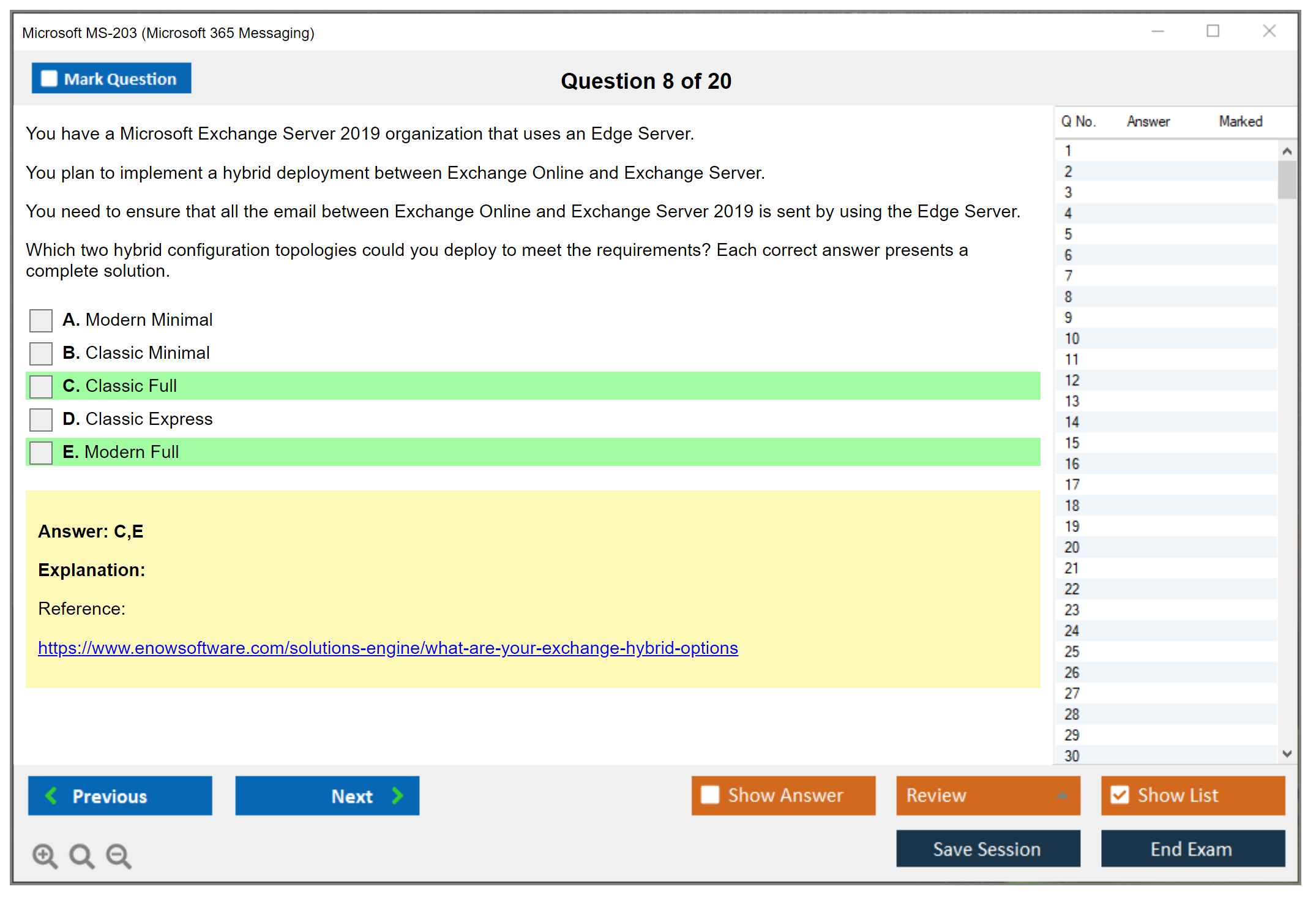
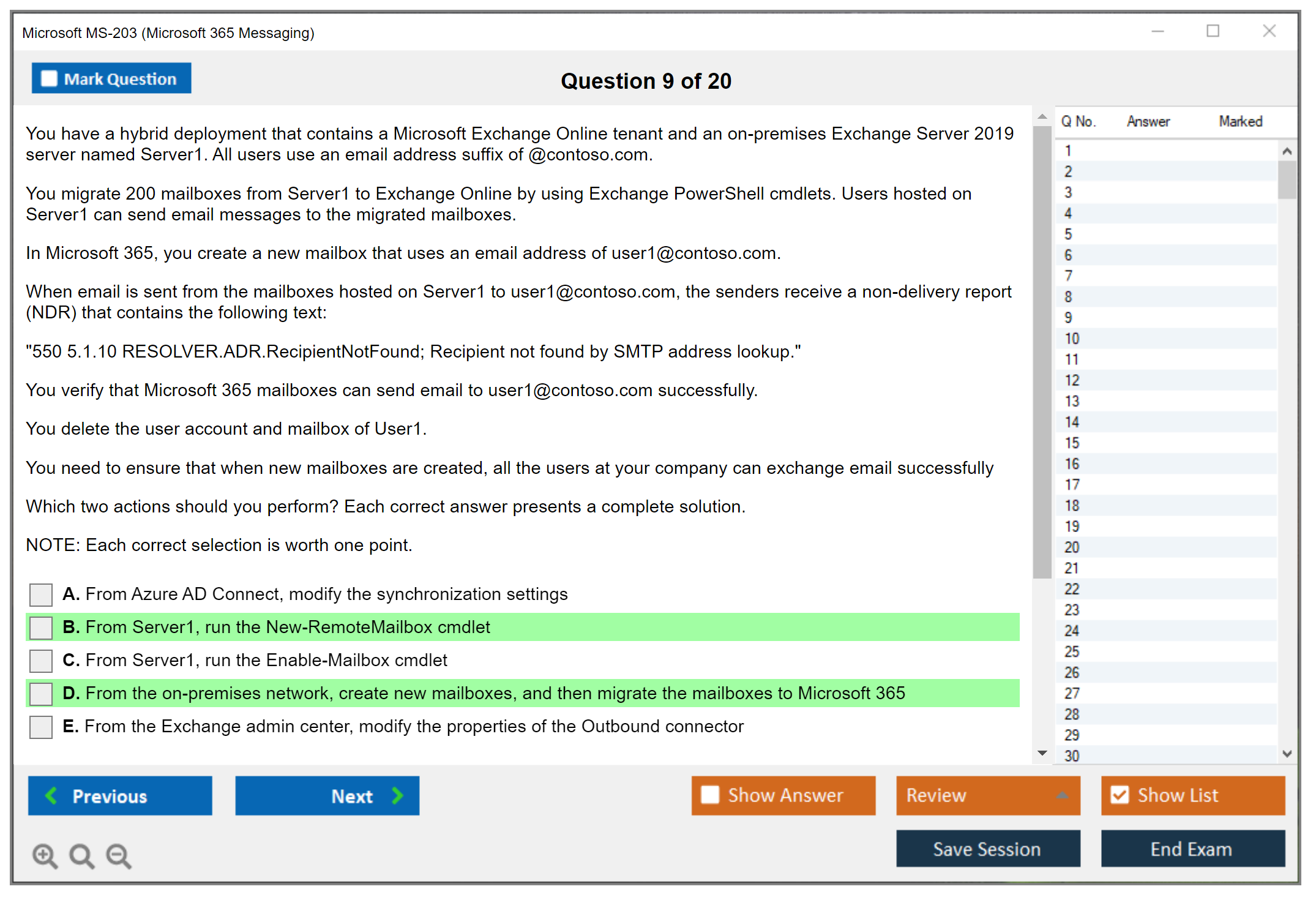
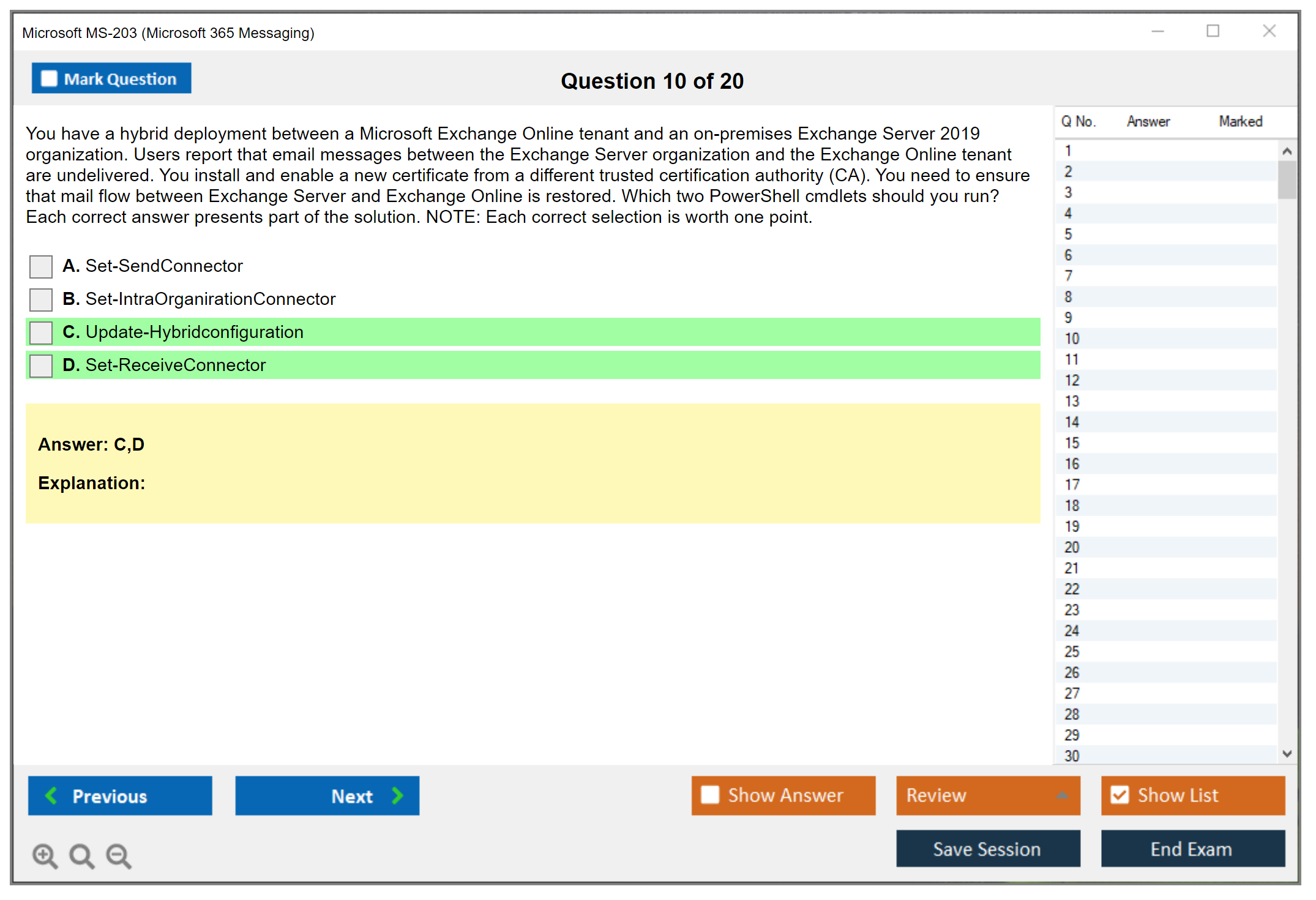
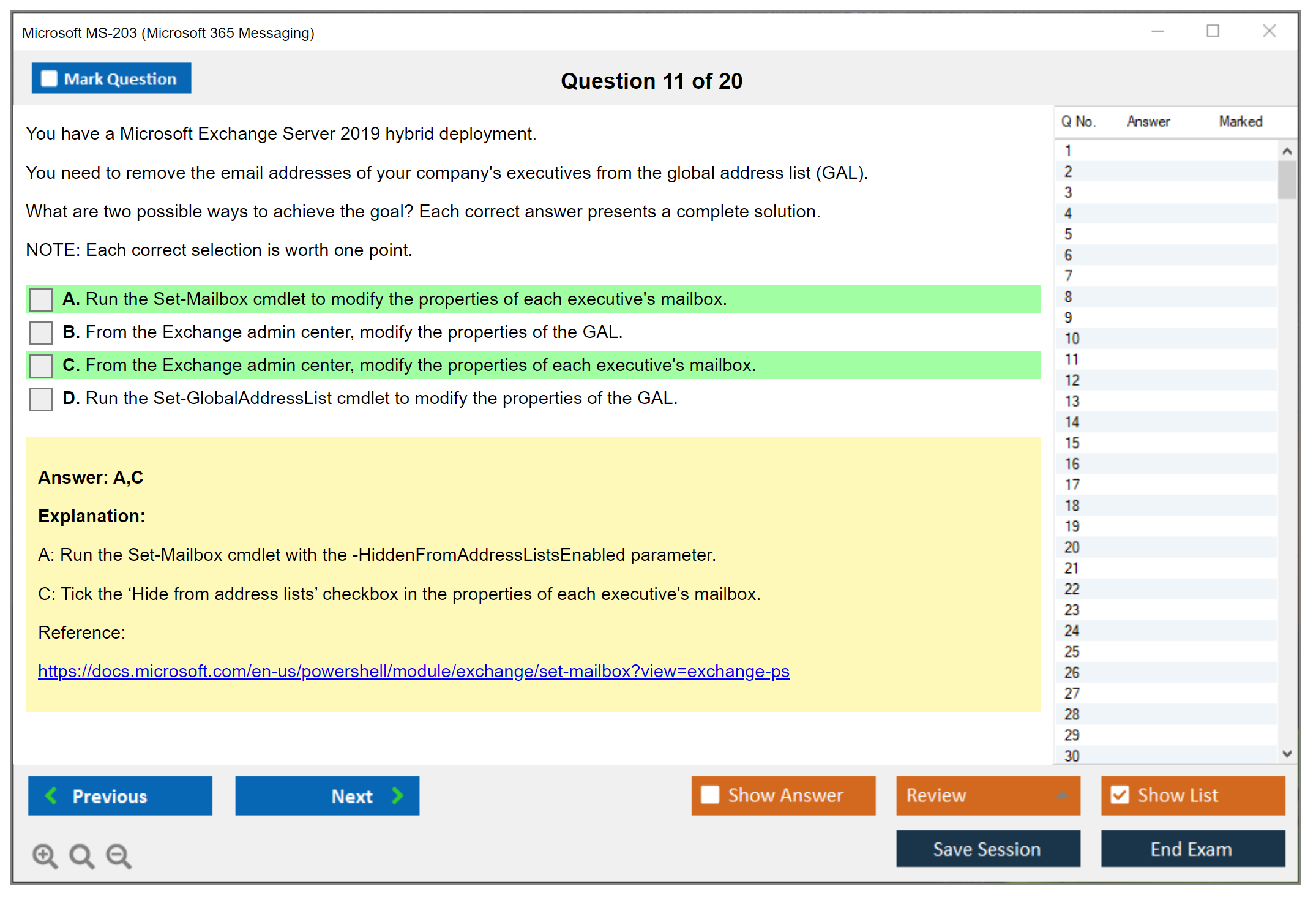
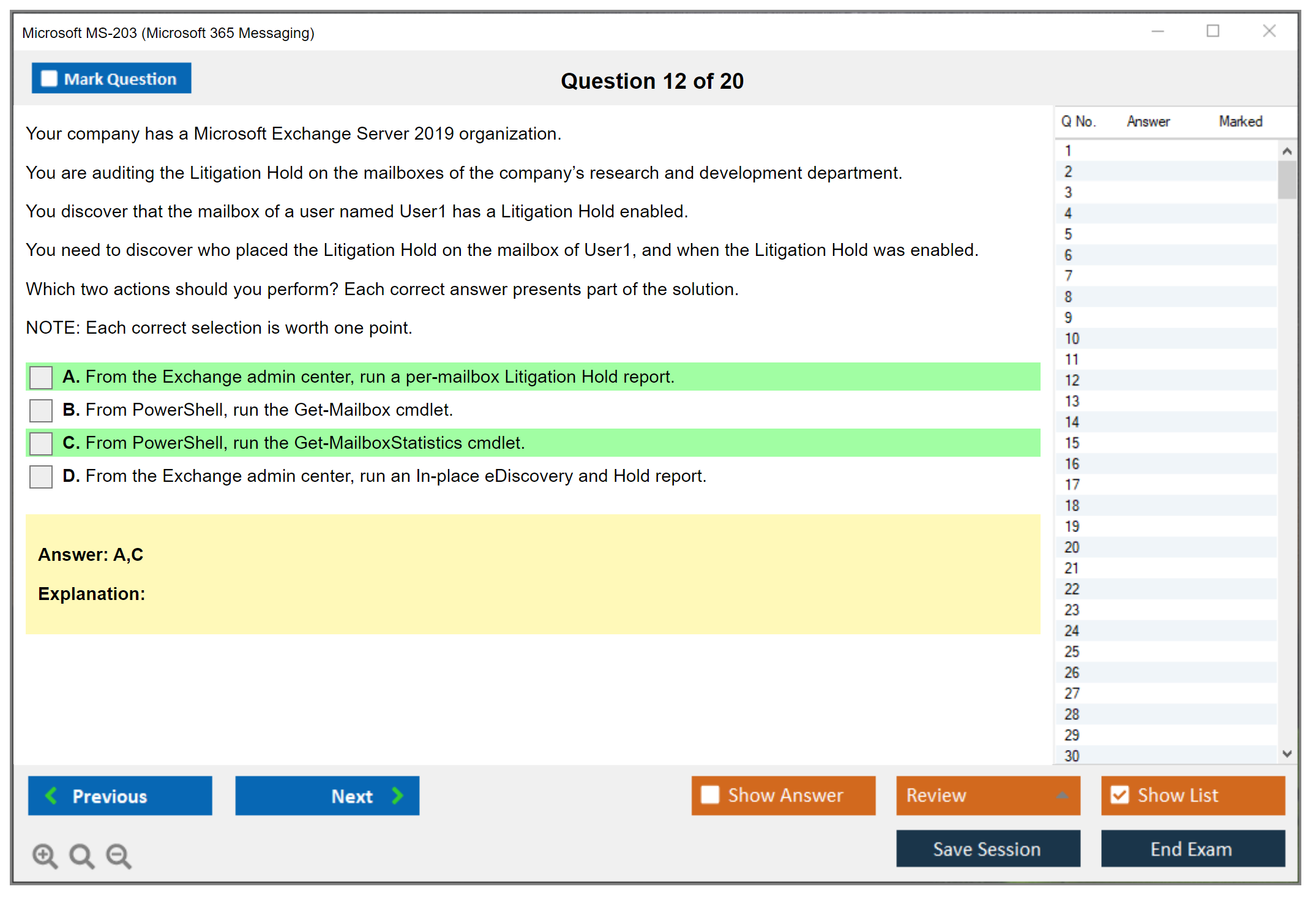
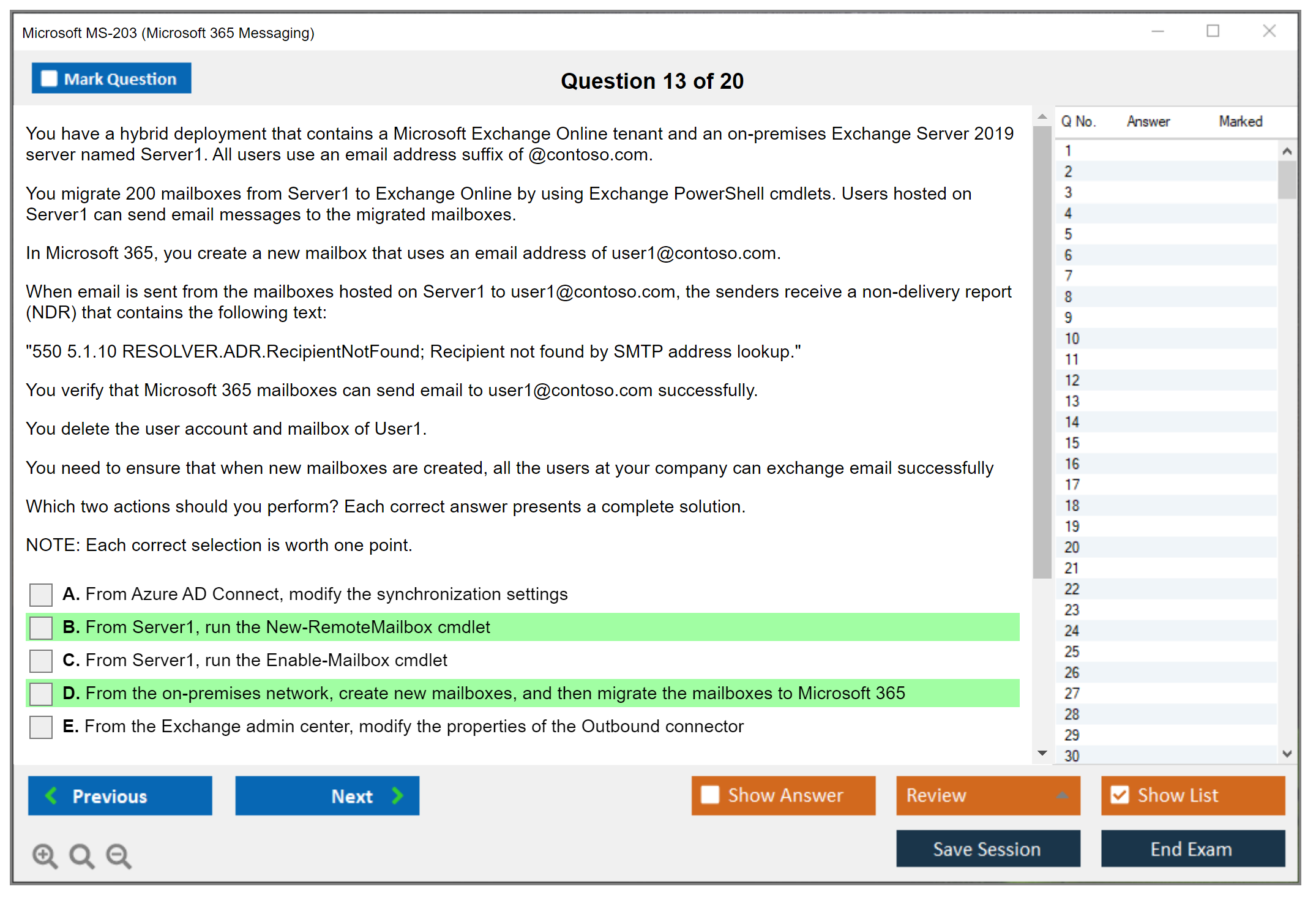
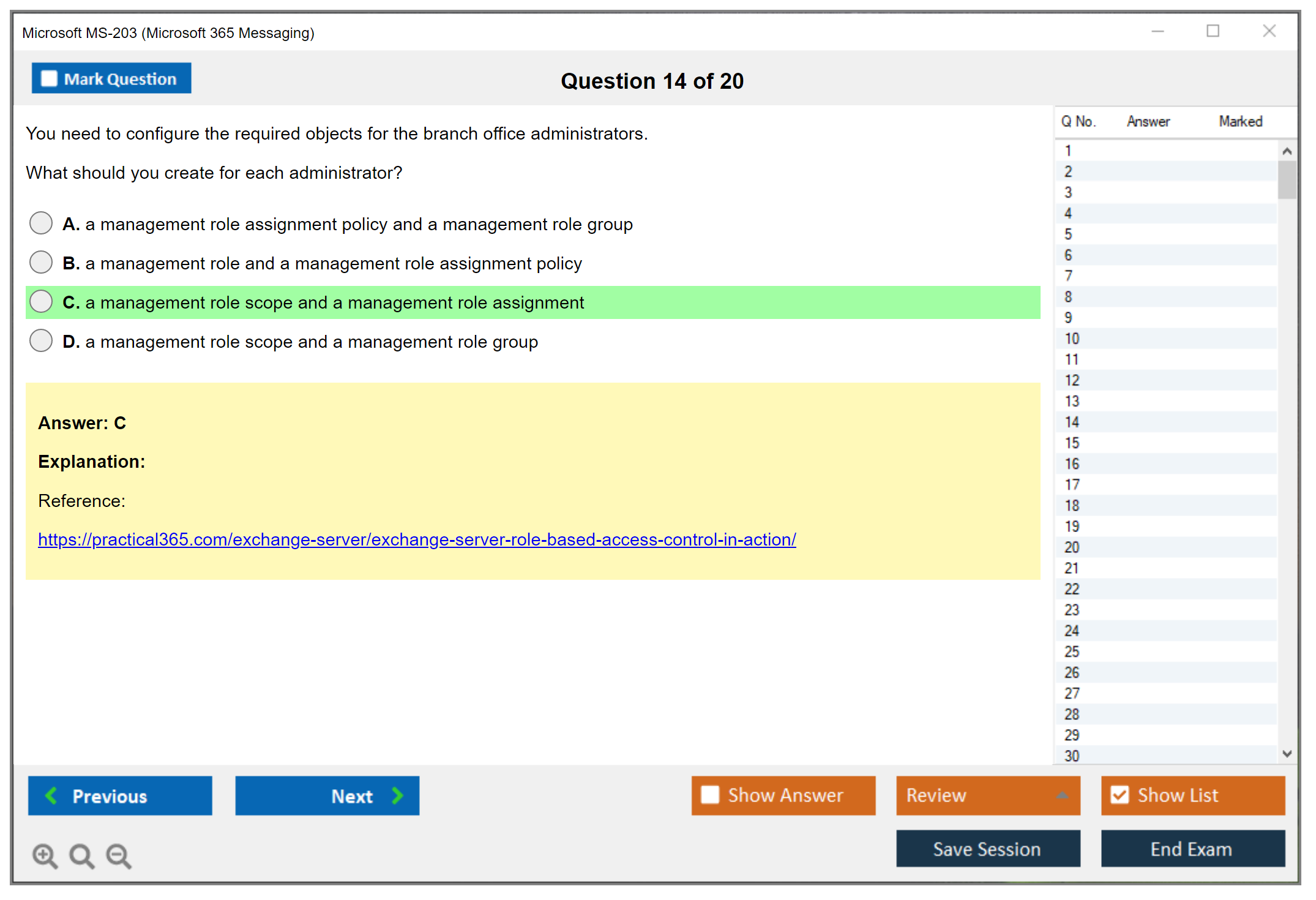
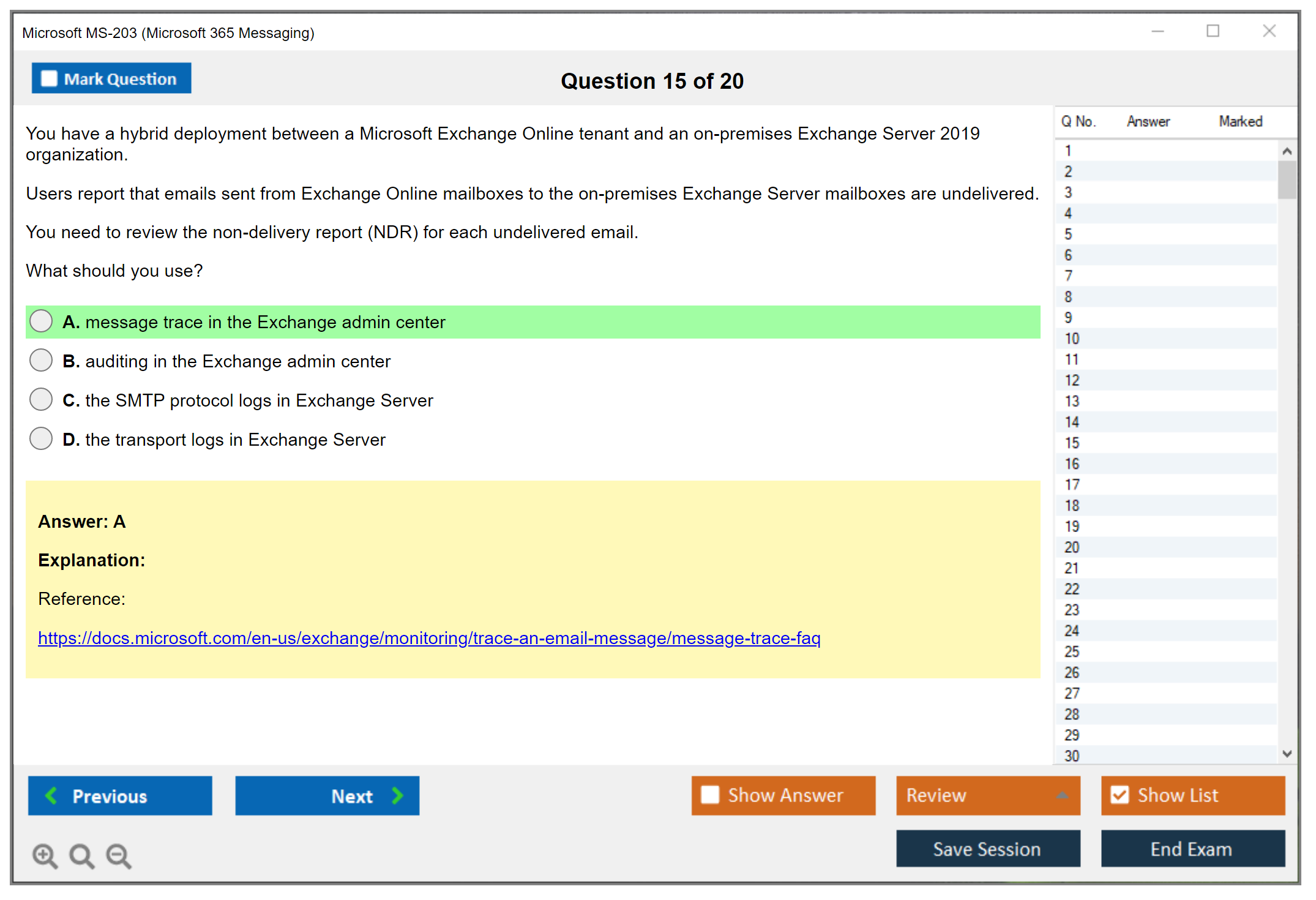
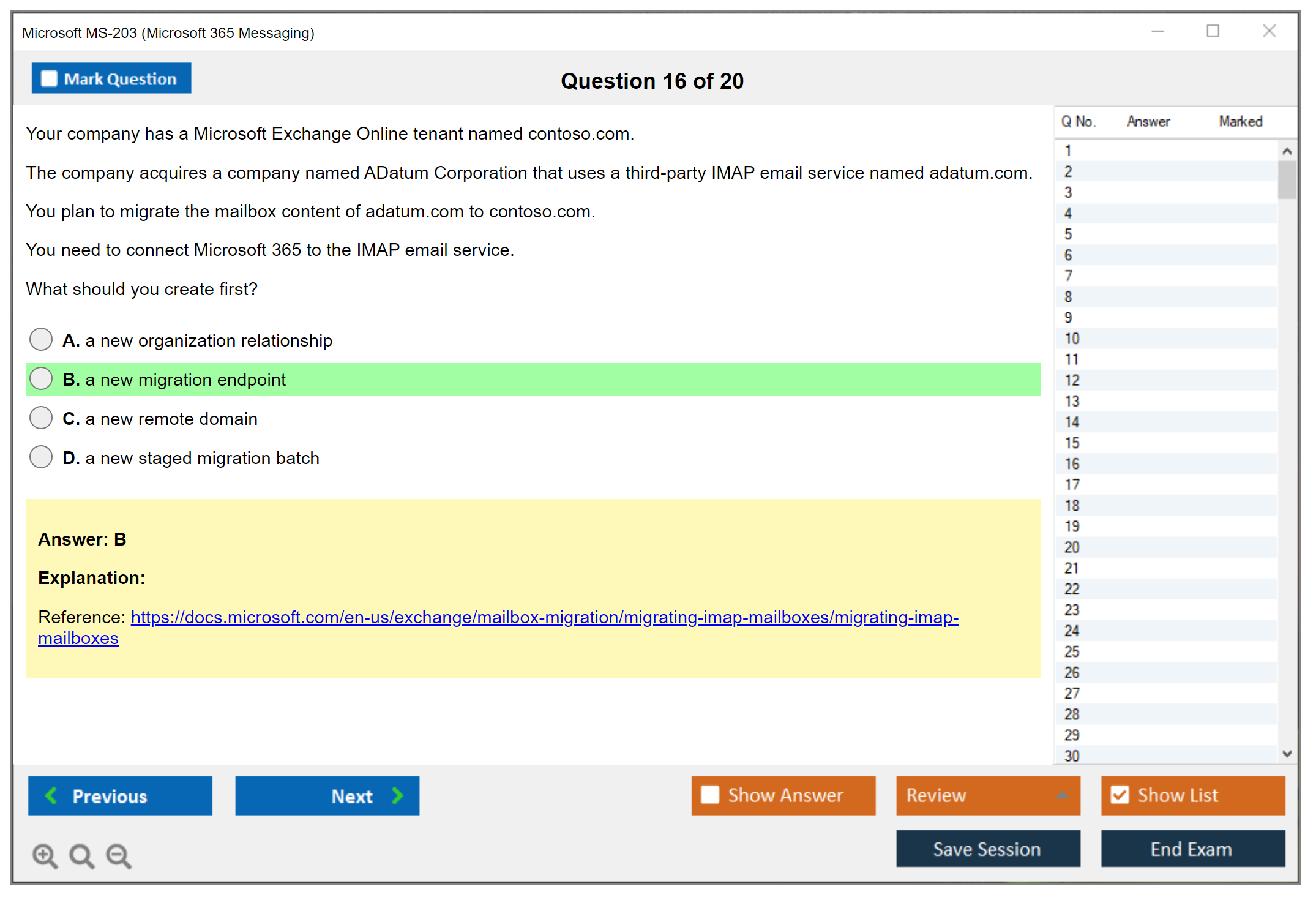
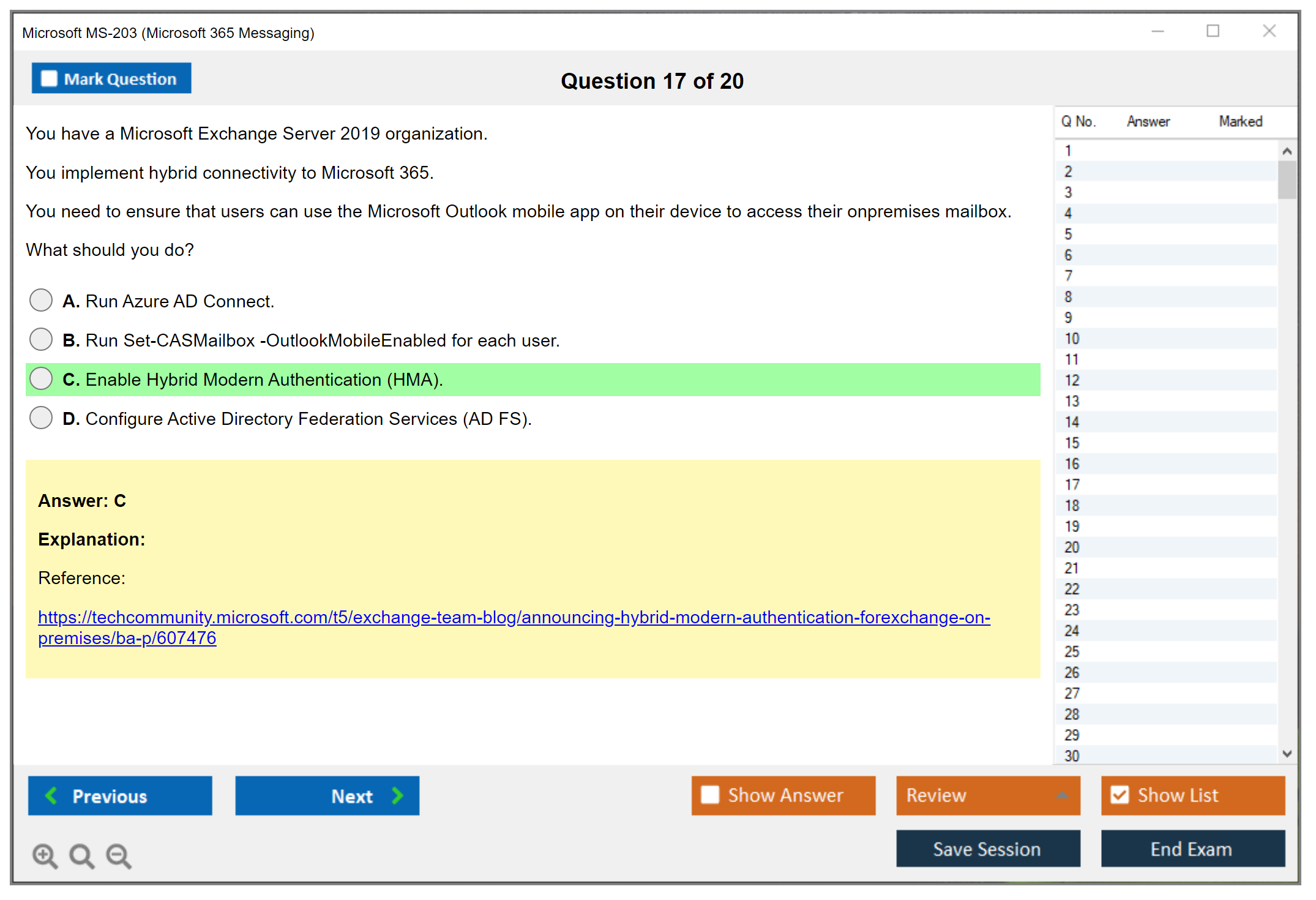
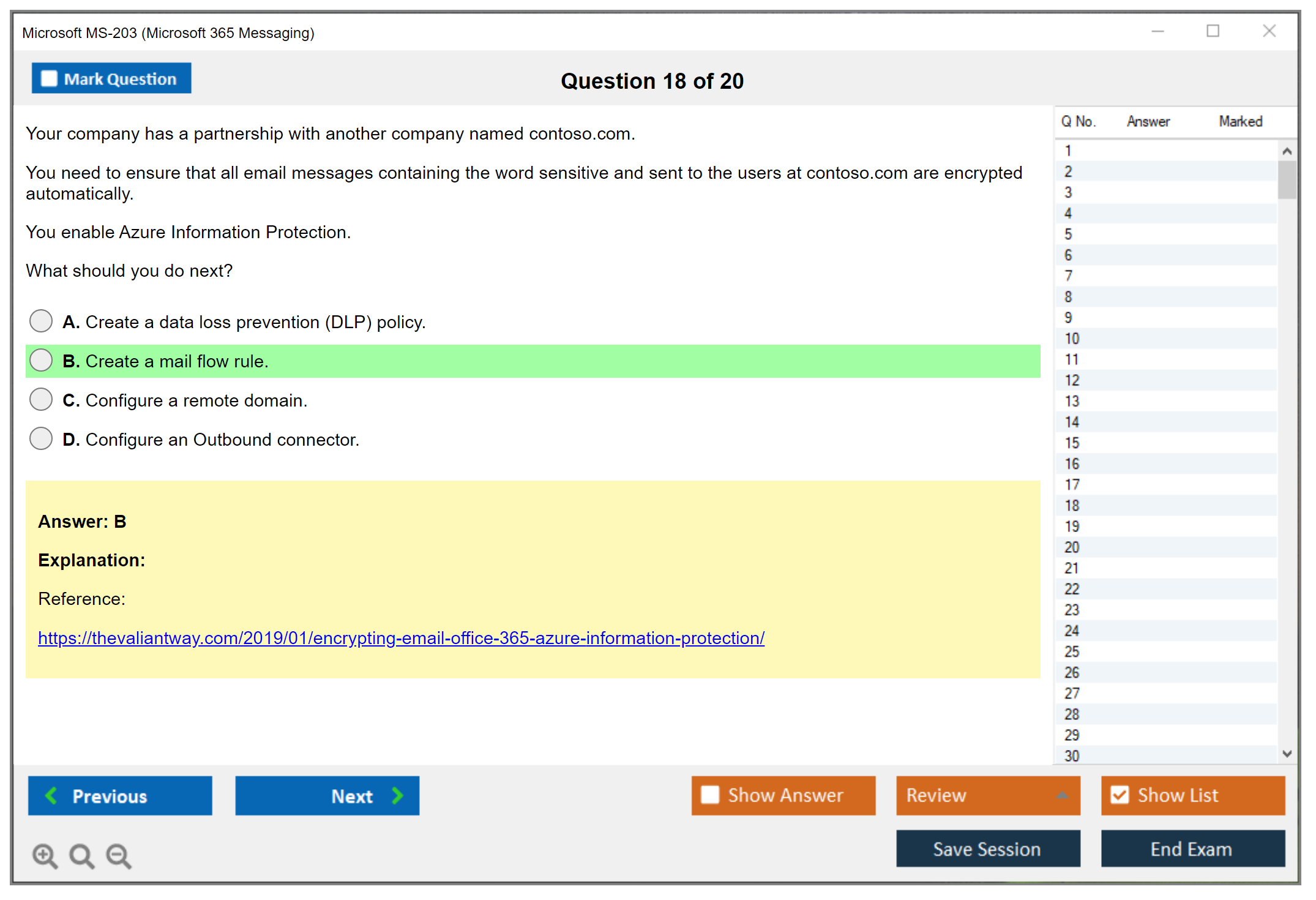
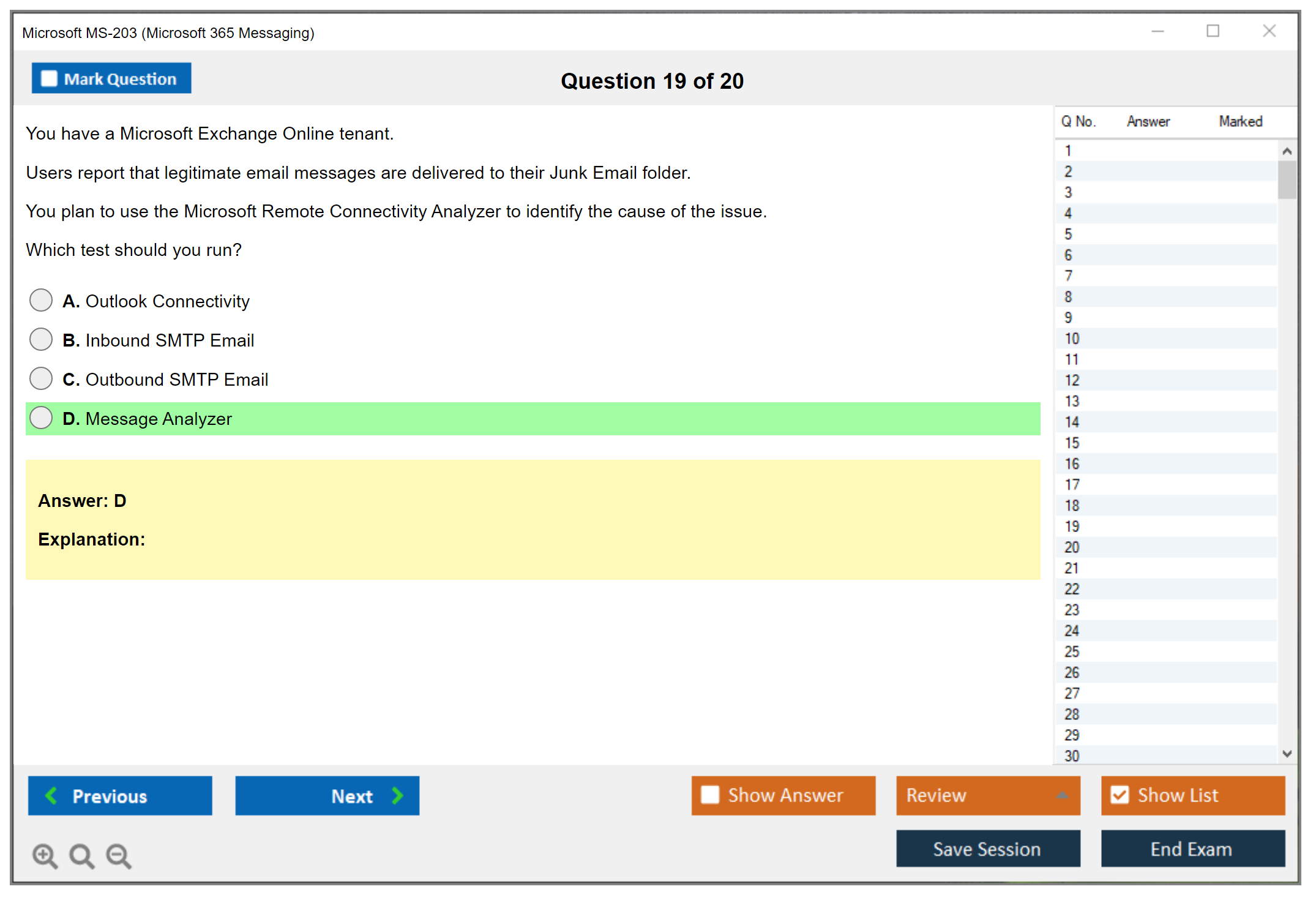
Microsoft MS-203 (Microsoft 365 Messaging)
Microsoft MS-203 (Microsoft 365 Messaging) Exam Overview
Managing Exchange Online and dealing with hybrid messaging setups is messy work. The MS-203 Microsoft 365 Messaging certification proves you actually know what you're doing instead of just fumbling through admin consoles hoping nothing breaks. This exam goes deep. We're talking real validation of technical skills in managing, configuring, and troubleshooting Microsoft 365 messaging infrastructure across everything from Exchange Online administration to hybrid Exchange deployments, mail flow configurations with transport rules, plus all the message security and compliance features organizations need to stay operational and avoid legal nightmares.
Email's still critical business infrastructure. Even with Teams and Slack everywhere in 2026, someone has to make sure messages actually reach their destination, spam gets obliterated, and compliance requirements don't explode in your company's face. With this cert? That someone could be you.
What MS-203 validates (role and skills)
The MS-203 certification exam measures your ability to function as a Microsoft 365 Messaging Administrator Associate. Official title aside, what it really means is handling daily management of organizational messaging, plus those wonderful crisis-mode situations we all love. You'll demonstrate expertise managing organizational settings, planning and implementing mail architecture, configuring mail flow, managing recipient resources and public folders, planning mobile device management, implementing client access, managing Exchange Online Protection and Microsoft Defender for Office 365, and troubleshooting messaging issues when everything inevitably breaks at 3 PM on a Friday. Honestly, why is it always Friday?
Microsoft wants full skills here. You're not just clicking through admin centers. You need to understand recipient management mechanics, how mailbox configuration impacts user experience, differences between distribution groups and mail-enabled security groups, when shared versus resource mailboxes make sense, how dynamic distribution groups auto-populate, and the entire public folder hierarchy. Yeah, people still use those things. Client access policies matter too. Outlook on the web policies, mobile device management, ActiveSync policies, authentication methods, modern authentication protocols.. all fair game.
The PowerShell component's huge. Even though it's not explicitly called out in every objective, you can't efficiently manage Exchange Online at scale without it. Period.
I remember early in my career trying to manage Exchange without PowerShell, just clicking through the GUI for every single mailbox modification. Took me three days to update shared mailbox permissions across our organization when it could've been thirty minutes with a proper script. Never made that mistake twice.
Who should take MS-203
This certification targets messaging administrators responsible for recipient configuration, mailbox management, transport configuration, mail flow, client access, and message hygiene in Microsoft 365 environments. IT professionals managing Exchange Online or hybrid Exchange deployments should definitely consider it. System administrators transitioning from on-premises Exchange to cloud-based messaging will find this validates their new skills. Technical specialists seeking validation of Microsoft 365 messaging expertise also fit the profile.
The ideal candidate? Typically 2-3 years hands-on experience with Exchange Online or Exchange Server. Practical PowerShell knowledge for Exchange management is pretty much required. Not just reading scripts someone else wrote, but actually writing and modifying them yourself. You'll need familiarity with Azure Active Directory concepts (now called Microsoft Entra ID, because Microsoft loves renaming things), understanding of DNS and mail routing fundamentals, and real experience troubleshooting messaging issues in production environments where users are breathing down your neck demanding immediate fixes.
Only dabbled in Exchange Online? Haven't actually configured transport rules, connectors, or dealt with hybrid coexistence? You're gonna struggle. This isn't entry-level stuff.
MS-203 Exam Cost and Registration
MS-203 exam cost (price, taxes, regional pricing)
The MS-203 exam costs $165 USD in the United States. That's typical for Microsoft's role-based associate-level certifications. Regional pricing is a different story. It varies depending on where you take the exam, and some countries add VAT or other taxes that push the total higher. I've seen it range from around $140 to over $200 equivalent once you account for exchange rates and local regulations.
Check the official Microsoft Learn certification page for your region's pricing since it updates periodically and you don't want surprises.
Students can sometimes get discounts. Same for Microsoft Imagine Academy participants. Enterprise agreements might bundle exam vouchers too.
How to register (Microsoft Learn / exam provider, scheduling options)
You register through your Microsoft Learn profile, which connects to Pearson VUE. That's the exam delivery provider Microsoft uses for certifications. Create or log into your Microsoft Learn account, search for MS-203, and you'll see the scheduling options. You can choose test center appointments or online proctored exams depending on what works for you and what's available in your area.
Scheduling is usually flexible. Most test centers have appointments throughout the week. Online proctored exams give you more flexibility time-wise but they have their own requirements. Private room, webcam, ID verification, system check, all that.
I once had a friend who scheduled an online exam thinking he could knock it out during lunch break. Turned out his apartment wall was too thin and the proctor kept flagging background noise from his neighbor's TV. Had to reschedule the whole thing.
Reschedule/cancellation and retake policy (where to verify)
Microsoft's policy lets you reschedule or cancel without penalty if you do it at least 6 business days before your appointment. Within that window? You forfeit your exam fee. If you fail (and plenty of people do) there's a waiting period before retaking. You can usually retake right after the first failure, but later failures require longer waits. I think it's 14 days, but verify the current policy on the Microsoft Learn certification policies page because they've changed this stuff before.
You pay the full exam fee again for each retake unless you bought an exam replay bundle upfront.
MS-203 Passing Score and Exam Format
MS-203 passing score (what Microsoft uses and how scoring works)
You need 700. That's on a 1-1000 scale, which honestly isn't a percentage at all. Microsoft uses this scaled scoring thing across their exams to account for difficulty variations between different versions. That 700 represents a consistent competency level regardless of which specific question set you end up getting. On one version you might need to answer 65% correctly to hit that 700 mark, while another version could require 72% because the questions skew easier or harder.
Your score appears immediately after you complete the exam (well, after those survey questions nobody really cares about). Pass or fail shows up right there on screen. Pretty relieving or absolutely devastating depending on how things went.
Question types and exam duration (what to expect)
You're looking at somewhere between 40-60 questions that need completing in roughly 100 minutes of actual exam time, though the total appointment runs longer (around 2 hours) because that includes tutorial time, review time, and the post-exam survey nobody asked for. Question types you'll encounter include multiple choice, multiple answer where you select all that apply, drag and drop ordering, hotspot identification on screenshots, case studies with multiple questions chained together, and sometimes simulations where you're performing tasks in a simulated admin interface that tries mimicking the real thing.
Case study questions? Brutal. You've gotta keep context in mind across several related questions, and here's the kicker: you can't go back to previous case studies once you move forward. That adds pressure.
Exam delivery: online proctored vs test center
Test centers offer controlled environments. Fewer technical issues typically. But you're stuck with their schedule and location, which isn't always convenient. Online proctored exams let you test from home but require a private space, a webcam, government-issued ID, and passing a system check that can be finicky. The proctor watches you through your webcam the entire time and sees your screen. It's a bit creepy if you think about it too much, like having someone hover over your shoulder for two hours straight.
I've heard really mixed experiences with online proctoring. Some people love the convenience factor, others have had complete technical nightmares with check-in taking an hour or longer because their lighting wasn't right or their room had too many monitors or whatever random reason. My neighbor actually failed a check-in three times before he just drove to a test center out of frustration. Test centers are definitely more predictable but way less convenient. Your call based on your situation and how much stress you can tolerate.
MS-203 Difficulty: How Hard Is the Microsoft 365 Messaging Exam?
Difficulty factors (Exchange Online depth, hybrid, security/compliance)
Is MS-203 hard? Honestly, yeah.
The exam digs deep into Exchange Online architecture. We're not talking surface stuff here. You have to understand mail flow at a technical level where you know how connectors work, what actually happens when a message hits transport rules, how certificates validate connections, and how DNS records (MX, SPF, DKIM, DMARC) affect deliverability in ways that aren't always obvious. Hybrid scenarios? They add this whole other layer of complexity since you're juggling both on-premises Exchange and cloud simultaneously. It's a lot, honestly.
Security and compliance sections get dense. Anti-malware policies, anti-spam policies, anti-phishing policies, Safe Attachments, Safe Links, connection filtering, content filtering. And that's before you even touch data loss prevention, retention policies, litigation hold, eDiscovery, and journaling. Each feature has configuration details that actually matter.
The thing is, exam questions often mirror real-world complexity where multiple factors affect the outcome. You can't just memorize which button to click. You need to understand why.
Who finds MS-203 easier vs harder (experience-based guidance)
Been working as an Exchange administrator for a couple years? Especially in hybrid environments? You'll find this exam way more manageable. Hands-on experience makes the scenarios familiar.
People transitioning from other admin roles without messaging-specific experience tend to struggle. There's just so much domain-specific knowledge required that you can't fake. I've seen network admins with years of experience completely blank on mail flow topology because it's just not something you pick up casually.
IT pros comfortable with PowerShell have an advantage. Those who only use GUI tools will miss details about cmdlets, parameters, and what's possible through scripting that isn't available in the admin center. It's a real gap.
Coming from on-premises Exchange Server and haven't worked much with Exchange Online? The cloud-specific features and management approaches take adjustment. Different mindset entirely.
Common reasons candidates fail (and how to avoid them)
Here's the truth.
People fail MS-203 most often because they underestimate the depth required for mail flow and transport rules. You can't just know what transport rules do. You need to understand the order of evaluation, how exceptions interact with conditions, what actions are available, and how they affect compliance in ways that cascade through the entire messaging infrastructure. Connector configuration's another weak spot where lots of candidates don't fully grasp inbound versus outbound connectors, certificate requirements, and troubleshooting mail flow issues when things inevitably break.
Hybrid deployment questions trip people up since hybrid environments are complex and not everyone has access to them for practice. The hybrid configuration wizard, prerequisites, the hybrid agent versus traditional hybrid. These are conceptually dense topics that require actual exposure.
Not doing enough hands-on practice in an actual Microsoft 365 tenant? Probably the biggest mistake. Reading documentation isn't enough. You need to configure recipients, create transport rules, set up connectors, implement protection policies, and troubleshoot issues yourself to really get it.
MS-203 Exam Objectives (Skills Measured)
The official exam objectives break down into major skill areas that Microsoft regularly updates. Always check the current skills measured document on the official MS-203 exam page because percentages and specific topics shift with product updates. Sometimes they'll add whole new sections or completely rework the weighting without much warning, which can really mess up your prep if you're using outdated materials.
Plan and manage organizational settings
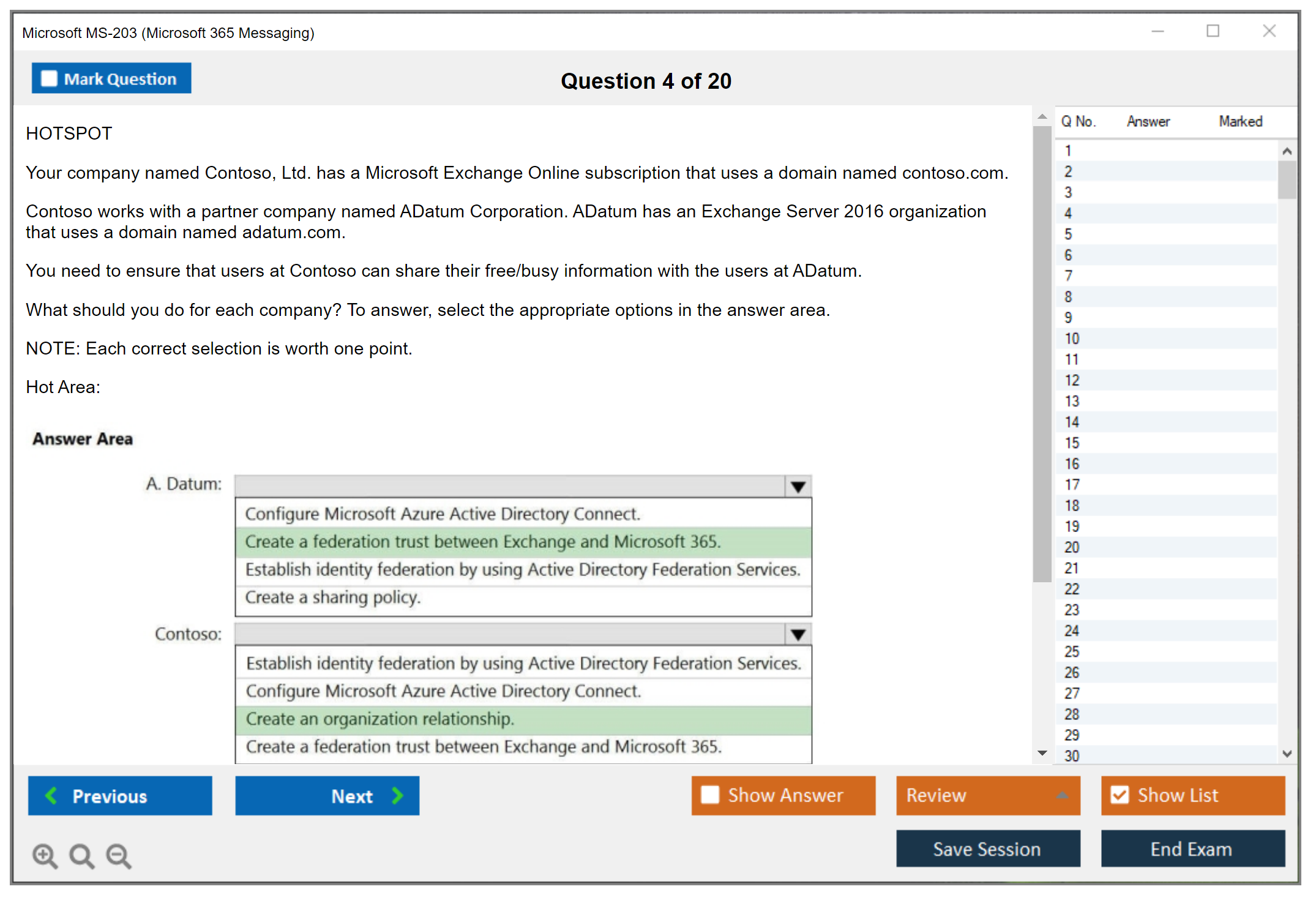
This section covers managing accepted domains, remote domains, organizational relationships for free/busy sharing, address book policies, Outlook on the web mailbox policies, and organizational settings that affect the entire tenant. You need to know how to configure these settings and understand their impact on user experience and functionality.
Plan and manage mail architecture
Here you're dealing with recipient types and their appropriate use cases. User mailboxes, shared mailboxs, resource mailboxes (room and equipment), distribution groups, mail-enabled security groups, dynamic distribution groups, Microsoft 365 groups, and the differences between them. Public folder management including hierarchy, permissions, mail-enabling public folders, and migration scenarios also falls here. Some folks skip public folders entirely thinking they're outdated, but Microsoft still tests on them pretty heavily. I spent three weeks avoiding public folder questions in practice tests until I finally bit the bullet and learned them properly.
Plan and manage mail flow
This is a heavy section. Transport rules (mail flow rules) with their conditions, exceptions, and actions. Connectors for routing mail to partner organizations or on-premises servers. Accepted domains and how they determine mail routing. DNS records and their role in mail deliverability. Certificate management for TLS encryption. Message trace for troubleshooting delivery issues. SMTP relay configuration. All the stuff that makes email actually move from sender to recipient reliably, though I've got mixed feelings about how deep they go into certificate management versus more practical day-to-day scenarios.
Troubleshoot mail flow and messaging issues
Beyond just configuring mail flow, you need diagnostic skills. Using message trace effectively, interpreting NDRs (non-delivery reports), troubleshooting connector issues, resolving DNS problems affecting mail delivery, investigating why transport rules aren't working as expected, and diagnosing client connectivity problems. The scenarios here test your troubleshooting methodology and technical knowledge together.
Microsoft's official "Skills measured" document lists everything with weightings. Grab that PDF and use it as your study checklist because it's literally the exam blueprint.
MS-203 Prerequisites and Recommended Experience
Official prerequisites (what Microsoft requires vs recommends)
Here's the thing: Microsoft doesn't actually enforce prerequisites for MS-203. You can just register and take it. No proof of certifications or anything. But they do strongly recommend you've got foundational knowledge of Microsoft 365 services and Exchange admin under your belt before you attempt this one.
The implicit prerequisite? Understanding basic Microsoft 365 concepts. If you're completely new to the ecosystem, consider checking out MS-900 (Microsoft 365 Fundamentals) first to get oriented, though it's technically not required.
Recommended hands-on experience (Exchange Online, Entra ID, PowerShell)
Real talk. You want 2-3 years of practical experience with Exchange Online or Exchange Server before tackling MS-203. Not just reading about it, but actually getting your hands dirty: configuring mailboxes, managing recipients, setting up transport rules, troubleshooting those annoying mail flow issues, implementing security policies that actually work. The exam scenarios assume this experience level, and you'll know it if you don't have it.
PowerShell proficiency matters here. A lot. You should be comfortable with Exchange Online PowerShell cmdlets like Get-Mailbox, Set-Mailbox, New-TransportRule, Get-MessageTrace, and dozens of others. Understanding how to filter results, pipe commands, and modify properties through scripting matters more than you'd think.
Azure Active Directory (Microsoft Entra ID) knowledge helps because identity management integrates deeply with Exchange Online. User provisioning, group management, directory synchronization with Azure AD Connect. These topics appear in hybrid scenarios especially. I once spent three hours troubleshooting a sync issue that turned out to be a single mismatched UPN attribute, and the exam loves testing exactly that kind of gotcha.
Useful foundational certs or knowledge (optional)
While not required, having experience with MS-102 (Microsoft 365 Administrator) concepts provides useful context since MS-203's more specialized. Understanding broader Microsoft 365 administration makes the messaging-specific pieces fit together better.
If you're working in environments that also use Azure infrastructure, familiarity with AZ-104 (Microsoft Azure Administrator) concepts around identity and networking can be helpful. MS-203 doesn't directly test Azure IaaS topics though.
Security-minded folks might also consider MS-500 (Microsoft 365 Security Administration) or SC-300 (Microsoft Identity and Access Administrator) as complementary certifications since messaging security overlaps with those domains.
Best MS-203 Study Materials (Official and Third-Party)
Microsoft Learn training paths for MS-203
Microsoft Learn offers free online training modules specifically aligned to MS-203 objectives. The learning paths include "Manage Exchange recipients and resources," "Manage mail flow and transport," "Manage messaging security and hygiene," and "Manage organizational settings." These modules combine reading content, demonstrations, and knowledge checks.
The quality's solid and they're free, which is hard to beat. Work through all the relevant learning paths systematically. Don't just skim. Actually do the knowledge checks and think through the scenarios, because that's where you'll catch the details that trip people up later. I spent maybe three weeks on these paths alone, though you could probably knock them out faster if you're already working with Exchange daily.
Microsoft documentation to prioritize (Exchange Online, mail flow, security)
Microsoft's official Exchange Online documentation is your reference bible. Period. Focus on the sections covering mail flow, transport rules, connectors, recipient management, and security features. The documentation can be overwhelming in its completeness, so use the exam objectives to guide which sections matter most.
The Microsoft 365 security documentation covering Exchange Online Protection and Microsoft Defender for Office 365 is critical. Understand how Safe Attachments and Safe Links work, how anti-spam policies are evaluated, how anti-phishing policies detect threats.
Don't skip the hybrid deployment documentation even if you're not currently managing hybrid. The exam tests hybrid concepts extensively, and that catches so many people off guard.
Instructor-led training options (when it's worth it)
Microsoft offers official instructor-led training through learning partners. Course MS-203T00 covers the exam objectives with hands-on labs. Instructor-led training's worth considering if you learn better with structured guidance, need hands-on lab access you can't get otherwise, or your employer is paying for it.
The cost typically ranges from $1500-$2500 depending on the provider and format (in-person vs virtual). For self-motivated learners with lab access, it's probably overkill. For those new to Exchange Online or wanting accelerated preparation, though, it can be valuable.
Labs and hands-on practice environments (M365 developer/tenant options)
You absolutely need hands-on practice. No question. Reading about transport rules is different from actually creating them, testing them, and seeing what happens when you misconfigure something (which you will). Microsoft offers a Microsoft 365 Developer Program subscription that gives you a free E5 developer tenant for learning purposes. It's renewable and includes sample data to work with.
If your organization has a test Microsoft 365 tenant, get access to it for practice. Just don't experiment in production. I've seen that go badly, like career-limiting badly.
Set up scenarios from the exam objectives. Create different recipient types, configure mail flow rules, set up connectors, implement security policies, configure retention, run message traces. The muscle memory helps during the exam.
MS-203 Practice Tests and Exam Prep Strategy
What to look for in an MS-203 practice test (quality checklist)
Good practice tests should mirror the actual exam format, difficulty, and question style, honestly. Look for practice tests that include case studies and scenario-based questions. Not just those simple recall questions that barely test understanding.
Detailed explanations matter. A lot.
You need them for both correct AND incorrect answers because you'll learn way more from understanding why wrong answers are actually wrong. Sometimes the reasoning behind the mistake teaches you more than the right answer does, which sounds weird but makes sense once you've failed enough practice questions.
The question pool's gotta be large enough that you're not just memorizing answers after a few attempts. Regular updates matter too since exam objectives change periodically. Microsoft isn't exactly static with their certification requirements, and you'd be surprised how often they tweak things. I once studied for two months using outdated materials and had to start over. Don't be me.
Avoid brain dumps or sites claiming they've got actual exam questions. Those violate Microsoft's terms and using them can get your certification revoked. Plus they don't actually help you learn. Like, at all.
Practice test cadence (diagnostic → targeted → full simulations)
Start with a diagnostic practice test early in your study process to identify weak areas. Don't expect to pass it. Honestly, you probably won't, and that's completely fine. Use it to guide where you focus your study time instead of getting discouraged.
Then do targeted practice on specific topics as you study them. This reinforces learning and helps identify gaps before you move on.
Short bursts work.
As you approach your exam date, shift to full-length timed practice tests that simulate the real exam experience. Take them seriously. Same time limit, no interruptions, no looking up answers mid-test (I know it's tempting, but resist). This builds stamina
MS-203 Exam Cost and Registration
Microsoft MS-203 (Microsoft 365 Messaging) exam overview
What MS-203 validates (role and skills)
The MS-203 Microsoft 365 Messaging certification maps to the Microsoft 365 Messaging Administrator Associate role. You own mail in a modern tenant, basically. You're expected to handle Exchange Online administration, identity touchpoints (Entra ID), and the stuff that makes messaging painful when it breaks. The things everyone pretends work until 3 AM Monday.
Real work shows up. Mailboxes. Permissions. Retention stuff. Threat protection. Mail flow and transport rules. When a company's mid-migration, you also need to understand the shape of a hybrid Exchange deployment without just guessing your way through.
This exam isn't theory-only. It reads like someone took a week of incident tickets and turned them into questions. Some questions feel like "what would you do Monday morning," and others are "which setting breaks this specific edge case." Both matter when you're the one getting paged.
Who should take MS-203
If you already manage Exchange Online, or you're the person people ping when emails bounce? MS-203's relevant. Helpdesk folks who keep getting handed "just fix Outlook" tickets can grow into it too, but you'll want some real admin time first.
Consultants benefit a lot. So do internal admins trying to prove they can handle message security and compliance without breaking the CEO's mailbox. MSP techs too. They see this stuff daily.
New to M365? Slow down. Not impossible, just more grind, and you'll need patience because there's a learning curve that doesn't care about your timeline. I've watched people rush it and regret the wasted exam fee.
MS-203 exam cost and registration
MS-203 exam cost (price, taxes, regional pricing)
The MS-203 exam cost in the US is typically $165 USD as standard pricing. Microsoft changes prices sometimes, and the displayed cost can shift depending on region, currency conversion, and local pricing rules. Verify the live number on the official Microsoft Learn certification page before you pay. Don't trust old Reddit posts.
Regional pricing's a real thing. It's not random, it's tied to purchasing power adjustments and local market pricing, plus taxes. Examples you'll see quoted a lot: India around ₹4,800, parts of Europe often €99 to €165 depending on country, and the UK roughly £99 to £130. Your exact price may land a bit above or below those, and that's before your tax situation kicks in.
Taxes surprise people. VAT, GST, sales tax, whatever your government calls it. Some countries show an all-in price and others tack it on during checkout, so when you're budgeting don't stop at the base fee. Click through until you see the final total and only then decide whether you're buying today or waiting till payday.
Discounts and voucher options
Discounts exist. You usually have to be paying attention when they drop, though. Microsoft runs promos sometimes, and Microsoft Learn Cloud Skills Challenges occasionally award free exam vouchers, which is honestly one of the best deals if you can catch it during the window and finish the challenge requirements without procrastinating.
A few other voucher lanes worth checking. Students and educators may qualify for discounted vouchers through academic programs. Microsoft Imagine Academy members sometimes see lower pricing depending on what their institution has. Some countries also have military or veteran pricing programs, and if you're in that bucket it's worth checking because it can shave real money off the top. Substantial savings.
Corporate options are a whole separate thing. If your employer has volume licensing or an enterprise agreement, exam vouchers may already be on the table, or they can buy them in bulk at better rates. You should ask because plenty of orgs would rather pay $165 than have you waste two weeks "studying eventually" while their email problems pile up.
How to register (Microsoft Learn / exam provider, scheduling options)
Registration starts on Microsoft Learn. Create or sign in to your profile at microsoft.com/learn, find the MS-203 exam page, then hit Schedule exam. Pretty straightforward so far. From there you pick a delivery provider, usually Pearson VUE or Certiport depending on your region and whether you're testing as a student or through a program, then you choose online proctored or a test center slot.
Payment's typically credit card or PayPal. Vouchers slot in as a code at checkout. Major cards are widely accepted, but international transactions can get blocked by banks for "fraud prevention," so if you're paying with a debit card from a smaller bank, make sure it's cleared for online international purchases before you're stuck on a timer at checkout panicking.
Scheduling flexibility's decent. Online proctored exams usually have more slots, including early mornings, late evenings, and weekends. Great if you've got a weird schedule. Test centers vary a lot by city, and some of them keep banker hours, so if you need a Saturday slot you might be booking further out. Popular times fill up. Schedule 2 to 4 weeks ahead when you can, especially during peak periods like end-of-quarter training pushes when everyone's trying to hit certification goals.
Pearson VUE registration process
If you pick Pearson VUE, Microsoft Learn redirects you. You sign in or create a Pearson VUE account, search for MS-203, confirm your country and language, then pick test center or online proctored. Standard workflow. You'll see appointment calendars, policies, and the system requirements for online proctoring listed out.
Read the requirements. Seriously. Webcam rules, desk rules, ID rules, room rules, all of it. Online proctoring's convenient, but it's also strict, and the fastest way to ruin your day is to show up with a second monitor connected or a bunch of papers on your desk and then get denied before you even start.
Reschedule/cancellation and retake policy (where to verify)
Microsoft's reschedule and cancellation policy is mostly straightforward. You can usually reschedule or cancel without penalty if you do it at least 24 hours before the appointment, though some regions require 48 hours, so don't assume. Check your specific confirmation email. Miss the window and you forfeit the fee. No debate. No refund. Gone.
Retakes cost money. If you fail MS-203, you wait 24 hours before the first retake. Just long enough to feel the sting. After a second failure, you must wait 14 days before each additional retake. There's no annual cap on attempts, but each attempt is a full-price exam again, and Microsoft doesn't refund failed exams, so adequate prep matters more than people want to admit when they're rushing to book.
Policies change sometimes. Always verify on Microsoft Learn and on the provider site (Pearson VUE or Certiport) right before you schedule. Don't rely on this article or any blog forever.
MS-203 passing score and exam format
MS-203 passing score (what Microsoft uses and how scoring works)
The MS-203 passing score is 700 on Microsoft's scaled scoring model. It's not "70% correct," and you won't know your raw percentage. Microsoft doesn't share that. Microsoft weights questions, mixes in different formats, and scoring can reflect that some items matter more than others, which feels opaque but it's how they maintain consistency across versions.
You'll get a score report with domain-level performance indicators. Not super granular. Still useful enough to know where you tanked if you fail, or where you got lucky if you barely pass.
Question types and exam duration (what to expect)
Expect a mix. Multiple choice, multi-select, case studies, scenario questions, and the occasional "build the solution" style item where you're choosing steps or settings in order. Those eat time. Time limits vary by exam delivery and language, and Microsoft can adjust formats, so check the MS-203 page for current timing before you go in.
Some questions are fast. Others eat minutes, especially the case studies where you're reading three paragraphs just to understand the environment before you even see the actual question. Read carefully. Tiny wording changes matter, like "ensure" vs "configure" can flip the right answer completely.
Exam delivery: online proctored vs test center
Online proctored's flexible and often faster to schedule. Your environment has to be clean, quiet, and compliant. No roommates wandering in, no pets, no posters with text. Test centers are less picky about your room setup, but you're traveling, you're dealing with their schedule, and you're at the mercy of local availability, which can be sparse depending on where you live.
I've done both. Online wins for convenience if your home's controllable. Test center wins if your home life is loud or unpredictable. Kids, construction, thin walls.
MS-203 difficulty: how hard is the Microsoft 365 messaging exam?
Difficulty factors (Exchange Online depth, hybrid, security/compliance)
The MS-203 exam difficulty comes from depth, not trickery. Microsoft's not trying to trap you with wordplay. Exchange Online has a lot of settings that look similar until you've been burned by them in production. Then there's security layers. Then compliance. Then hybrid scenarios. That stack is why people struggle, even experienced admins who've mostly worked in one vertical.
You need to understand how pieces connect, not just what each piece does. Connectors, accepted domains, SPF/DKIM/DMARC basics, transport rules, quarantine policies, retention tags, and how changes ripple across tenants. One wrong move in message protection can block legitimate mail and suddenly you're the outage, which the exam loves to simulate in scenario questions.
Who finds MS-203 easier vs harder (experience-based guidance)
If you've been an Exchange admin, even partly, it's manageable. If you've done migrations, mail flow troubleshooting, and worked with message security and compliance in real environments, you'll recognize the patterns and the questions won't feel alien.
If you're mostly a generalist who "also has access" to Exchange? It's harder. You'll memorize settings without the muscle memory of fixing real issues, and that's where the exam punishes you with scenarios that require judgment, not recall. Like when three answers look right but only one doesn't break something else.
Common reasons candidates fail (and how to avoid them)
Big one here. People ignore hybrid and assume "we're cloud-only so I'll skip that." The exam doesn't care about your company, it cares about the role, and the role includes hybrid knowledge. Another reason is shallow mail flow knowledge, like not understanding the difference between transport rules, connectors, and authentication behavior, or when each applies.
Also, prep with bad dumps. You might pass once if you memorize answers. You'll be useless later, and Microsoft changes question pools, so you'll get wrecked anyway when your memorized answers don't match the new questions. Waste of time and money.
MS-203 exam objectives (skills measured)
Plan and manage organizational settings
Tenant-level Exchange settings. RBAC basics. Role groups, admin roles. Auditing and logging expectations. Modern auth expectations, because legacy auth is mostly dead but the exam still asks how you'd handle transitions.
Plan and manage mail architecture
Mailboxes, recipients, groups, public folders if they show up (though they're kind of legacy now). Identity considerations, because Entra ID touches everything. Hybrid concepts matter here even if you've never touched on-prem.
Plan and manage mail flow
Connectors, accepted domains, remote domains, transport rules, routing decisions, and protection layers stacked on top. This is where real-world admin time pays off. You either know how mail routes or you're guessing and hoping, and the exam can tell.
Troubleshoot mail flow and messaging issues
Message trace. Queue-ish thinking even in cloud terms where there's not a traditional queue you manage. Client access symptoms. Policy conflicts. Misconfigurations that look fine until you test the edge case.
Quick checklist, use it like a pre-flight before the exam:
- Know where to change org settings vs per-user settings.
- Be able to explain connector use cases without looking them up.
- Understand rule processing order and exceptions.
- Practice message trace workflows until they're second nature.
- Review hybrid mail routing basics even if you've never deployed hybrid.
For the authoritative list, use the official "Skills measured" link on the MS-203 exam page on Microsoft Learn. Microsoft updates it, and third-party lists drift (sometimes badly), so don't trust outdated study guides.
MS-203 prerequisites and recommended experience
Official prerequisites (what Microsoft requires vs recommends)
Microsoft doesn't usually enforce hard prerequisites for sitting the exam. No gatekeeping. You can pay and take it tomorrow if you want. They'll happily take your money.
Recommendations are the real story, though. They expect you to have experience administering messaging in Microsoft 365, not just reading docs or watching videos. Hands-on time where things broke and you had to fix them.
Recommended hands-on experience (Exchange Online, Entra ID, PowerShell)
Hands-on wins every time. Build a test tenant if you can, even a trial. Touch Exchange admin center. Run message traces for fake issues. Create transport rules. Configure DKIM signing. Work with Entra ID basics like users, groups, and conditional access awareness, because identity and messaging overlap constantly.
PowerShell matters. Not every question is cmdlet trivia, but understanding what you can do via Exchange Online PowerShell helps you think like an admin instead of just clicking around the GUI hoping for the best.
Useful foundational certs or knowledge (optional)
If you're missing fundamentals, SC-900 level security concepts help. Just the basics. Basic networking and DNS too, because MX records aren't magic even though people treat them that way.
Best MS-203 study materials (official and third-party)
Microsoft Learn training paths for MS-203
Start with Microsoft Learn's MS-203 modules. They're aligned to the objectives and they reflect current UI changes more often than random blog posts from 2021. Don't speed-run them like you're collecting achievements. Take notes. Build a "why" list next to each setting so you understand the reasoning, not just the steps.
Microsoft documentation to prioritize (Exchange Online, mail flow, security)
Prioritize docs on Exchange Online mail flow, transport rules, connectors, and Defender for Office 365 policy behavior. Those show up constantly. Also read up on retention and compliance concepts that touch messaging, because questions love overlapping responsibilities where it's not obvious whether it's an Exchange setting or a compliance policy.
Instructor-led training options (when it's worth it)
Instructor-led training's worth it when you're switching roles fast, like helpdesk to messaging admin in three months, or when your employer's paying and you need structure to stay on track. If you already do Exchange work daily? It can feel slow and repetitive, though the Q&A with instructors can fill gaps you didn't know you had.
Labs and hands-on practice environments (M365 developer/tenant options)
A sandbox tenant's your best lab. Nothing beats it. Microsoft's developer options change over time, and some are not intended for long-term production-like use, so check what's available now. Even a trial tenant plus a test domain can teach you more than another hour of reading documentation that doesn't stick without context.
MS-203 practice tests and exam prep strategy
What to look for in an MS-203 practice test (quality checklist)
A good MS-203 practice test explains why answers are right or wrong. Not just "correct answer is C," but why C works and why B doesn't. Maps questions back to MS-203 exam objectives so you know what to review. And doesn't feel like it was scraped from ancient UI screenshots where the admin center looked completely different.
If explanations are thin or nonexistent? Skip it. You're wasting time reinforcing memorization instead of understanding, and that's how people pass once then forget everything.
Practice test cadence (diagnostic → targeted → full simulations)
Do one diagnostic early to see where you stand. Then targeted sets by objective area. Don't just do random questions. Then full timed simulations near the end to build stamina and pacing. Track misses in a simple doc. Spreadsheet, OneNote, whatever. Not fancy. Effective.
High-impact topics to drill (transport rules, connectors, hybrid, protection)
Drill transport rules and exceptions. They show up a lot. Drill connectors and routing scenarios. Drill hybrid concepts and what they affect even if you've never touched hybrid. Drill protection policies, because "which policy wins" shows up in real life and in exams, and the logic isn't always obvious.
Final week revision plan (notes, weak areas, timed sets)
Final week's tightening, not learning new continents of content. If you're still learning basics the week before, you're not ready. Review your notes, hit weak objectives hard, and do a couple timed sets to get pacing under control so you're not rushing at the end. Sleep matters. Tired brains fail exams they should pass.
MS-203 renewal and maintaining your certification
How Microsoft certification renewal works (renewal assessment on Microsoft Learn)
Microsoft role-based certs typically renew via a free renewal assessment on Microsoft Learn. No exam center, no proctor, no fee. You complete the assessment before expiration and keep the certification active. It's open-book, less stressful, and a much better model than the old "retake the full exam" approach.
Renewal frequency
MS-203 Passing Score and Exam Format
MS-203 passing score (what Microsoft uses and how scoring works)
The passing score? 700 out of 100-1000.
Not gonna lie, this confuses a lot of people at first because it's definitely not a percentage. You don't need 70% of the questions correct to pass. The thing is Microsoft uses what they call scaled scoring, which is way more complex than just counting up right and wrong answers.
Here's the thing about scaled scoring: it accounts for exam difficulty variations across different versions of the test. Microsoft maintains multiple forms of the MS-203 exam, and some question sets are inherently harder than others. If you get a tougher version, you actually need fewer raw correct answers to hit that 700 scaled score. Get an easier version? You'll need more correct answers to reach the same scaled score. The system uses psychometric analysis and item response theory to make sure everyone's held to the same standard regardless of which specific questions they see.
Look, the actual percentage varies. One candidate might pass with 65% correct answers while another needs 72%, depending on the difficulty of their particular question set. Microsoft doesn't publish the conversion formula, and they probably adjust it regularly based on ongoing statistical analysis of how candidates perform on individual questions.
Each question contributes differently to your final scaled score based on its difficulty level and how well it discriminates between candidates who know the material and those who don't. Easier questions? They contribute less. Harder questions that only well-prepared candidates get right contribute more. This is why studying broadly across all exam objectives matters more than trying to game the system.
The scaled score reflects your demonstrated competency level rather than just tallying up correct answers. Microsoft wants to certify that you can actually perform as a Microsoft 365 Messaging Administrator, not just that you memorized some facts. The scoring methodology tries to measure actual skill, which I mean, makes sense from their perspective even if it's frustrating not knowing exactly where you stand during the exam itself.
Quick tangent: I once watched someone spiral trying to calculate their score mid-exam based on which questions felt hard versus easy. Don't do this. You can't know which questions are scored and which are pretests, and you'll just psyche yourself out. Focus on answering what's in front of you.
Question types and exam duration (what to expect)
You get 120 minutes. That's two full hours, which includes time for reading instructions, answering questions, reviewing anything you marked, and providing feedback at the end. Most people find the time allocation pretty reasonable if they've actually prepared, but it can feel tight if you're struggling with the material or second-guessing every answer.
Microsoft doesn't publish exact numbers, but MS-203 typically contains somewhere between 40-60 questions. I've seen reports from candidates across that range. The exam may include unscored pretest questions that Microsoft uses to validate new items for future exam versions. These don't count toward your score, but you can't tell which ones they are, so you've got to treat every question like it matters. Budget roughly 1.5 to 2 minutes per question on average, though some'll take 30 seconds and others might need 3-4 minutes depending on complexity.
Question formats vary quite a bit.
You'll see standard multiple-choice questions with one correct answer from 3-5 options. Multiple-response questions require you to select all correct answers from a list. They'll explicitly state "select all that apply" or "select two answers" or whatever. These're trickier because you need to evaluate each option independently. There's no partial credit either, which I'll get to in a second.
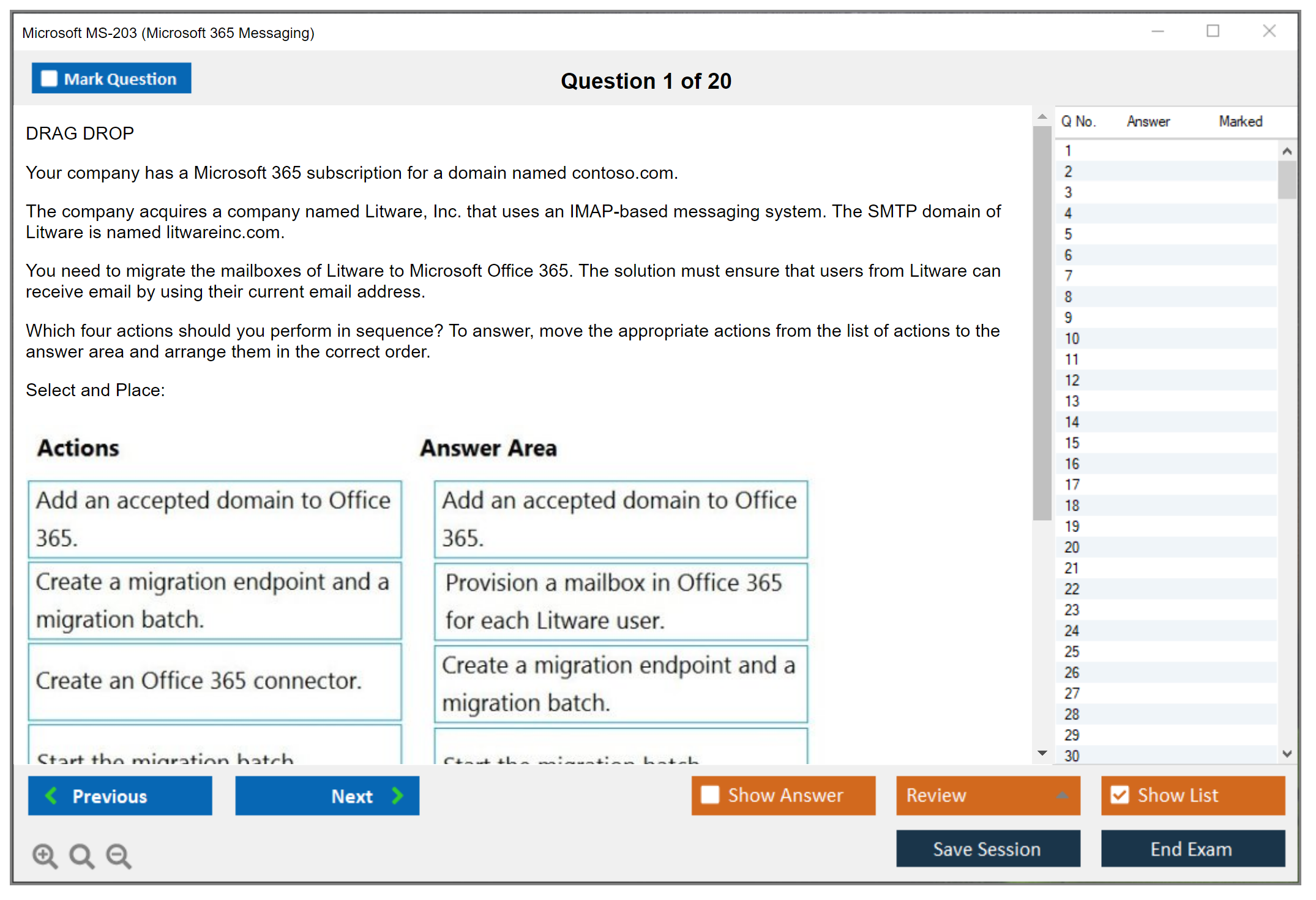
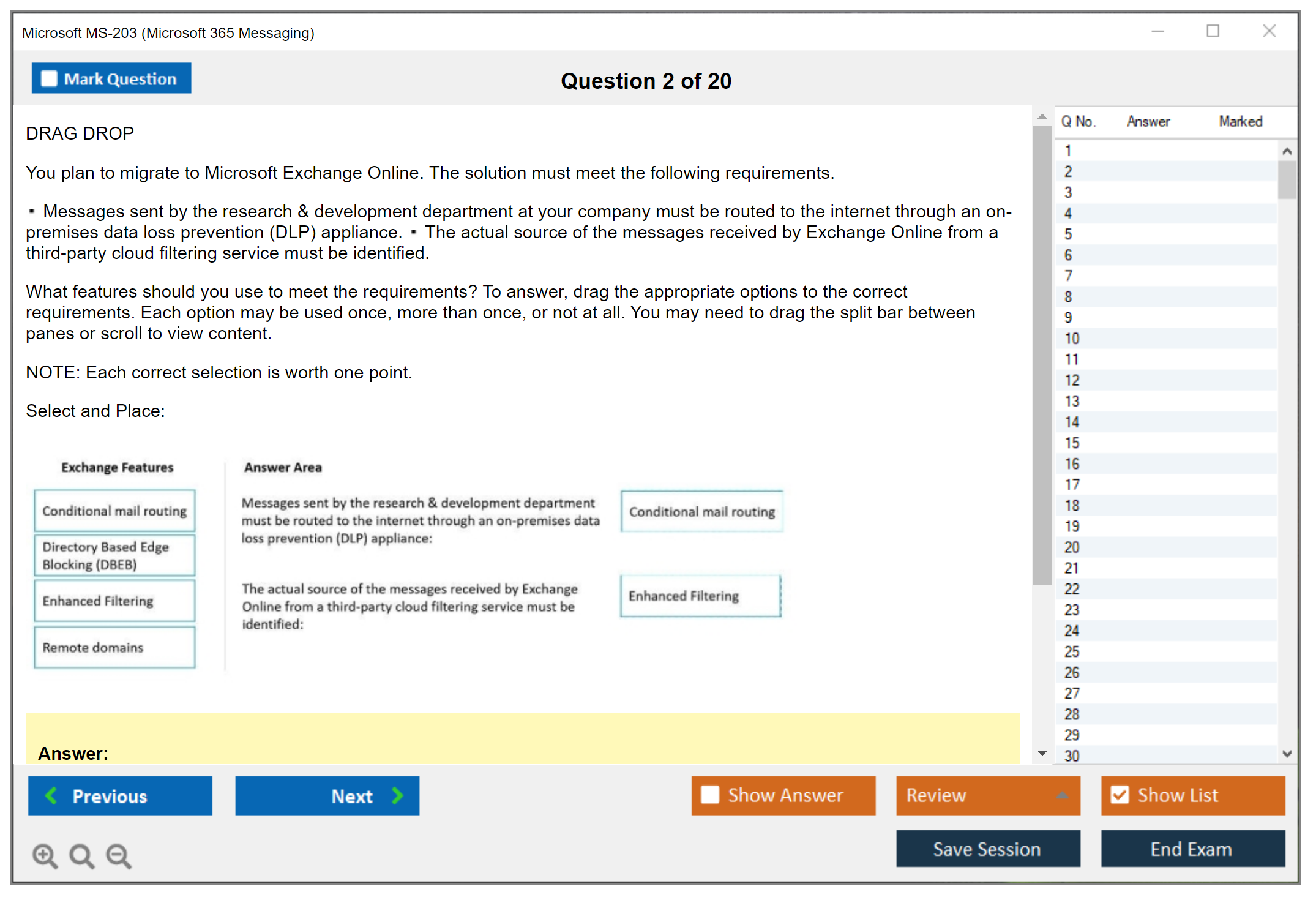
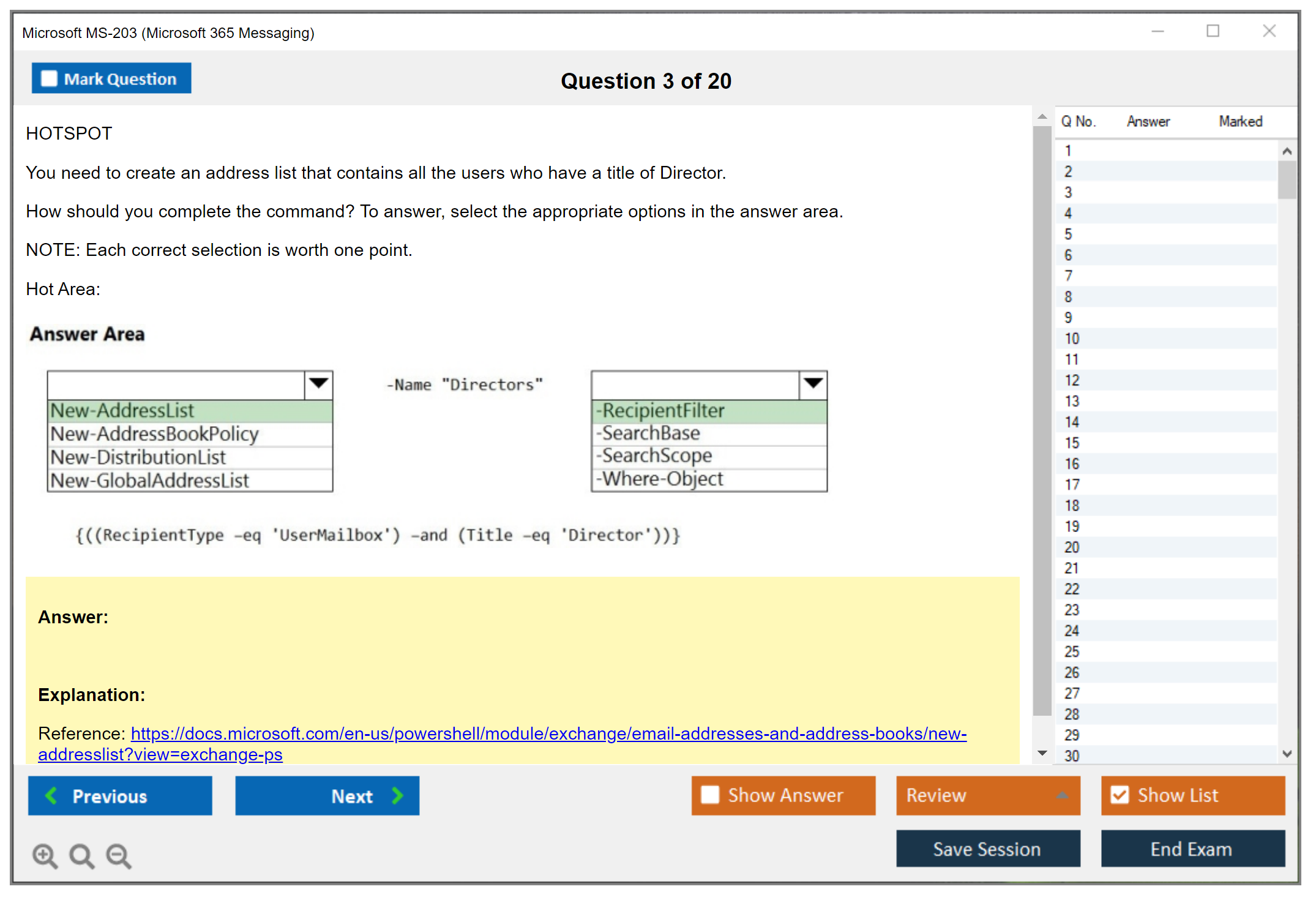
Drag-and-drop questions might ask you to sequence steps in a process, match items to categories, or order components logically. These test whether you understand workflows and relationships rather than just recognizing correct answers. Hotspot questions could have you click on the correct area of a screenshot or diagram. Some questions use dropdown selections within scenario text where you complete statements by choosing the right option from embedded lists.
Case studies present detailed organizational scenarios with multiple related questions. You'll read about a fictional company's environment, requirements, constraints, existing infrastructure, and business goals, then answer several questions based on that context. The catch with case studies is you typically can't go back once you move to the next section, so you need to answer all the case study questions before proceeding. Make sure you understand the scenario thoroughly before answering. I mean, really thoroughly.
Scenario-based questions're everywhere in MS-203. They present realistic administrative situations requiring you to analyze requirements and constraints to determine the best solution. These questions test applied knowledge. Can you actually configure mail flow in a hybrid environment, not just recite what a connector is. Read carefully to identify key requirements and eliminate solutions that don't meet all the stated criteria.
I've heard reports of simulation-based questions on some Microsoft exams where you perform tasks in a simulated environment, though these seem less common on MS-203 than on more hands-on exams like AZ-104 or MD-102. Still, be mentally prepared for any format Microsoft throws at you.
No partial credit and why it matters
Microsoft certification exams don't award partial credit. An answer's completely correct or it's wrong. Period. This applies to multiple-choice, multiple-response, drag-and-drop, everything. If a question asks you to select three correct answers and you pick two right ones plus one wrong one, you get zero points for that question.
Zero. Points.
This makes educated guessing strategies less effective than on exams that award partial credit. You can't just select the two answers you're confident about on a multiple-response question and hope for partial points. You've either got to commit to all the answers you think're correct or potentially leave points on the table. This scoring approach emphasizes the importance of thorough knowledge across all exam objectives rather than relying on partial understanding or test-taking tricks.
The lack of partial credit also means you shouldn't second-guess yourself too much. If you've studied properly, your first instinct's often correct. Obviously review marked questions if you've got time, but don't overthink things and talk yourself out of right answers. The exam rewards actual knowledge, not clever test-taking strategies.
For multiple-response questions specifically, use the process of elimination. If you're certain about some answers being correct and others being wrong, you can narrow down the possibilities. But don't just randomly add extra selections hoping to increase your odds. That strategy backfires without partial credit.
Exam delivery: online proctored vs test center
You've got two options for taking MS-203: online proctored delivery or test center delivery. Both've got the same content and scoring, just different environments and logistics.
Online proctored exams let you take the test from home or your office using your own computer. You need a webcam, microphone, stable internet connection (minimum 1 Mbps), and a quiet, private space with no other people present. A live proctor monitors you via webcam throughout the entire exam, watching for any suspicious behavior or policy violations. They can see your screen, hear you through the microphone, and watch you through the webcam.
Before starting, you'll complete a system check to verify your setup meets requirements. The proctor'll ask you to pan your webcam around the room to show your testing space, show your desk surface to verify it's clear of unauthorized materials, show your government-issued photo ID, and sometimes show your wrists to prove you're not wearing a smartwatch. It's pretty thorough.
The online option offers serious scheduling flexibility. You can often book same-day or next-day appointments, and you can test at times that might not be available at local test centers. No commute, no unfamiliar environment, just you and your computer. But you need a quiet, private space where you won't be interrupted. If you live with roommates or family, you'll need to make sure they know you can't be disturbed for 2+ hours. Your testing space needs to be free of notes, books, extra monitors, phones, or anything else that could be considered unauthorized materials.
Test center delivery means going to a Pearson VUE testing center. You'll use their computers in a controlled environment with on-site proctors. Arrive 15-30 minutes early for check-in. Bring valid government-issued photo ID that matches your registration name exactly. Middle initials matter, spelling matters, all of it. You'll store all personal belongings including your phone, wallet, watch, and anything else in a locker. The center provides the computer, and usually scratch paper or a small whiteboard for notes.
The test center environment eliminates technical concerns. Their systems're set up specifically for exams, the internet connection's reliable, and if something goes wrong technically, staff're right there to help. You don't have to worry about your cat jumping on your keyboard or your neighbor starting construction. The environment's quiet and professional, designed for testing.
Some people prefer test centers because the structure helps them focus. Others hate the formality and prefer testing from home. If you've got a reliable home setup and can guarantee privacy and quiet, online proctoring offers more convenience. Mixed feelings on this one. If your home environment's chaotic or your internet's sketchy, the test center's probably the better choice.
I'd recommend doing a practice run with your online proctoring setup if you go that route. Pearson VUE offers a system test you can run beforehand to make sure everything works. Check your webcam positioning, verify your internet speed, test your microphone, and make sure your testing space's actually as private and quiet as you think it is. Nothing worse than getting 45 minutes into the exam and having technical issues force you to reschedule.
Seriously. Nothing worse.
Whichever delivery method you choose, make sure you understand the rules. No bathroom breaks without forfeiting the exam for online proctored. No looking away from the screen for extended periods. No talking to yourself or reading questions aloud. No covering your mouth or face. Test centers've got similar rules but slightly more flexibility since proctors can verify you're not cheating in person.
The MS-203 Practice Exam Questions Pack at $36.99 can help you prepare for all these question formats so nothing on test day catches you off guard. Getting familiar with the types of questions and the way Microsoft phrases things makes a real difference in how efficiently you can work through the exam within that 120-minute window.
You'll receive immediate pass/fail notification when you complete the exam, regardless of delivery method. Your score report shows your scaled score and performance breakdown by exam objective area. Passing candidates see scores from 700-1000, failing candidates see below 700. Microsoft doesn't tell you how many questions you got right, just your scaled score and how you performed in each skill area measured. This feedback helps if you need to retake the exam. You'll know which objectives to focus on for round two.
MS-203 Exam Difficulty: How Hard Is the Microsoft 365 Messaging Exam?
Microsoft MS-203 (Microsoft 365 Messaging) exam overview
MS-203 is the MS-203 Microsoft 365 Messaging certification exam for the Microsoft 365 Messaging Administrator Associate track, and honestly, it's as "messaging admin" as it sounds. Not vibes. Real configuration, the kind where you're actually doing stuff that breaks email if you mess up, which happens more than you'd think when you're learning this stuff.
What MS-203 validates (role and skills)
You're being tested on Exchange Online administration with a heavy emphasis on real operational work: tenant-wide org settings, recipients, permissions, mail flow, transport, migrations, and the security/compliance stuff that touches mail every day. Expect questions that assume you know what happens when you change an accepted domain, when a connector should exist, or why a policy isn't applying to a subset of users. The exam doesn't hold your hand through basic concepts. Lots of "given this environment, what should you do" scenarios.
Also, PowerShell's everywhere. Not optional.
Who should take MS-203
Look, if your job touches Exchange Online, mail flow and transport rules, or you get dragged into "email is down" calls, this exam matches the work. If you're aiming for general Microsoft 365 admin breadth, you might feel boxed in, because MS-203's focused and expects you to know messaging details, not just where things live in the portal.
One sentence here. It's not a beginner exam. At all.
MS-203 exam cost and registration
MS-203 exam cost (price, taxes, regional pricing)
MS-203 exam cost is typically USD $165, but Microsoft pricing varies by country and currency, and taxes can get added depending on where you're buying from. Some regions also have slightly different base pricing. Check the exam page right before you pay, honestly, because people quote old numbers all the time and then you're sitting there surprised at checkout like "wait, when did this change?"
How to register (Microsoft Learn / exam provider, scheduling options)
You register through Microsoft's certification pages on Microsoft Learn, then you pick an exam delivery provider (usually Pearson VUE). From there you choose online proctored or a test center, pick a date, pay, and you're locked in.
Scheduling's easy. Prepping's not. Different problem.
Reschedule/cancellation and retake policy (where to verify)
Policies change, so don't take a blog's word as law, including mine. Verify on Microsoft Learn and the exam provider site for the current reschedule window, cancellation fees, and retake timing rules, because those details can shift and you don't want to learn that after you miss a date. Microsoft updates these policies quietly sometimes.
MS-203 passing score and exam format
MS-203 passing score (what Microsoft uses and how scoring works)
The MS-203 passing score is 700 on Microsoft's scaled scoring model. That doesn't mean 70%. It's scaled, and different question sets can have different weights, so you can't math it cleanly like a classroom test. The practical takeaway's simple: you need consistent strength across objectives, because guessing your way through one domain usually doesn't recover later.
Question types and exam duration (what to expect)
Expect multiple-choice, multi-select, case studies, and scenario prompts where you're choosing the "best" answer under constraints. Time varies by exam delivery and accommodations, but plan for a typical Microsoft role-based exam experience: a block of time, no pausing, and questions that punish rushing.
Longer scenario questions're the kicker, because you'll read a wall of requirements, notice three tiny constraints that matter, then get answer options that're all plausible unless you've actually lived through the config in production and know which setting breaks what.
Exam delivery: online proctored vs test center
Online proctored's convenient, but it's strict. Clear desk, stable internet, no second monitor, no random noise. Test center's less convenient but less stressful for a lot of people because you can just focus. Pick the format that reduces your personal chaos, because MS-203 already supplies enough of that.
MS-203 difficulty: how hard is the Microsoft 365 messaging exam?
Difficulty factors (Exchange Online depth, hybrid, security/compliance)
MS-203 exam difficulty is usually moderately difficult to challenging, and the deciding factor's how much hands-on messaging admin work you've done. The exam wants depth across multiple domains: Exchange Online architecture and org settings, recipient management, mailbox features, public folders, mail flow, connectors, and then the whole message security and compliance stack that rides along with mail.
Exchange Online depth matters a lot. Surface knowledge fails fast. You need to understand recipient types, permissions models, how features interact across EAC and Exchange Online PowerShell, and what happens when you have requirements like "external sender allowed only for these groups" or "mailbox should retain items for X but not block users from deleting." That's not trivia, that's operations.
Hybrid makes it harder. Hybrid Exchange deployment questions can force you to reason about on-prem plus cloud, Hybrid Configuration Wizard behaviors, directory synchronization expectations, coexistence, migration approaches, and troubleshooting weird connectivity or routing problems where the answer's "your topology makes that impossible without changing X." Candidates who only know cloud-only Exchange Online often get smacked by these, because hybrid's got a bunch of legacy rules that still matter.
Mail flow's another pain point. Mail flow and transport rules are deceptively deep: inbound/outbound connectors, accepted domains, DNS (MX, SPF, DKIM, DMARC), certificate concepts, SMTP relay, plus troubleshooting delivery where the NDR text's basically its own language. The exam loves multi-factor scenarios like "messages from this partner fail only when they include attachments, only for these recipients, only from on-prem," and you have to connect the dots between connectors, rules, and protection policies. This part trips up even experienced admins sometimes.
Actually, quick tangent: I once watched a senior admin spend three hours tracking down why certain users couldn't receive external meeting invites. Turned out a transport rule someone created six months earlier was matching on attachment type and silently dropping ICS files. Nobody remembered making the rule. Everyone blamed Exchange Online. The lesson stuck with me harder than any documentation could.
Security and compliance isn't "turn on Safe Links, done." MS-203 expects you to understand Microsoft Defender for Office 365, EOP policies, anti-spam, anti-phishing, Safe Attachments, Safe Links, plus DLP, retention, litigation hold, eDiscovery, and audit logging, and then understand when one overrides another or changes mail flow behavior. This is where people who only studied the GUI screenshots get wrecked, because the exam asks "what should you configure" and the right answer depends on the requirement, not your favorite toggle.
PowerShell shows up constantly. You don't need to write scripts from scratch, but you do need to recognize cmdlets, understand parameters, and interpret outputs. Actually, let me clarify that: you also need to know when PowerShell's the only way to accomplish something, because some settings just aren't in the GUI. Real life Exchange Online administration's often faster (or only possible) in PowerShell, and the exam reflects that reality whether you like it or not.
Who finds MS-203 easier vs harder (experience-based guidance)
MS-203 tends to feel manageable if you've got two-plus years doing Exchange Online admin work, especially if you've handled mail flow troubleshooting, written or maintained transport rules, managed connectors, and done security policy rollouts without breaking the CEO's email. People who've actually run a hybrid environment, even briefly, usually have a big advantage because they've already learned the "why's it like this" parts the hard way.
It tends to feel brutal if you're coming from general Microsoft 365 admin work with limited messaging depth, or you're strong in on-prem Exchange but haven't done modern Exchange Online and Defender policy work recently. Also, if you studied from books or videos only, with no lab time, you'll struggle because scenario-based questions ask you to apply settings under constraints, not recite definitions.
GUI-only admins often have a rough time too. Not because the portal's bad, but because the exam assumes you can choose the right tool, and sometimes the right tool's PowerShell.
Common reasons candidates fail (and how to avoid them)
Biggest fail reason: treating MS-203 like a memorization exam. It isn't. Build a lab, break mail flow on purpose, fix it, and learn what logs and message traces actually show.
Second issue is ignoring hybrid. Even if you never want to run hybrid in your career, the exam still tests it, so you need enough understanding to pick correct migration and routing answers.
Other common problems mentioned quickly: weak DNS fundamentals, not understanding policy precedence, skipping PowerShell cmdlets, rushing long case studies, and relying on outdated study notes that don't match current product behavior.
MS-203 exam objectives (skills measured)
Microsoft's MS-203 exam objectives are published on the official "Skills measured" page (start at Microsoft Learn's MS-203 exam page and open the skills outline). Don't trust random checklists that aren't linked to Microsoft, because objective weighting and wording changes.
Plan and manage organizational settings
Checklist: org config basics, accepted domains, address book policies concepts, admin roles, auditing, high-level tenant messaging settings.
Plan and manage mail architecture
Checklist: recipient planning, mailbox types and features, public folders, permissions, coexistence considerations.
Plan and manage mail flow
Checklist: connectors, transport rules, routing decisions, hygiene layers (EOP/Defender), DNS (MX, SPF, DKIM, DMARC).
Troubleshoot mail flow and messaging issues
Checklist: message trace and headers, NDR interpretation, connector failures, policy conflicts, hybrid mail flow troubleshooting.
MS-203 prerequisites and recommended experience
Official prerequisites (what Microsoft requires vs recommends)
Microsoft typically doesn't hard-require another certification to sit MS-203, but they do recommend real experience. That's the gap people underestimate: "allowed to take the exam" isn't the same thing as "ready."
Recommended hands-on experience (Exchange Online, Entra ID, PowerShell)
You want comfort with Exchange Admin Center, Exchange Online PowerShell, and identity basics in Microsoft Entra ID because recipients, auth, and policy targeting all connect back to identity. If you've never run 'Get-Mailbox', filtered results, and changed mailbox settings at scale, you're going to feel slow during prep. You can learn it, but you'll need more time than you think.
Useful foundational certs or knowledge (optional)
MS-900 helps for vocabulary, but it won't prepare you for MS-203 depth. If you've done broader admin work like MS-102, that can help with tenant context, but MS-203's still more specialized and more technical inside messaging.
Best MS-203 study materials (official and third-party)
Microsoft Learn training paths for MS-203
Start with Microsoft Learn's MS-203 modules because they map closest to the objectives and terminology. They're not perfect, but they align with how Microsoft phrases questions, which matters more than people admit.
Microsoft documentation to prioritize (Exchange Online, mail flow, security)
Prioritize docs on Exchange Online recipients and permissions, mail flow connectors and transport rules, message trace and troubleshooting, and Defender for Office 365/EOP policy behavior. Read the "how it works" sections, not just the "click here" steps, because scenario questions live in the why.
Instructor-led training options (when it's worth it)
Worth it if you're new to messaging and need structure, or if your employer pays and you want a faster ramp. Not worth it if you already do this job daily and just need objective coverage, because you'll learn more by practicing and reading docs targeted at your weak spots.
Labs and hands-on practice environments (M365 developer/tenant options)
Get a sandbox tenant if you can. A Microsoft 365 developer tenant can work for practice, and even a trial tenant's better than nothing. Build users, groups, connectors (carefully), and test policies. Break things on purpose. That's where understanding sticks.
MS-203 practice tests and exam prep strategy
What to look for in an MS-203 practice test (quality checklist)
A good MS-203 practice test explains why answers're right and wrong, references current product behavior, and includes scenario-heavy questions, not just term definitions. If it's all flashcard-style, it won't match the exam.
Practice test cadence (diagnostic → targeted → full simulations)
Do one diagnostic early to find weak domains, then do focused sets on those domains, then finish with full timed simulations. The middle phase's where you improve, because you're closing gaps instead of collecting scores.
High-impact topics to drill (transport rules, connectors, hybrid, protection)
Drill transport rules logic, connector scenarios, hybrid routing/migration basics, and protection policy interactions, because those show up in messy, realistic combinations. Spend extra time on DNS and authentication-related mail flow too, since one wrong assumption there ruins an entire scenario.
Final week revision plan (notes, weak areas, timed sets)
Last week's not for new topics. Tighten weak areas, run timed sets, review cmdlets you keep missing, and re-read the objective list to make sure you didn't ignore something boring like public folders or auditing that still appears on the exam.
Sleep matters. Seriously. Brains need it.
MS-203 renewal and maintaining your certification
How Microsoft certification renewal works (renewal assessment on Microsoft Learn)
MS-203 renewal is typically done through a free renewal assessment on Microsoft Learn (not paying for the full exam again), assuming Microsoft keeps the same renewal model for this certification at the time you're renewing.
Renewal frequency and deadlines (where to check your date)
Renewal's usually annual, and your exact deadline's shown in your Microsoft Learn certification profile. Don't guess. Check the date, set a reminder, and knock it out early.
What content to review for renewal (product updates and role skills)
Review what changed in Defender for Office 365, EOP policy defaults, Exchange Online feature updates, and anything Microsoft updated in the skills outline. Messaging changes quietly, then suddenly your old mental model's wrong.
MS-203 FAQ (quick answers)
MS-203 cost, passing score, and difficulty recap
How much does the MS-203 exam cost? Usually $165 USD plus taxes/region adjustments. What's the passing score for MS-203? 700 on a scaled score. Is the MS-203 exam hard? Yes for most people, especially without real Exchange Online and hybrid experience, because the scenarios're technical and layered.
Best study materials and practice tests recap
What're the best study materials for MS-203? Microsoft Learn paths plus official docs for Exchange Online, mail flow, and Defender/EOP, paired with hands-on lab work. A good practice test's one that explains answers and matches scenario style.
Objectives and prerequisites recap
MS-203 prerequisites are mostly about recommended experience, not formal gatekeeping. If you can't confidently manage recipients, connectors, transport rules, and protection policies, you're not ready yet.
Renewal recap
How do I renew my Microsoft MS-203 certification? Through the renewal assessment on Microsoft Learn (check your profile for the exact steps and timeline), and keep your knowledge current because messaging security and compliance features change faster than people expect.
Conclusion
Wrapping it all up
Okay, real talk here.
The MS-203 Microsoft 365 Messaging certification? It's tough. You're juggling Exchange Online administration, mail flow and transport rules, hybrid Exchange deployment scenarios, plus the entire message security and compliance puzzle. Honestly, that's a mountain of material to absorb and retain. The thing is, though, it's totally achievable if you tackle it systematically and actually get your hands dirty with the product itself instead of passively skimming documentation and crossing your fingers that something magical happens.
The MS-203 exam cost runs about $165 USD (varies by region, naturally), and the MS-203 passing score lands at 700 out of 1000. Which means you can technically bomb a fair portion and still walk away certified. Don't get comfortable with that cushion, though. The MS-203 exam difficulty hinges entirely on whether you've actually lived and breathed Exchange Online and Microsoft 365 messaging infrastructure in real environments. Someone who's spent the last year troubleshooting mail flow headaches and configuring connectors in live production systems will breeze through sections that absolutely destroy someone relying purely on the MS-203 exam objectives pulled from textbooks.
I won't sugarcoat it.
The MS-203 prerequisites look laughably simple on paper, but practical knowledge separates survivors from casualties here. Spin up a trial tenant, seriously. Break stuff intentionally. Configure transport rules until they're second nature, until you're dreaming in PowerShell cmdlets. (My brother once told me he literally woke up reciting Get-Mailbox commands after a particularly brutal week of migrations. That's when you know you're ready.) The MS-203 study materials from Microsoft Learn are legitimately helpful, but they're incomplete without dedicated lab work and a solid MS-203 practice test that exposes your vulnerabilities before the actual high-stakes moment arrives.
After you've earned your Microsoft 365 Messaging Administrator Associate credential (and you will), don't forget that MS-203 renewal requires completing a free online assessment annually. Set that calendar reminder for six months ahead. Trust me, last-minute panic mode isn't where you want to be.
If you're in those final preparation days and need to gauge your actual readiness with realistic questions matching the exam's format and difficulty curve, I'd really suggest exploring the MS-203 Practice Exam Questions Pack at /microsoft-dumps/ms-203/. It's among the strongest resources available for pinpointing knowledge gaps in tricky areas like hybrid deployments and compliance policies before the real exam tests you. Good luck out there.
